Todoist is the best version of one thing: a fast, focused task manager. EvyOS is a system where that thing is a quarter of it. The task sits under a project, under a goal, next to the habits that keep it moving and the hours you have logged against a skill.
Free plan, no card. There is no Todoist importer, and no natural language parser.
A comparison page that finds nothing good in the other product is not worth reading. Todoist has been refined for over a decade and several of the things it does are still the best in the category. If any of the following is the reason you opened it every day, stay where you are.
If you only want a task manager, Todoist is the better task manager. The rest of this page is about the case where a task manager was never the whole problem.
The reason people end up with a task manager plus a habit app plus a spreadsheet of goals is that the three things are genuinely different, and a task list can only pretend to be the other two. Here they are separate records that know about each other.
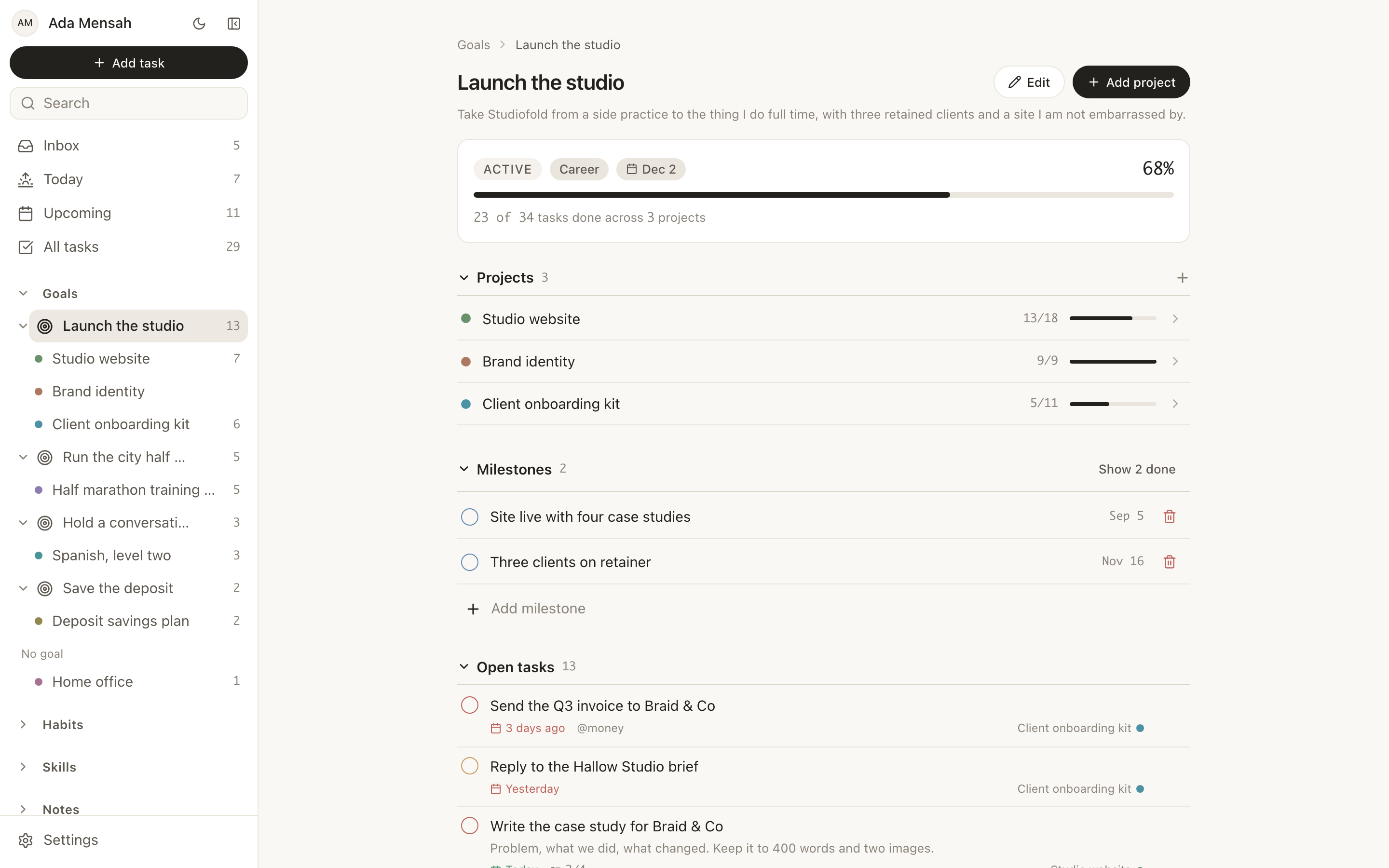
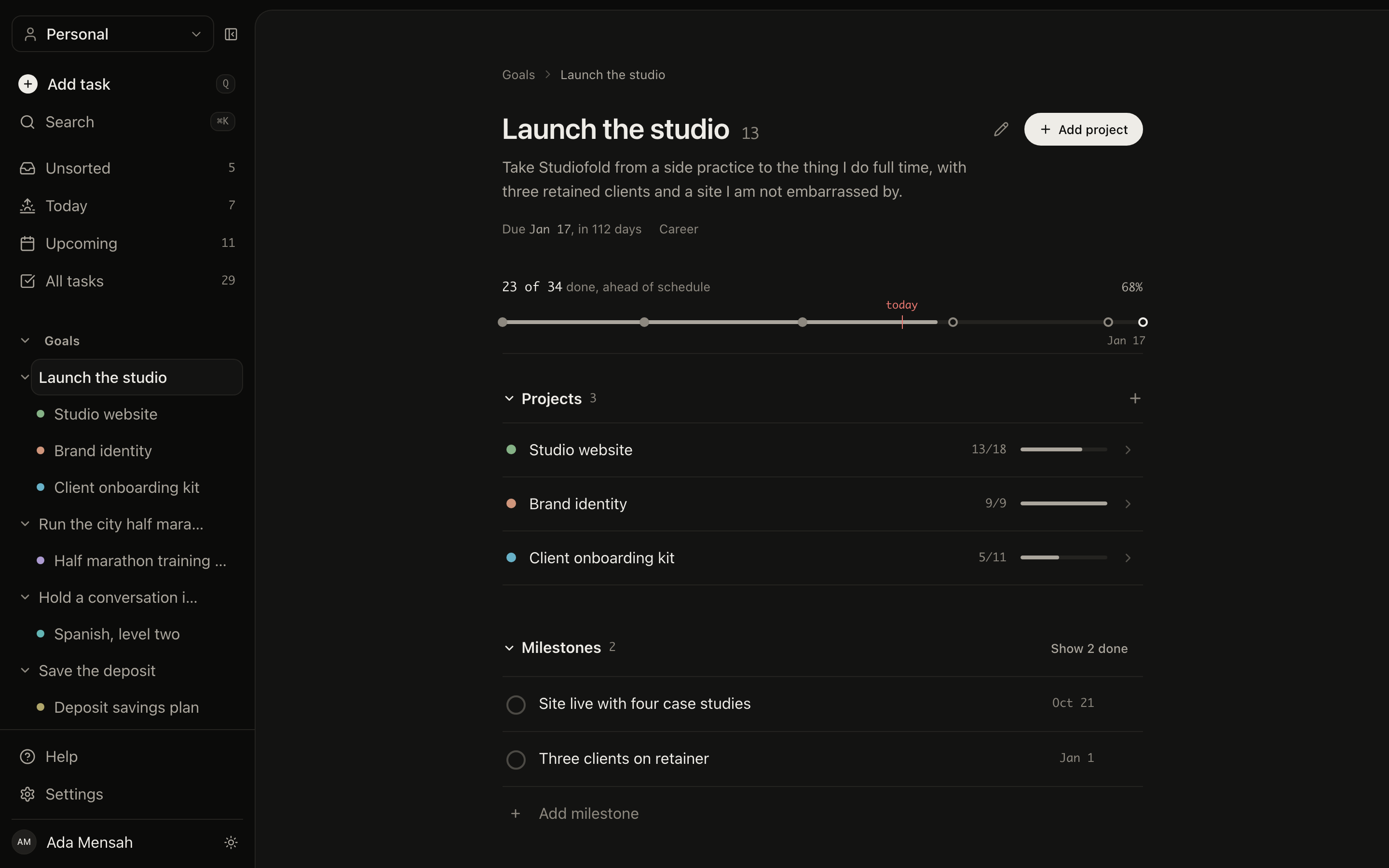
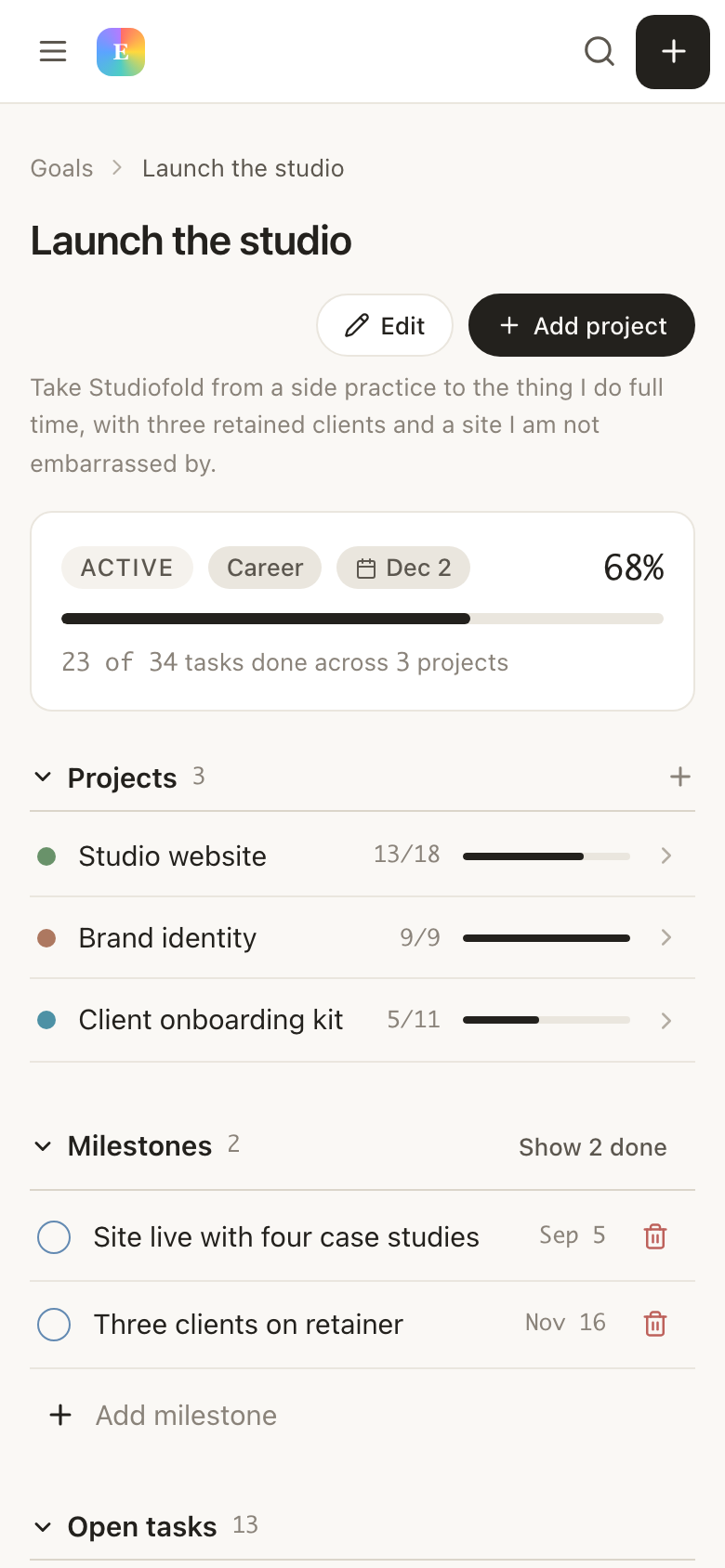
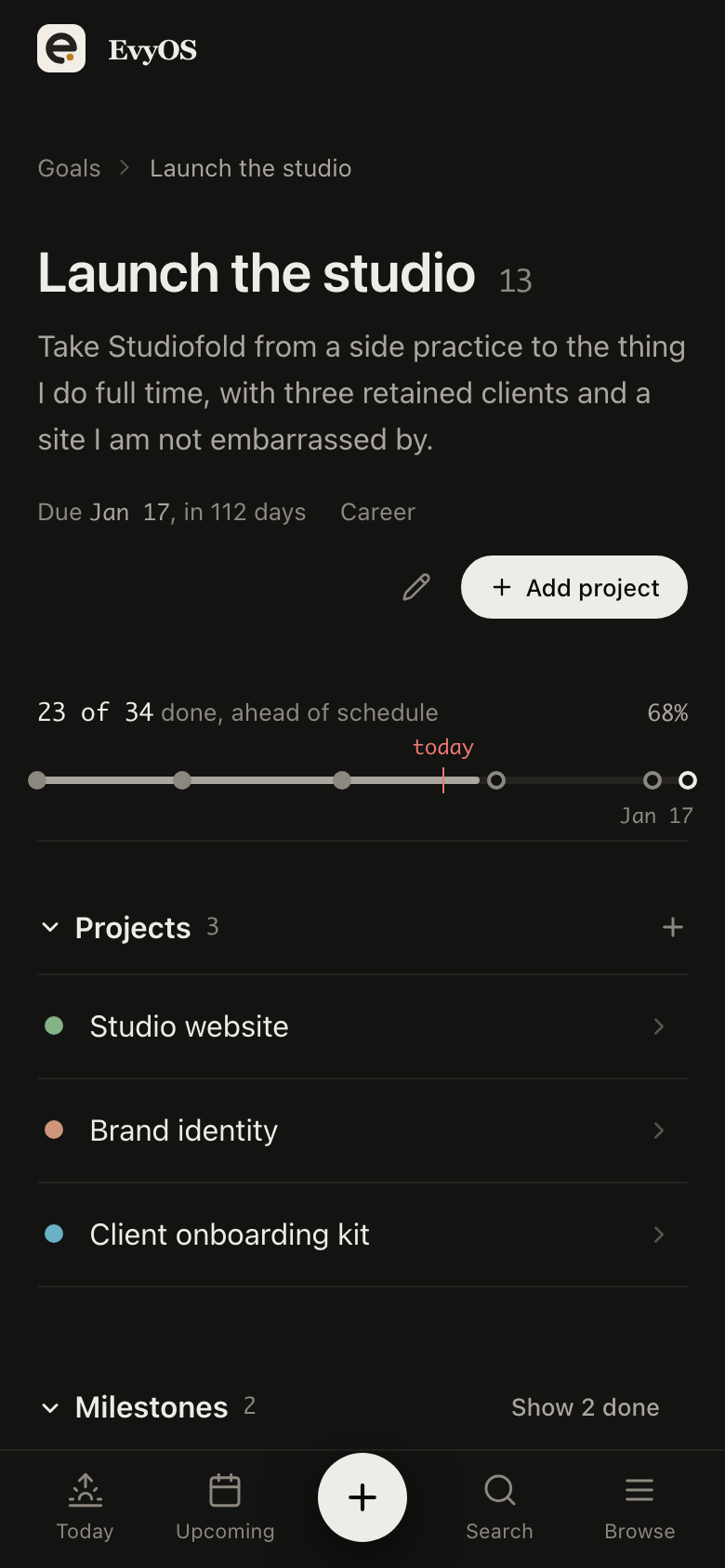
A category, a priority, a target date and milestones. Progress is calculated from the projects and tasks underneath, never typed in, so a goal cannot claim to be 80 percent done while nothing under it has moved.
A deadline, milestones and an optional parent goal. In a task manager a project is a folder. Here it is a thing with a shape that can be behind.
4 priority levels, due dates, estimated and actual minutes, subtasks, comments, attachments, tags and recurrence. No project means it lands in an unsorted inbox rather than disappearing.
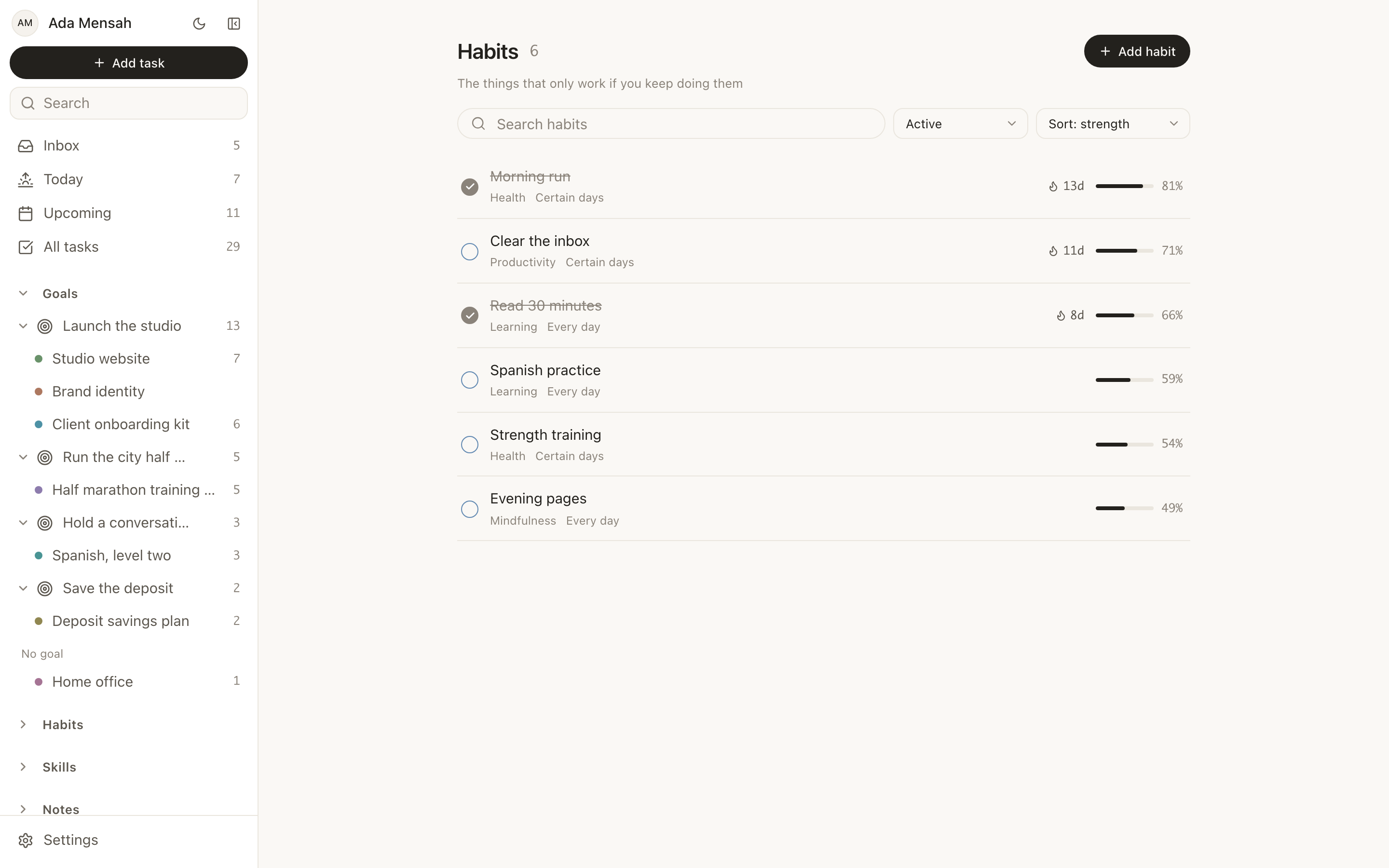
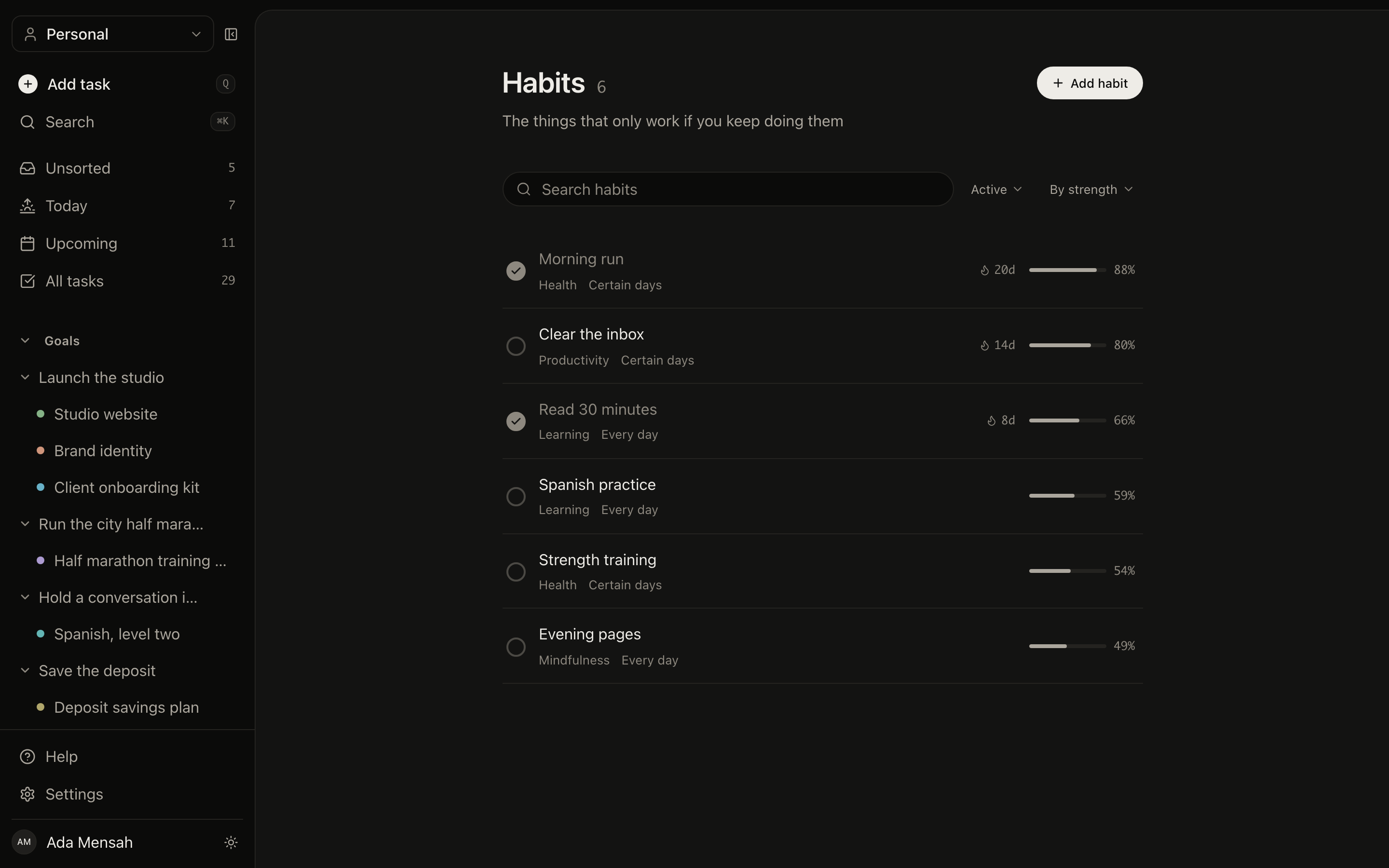
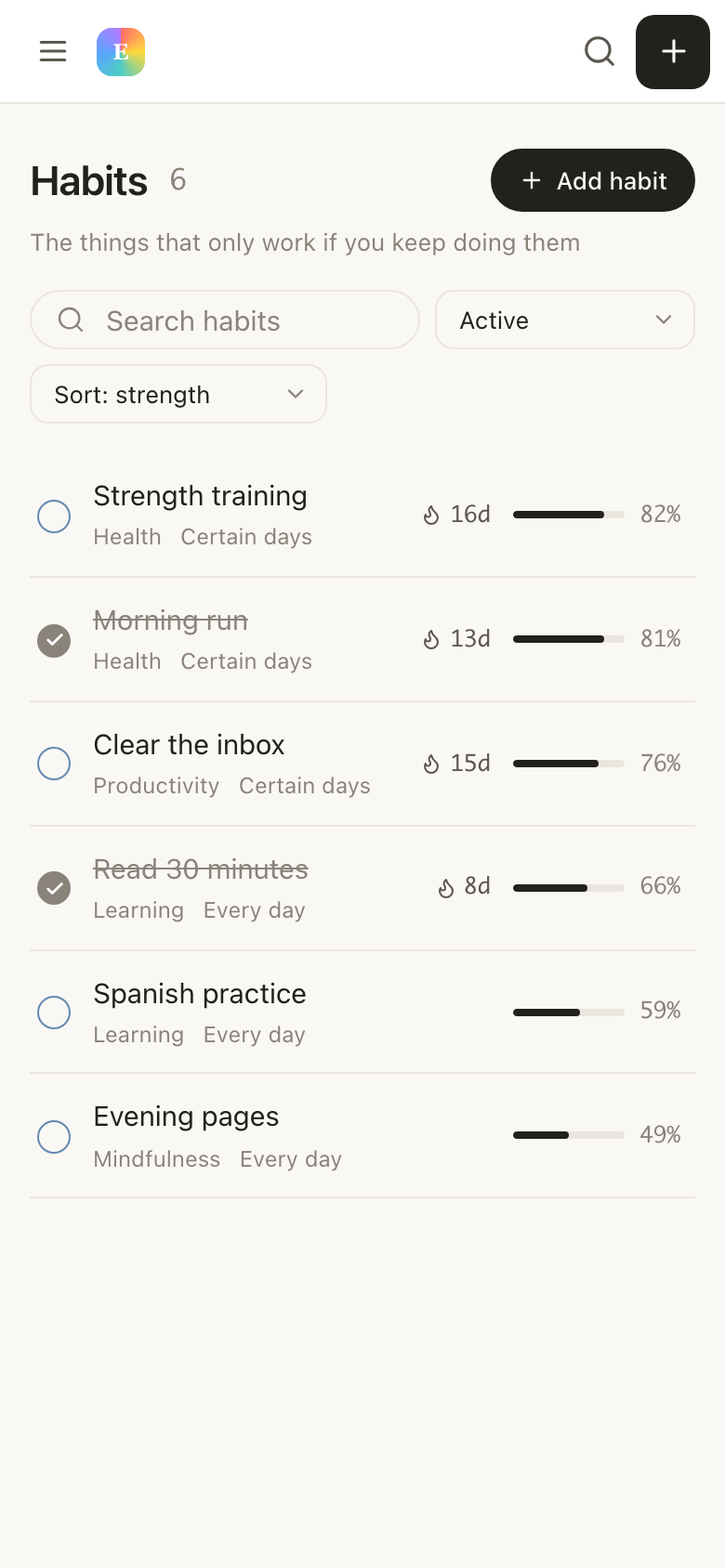
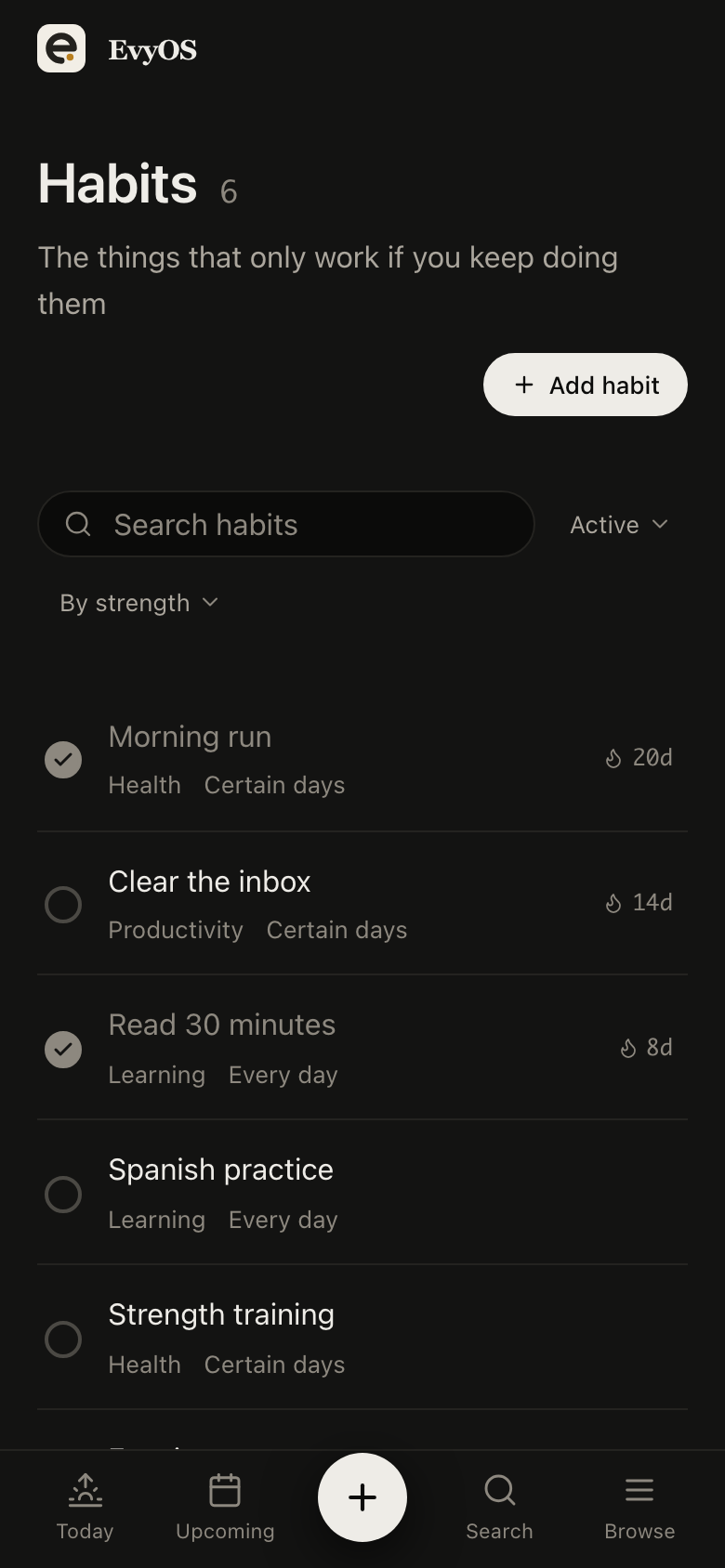
Daily or named weekdays, a streak, a strength score built from consistency and recency, and a year-long contribution graph. A habit is not a task that repeats forever.
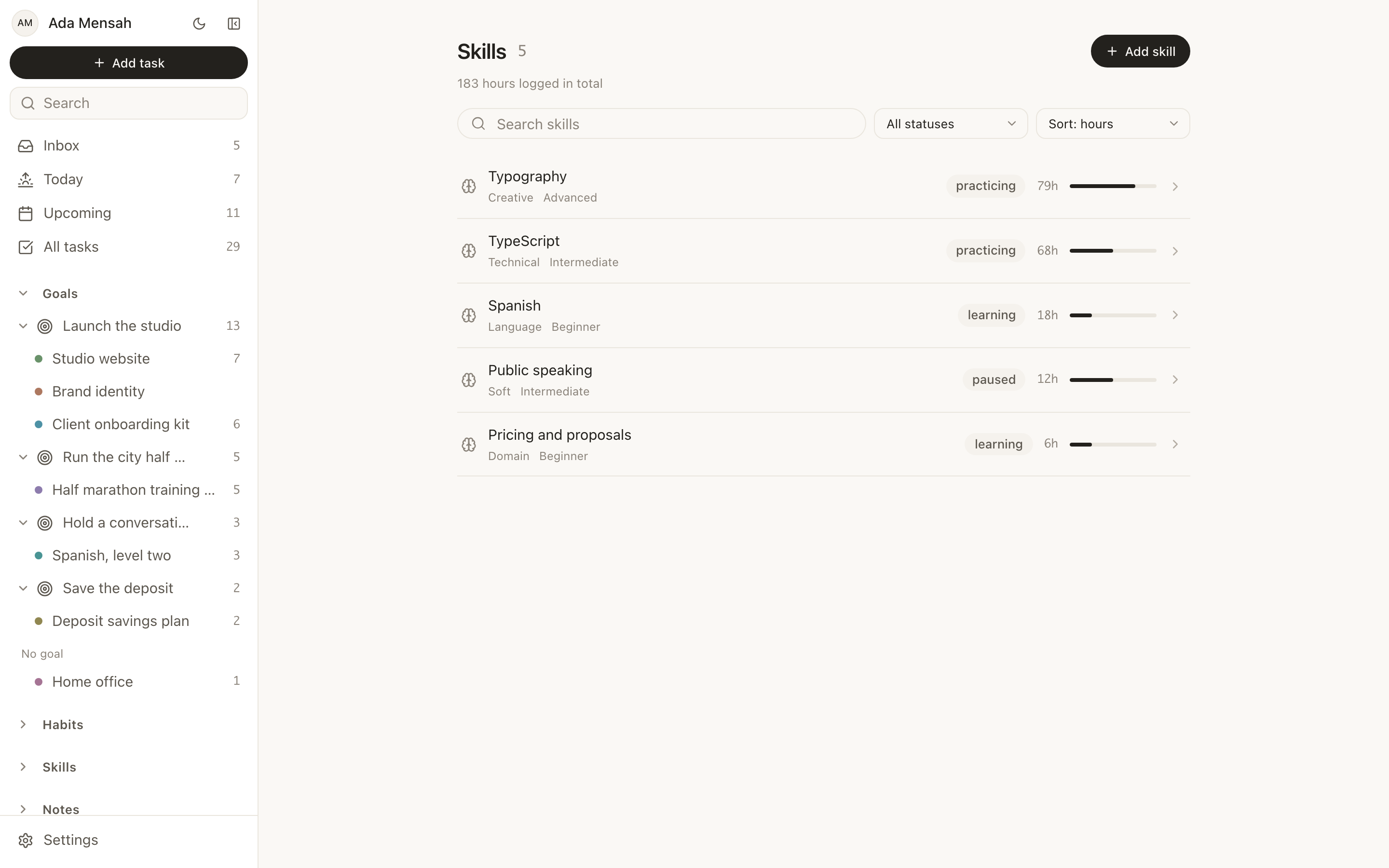
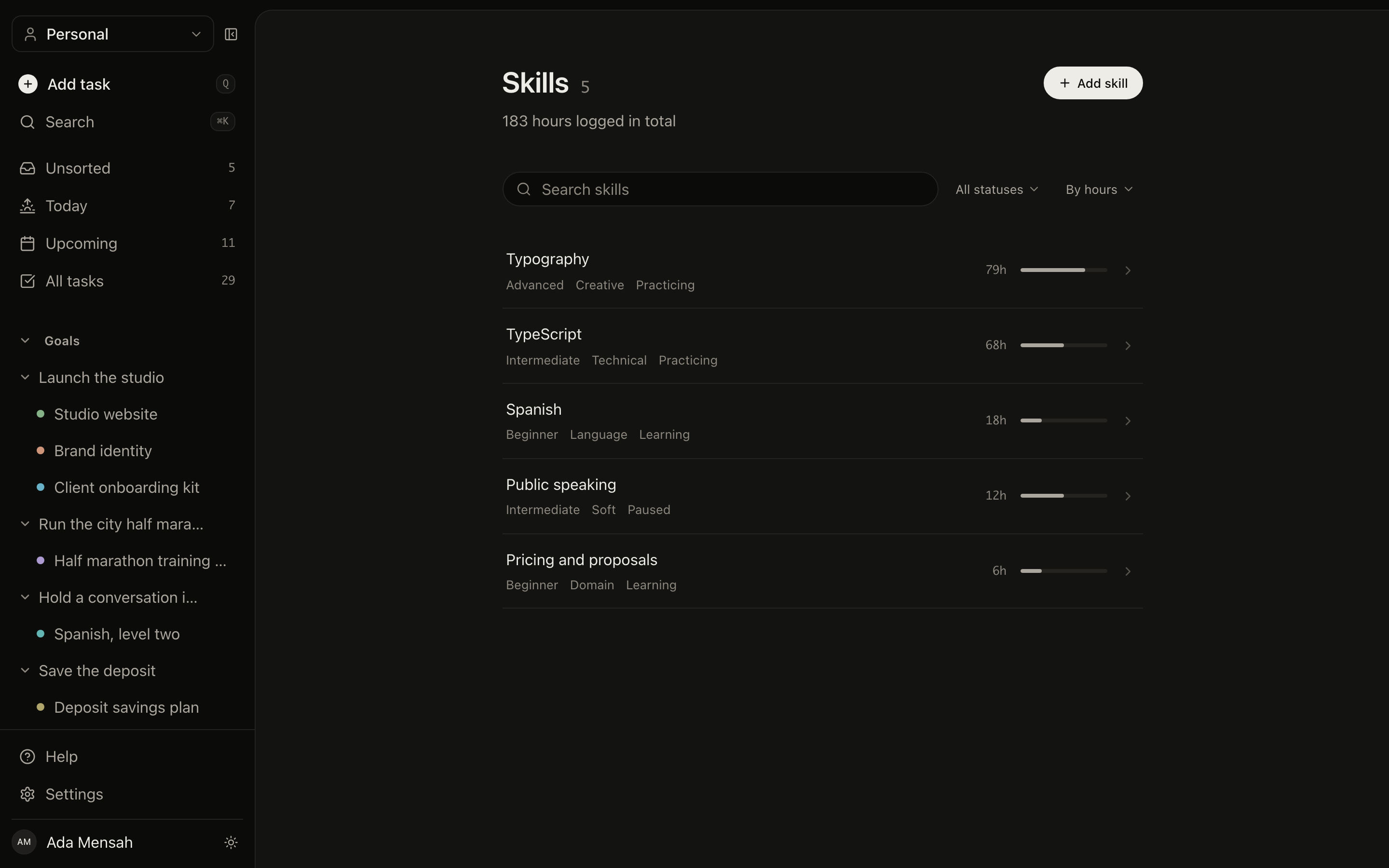
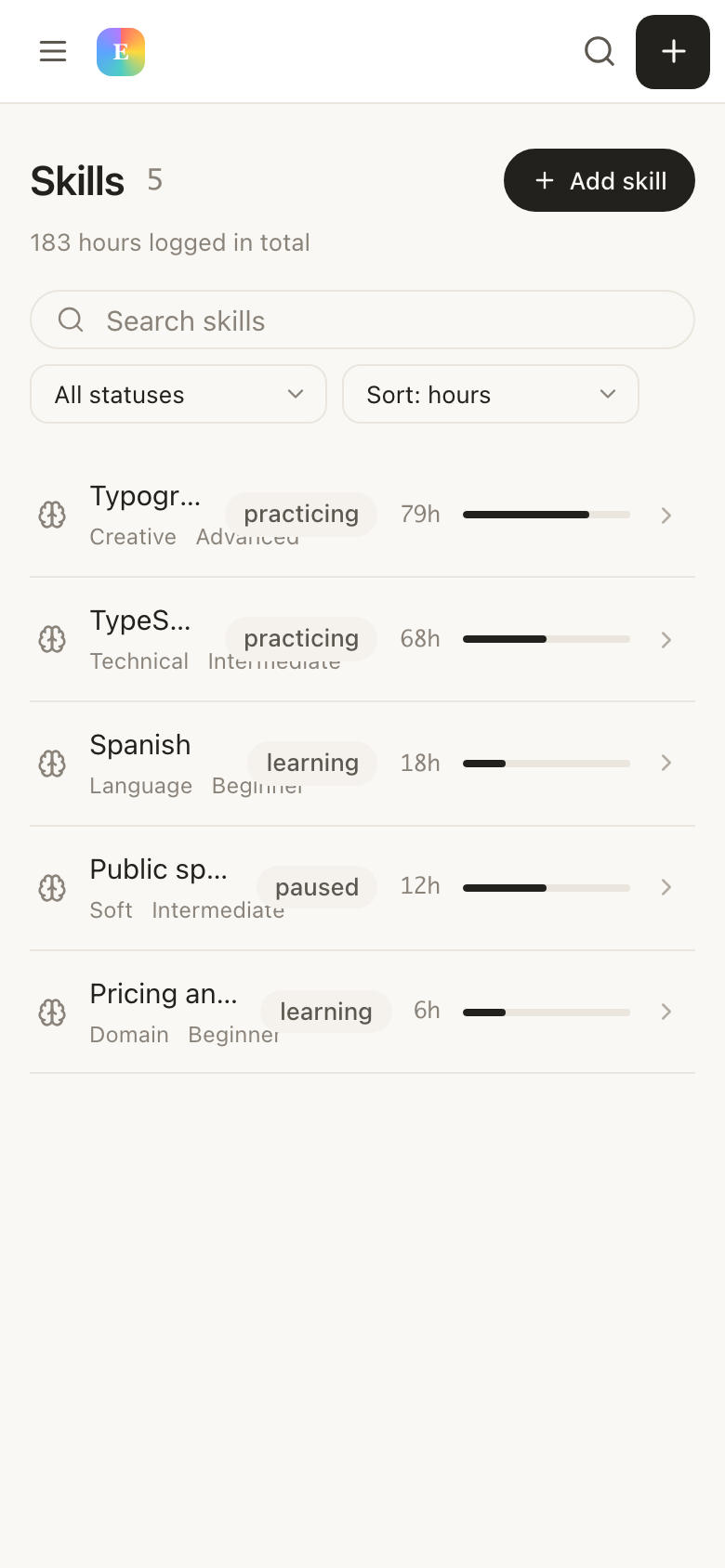
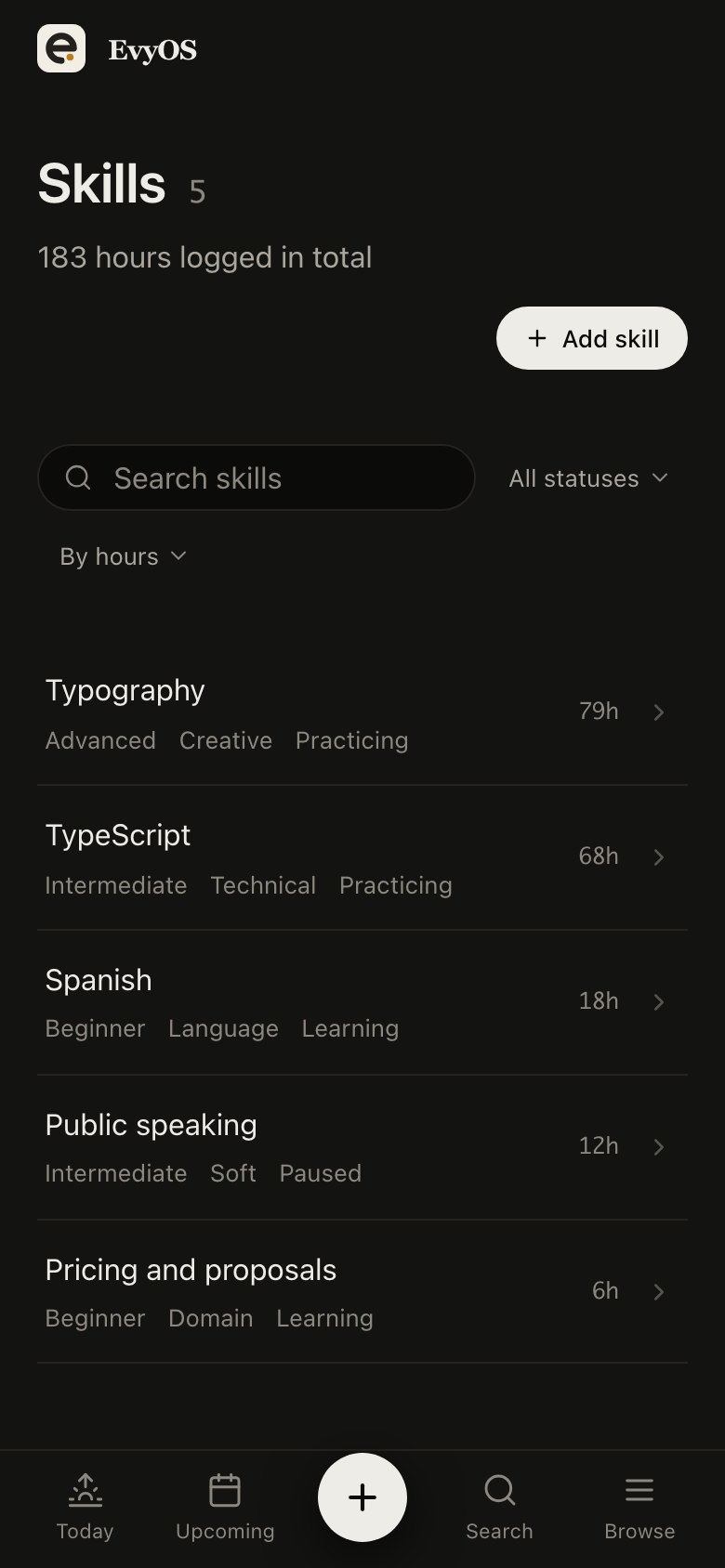
A level, a target level, practice sessions logged in minutes with an activity type, and a library of the resources you are working through. The hours are the record, not a vague sense of improvement.
Markdown notes with folders, tags, search, version history and double-bracket wiki-links with backlinks. Events with a date, time, duration and recurrence, in day, week and month views.
Open a goal and you get its milestones, the projects serving it and every open task underneath, with progress calculated from all of it. This is the part a task manager structurally cannot do: not because Todoist chose badly, but because a project in a task manager is a container for tasks, and a goal is a claim about an outcome. Reviewing on a Sunday stops being a scroll through a list and becomes a look at 3 things.
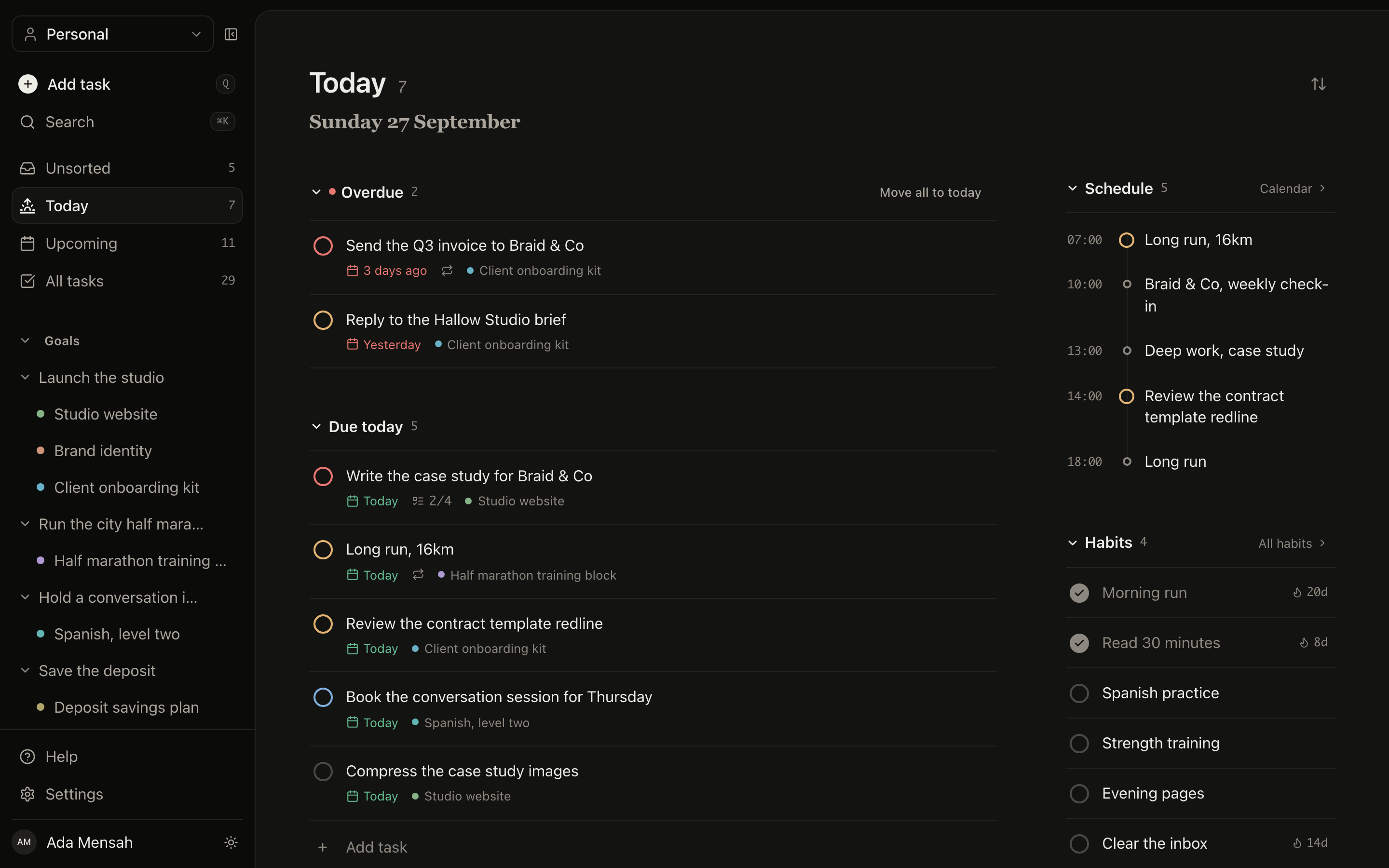
A recurring task and a habit look similar and behave nothing alike. A recurring task that you skip is an overdue item nagging you; a habit you skip is a gap in a record that is still mostly intact. Habits here carry a schedule of daily or named weekdays, a streak, a strength score weighted by consistency and recency, and a year-long graph. They appear in Today under the tasks that are due, so there is no second app to remember.
Learning something is the case where a to-do list is least useful. "Practise Spanish" ticked 40 times tells you nothing. A skill holds a current level, a target level, practice sessions logged in minutes with an activity type, and the resources you are working through. After a quarter you can answer how many hours went in, and into what.
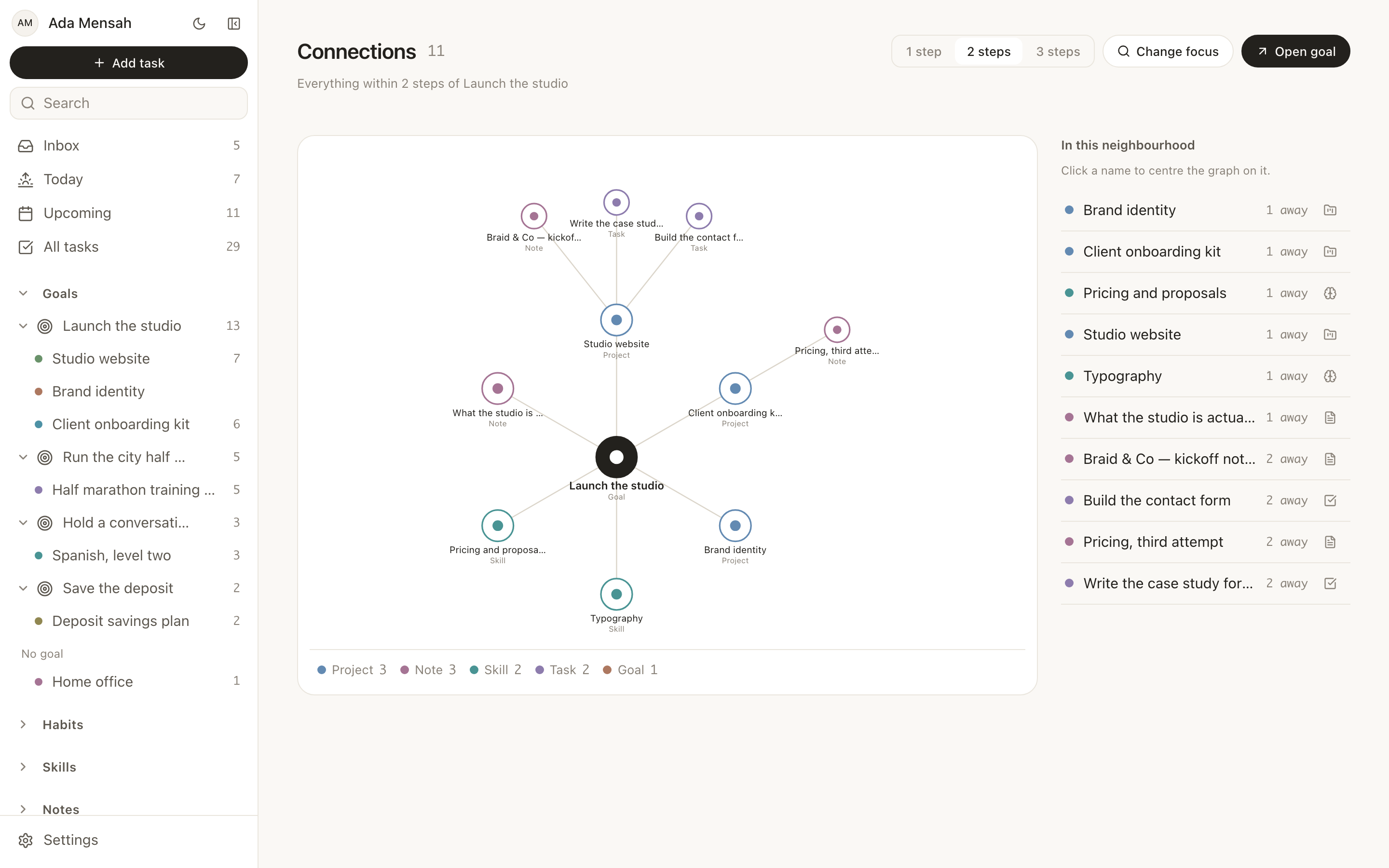
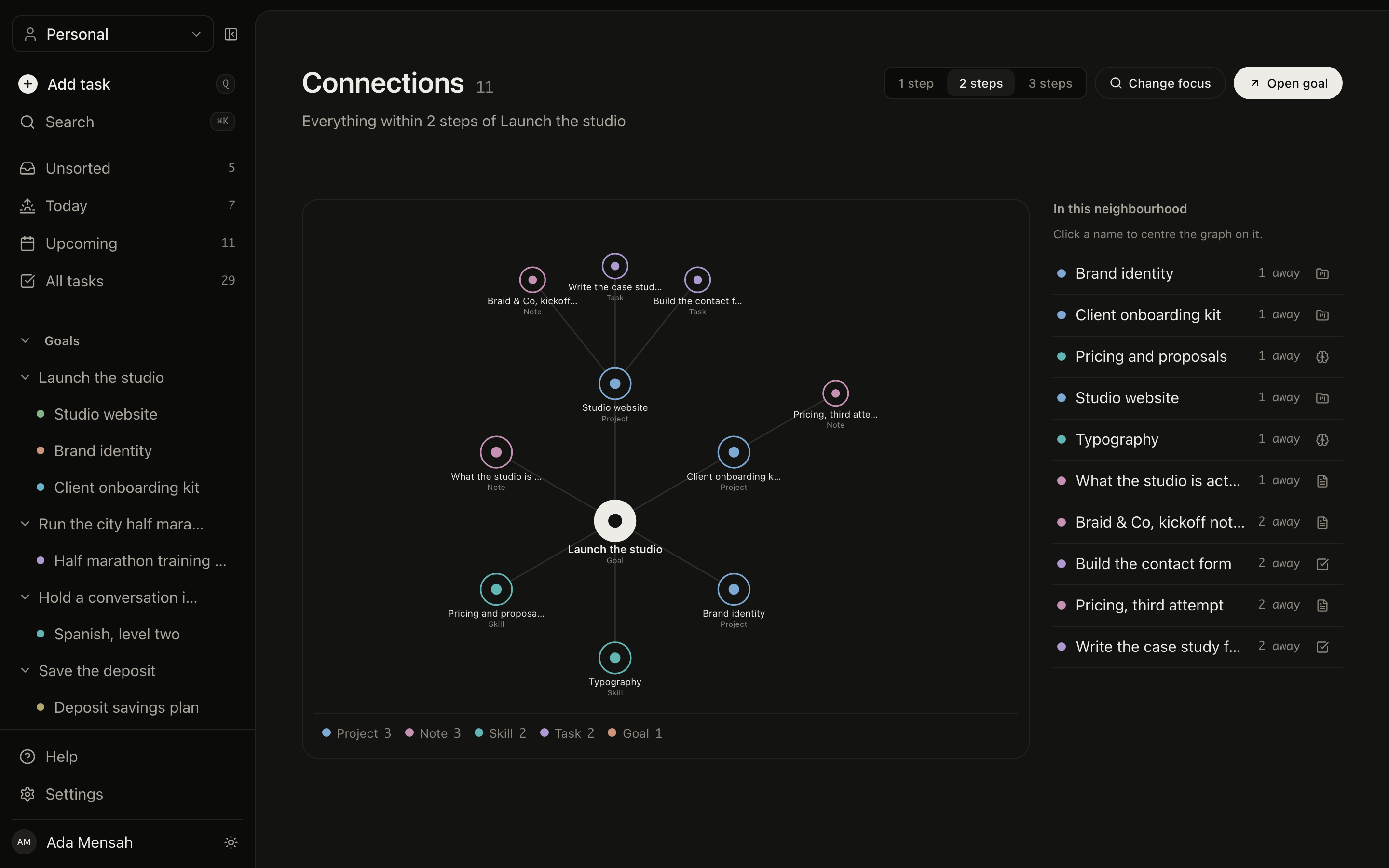
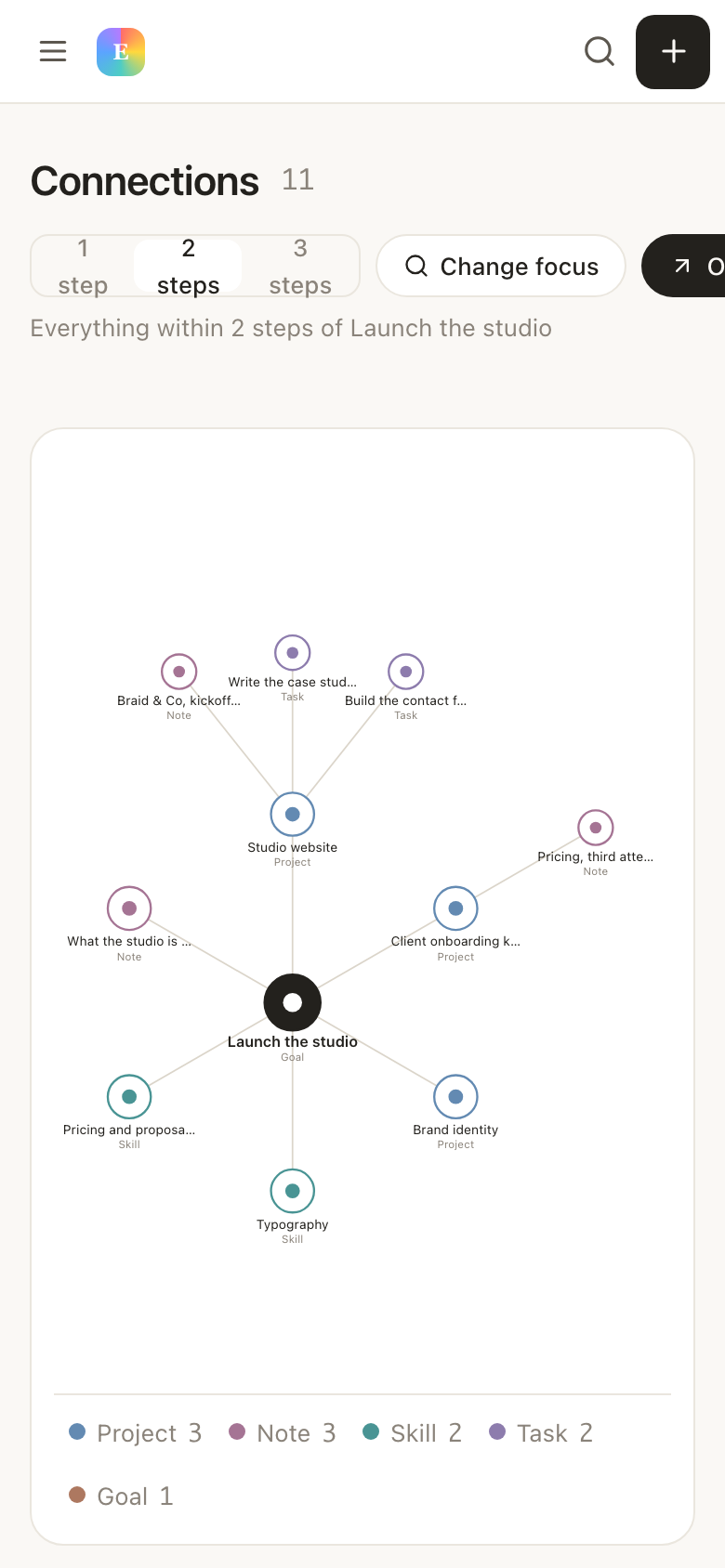
Beyond the goal to project to task ladder, any record can be linked to any other with a typed relationship: the note that explains the project, the habit that supports the goal, the skill the whole thing is really about. It is the piece that makes this a system rather than five lists that happen to share a sidebar.
None of the above is worth anything if the ordinary business of working through a list is slow. The views are shaped the way a task manager is shaped, because that shape is correct.
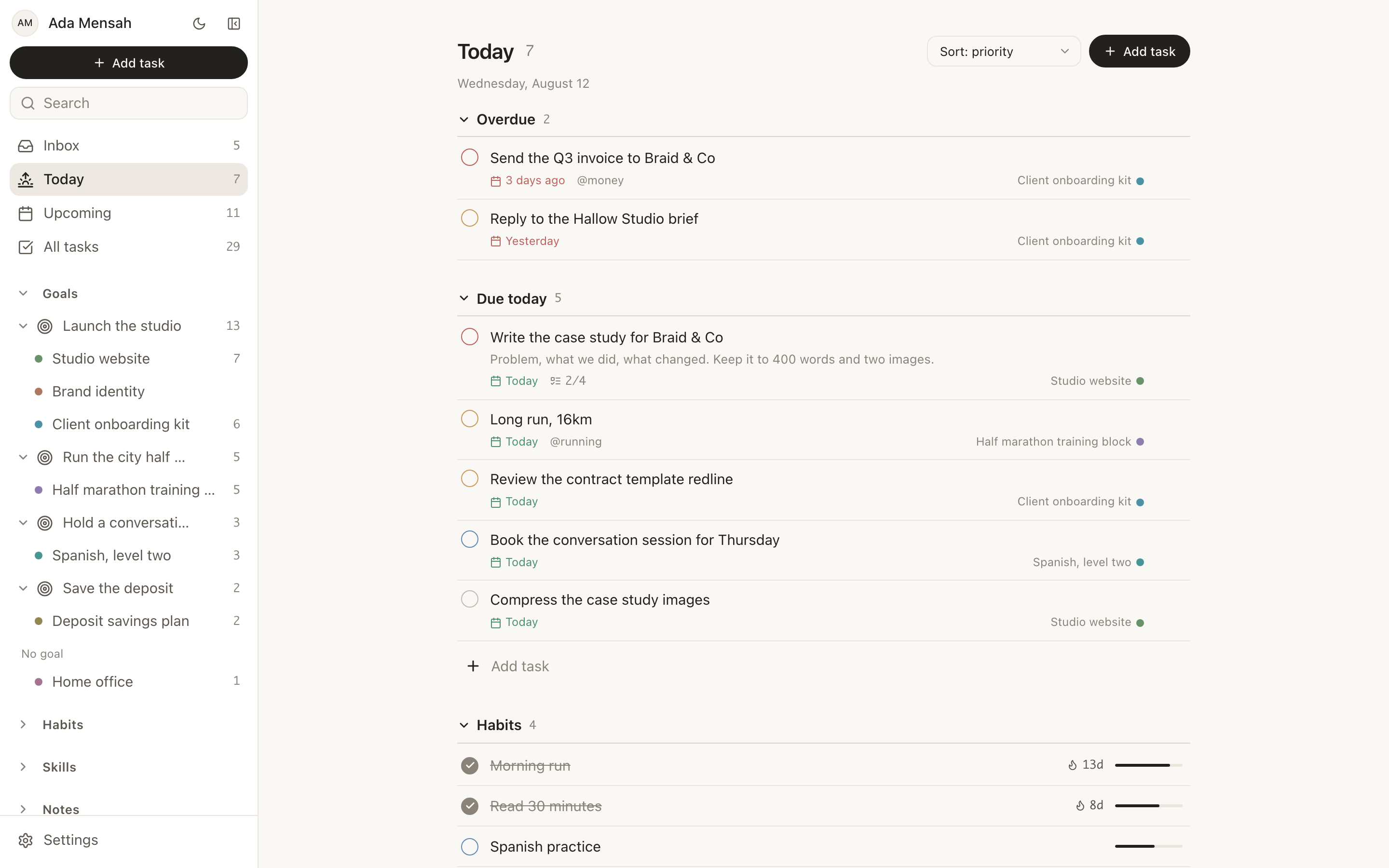
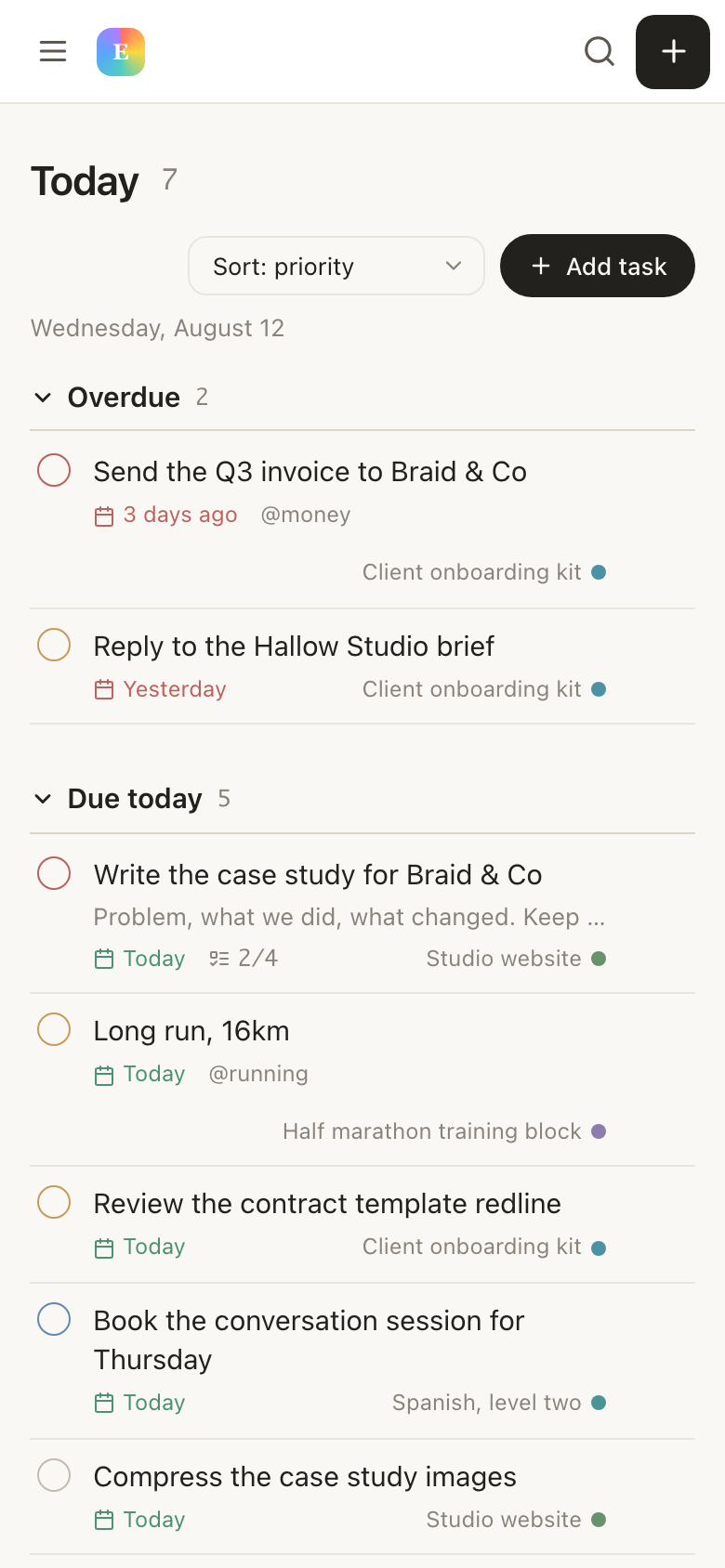
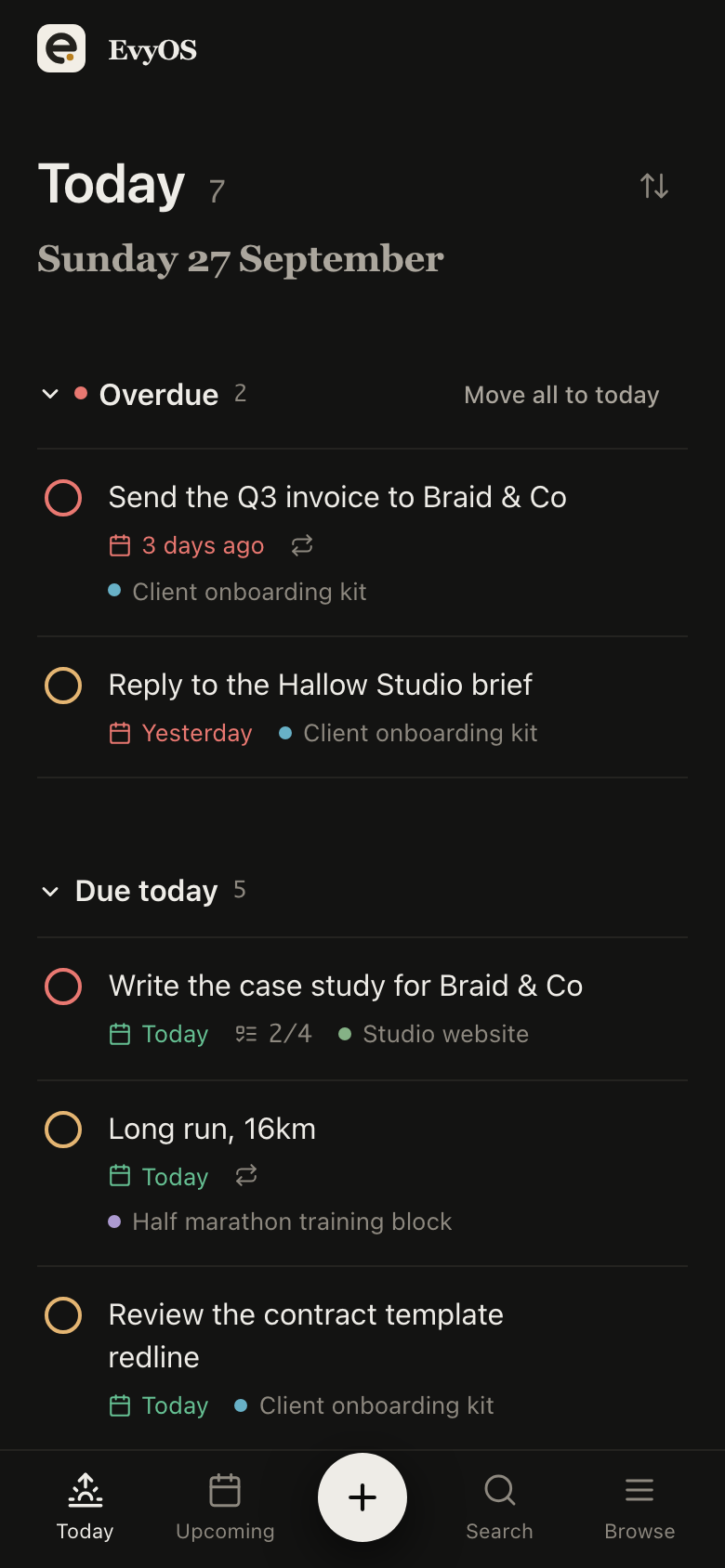
Today puts overdue at the top on its own, then what is due, then the habits scheduled for the day, then the calendar. Upcoming is the next 7 to 14 days with a section per day.
Every list carries a + Add task line, so adding 8 things in a row does not mean opening 8 dialogs. Slower than typing a sentence with a date in it, faster than a form.
One shortcut to jump to any record or start a new one, without taking your hands off the keyboard or losing where you were.
Opening a task slides it in over the list instead of navigating away, so ticking through a batch never costs you your scroll position.
An all-tasks view with filters and sorting for the times you want the flat list: everything at priority 1, everything tagged admin, everything overdue.
A task with no project is not lost, it is unsorted. Capture first, file later, which is the only capture habit that survives a busy week.
Nothing imports from Todoist. That sounds worse than it is: the tasks that are genuinely open are usually 20 to 40 items, and typing them out is one sitting. Leave the archive where it is.
Write down the 2 or 3 outcomes this quarter is actually about, then hang the projects you just moved underneath them. Anything that fits under nothing is worth a second look.
The habit you were tracking in another app, the skill you are practising, the note explaining why the project exists. This is the part that was living outside Todoist, and the reason to be here.
Your problem is volume, not structure. You capture on the move and the parser is how you do it. You depend on integrations, or on a native app on a platform. You have no interest in habits, skills or goals, and a list is genuinely all you need.
You are already running a habit tracker beside your task manager. Your goals live in a document nobody opens. You cannot tell which of this week's 40 finished tasks moved anything that matters. You want the practice hours and the reading habit counted in the same place as the work.
Plenty of people keep Todoist for capture while the goals, habits and skills live here, then let one of them go. The free plan is enough to find out which, and nothing here expires or asks for a card.
The free limits count open items only, so finishing a project gives the slot back. That is deliberate: a free plan that degrades as you use it correctly is an advert, not a plan. We do not publish comparisons against Todoist's pricing here, because it changes and a stale number is worse than none.
See the plans →Keep the daily loop you already know, and put a goal, a habit and an hour of practice underneath it. Free plan, no card, and an honest account of what you are giving up.
Start for free →