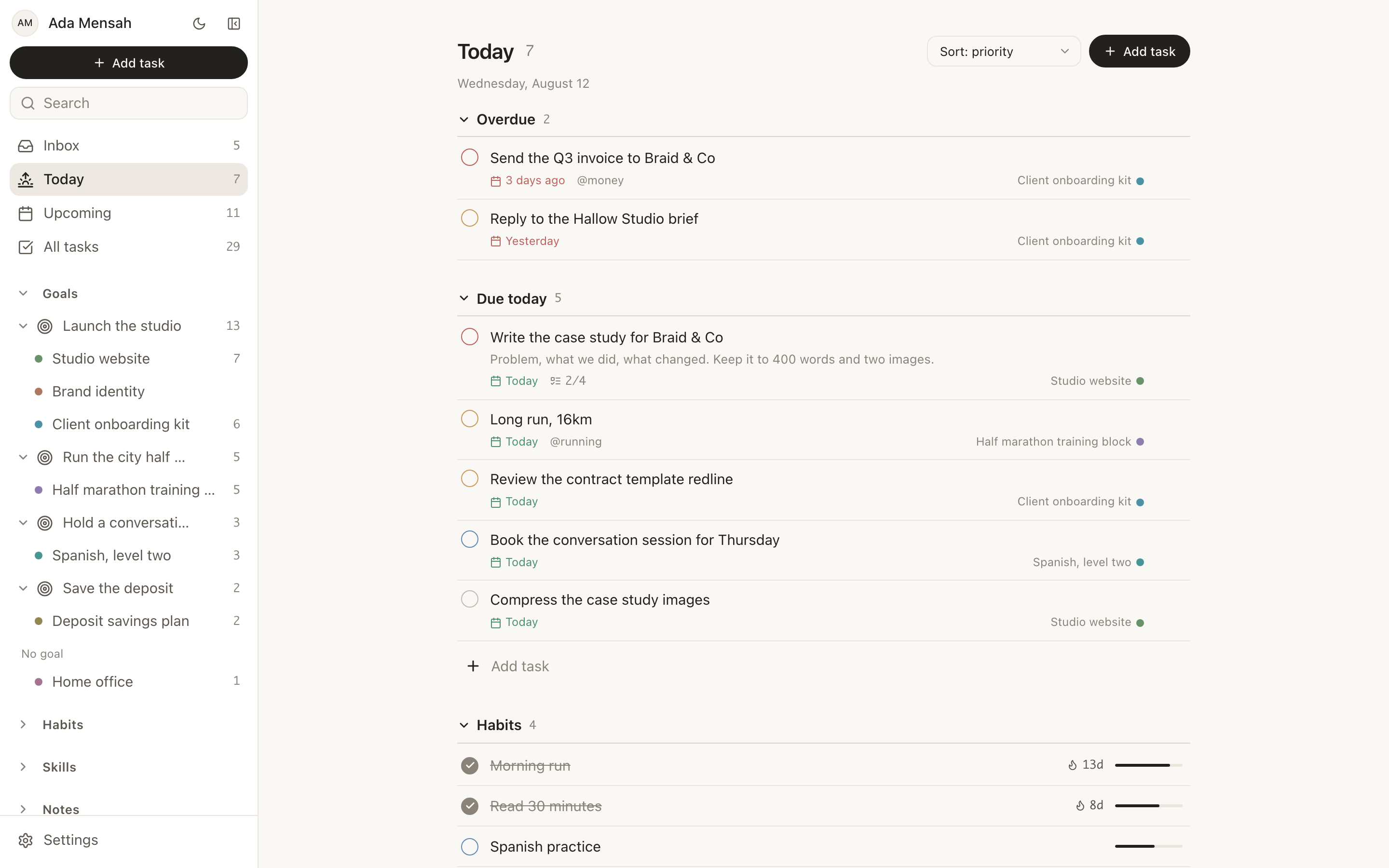
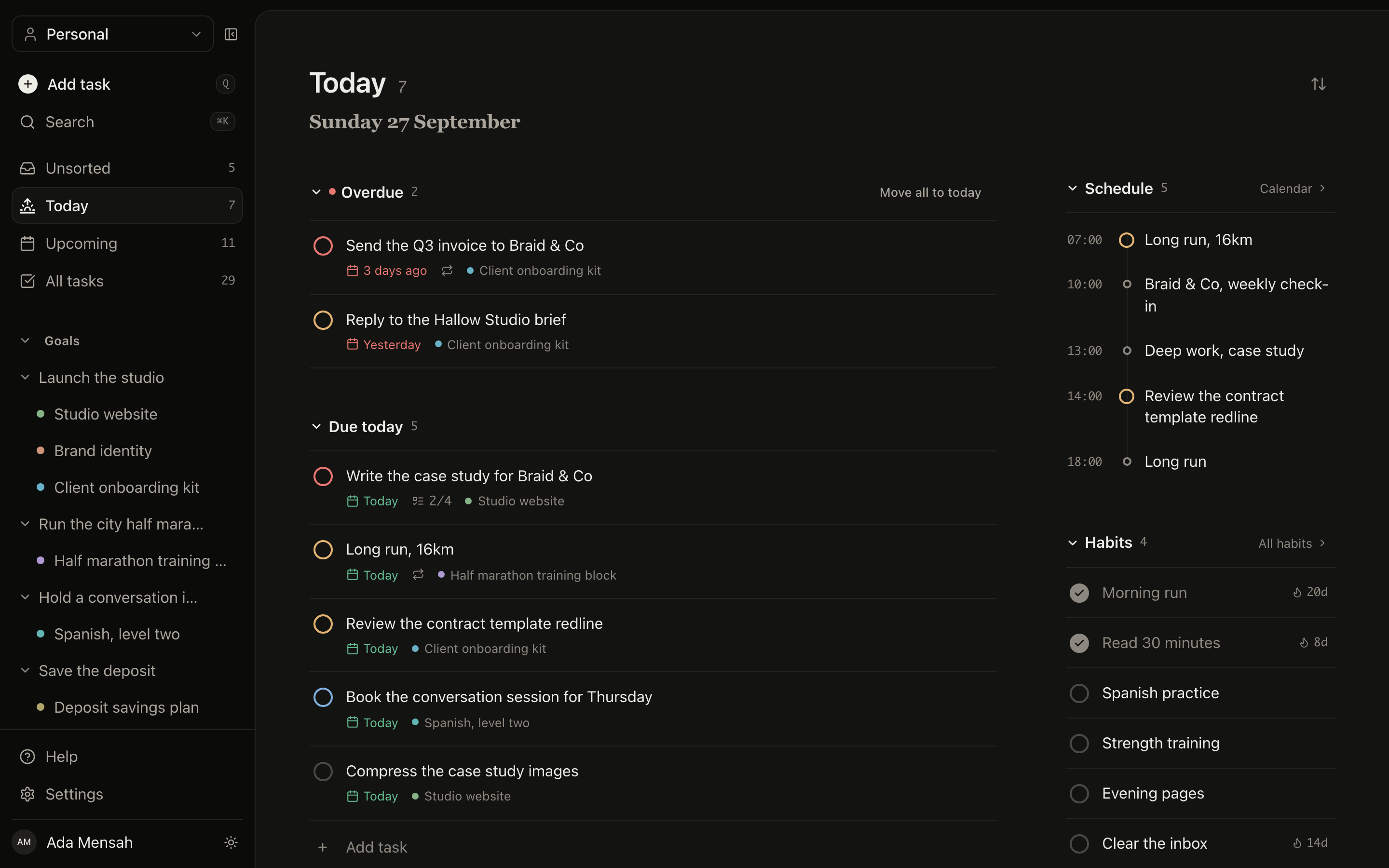
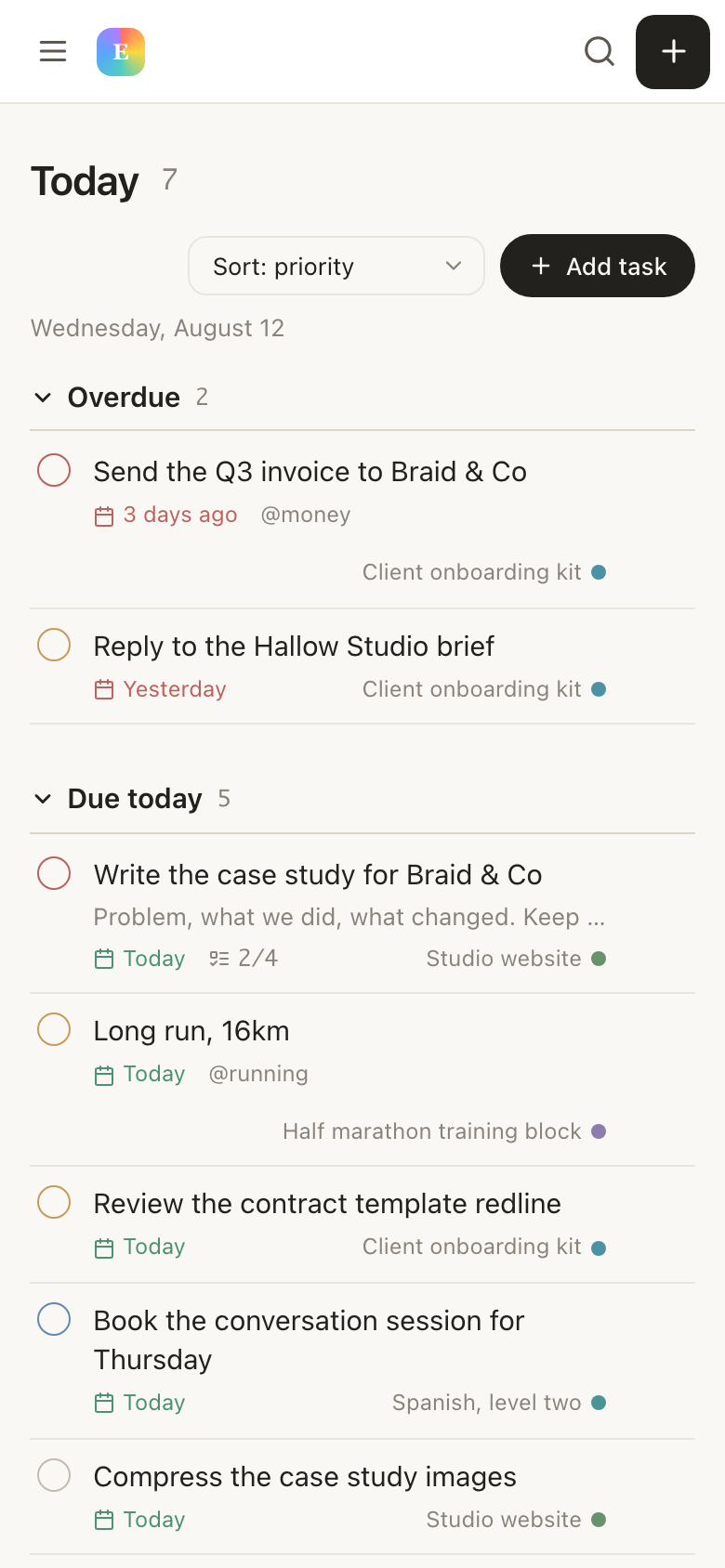
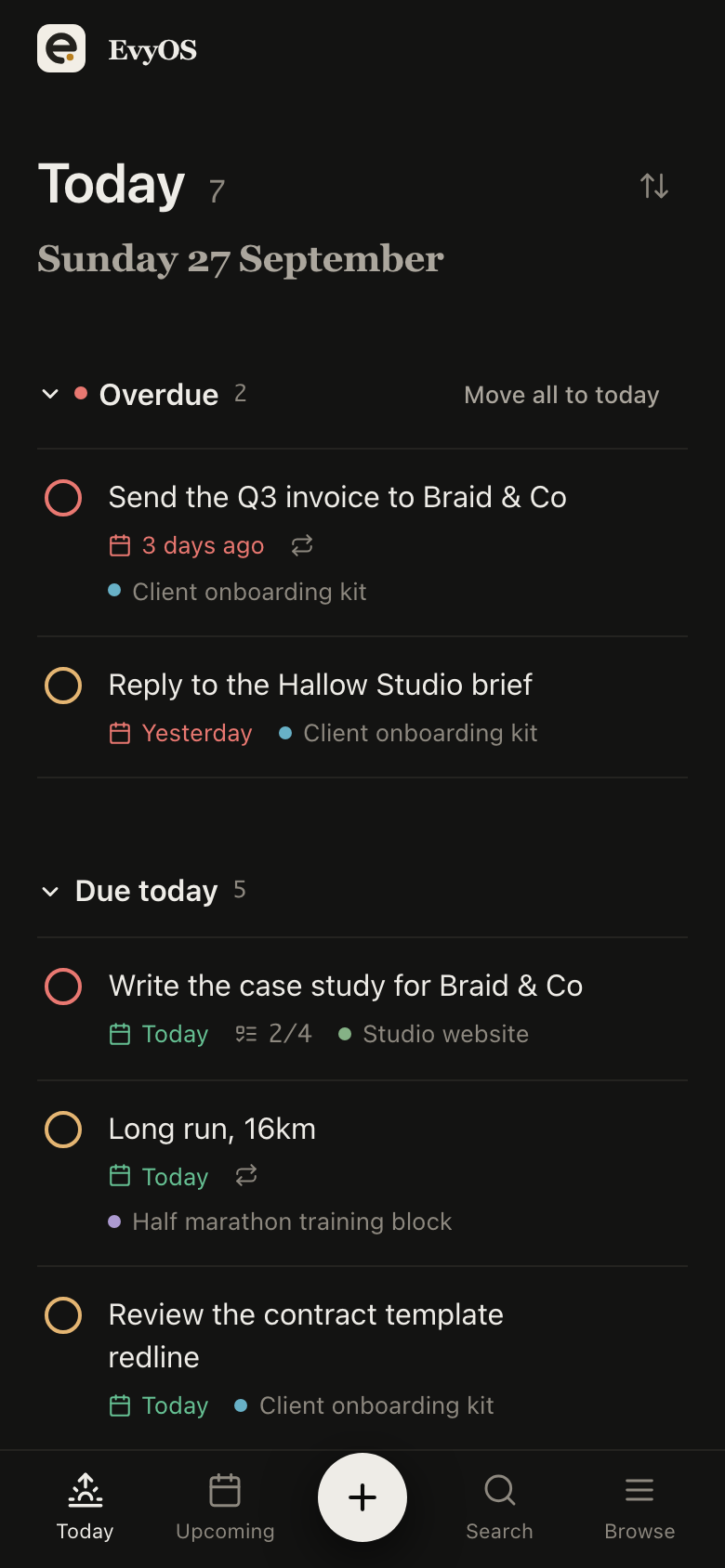
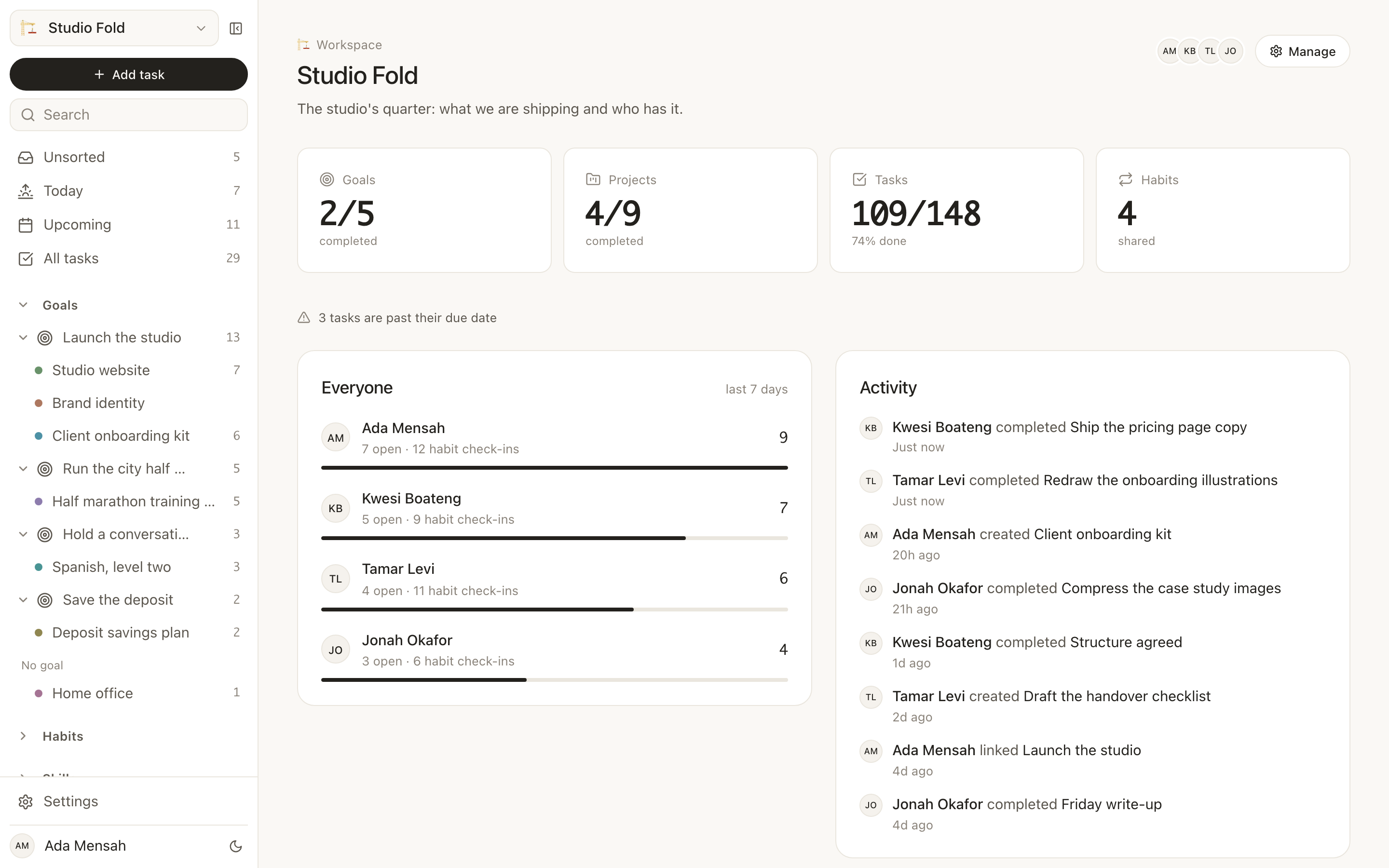
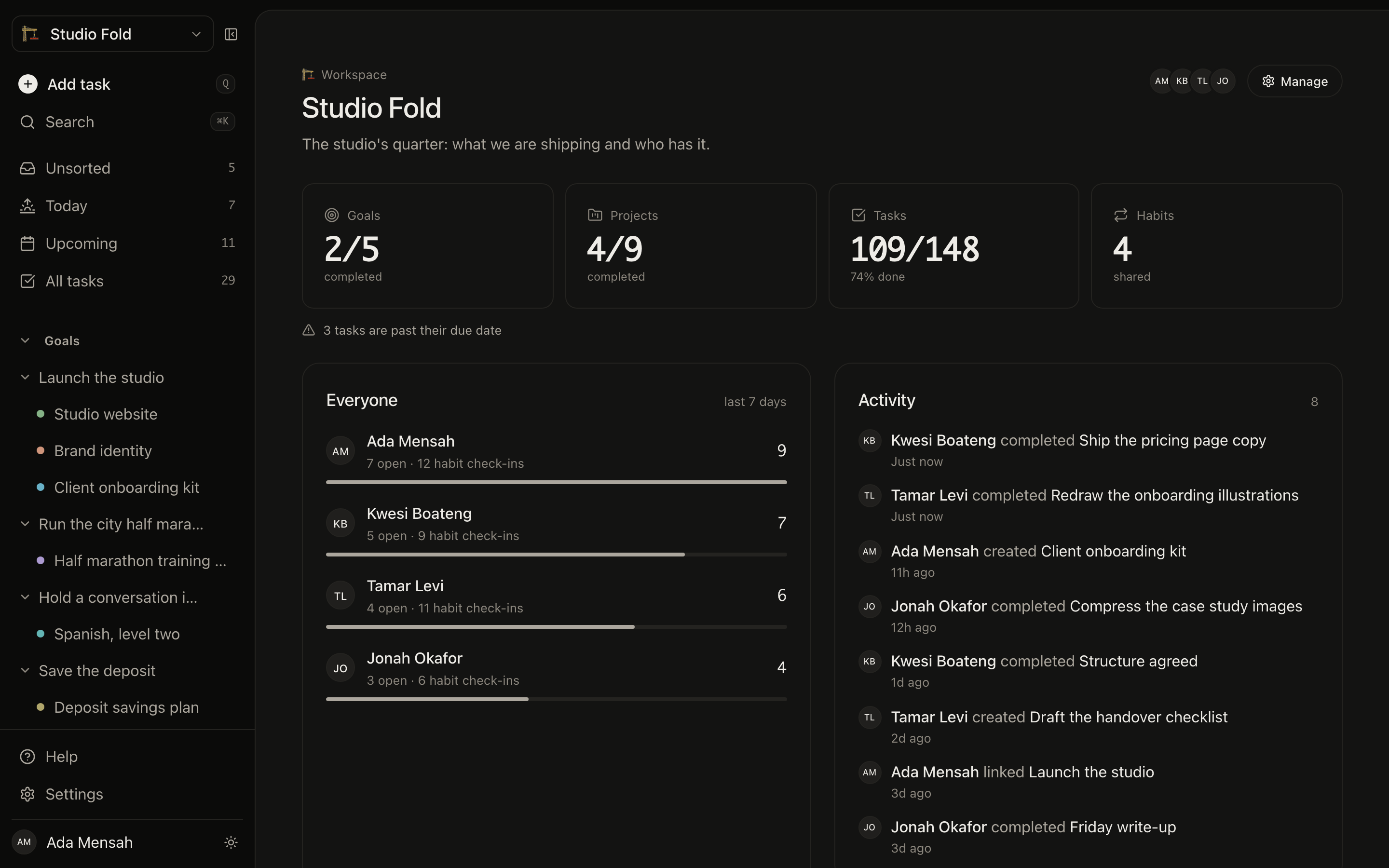
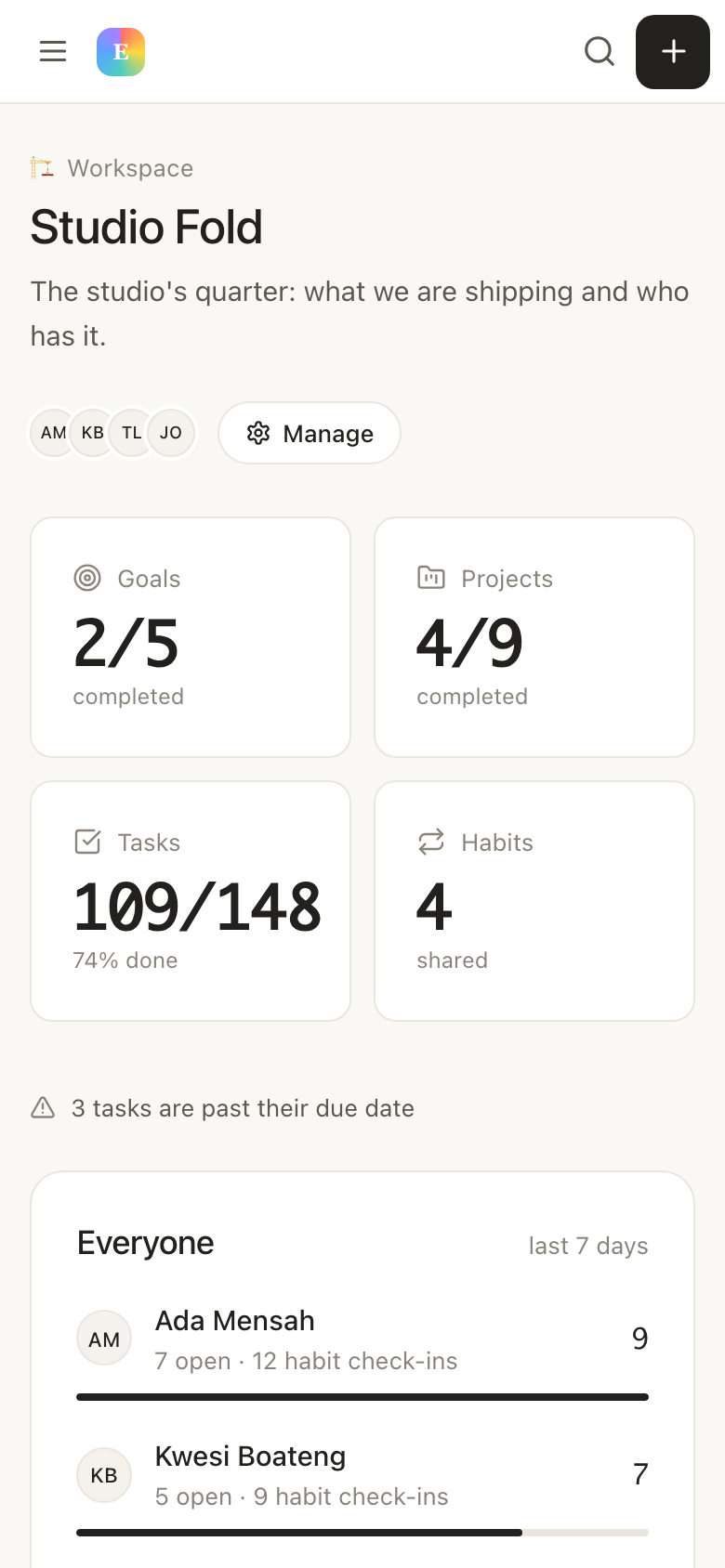
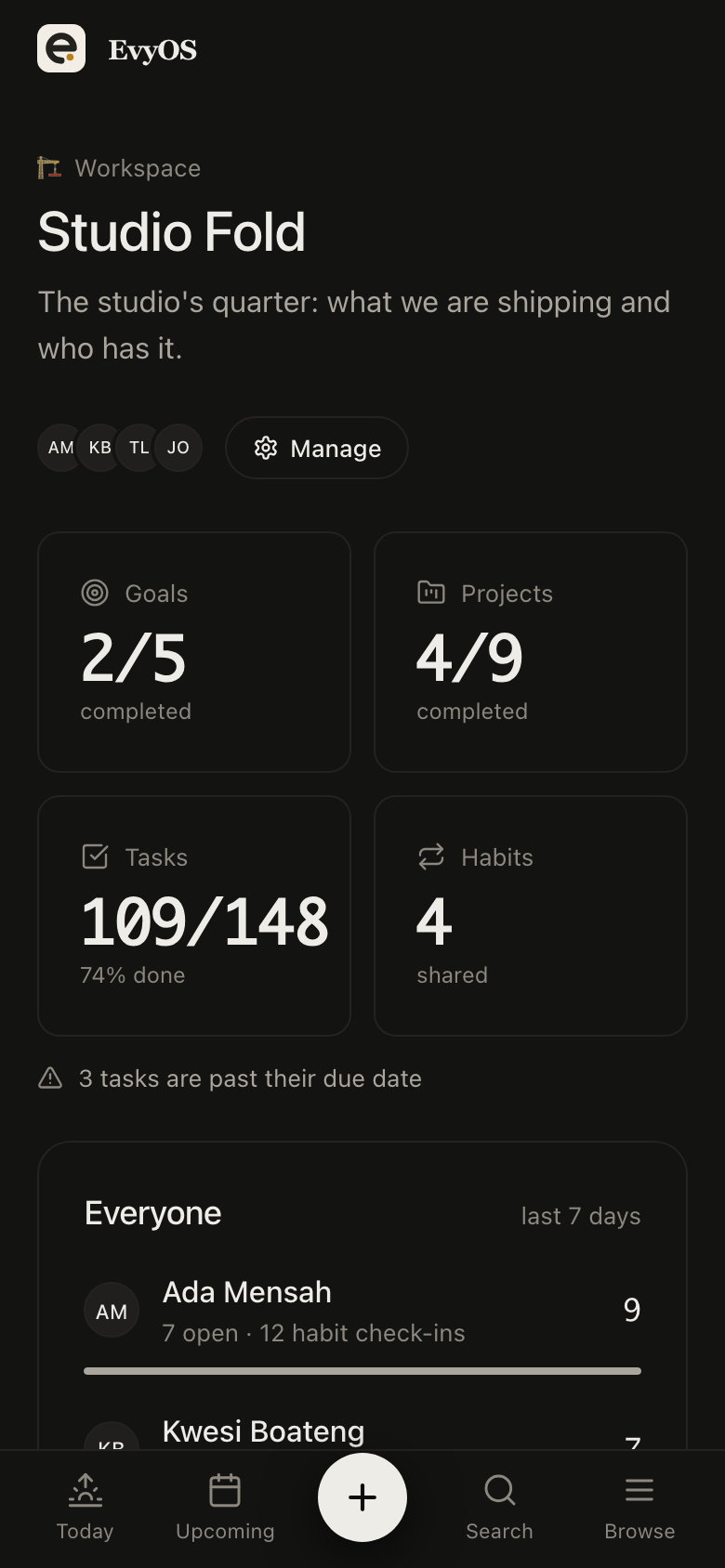
ChatGPT and ClaudeYour assistant, holding your actual task list.
Paste one URL into ChatGPT or Claude and it can read and change the real thing, your tasks, projects, goals, habits, skills, notes and calendar. Not a copy you pasted in. The account you use every day.
Connecting an assistant works on every plan, including the free plan, which has no card and no clock on it.
✦ In practice
You just ask.
There is no syntax and no command list. The assistant already knows how your records relate, goals hold projects, projects hold tasks, habits keep a per-day record, because the connector tells it on the way in.
YouWhat have I got today, and what am I going to miss?
AssistantThree things are overdue, the invoice from Friday, the landing copy, and a call you moved twice. Six are due today, and four of those are on the studio rebrand. Two habits are still open. Realistically the rebrand tasks and the invoice fit; the rest does not.
YouMove the two smallest to tomorrow and add a task to chase the invoice, high priority, under Studio admin.
AssistantDone. Both moved to tomorrow, and “Chase Meridian invoice” is added to Studio admin at priority 1, due today.
An illustration of the flow, not a transcript. Your records, your wording, your assistant.
✦ What it can reach
All of it. Not a read-only summary.
Fifty-seven tools, covering every record type in the product. The connector runs each one as a request against the same API the app uses, so quotas, workspace scoping and activity logging all behave exactly as they do when you click.
✅
Tasks
Create, update, complete, reschedule. Add subtasks and comments, tick subtasks off, and file work into the right project.
🎯
Goals and projects
Set goals, hang projects off them, add and complete milestones, and see progress roll up as work underneath finishes.
🔄
Habits and skills
Ask what is still open today, mark a habit done or undone, and log practice minutes against a skill you are building.
📝
Notes and calendar
Write and edit markdown notes, organise them into folders, and add, move or complete calendar events.
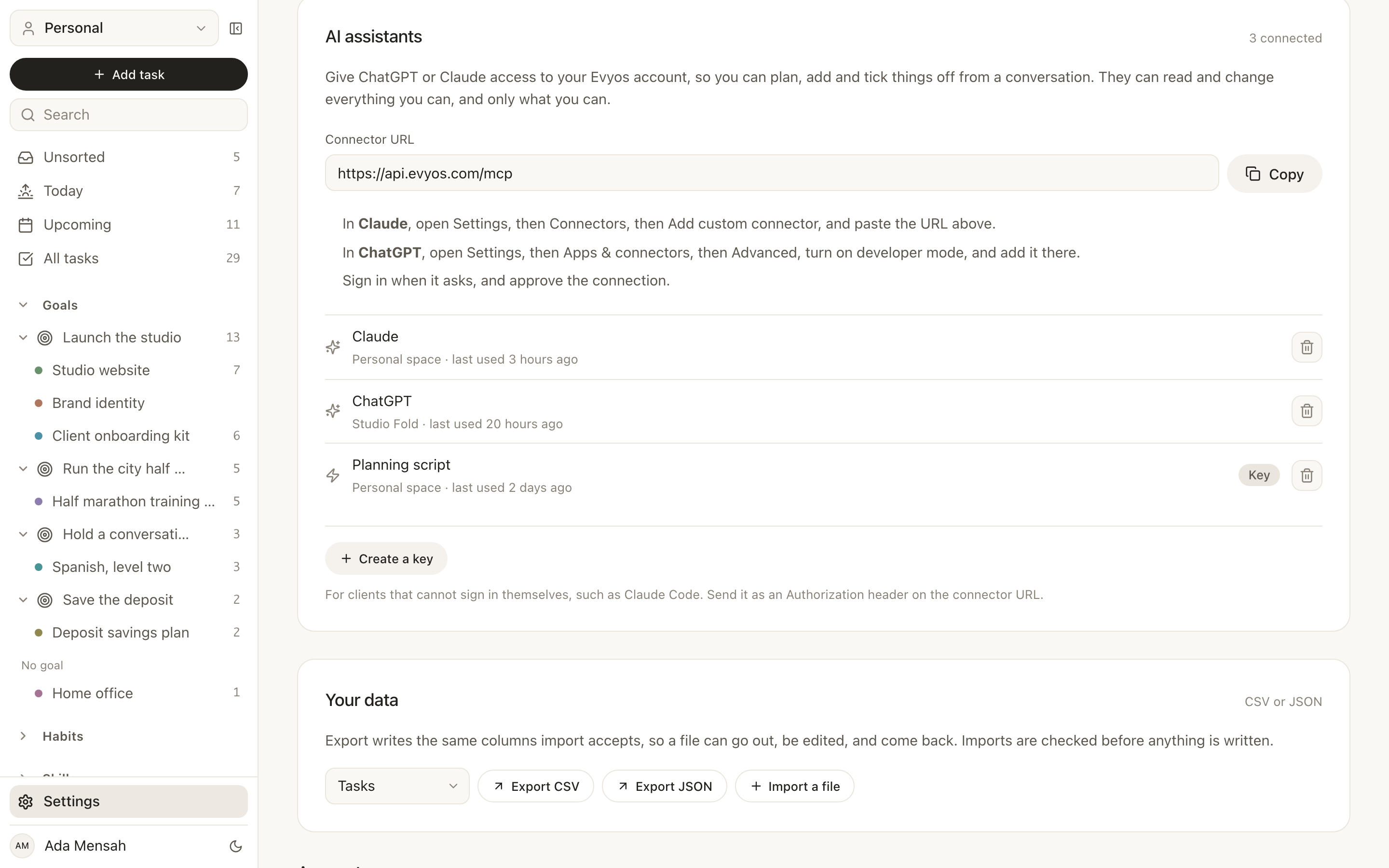
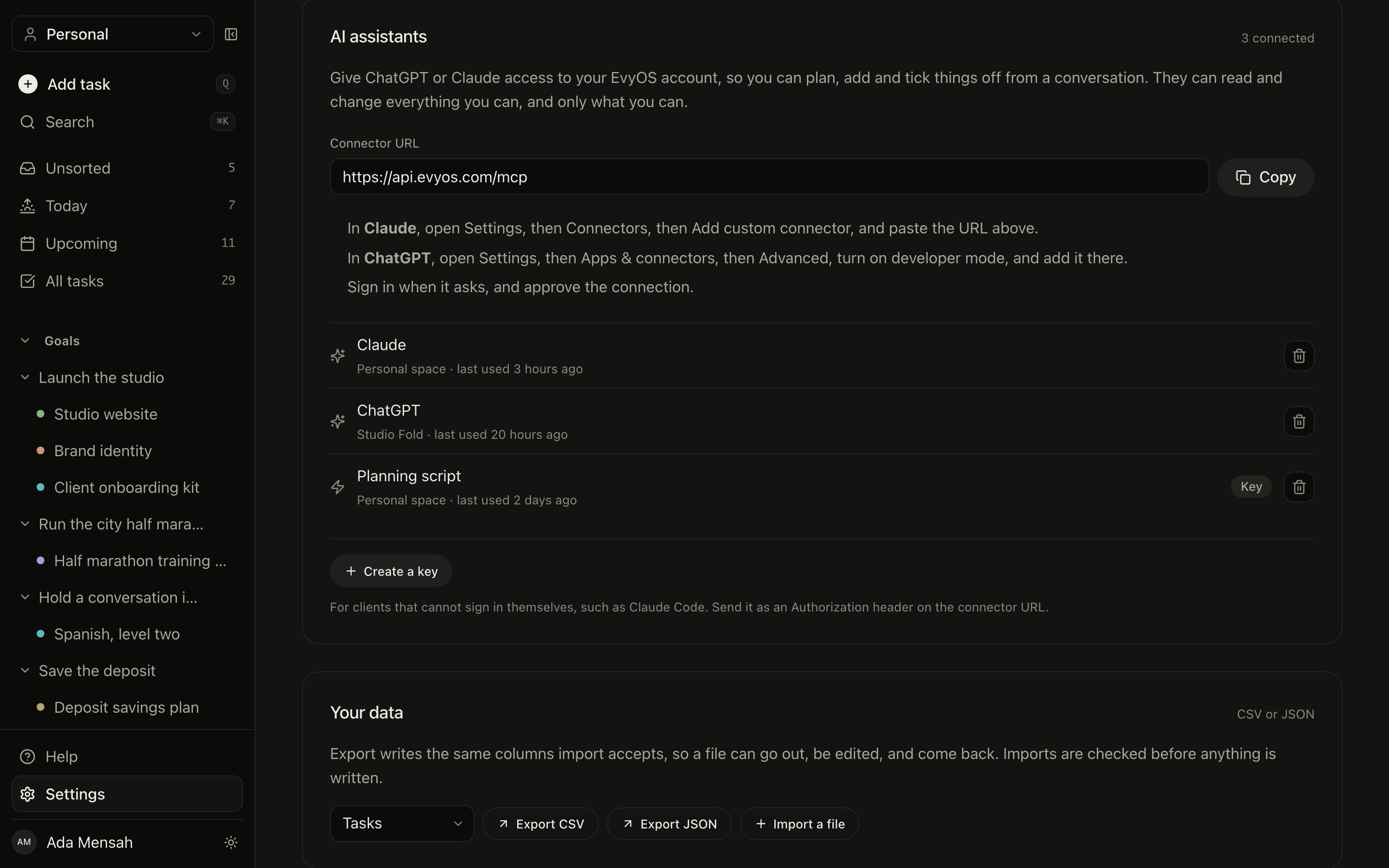
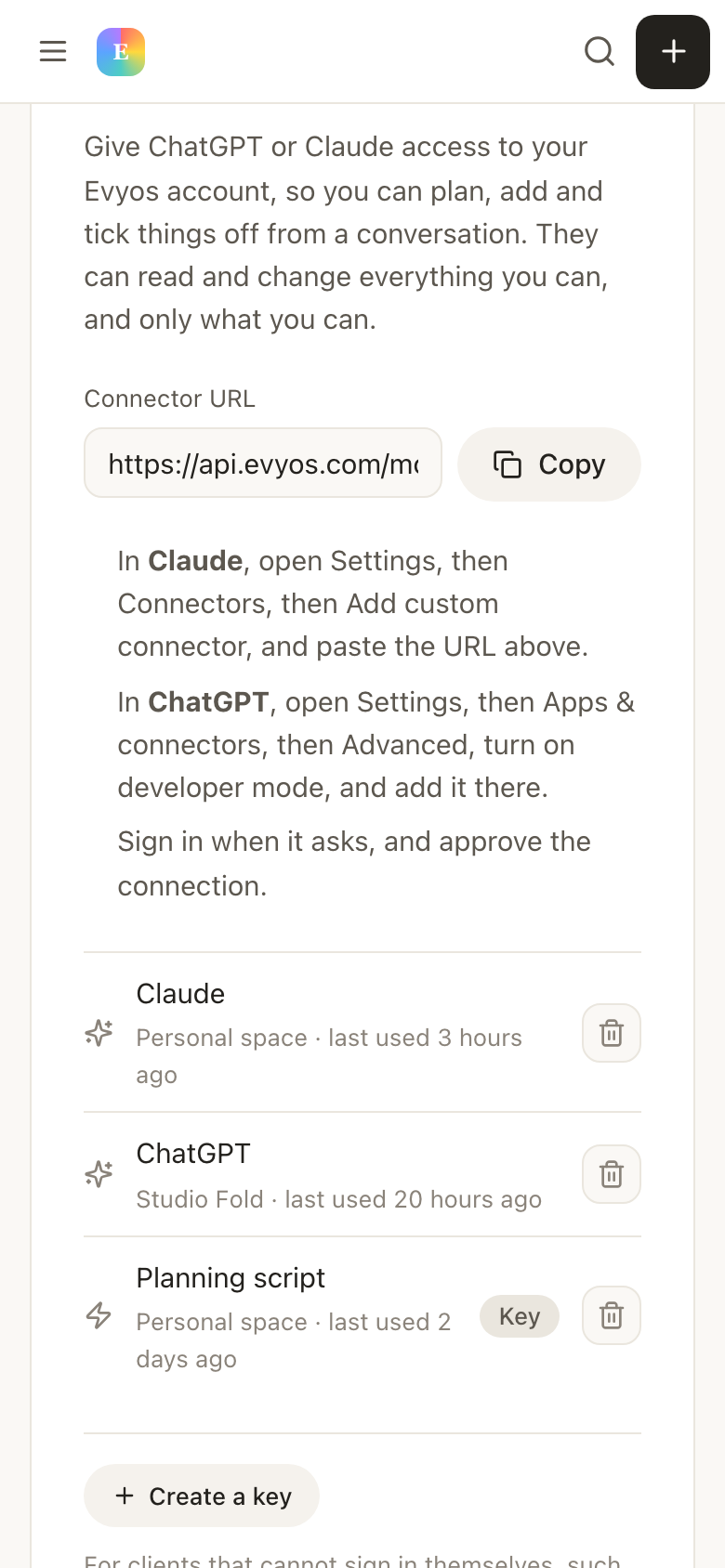
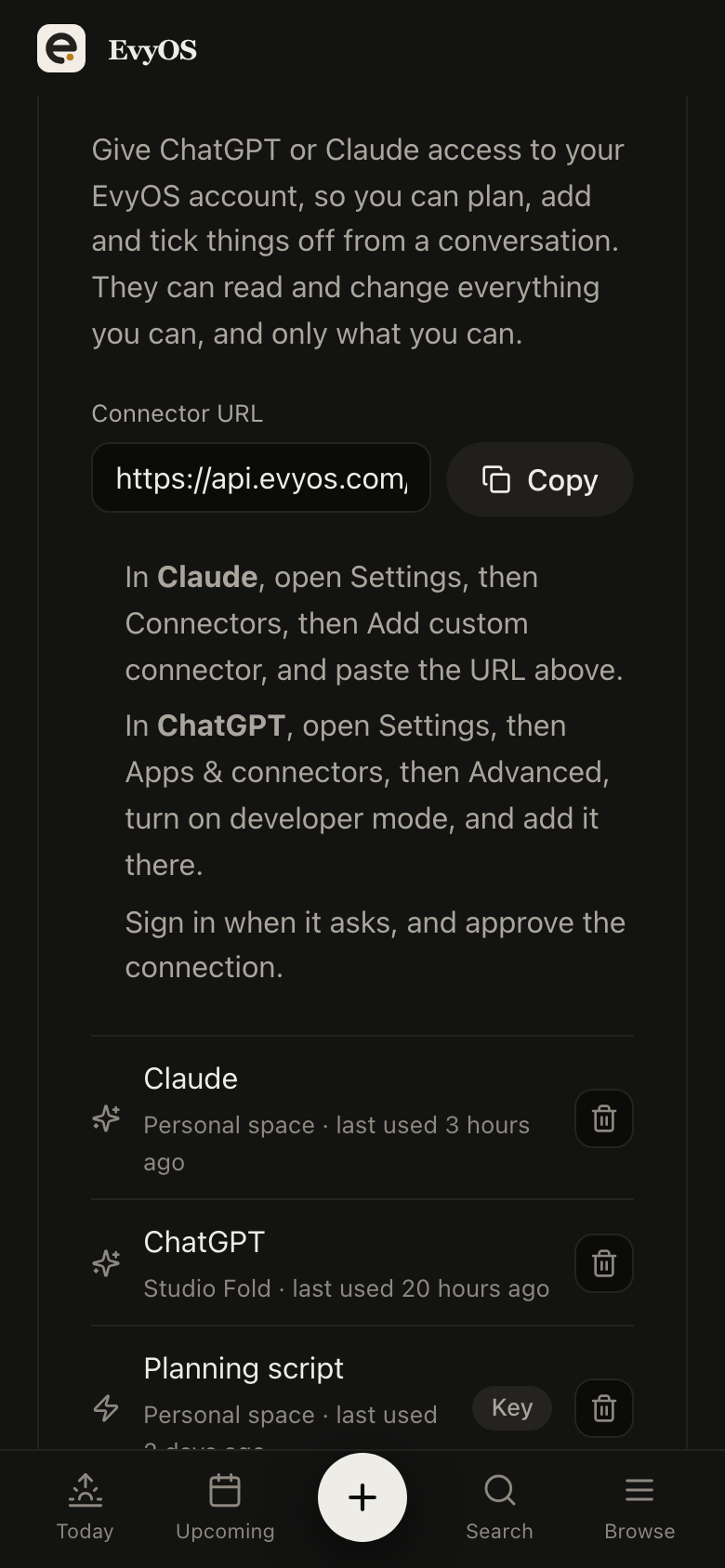
Add a connector in ChatGPT or Claude and give it https://api.evyos.com/mcp. Both products discover everything else themselves. There is nothing to install and no key to generate.
2
Sign in and approve
You are sent to EvyOS to sign in, then shown a consent screen naming the app that asked and what it wants. Approve it and you are returned to the assistant, connected. It works on every plan, including free.
3
Ask it something
“What is overdue?” is a good first question. From then on the assistant reads and writes the same account you open in a browser.
✦ Why this way round
The assistant comes to your data. Not the other way round.
01 - No copy and paste
It reads the real account.
Pasting your to-do list into a chat gets you advice about a snapshot that was already stale when you copied it, and anything the assistant decides has to be typed back in by hand. A connection removes both halves of that: it sees what is true now, and what it changes is changed.
Live dataWrites backNo exportsNo re-typing
02 - One connection, revocable
You can take it back.
Connected apps are listed in Settings with when they were connected and when they were last used. Revoking one immediately invalidates every token issued under it, and a connected app can never authorise another one. If you upgrade to Pro, the connection's limits lift the next time you open Settings, no reconnecting.
Listed in settingsLast usedInstant revokeOAuth 2.1 with PKCE
03 - Shared workspaces too
Ask about the team, not just yourself.
Most tools accept a workspace, so an assistant connected to your account can answer for a shared family or team space as well as your own. Left unsaid, it works in your personal space, which is nearly always what you meant.
Personal by defaultWorkspace awareSame permissionsSame activity log
✦ Questions
Frequently asked.
Add https://api.evyos.com/mcp as a connector in ChatGPT or Claude. Both discover everything else themselves: you are sent to sign in with your EvyOS account, you approve the connection on a consent screen, and the assistant can then use it. There is nothing to install and no API key to generate or paste.
Everything the app does, through 136 tools: read your day, search across records, create and complete tasks, add subtasks and comments, assign tasks to workspace members, invite and manage people in a shared workspace, manage projects and their milestones, set goals, tick off habits, log practice against a skill, write and edit notes, and add calendar events. It runs against the same API the app uses, so nothing behaves differently because it came from a chat.
No. It is the opposite arrangement. EvyOS does not add an assistant to the app. It lets the assistant you already use reach into your account, so you stay in the conversation you are already having instead of switching to a chat window somebody bolted onto a task manager.
ChatGPT and Claude are the two we set out to support, and both connect from the same URL. The connector is a standard remote Model Context Protocol server with OAuth, so any client that speaks MCP can use it.
Yes. Most tools take an optional workspace, so you can ask about a shared family or team space as well as your personal one. Without a workspace named, tools act on your personal space, which is usually what you mean.
The connection uses OAuth 2.1 with PKCE, so your EvyOS password or Clerk session is never handed to the AI client. What it holds is a token scoped to your account that you can revoke at any time from Settings, which immediately invalidates every token issued under that connection. Nothing is shared with other users, and connecting a second app never gives the first one more access.
No. Connecting ChatGPT, Claude or any other AI client works on every plan, including free, with no card and no time limit. A free account keeps its free-plan limits through the connector, because the assistant works in the same account: 2 active goals, 5 active projects, 20 open tasks, 5 habits and 5 skill tracks. Pro, at $15 per month or $144 per year, lifts those limits and adds shared workspaces.
A connection stores a snapshot of your plan, which is refreshed whenever you open Settings. Upgrading lifts the connector's limits on your next visit rather than needing a reconnect, and the same mechanism carries a lapse in the other direction.
Only if you ask it to. The connector tells the model that deleting is not the same as finishing, and to prefer completing a task over removing it. Deletions are also soft, so a record removed by mistake is not gone from the database.