✦ Product tourEvery screen, actually running.
34 views of EvyOS, captured from the real application. Not mockups, not illustrations, the product as it renders, at both sizes.
Open it, and know what today is.
Overdue work is a different question from work that is merely due, so it gets its own band at the top. Underneath: what is due, the routines you keep, and the calendar.
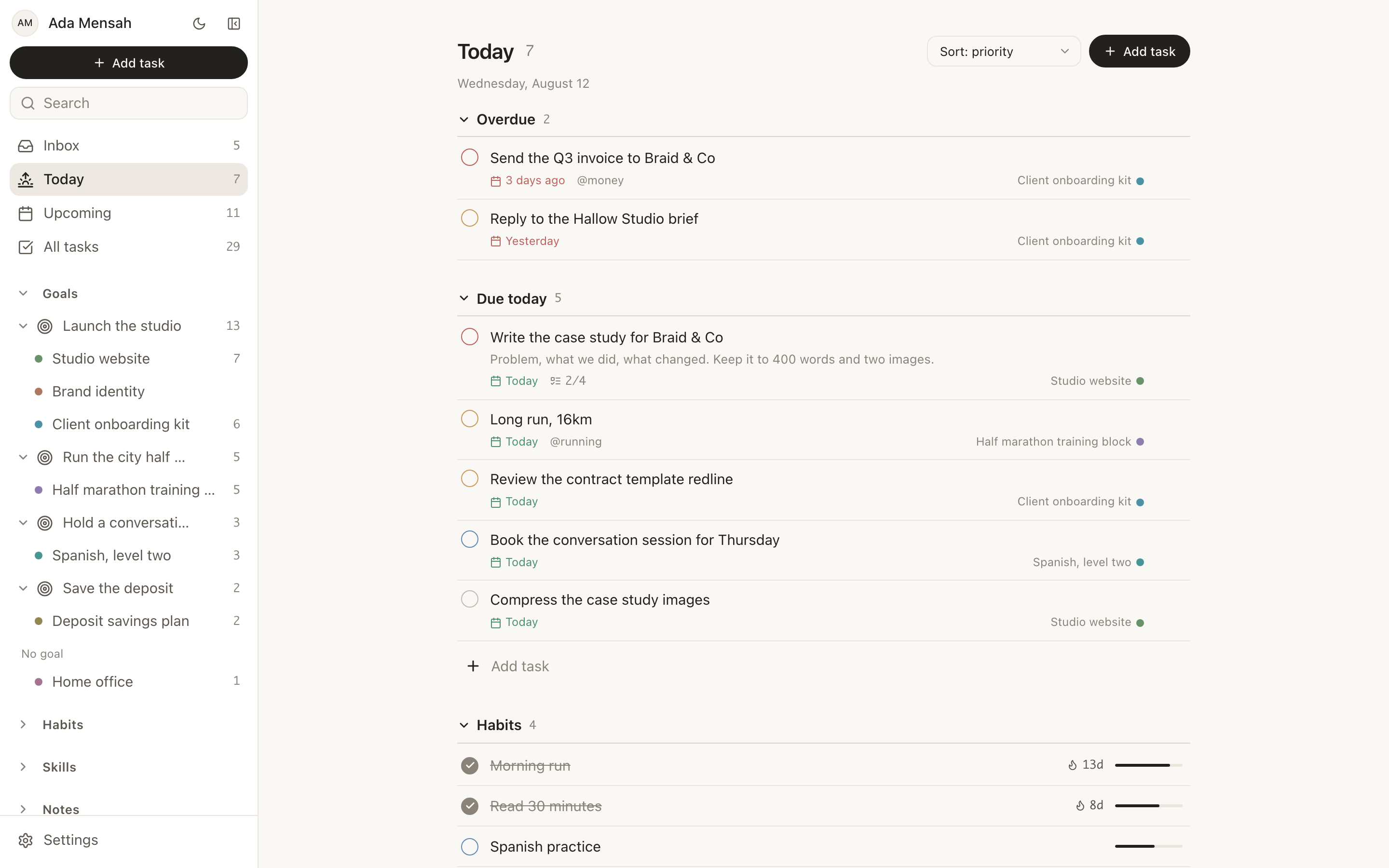
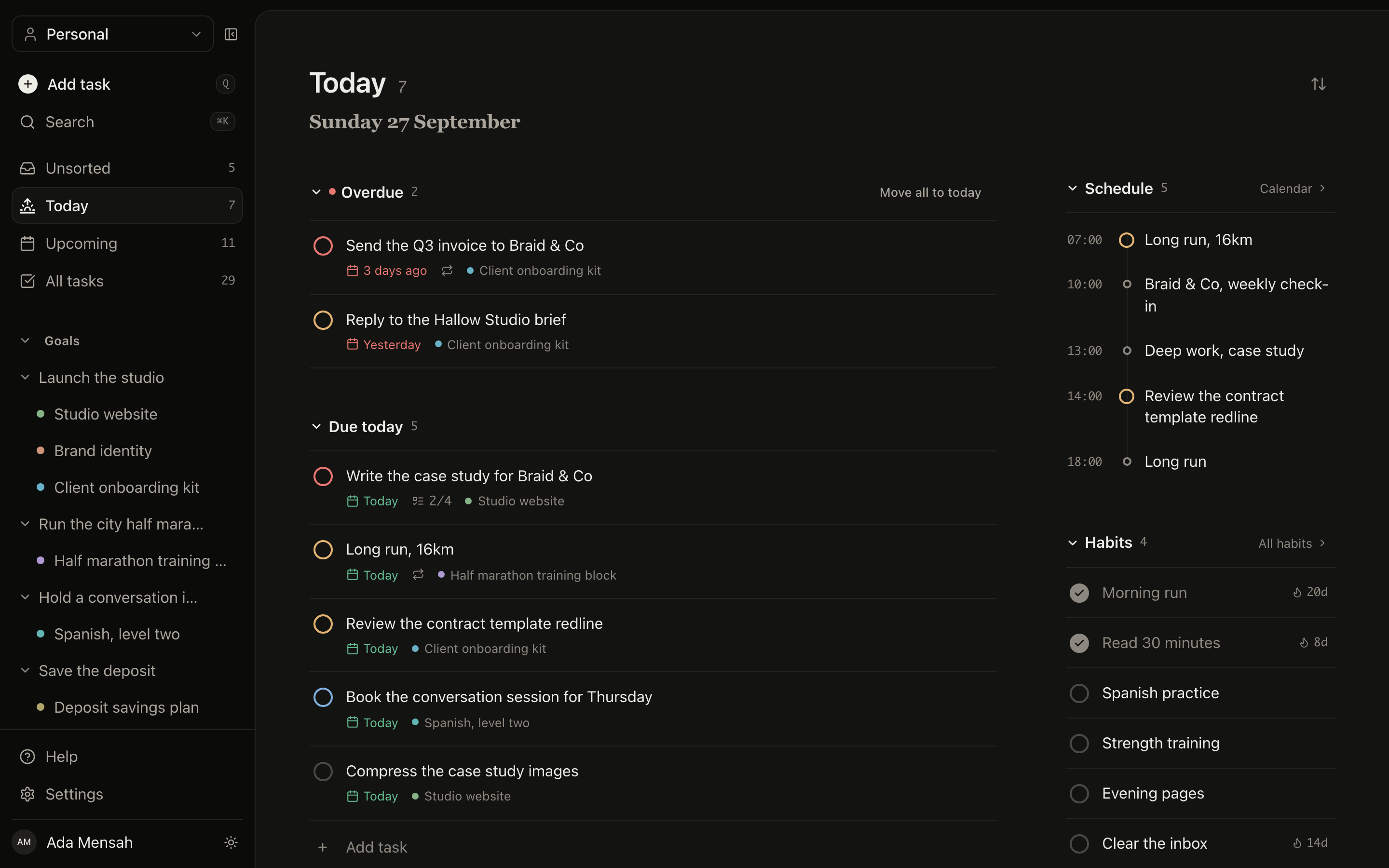
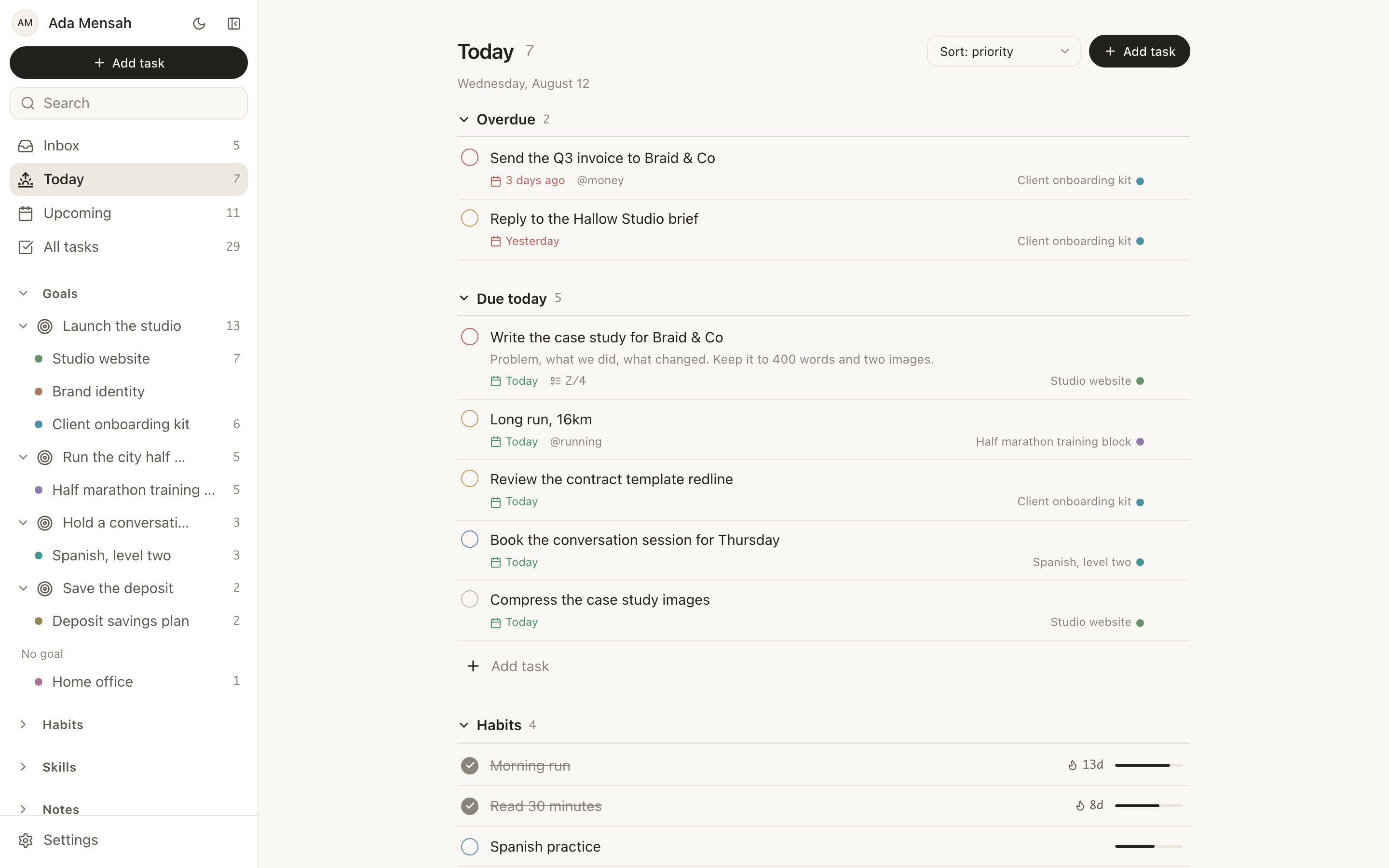
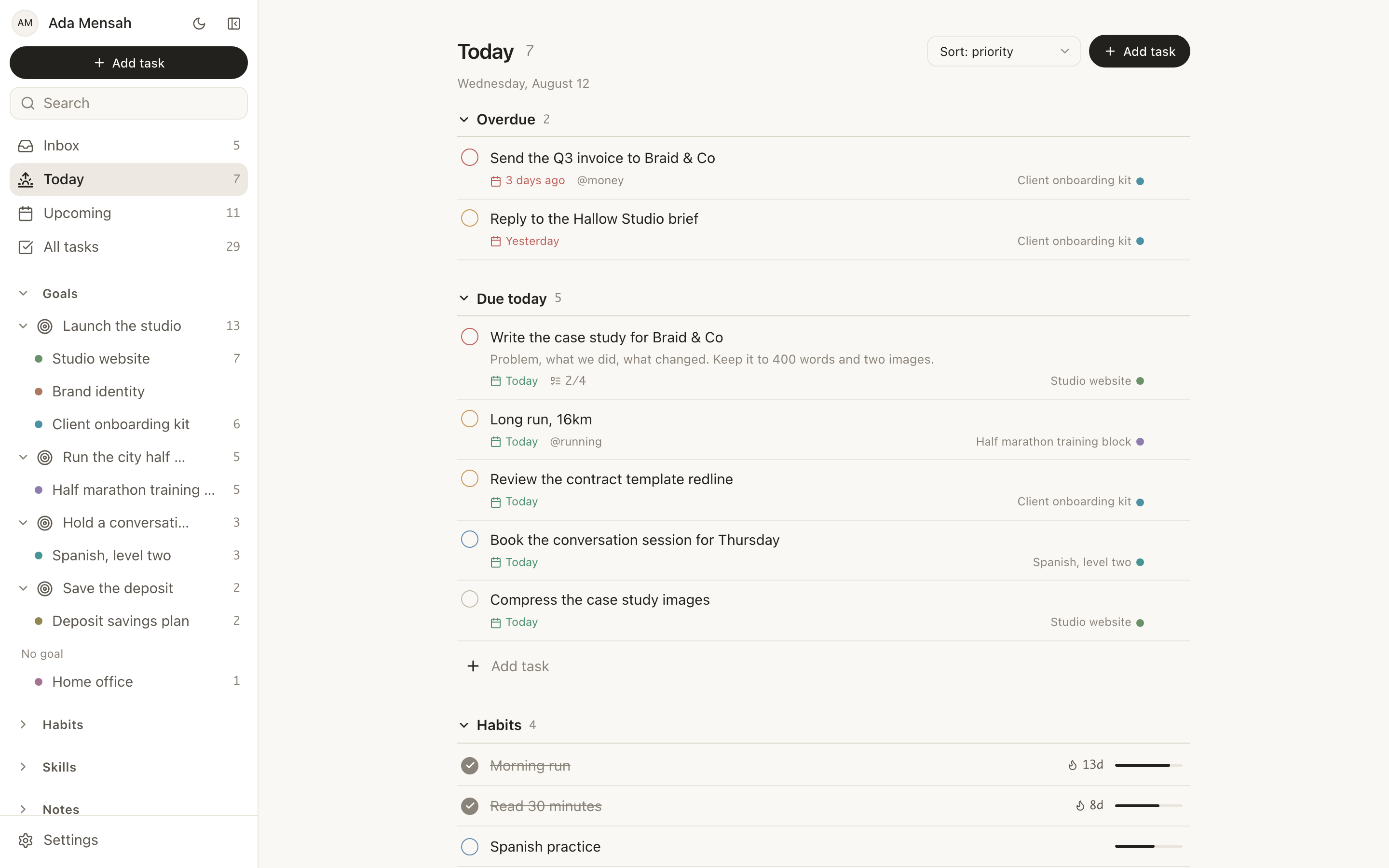
Today
Overdue split out first, then what is due, the habits for the day, and the events on it. One screen, no configuration.
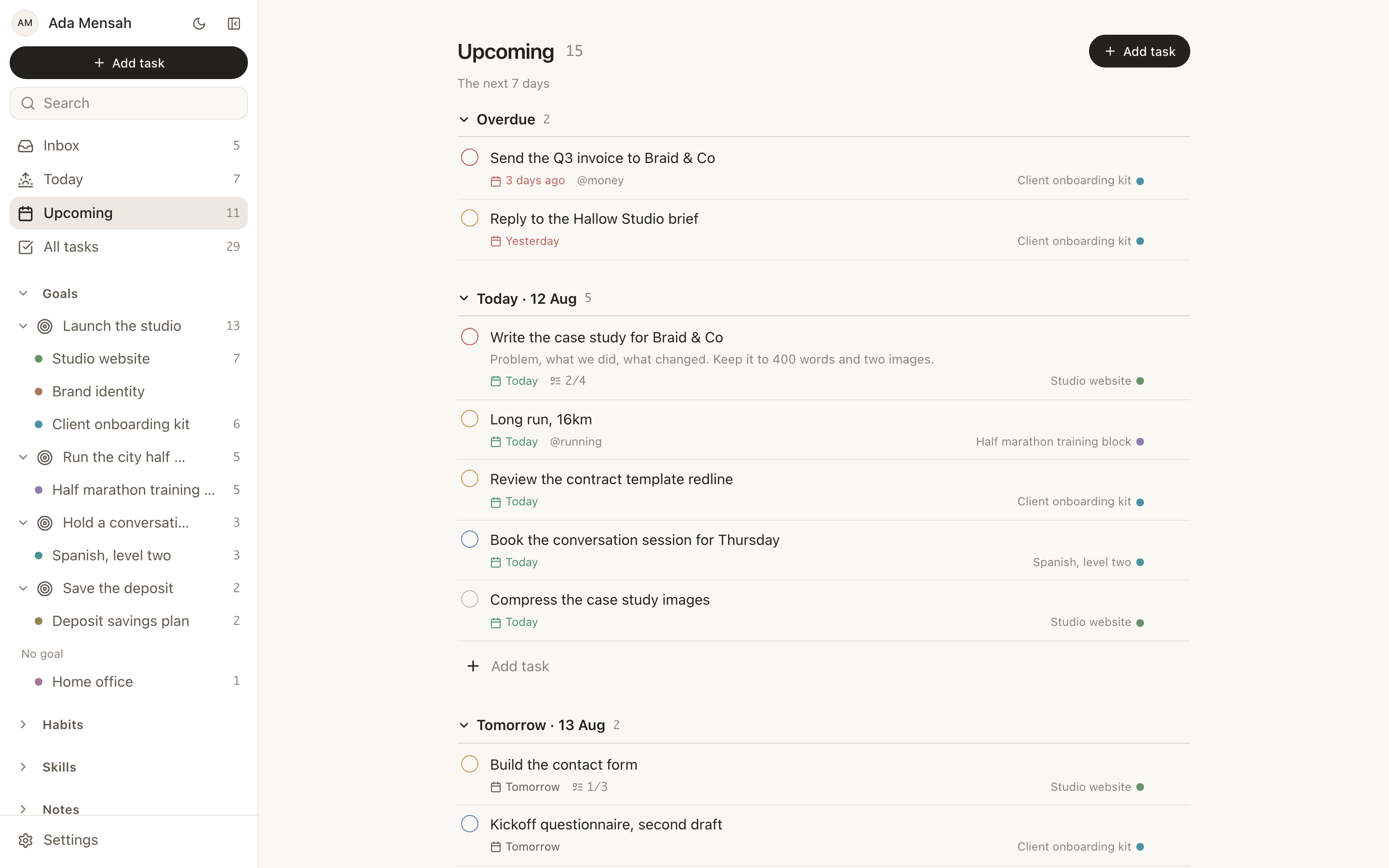
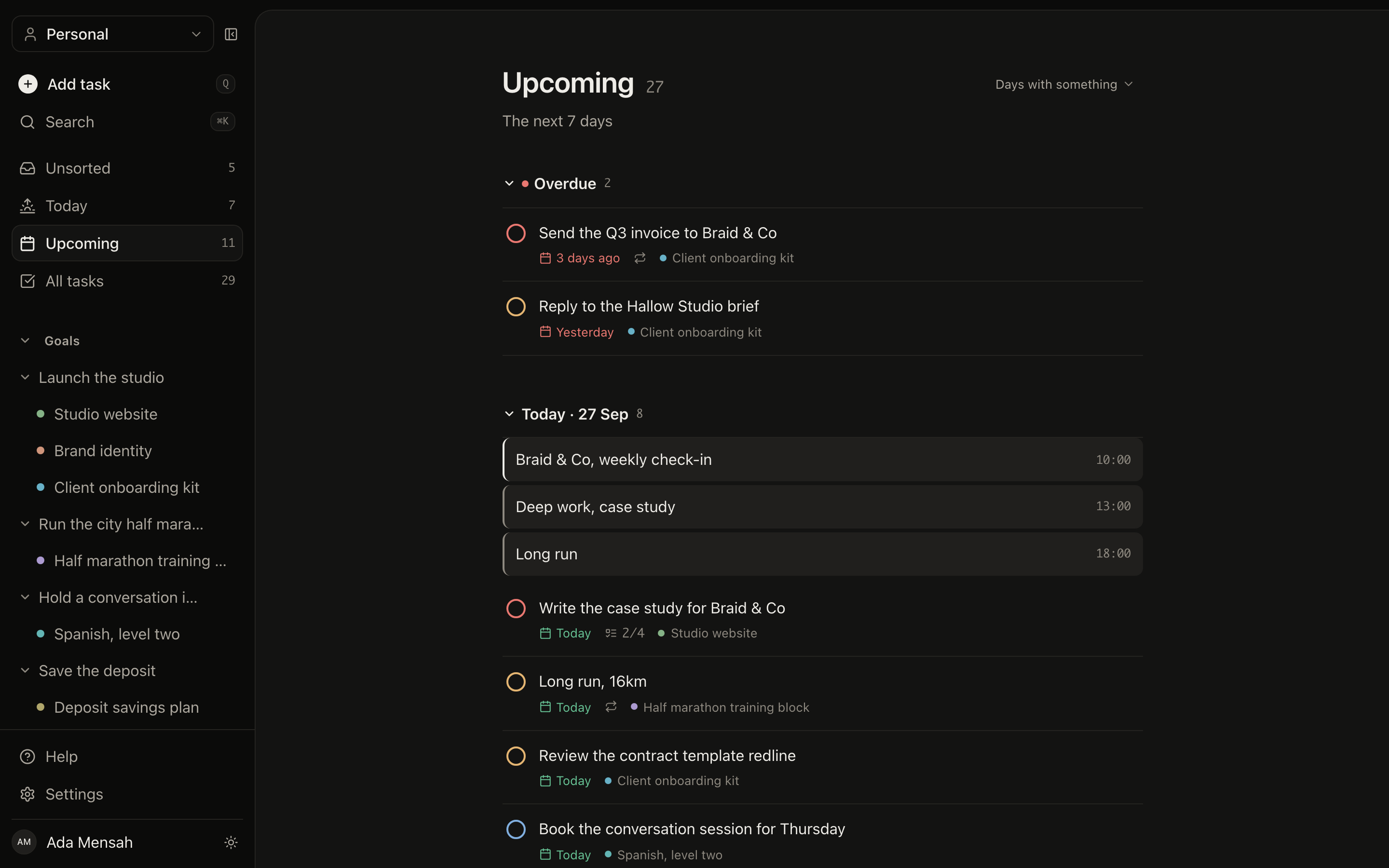
Upcoming
The next fortnight, one section per day. A heavy Thursday is visible on Monday, while there is still time to move something.
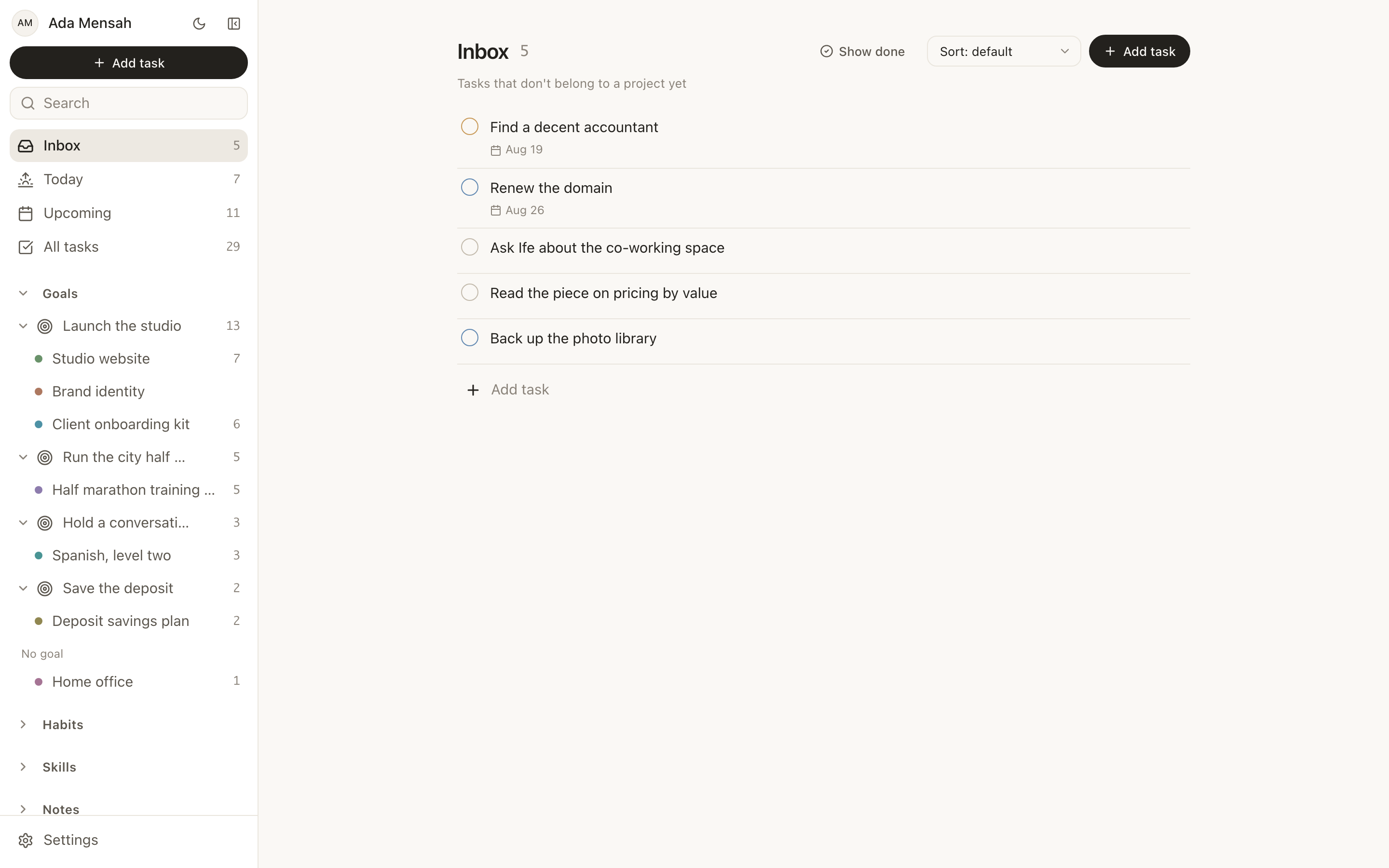
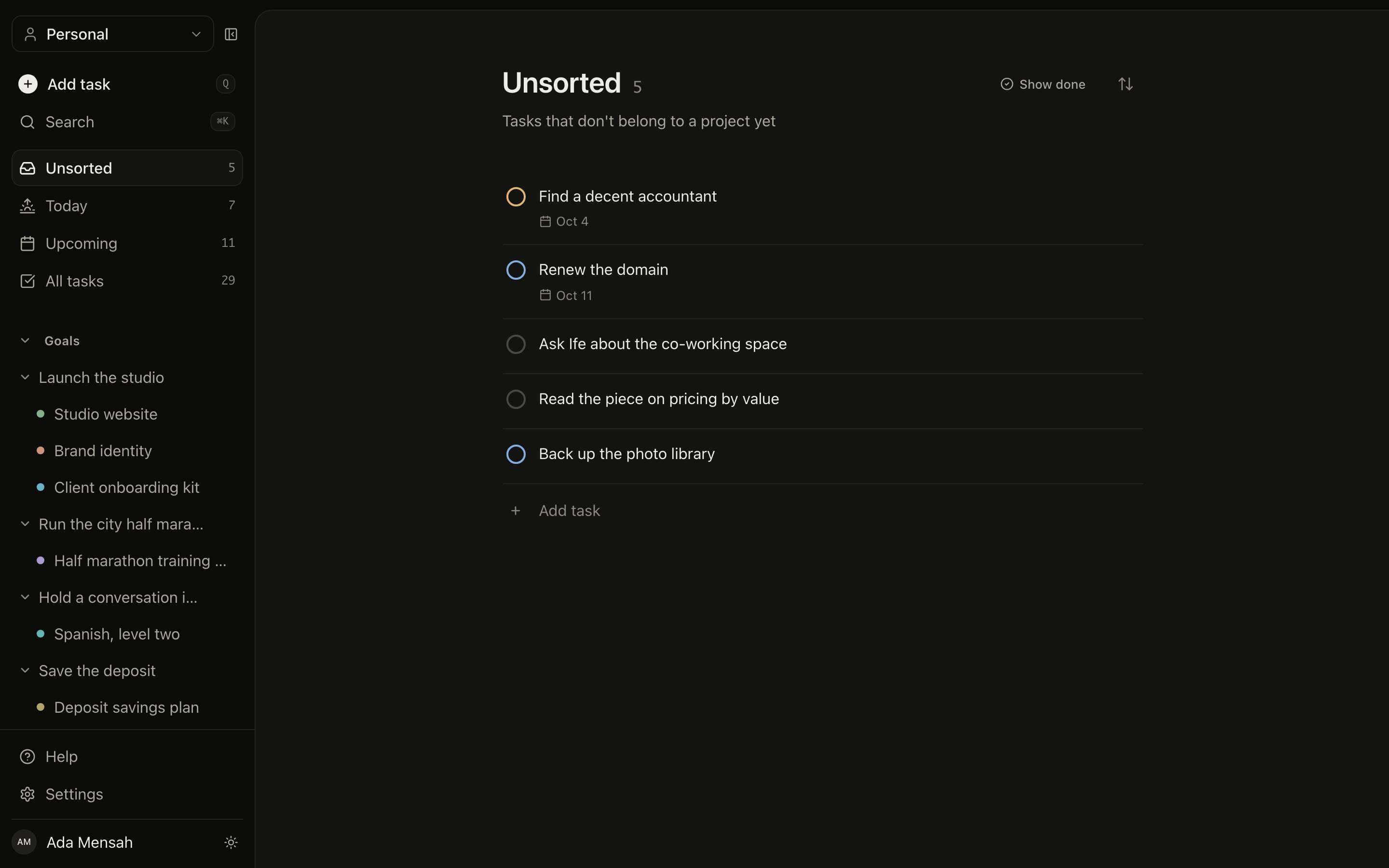
Unsorted
Everything you captured but have not filed. Give a task a project and it leaves. This list is meant to reach zero.
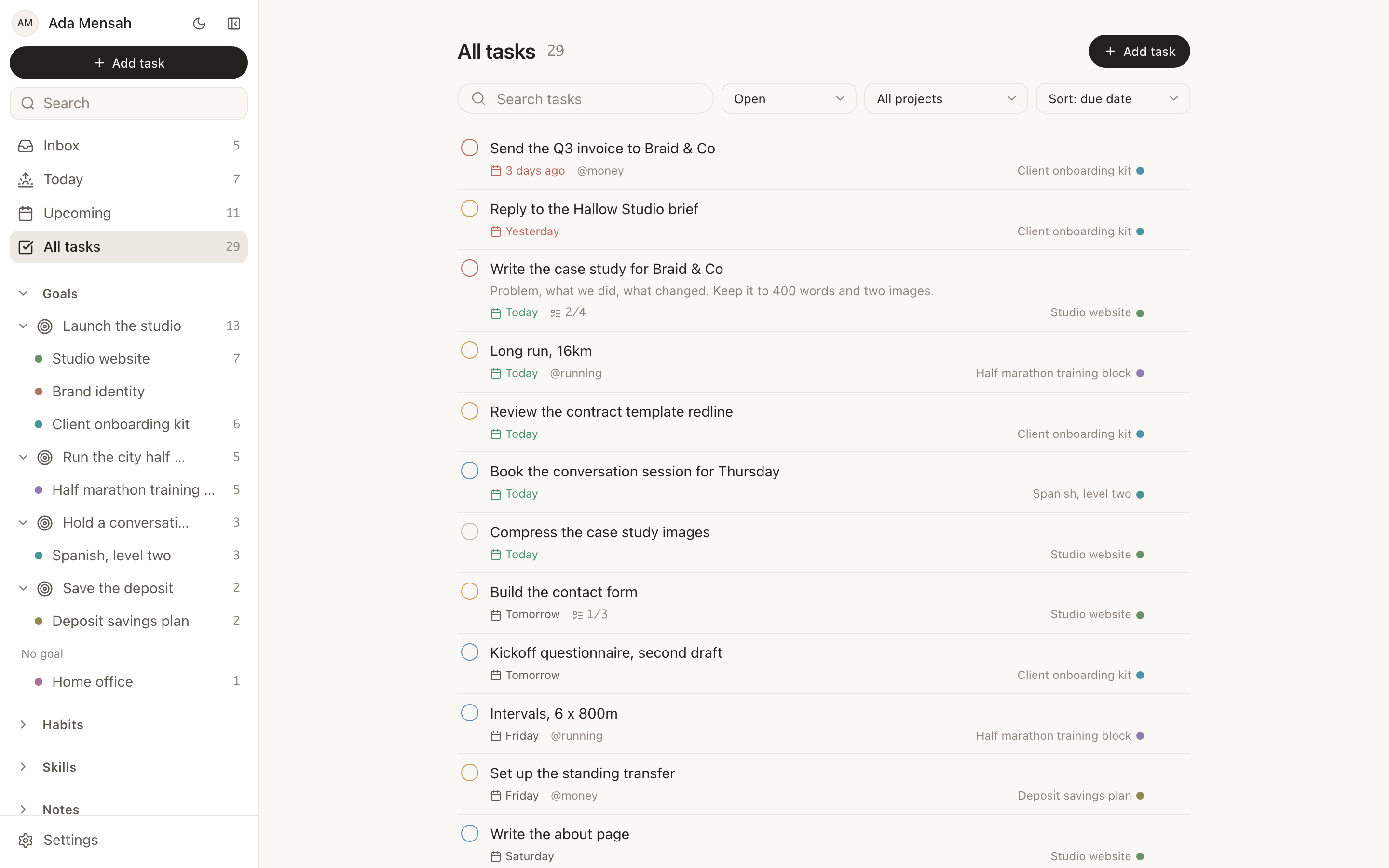
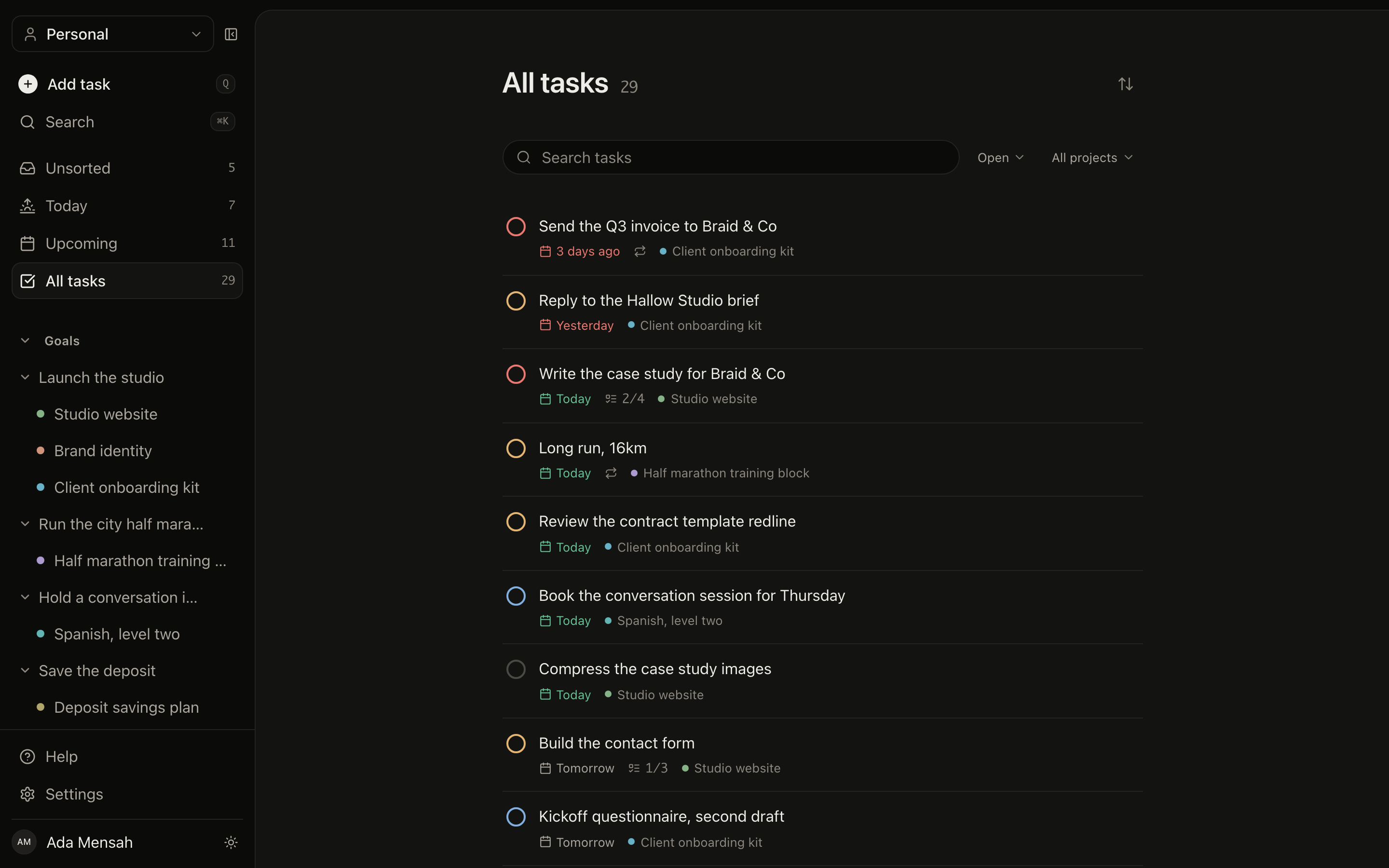
All tasks
Every task in one list, sorted by due date, priority, project or name.
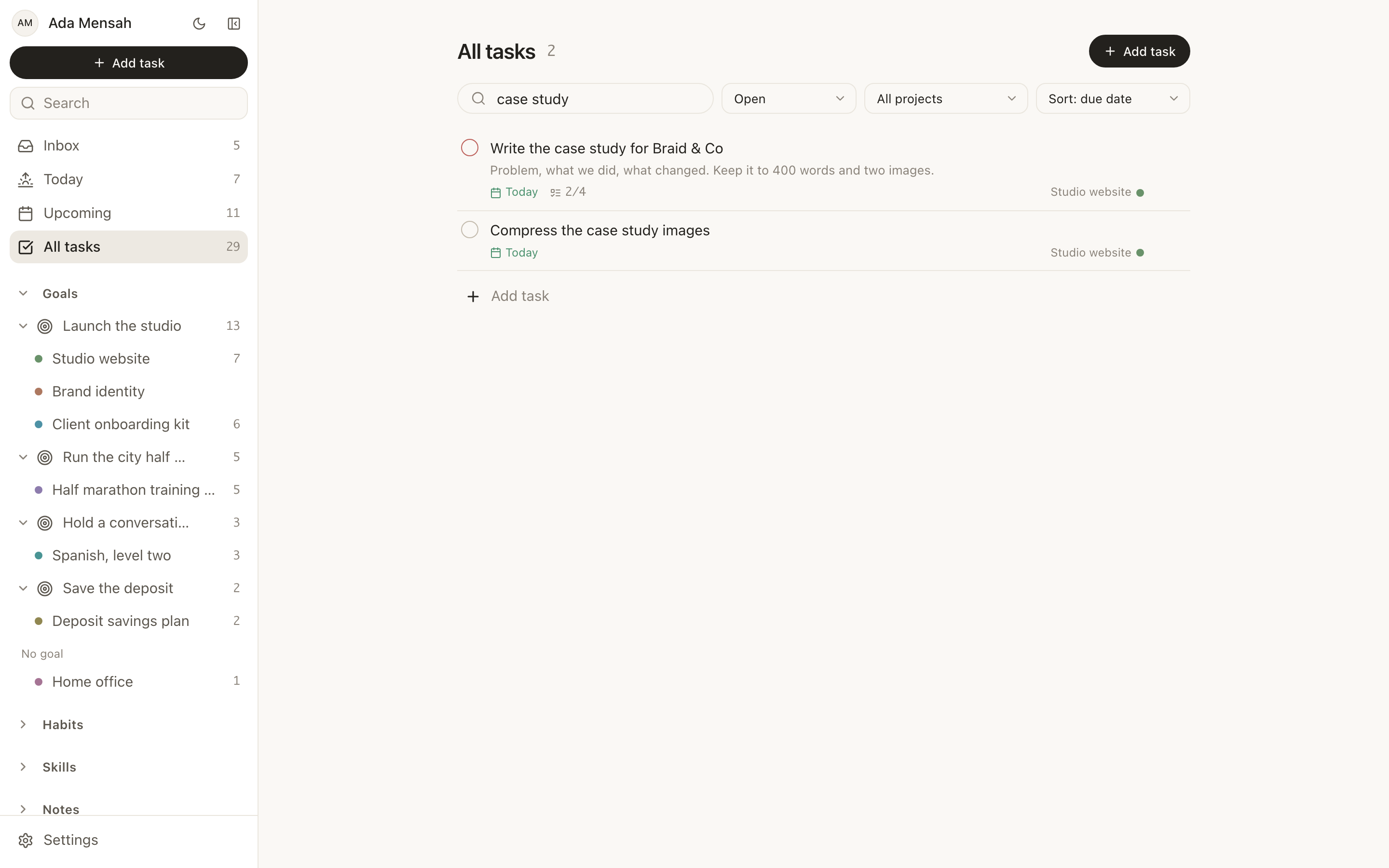
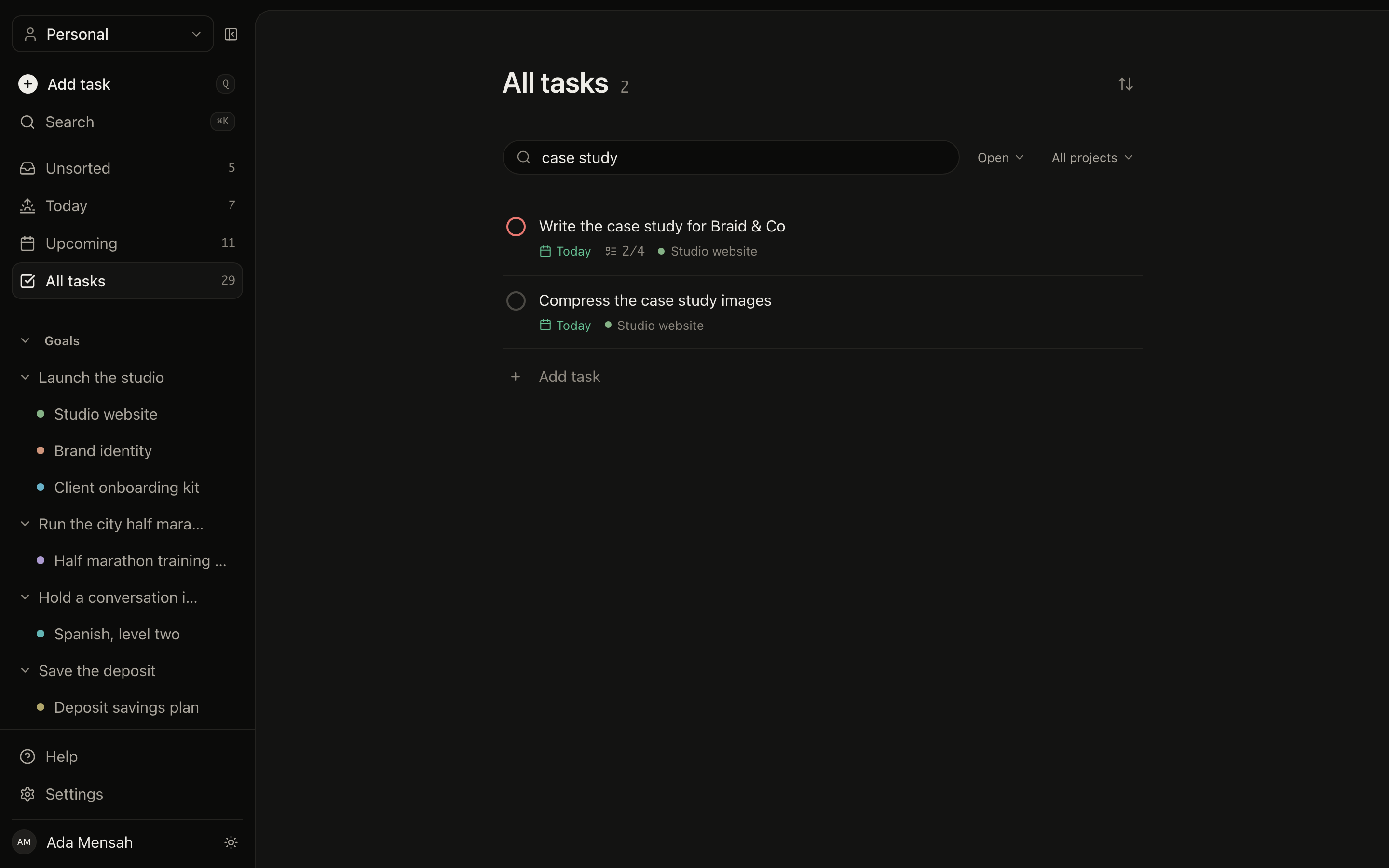
Filtering the list
Search, status and project sit above the same list, so narrowing down never means leaving the page you were on.
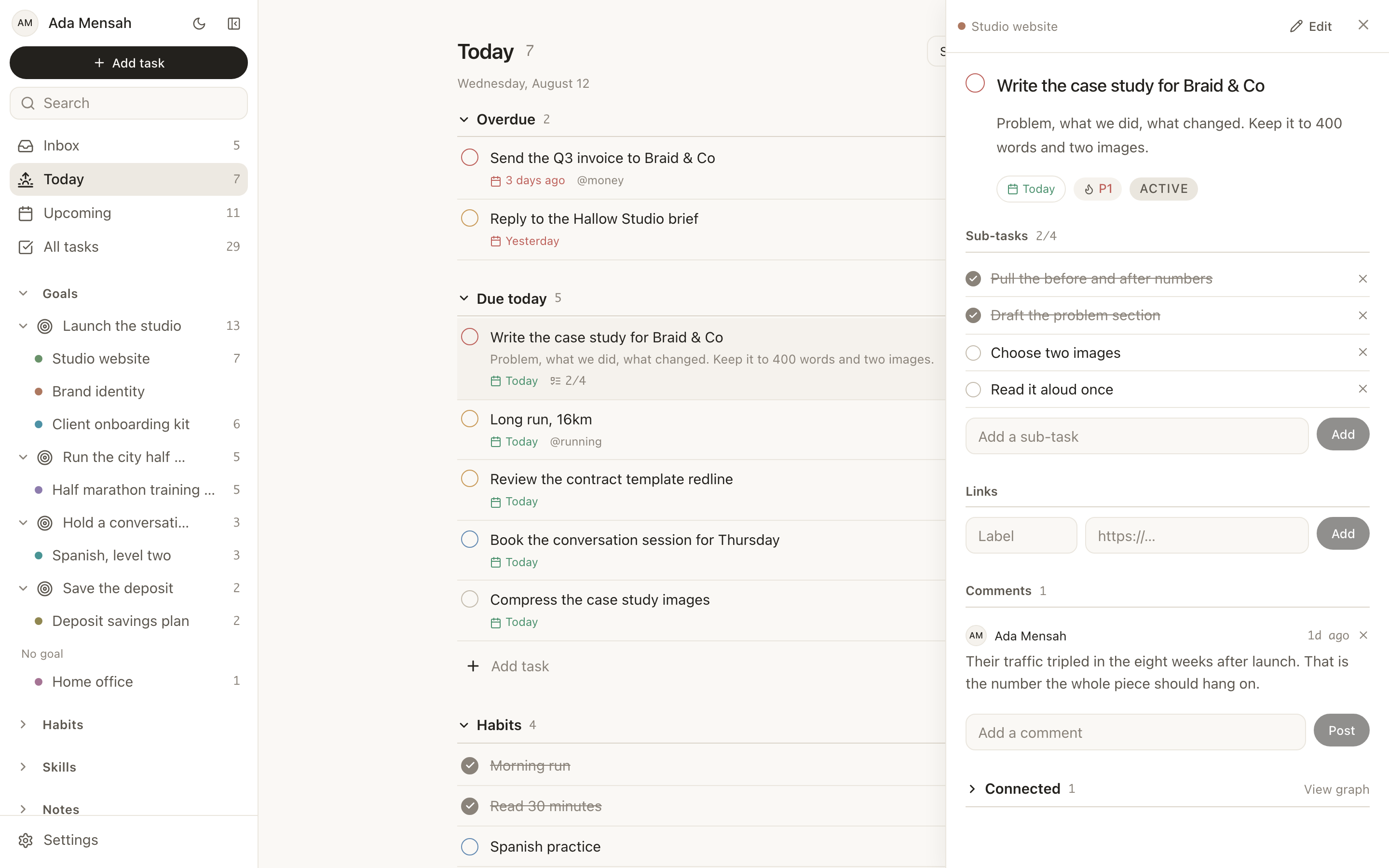
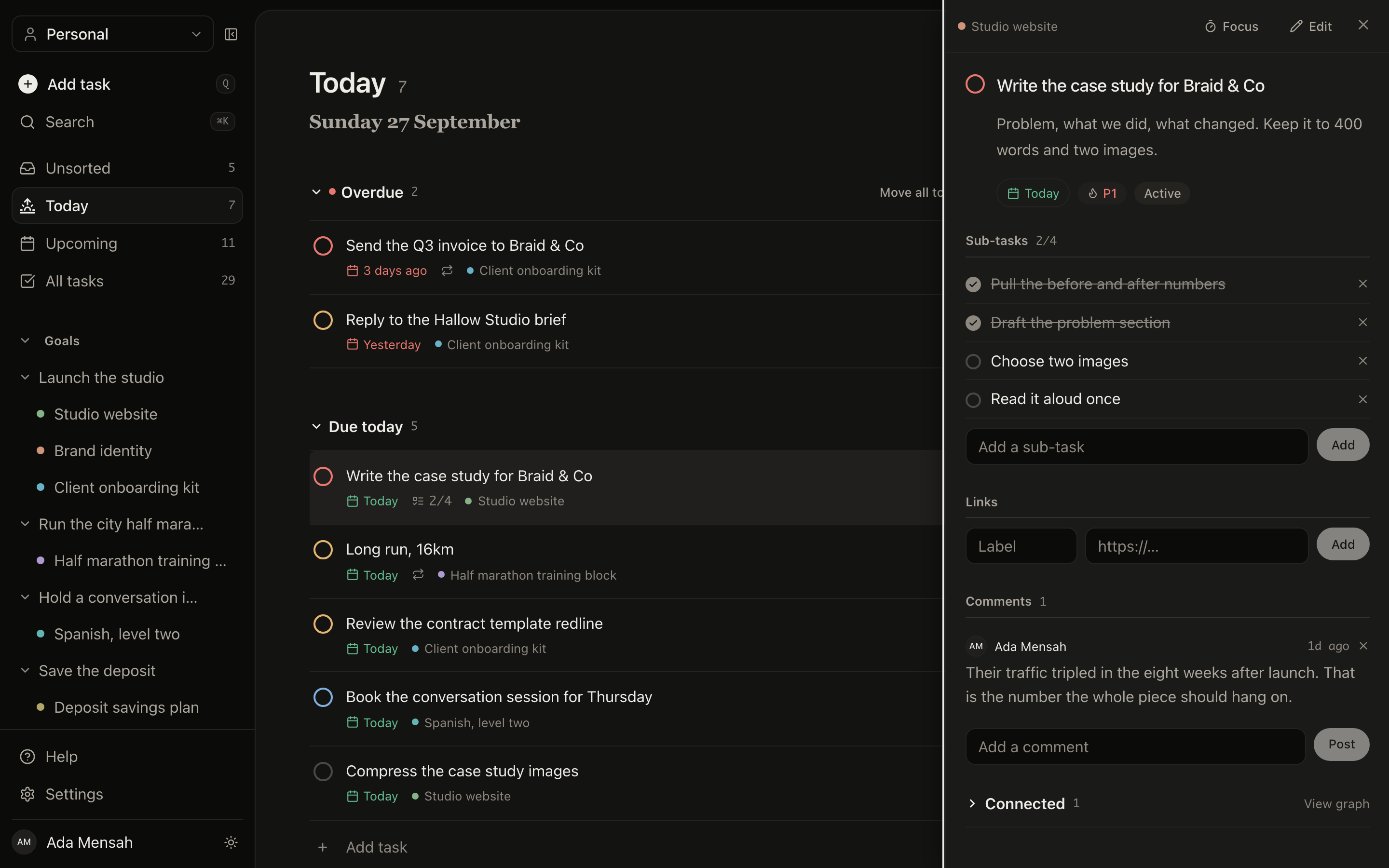
Detail without losing your place
Any task opens as a panel over the list it came from. Working through a batch never resets your scroll.
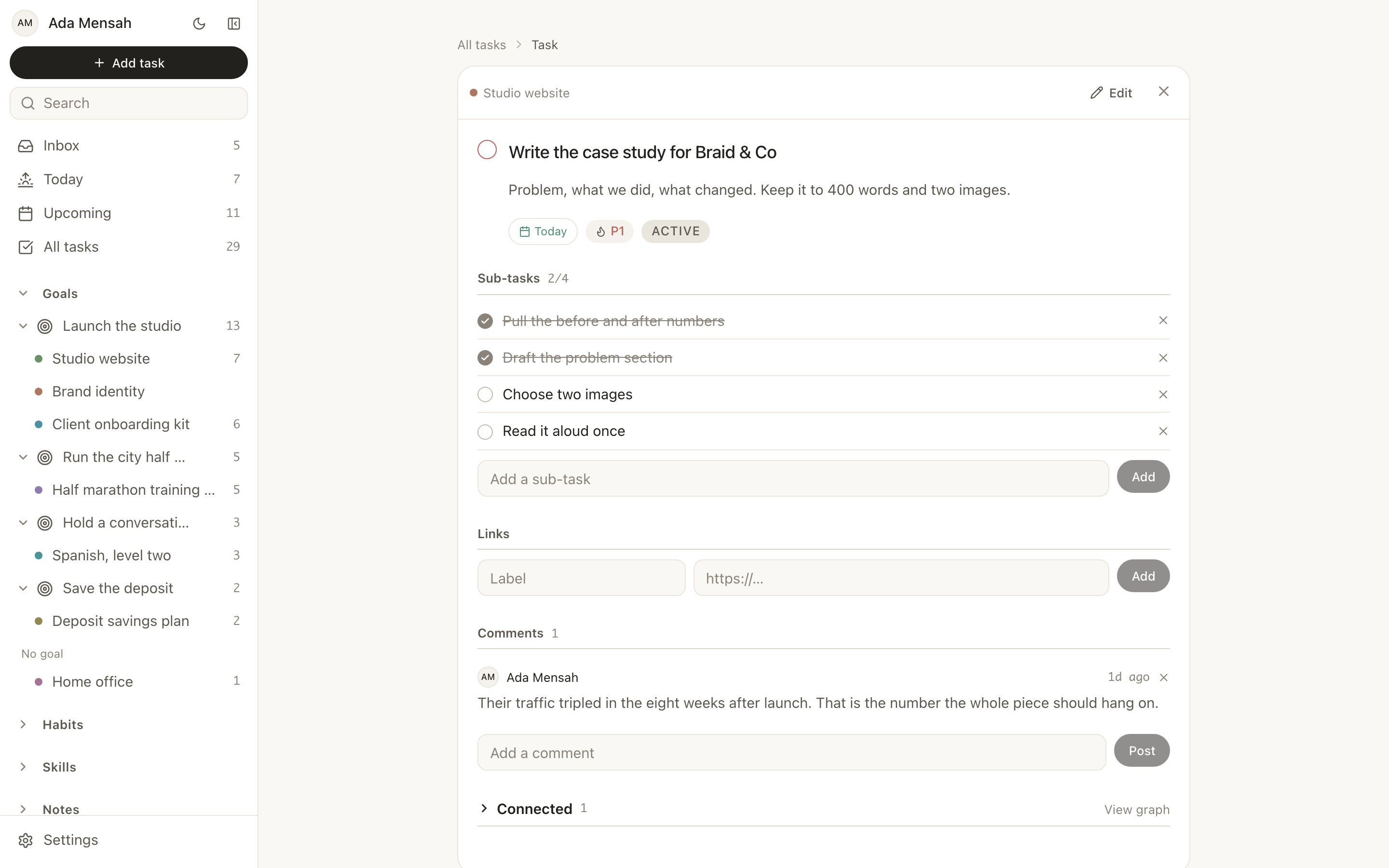
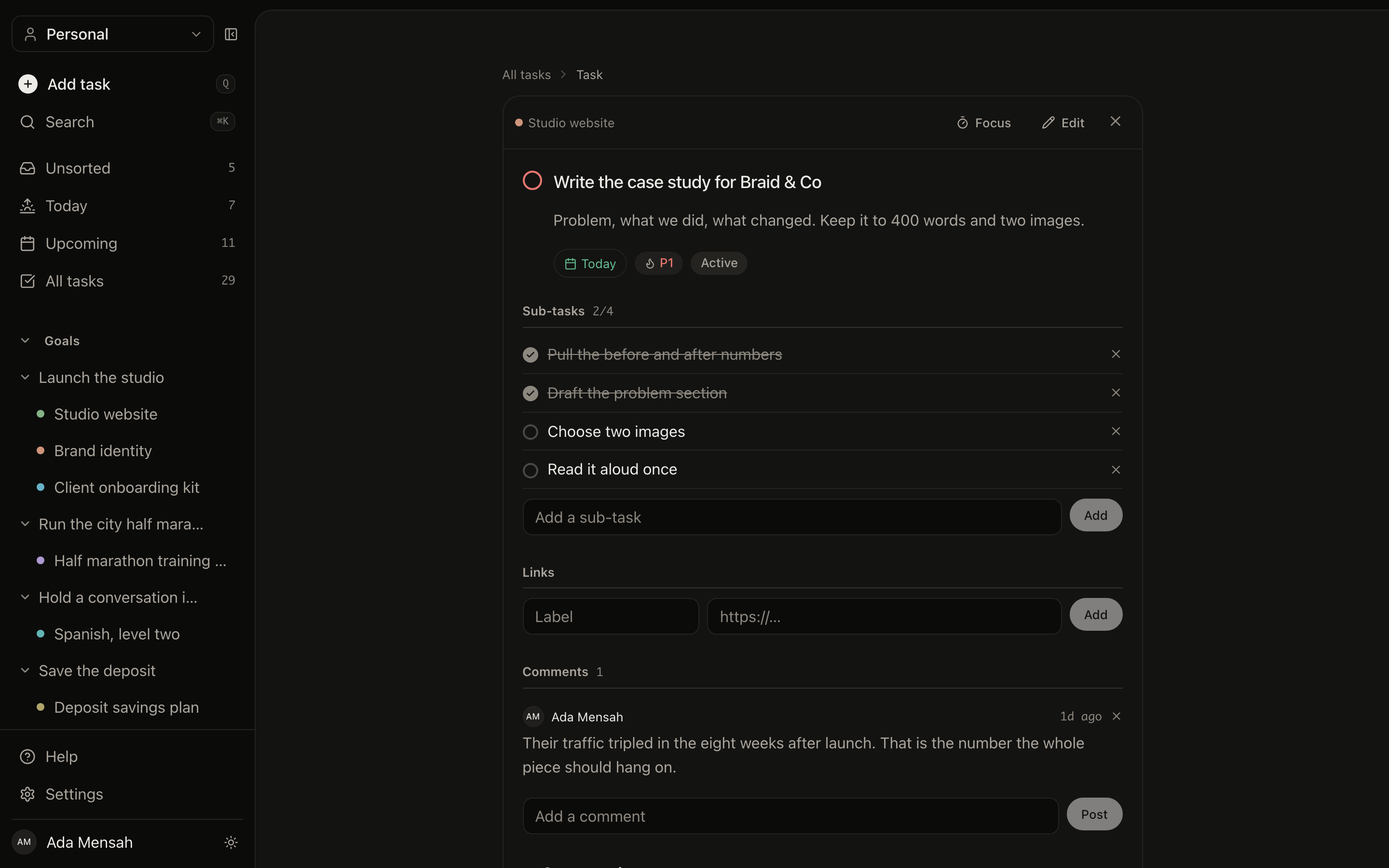
A task in full
Subtasks, comments, estimates, tags and the project it belongs to, on its own page, so it can be linked to.
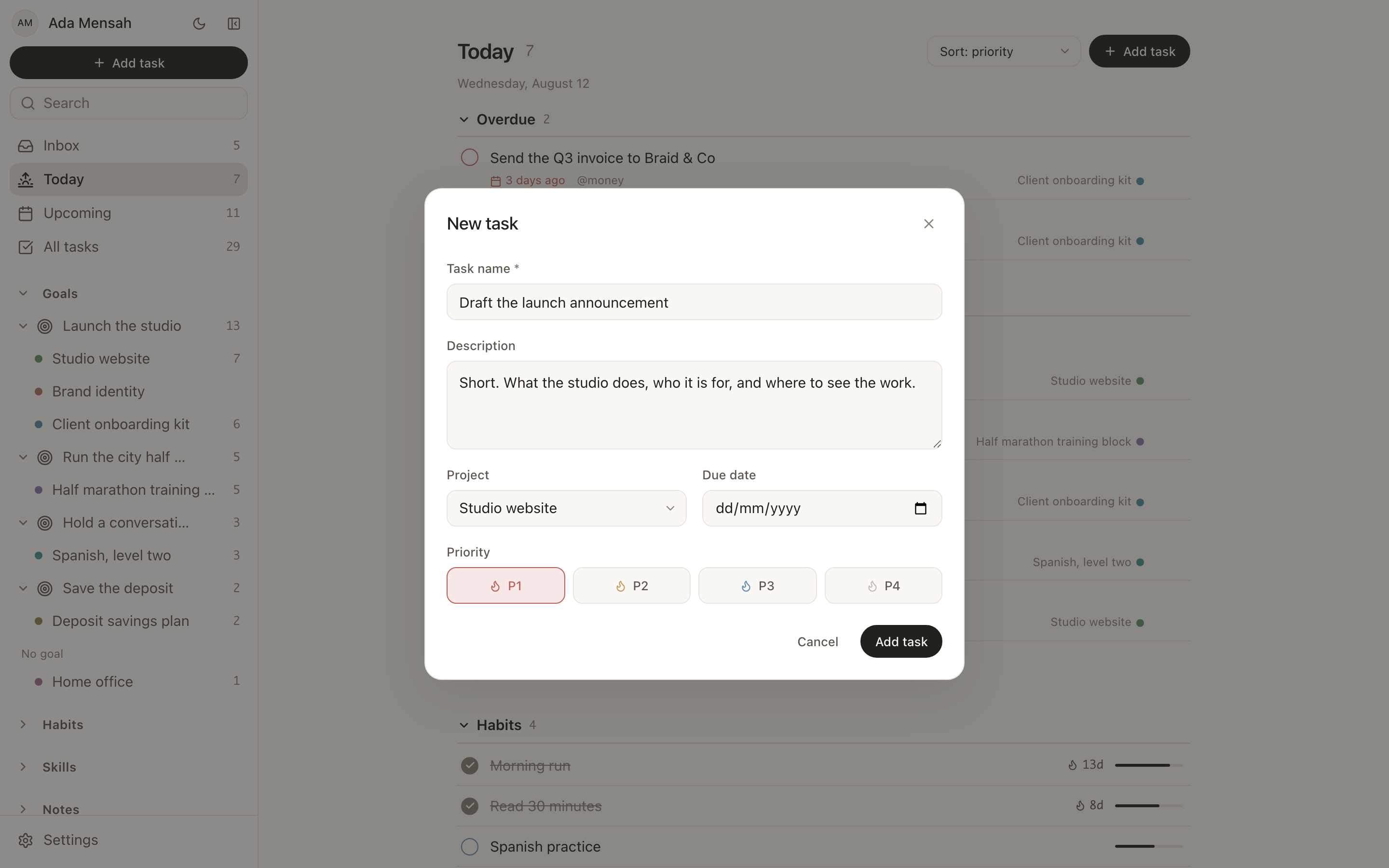
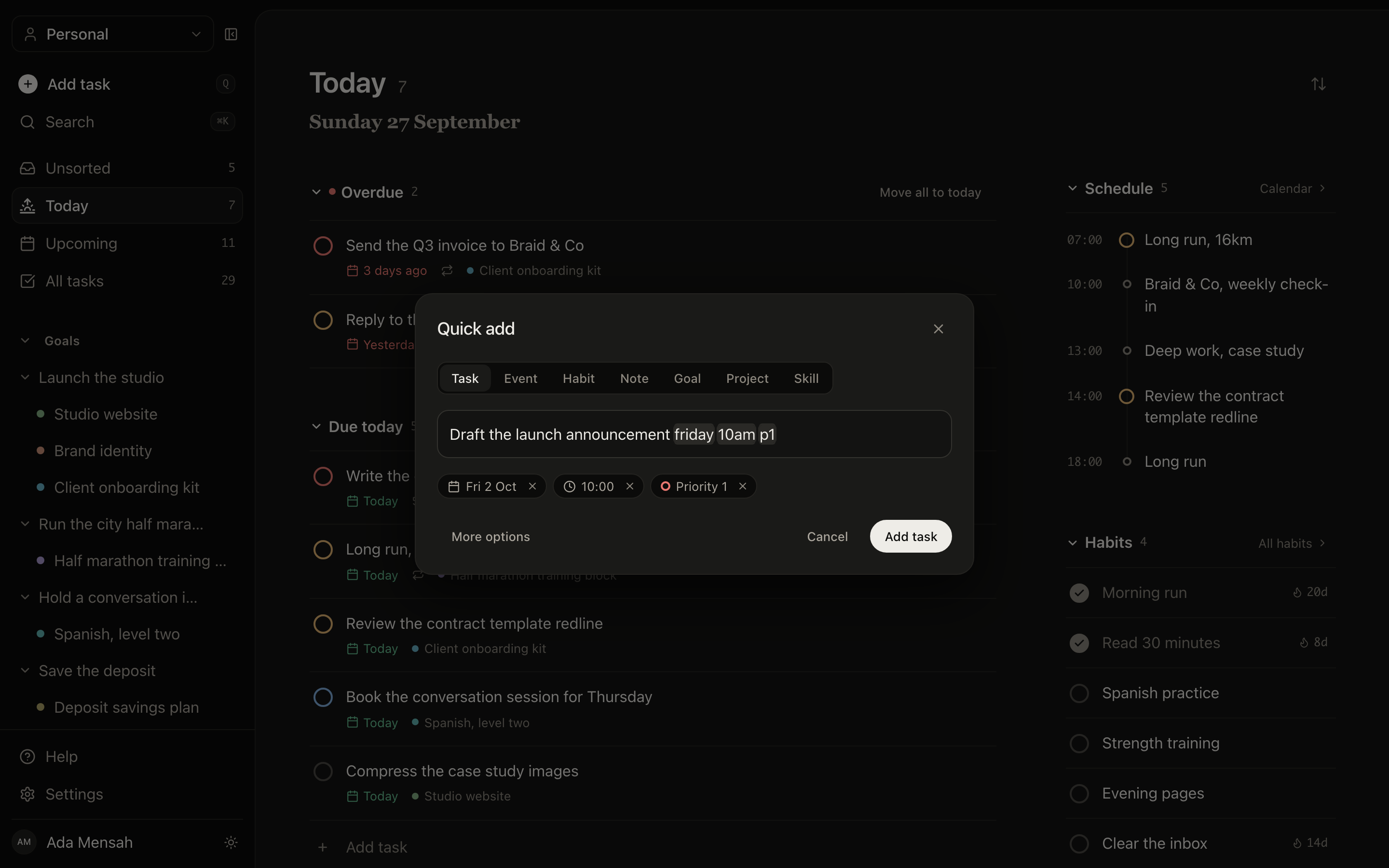
Adding a task
Every record type has a visible button and a real form. Nothing is inferred from a sentence you typed and hoped it understood.
Daily work that ladders up to something.
A goal holds projects. A project holds tasks. Progress is not a number you type in. It is computed from work you actually finished.
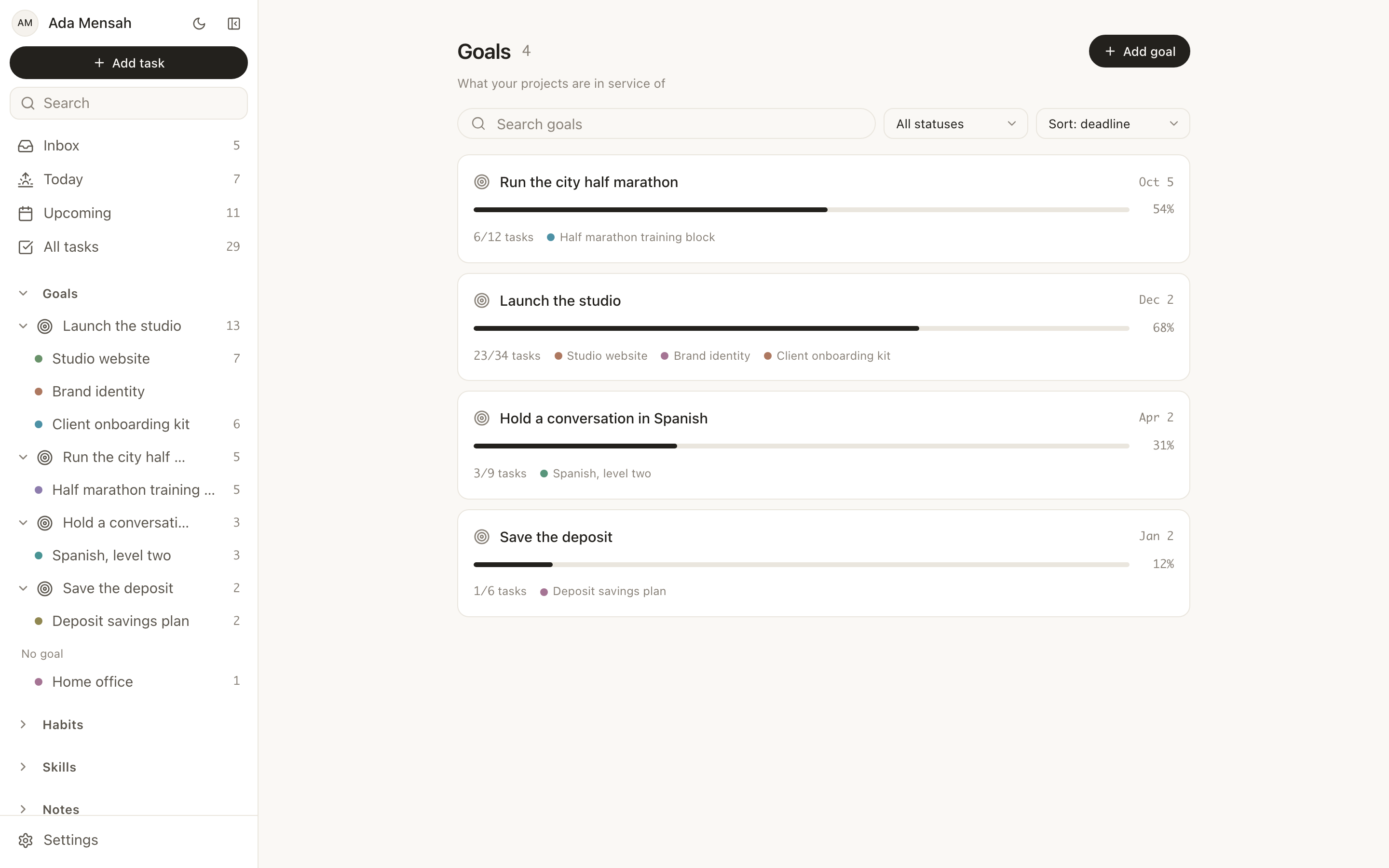
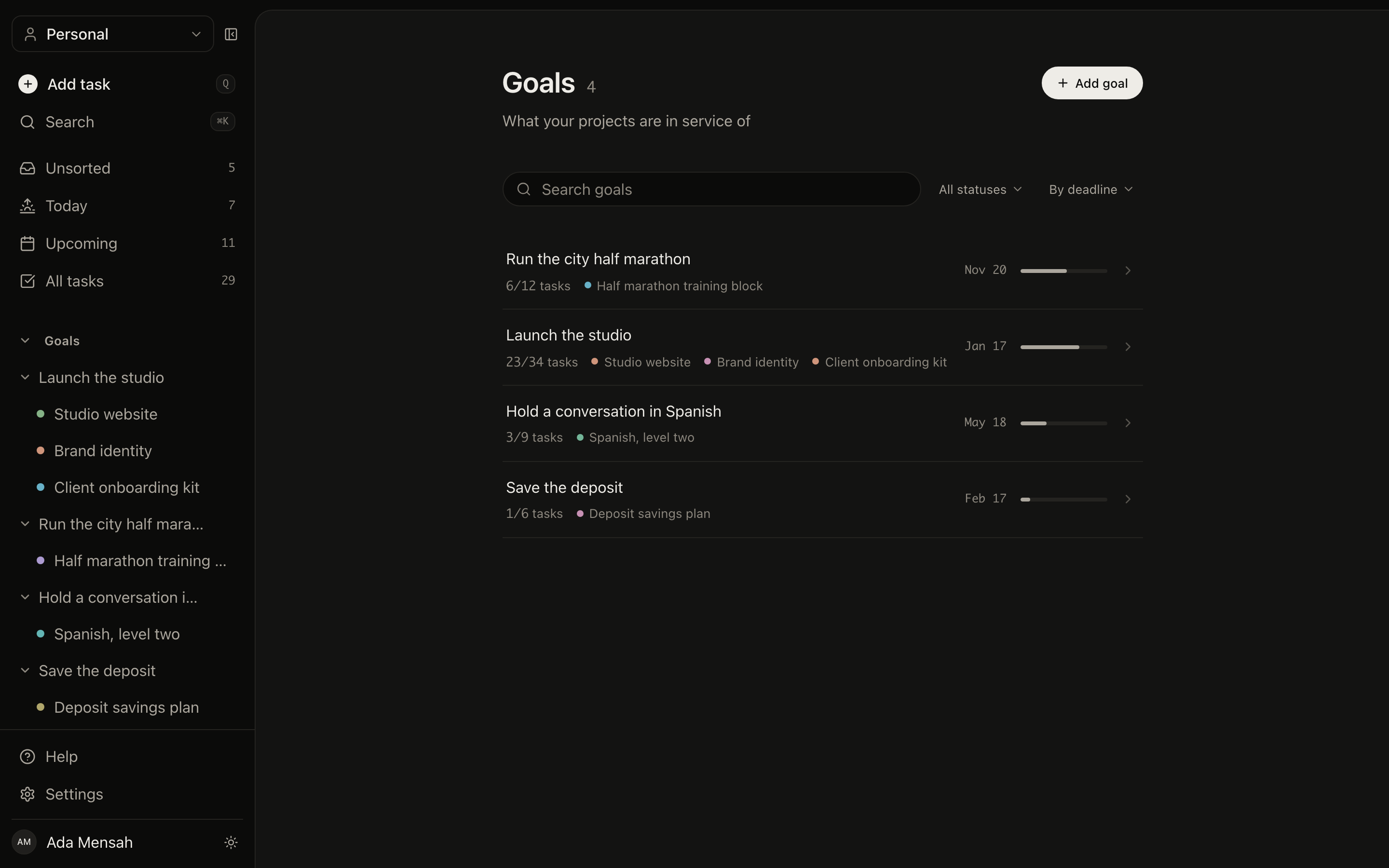
Goals
The top of the ladder: what you are actually trying to do, each with a category, a priority, a target date and real progress.
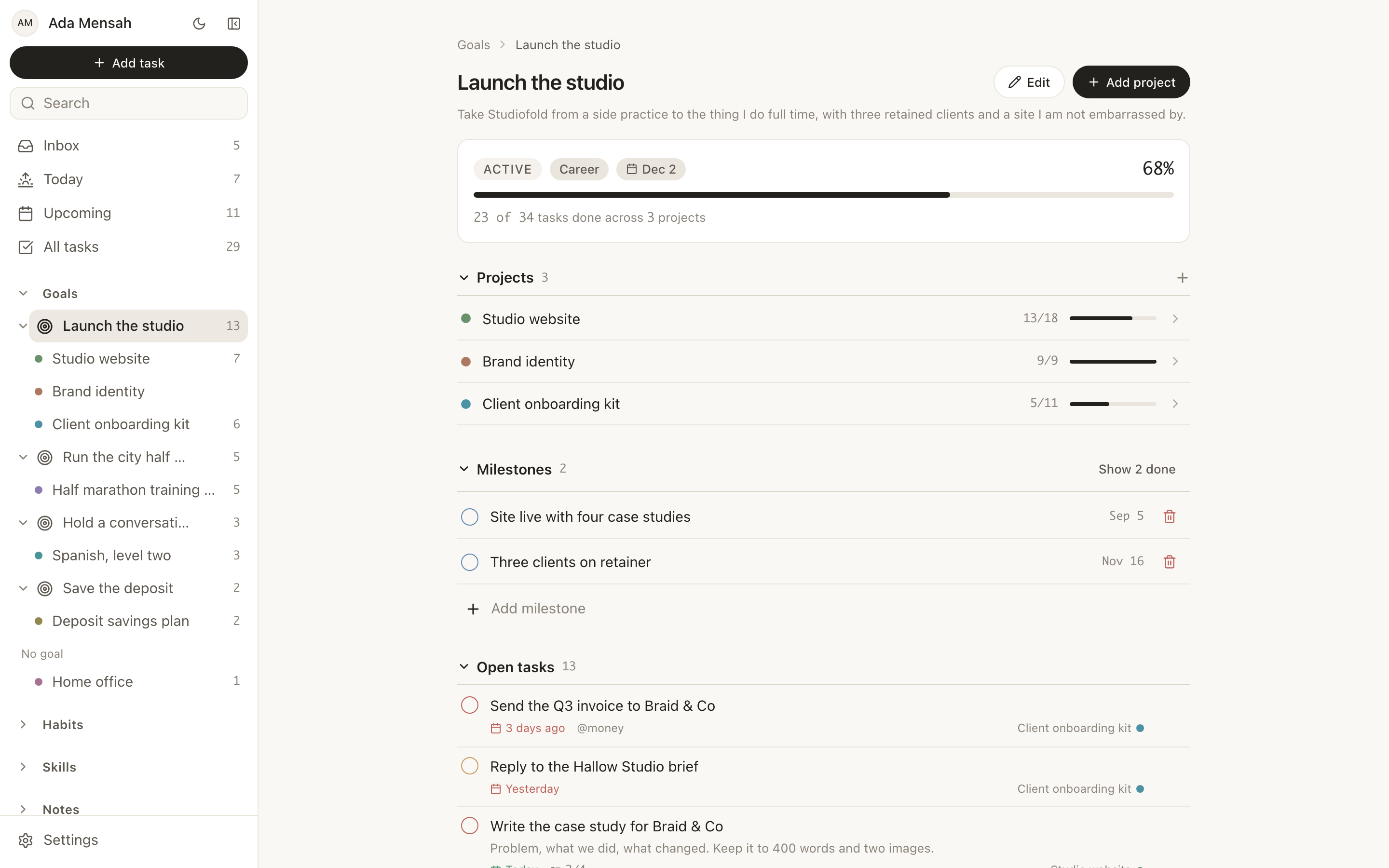
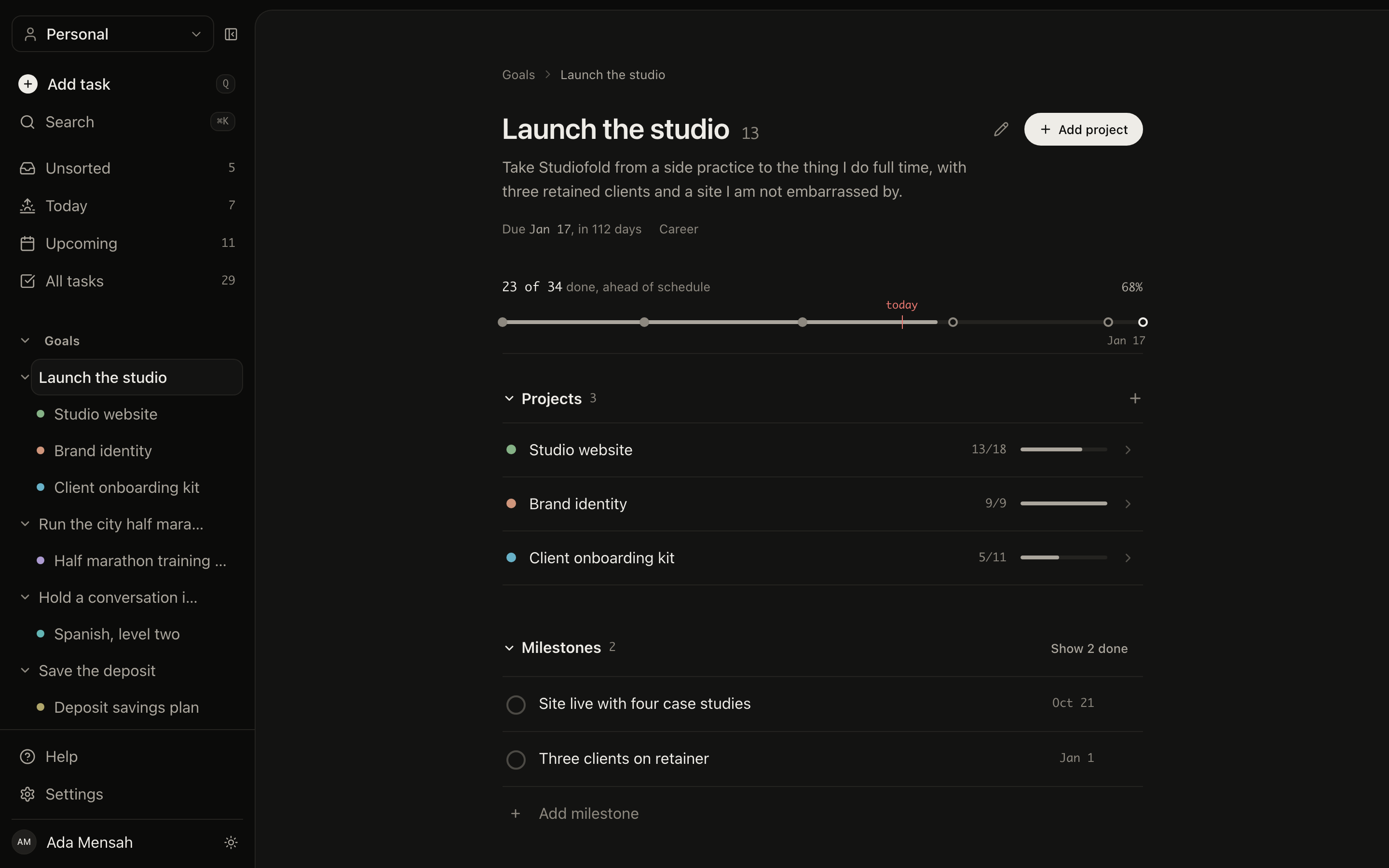
Inside a goal
Milestones, the projects moving it forward, its open tasks, and a feed of everything that has changed.
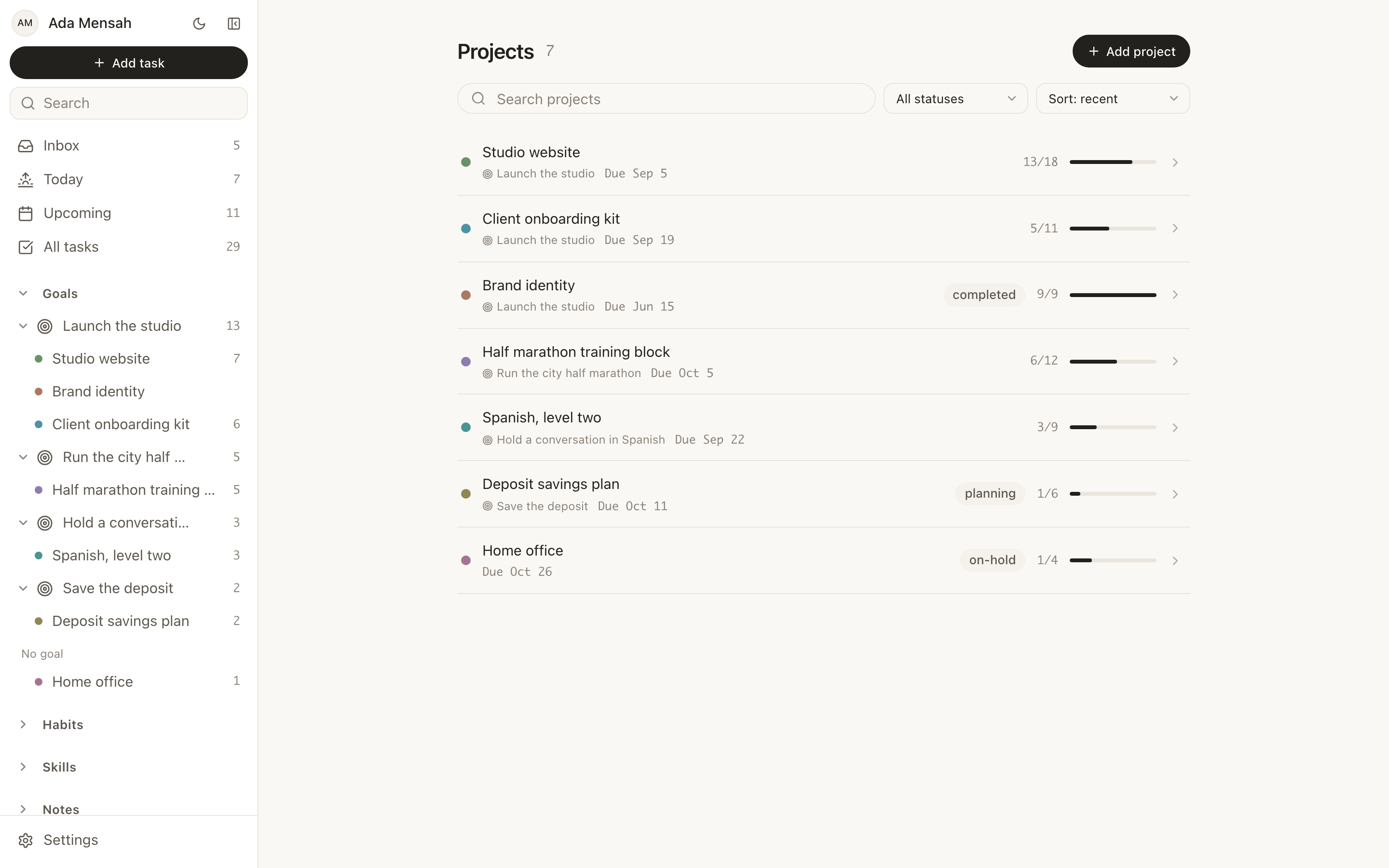
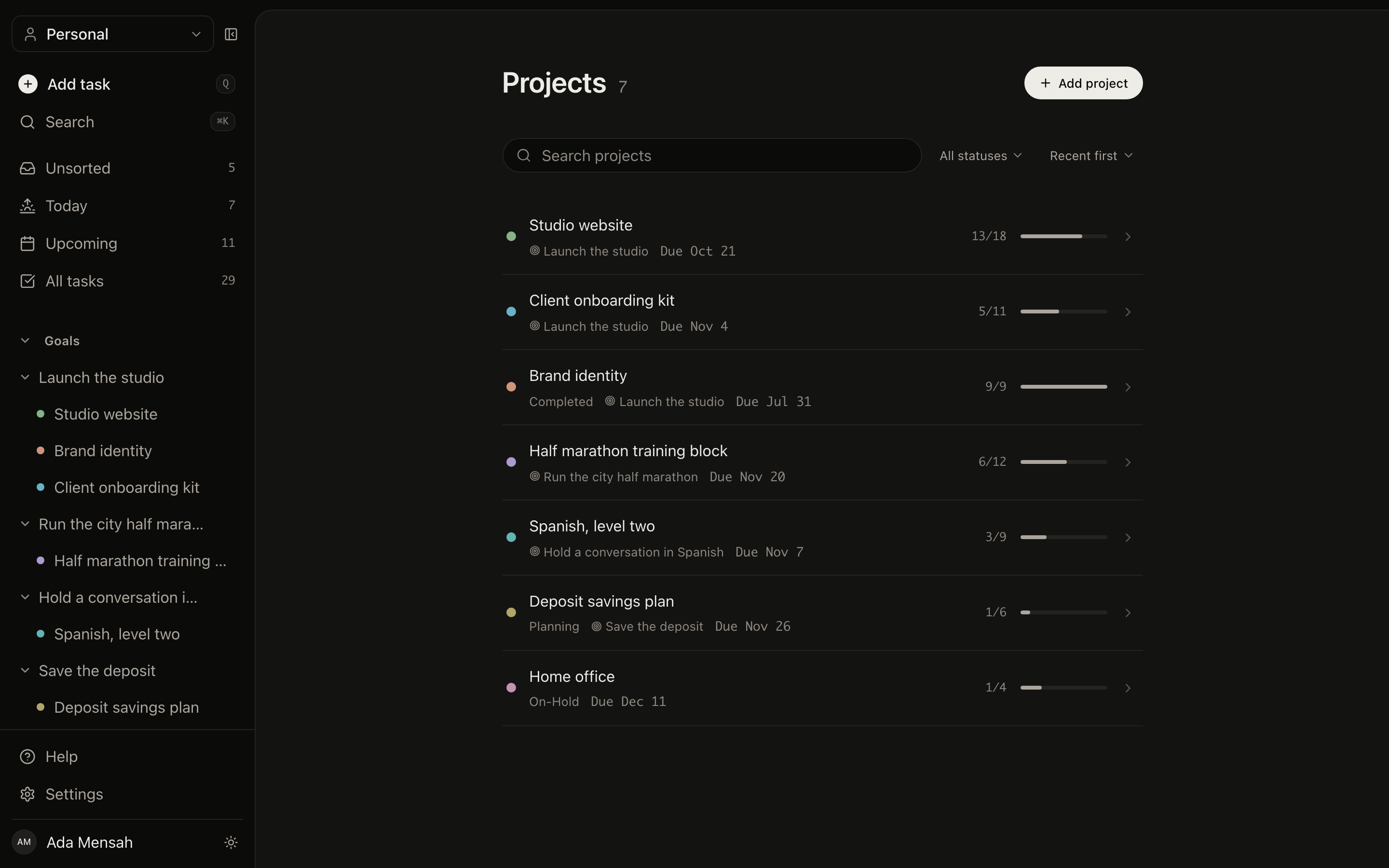
Projects
Planning, active, on hold or completed, with deadlines, task counts and the goal each one serves.
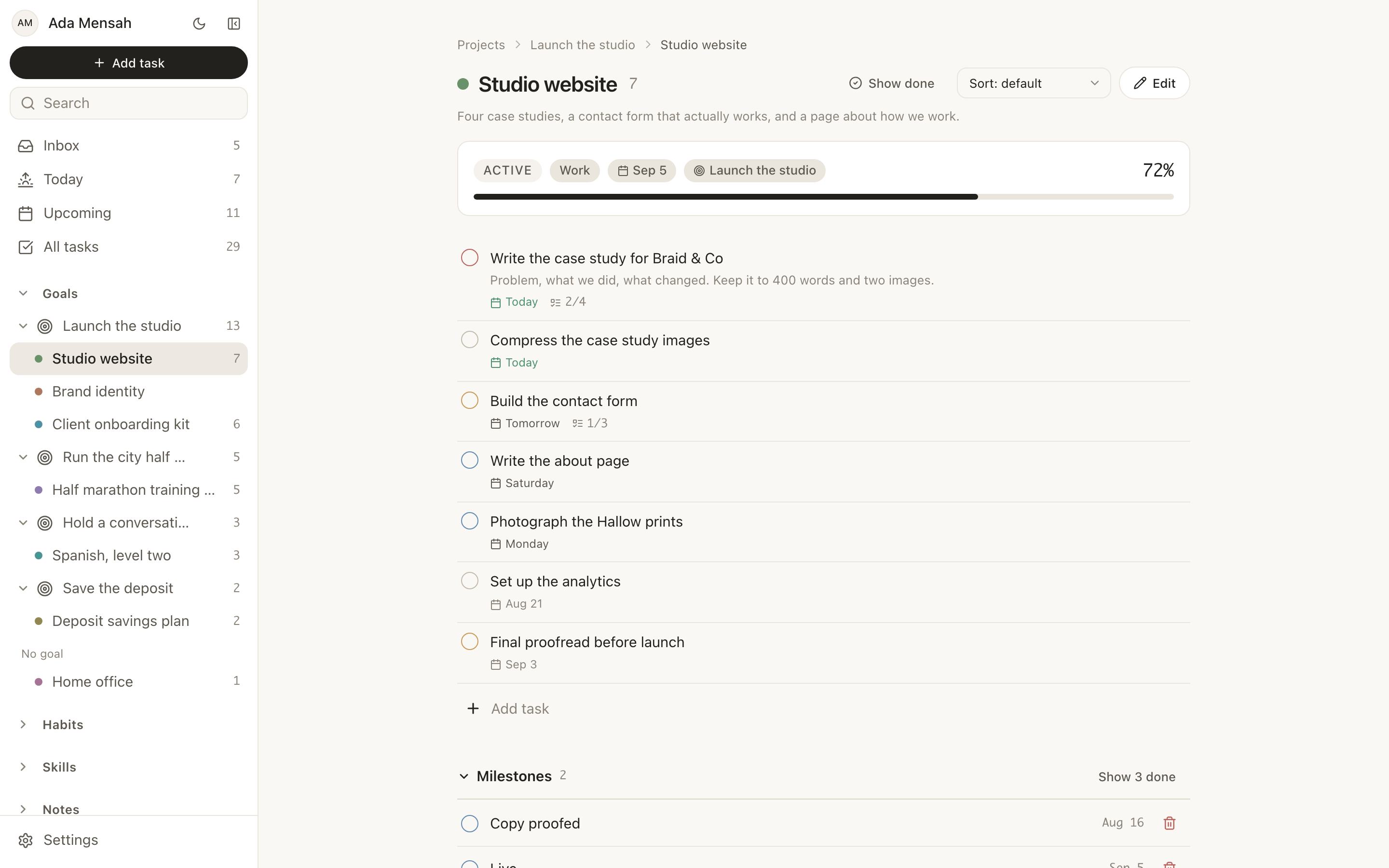
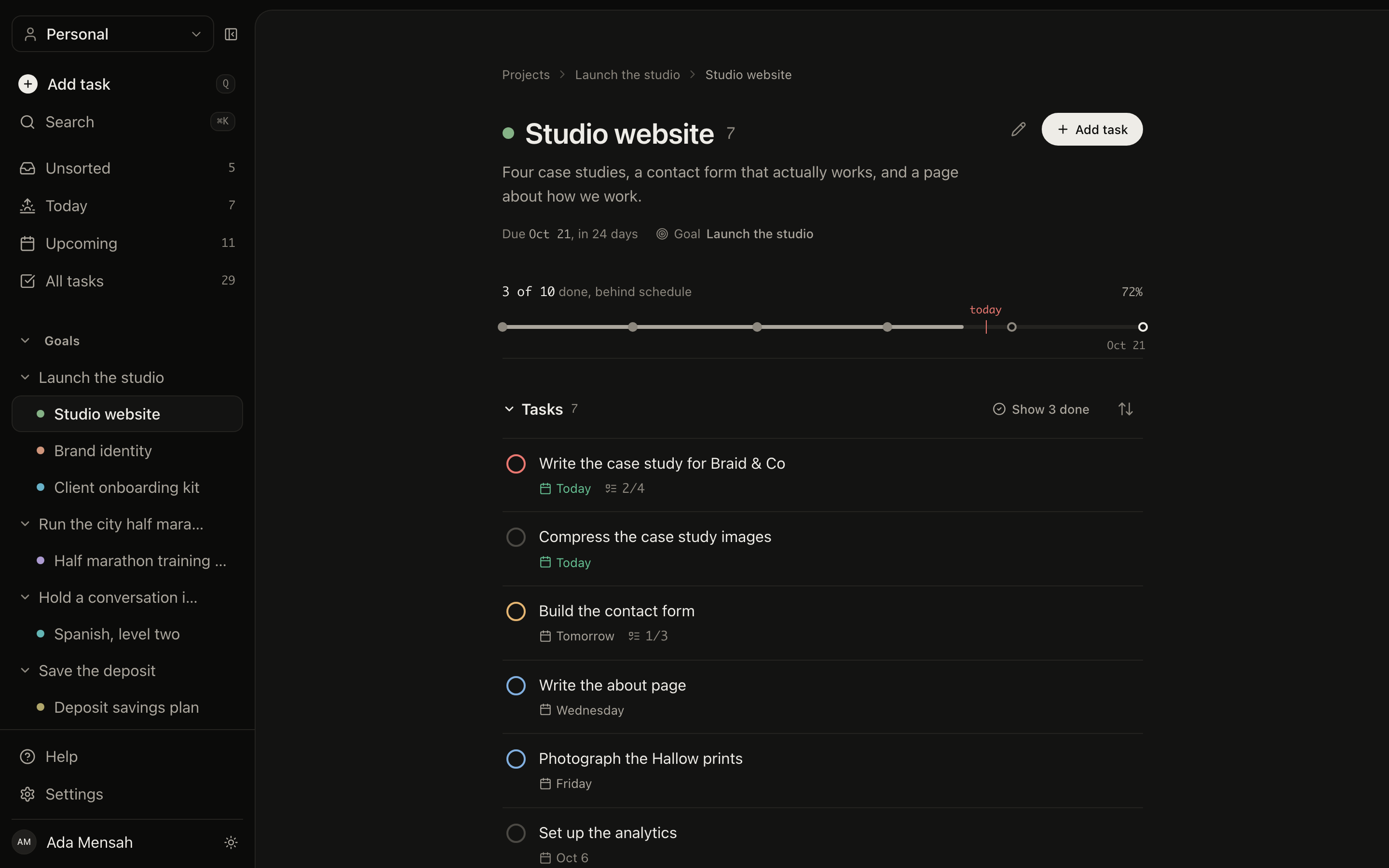
Inside a project
Its task list, its milestones, the goal above it, and the activity log.
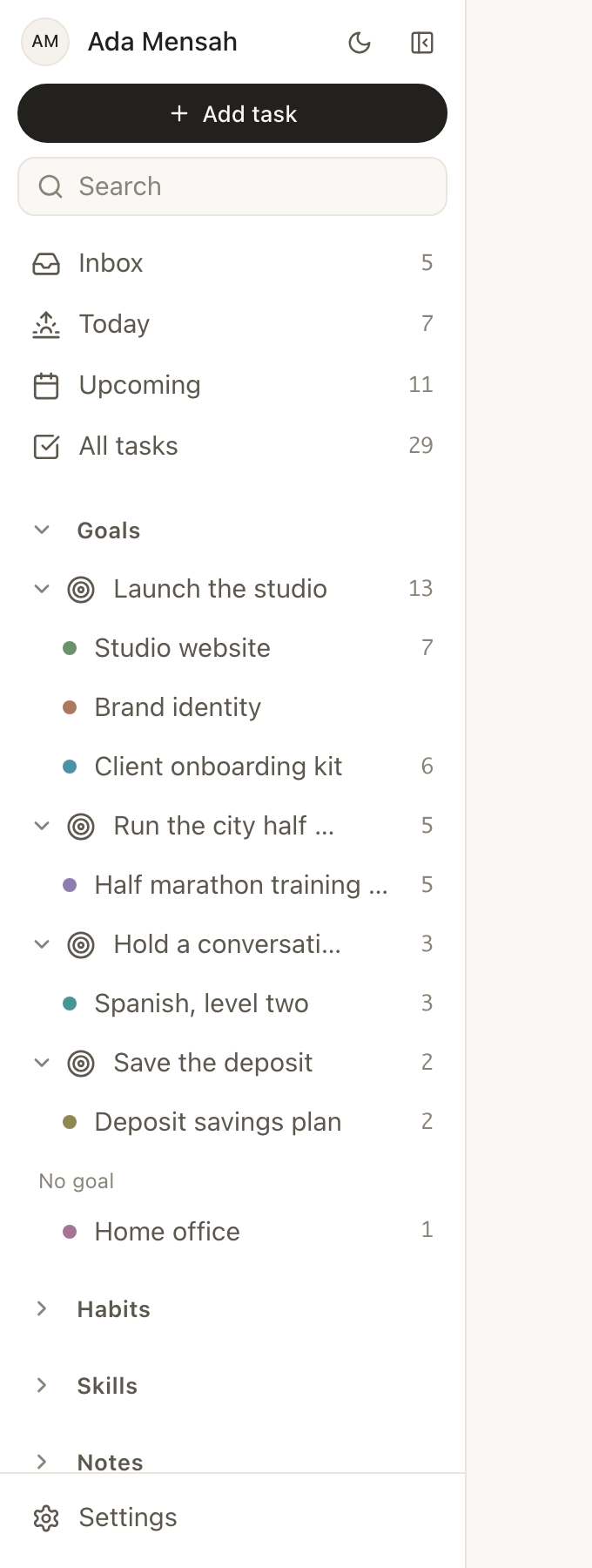
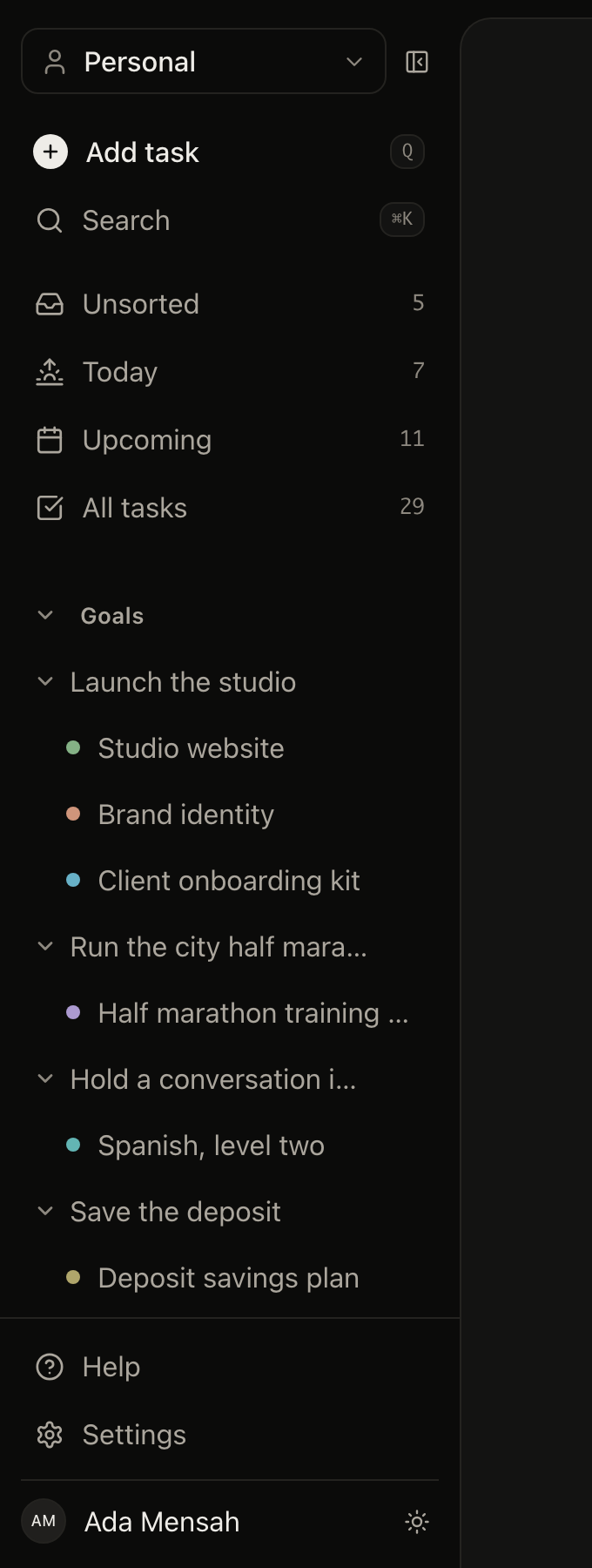
Navigation is the data model
The tree is always there: goals contain projects, projects carry live task counts. Nothing is hidden behind a menu.
The things that compound.
Some work is not a task you finish. Habits and skills are measured over months, with streaks and strength scores that reward consistency rather than a single good day.
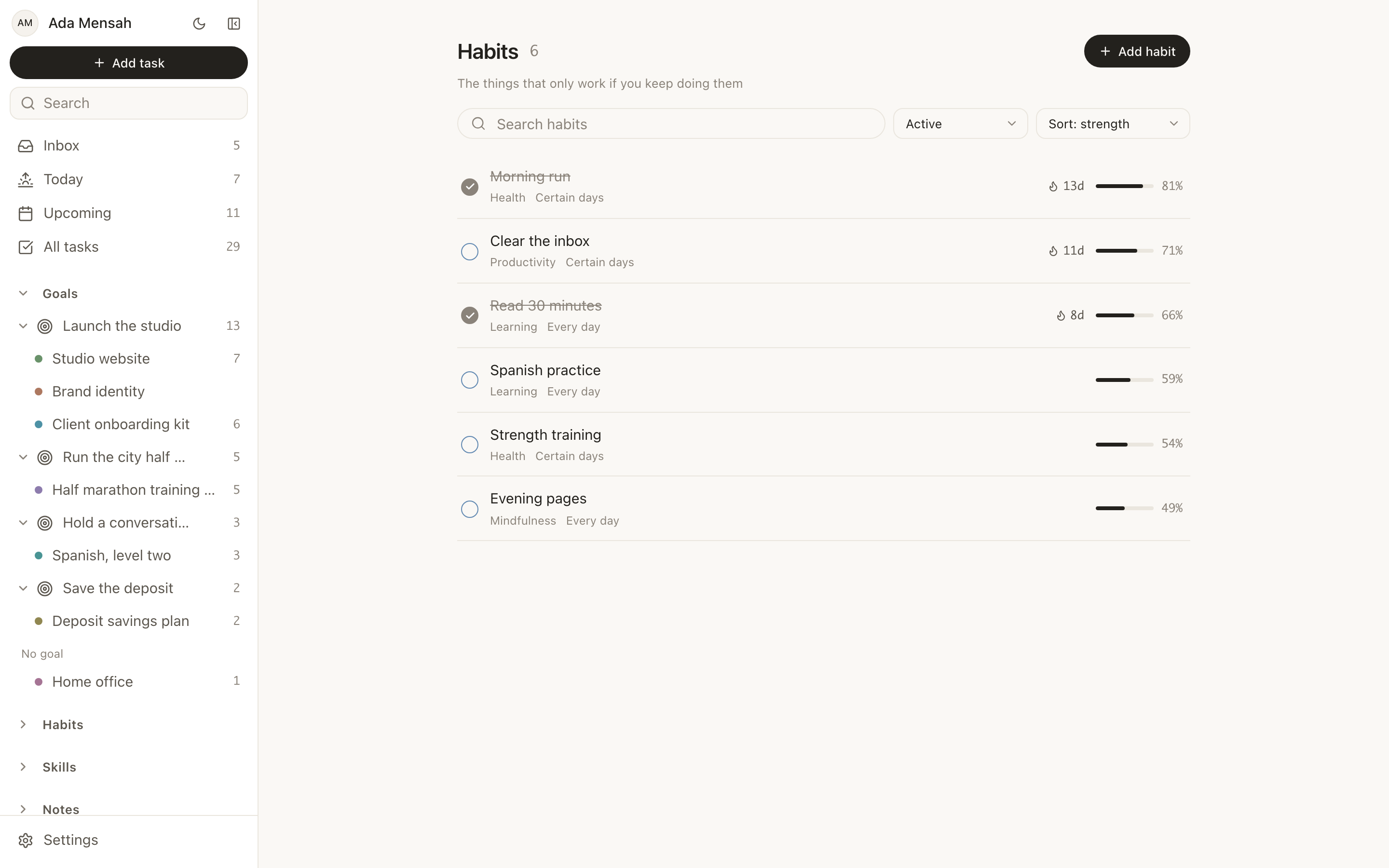
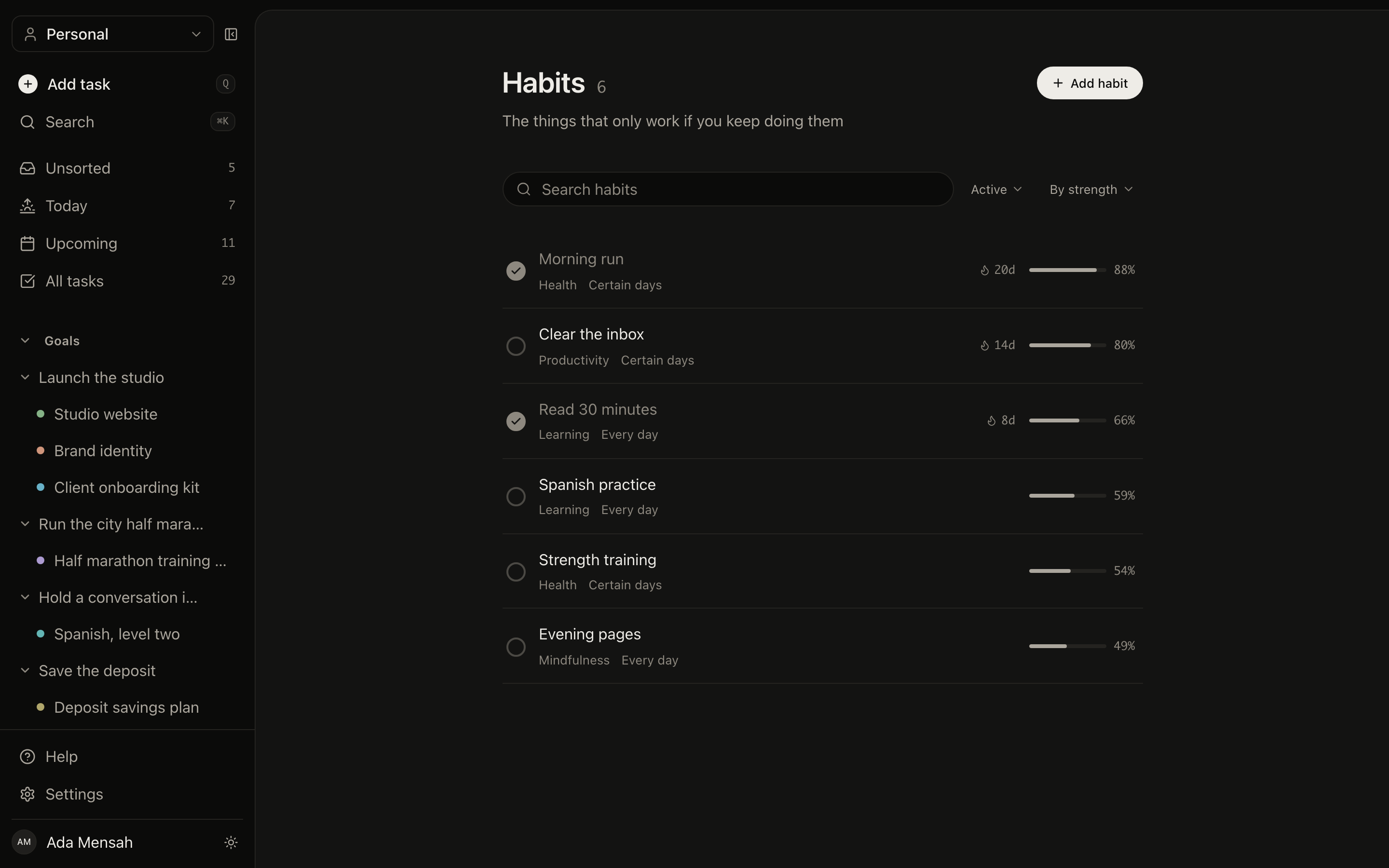
Habits
Daily, weekly or specific days, each with a streak, a strength score and the last seven days at a glance.
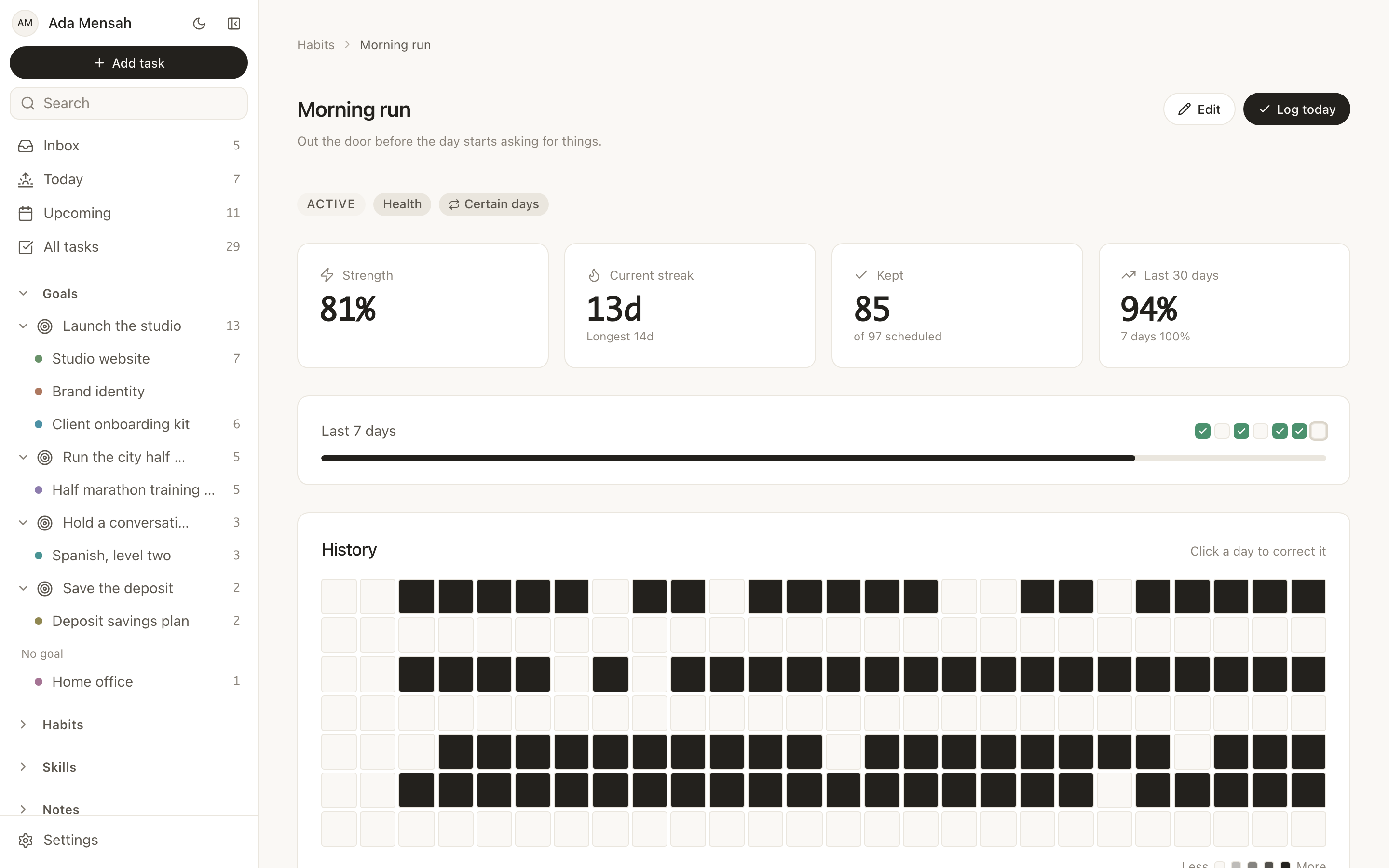
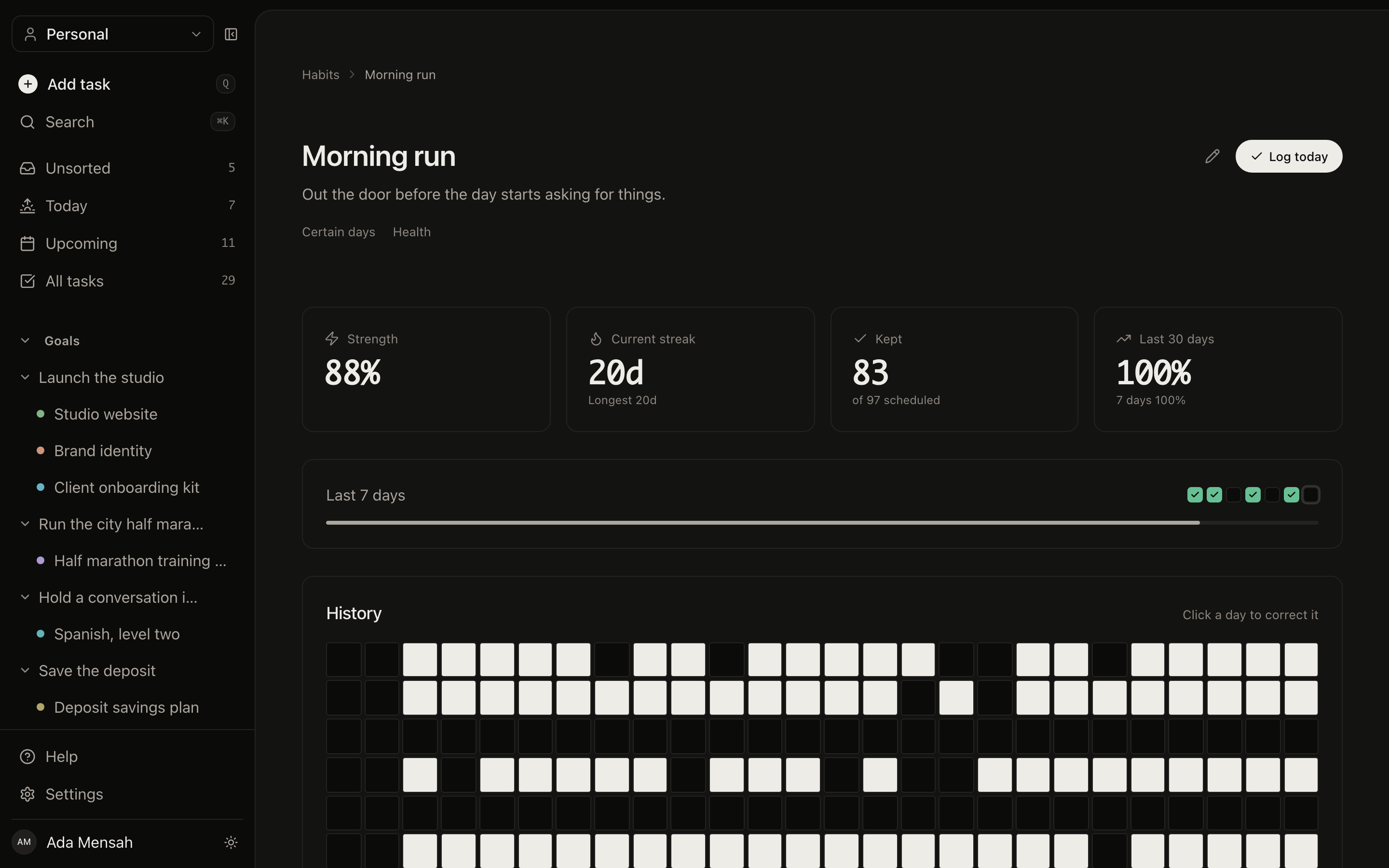
A habit over a year
A contribution graph you can correct: click any day you kept but forgot to tick, and the streak recalculates.
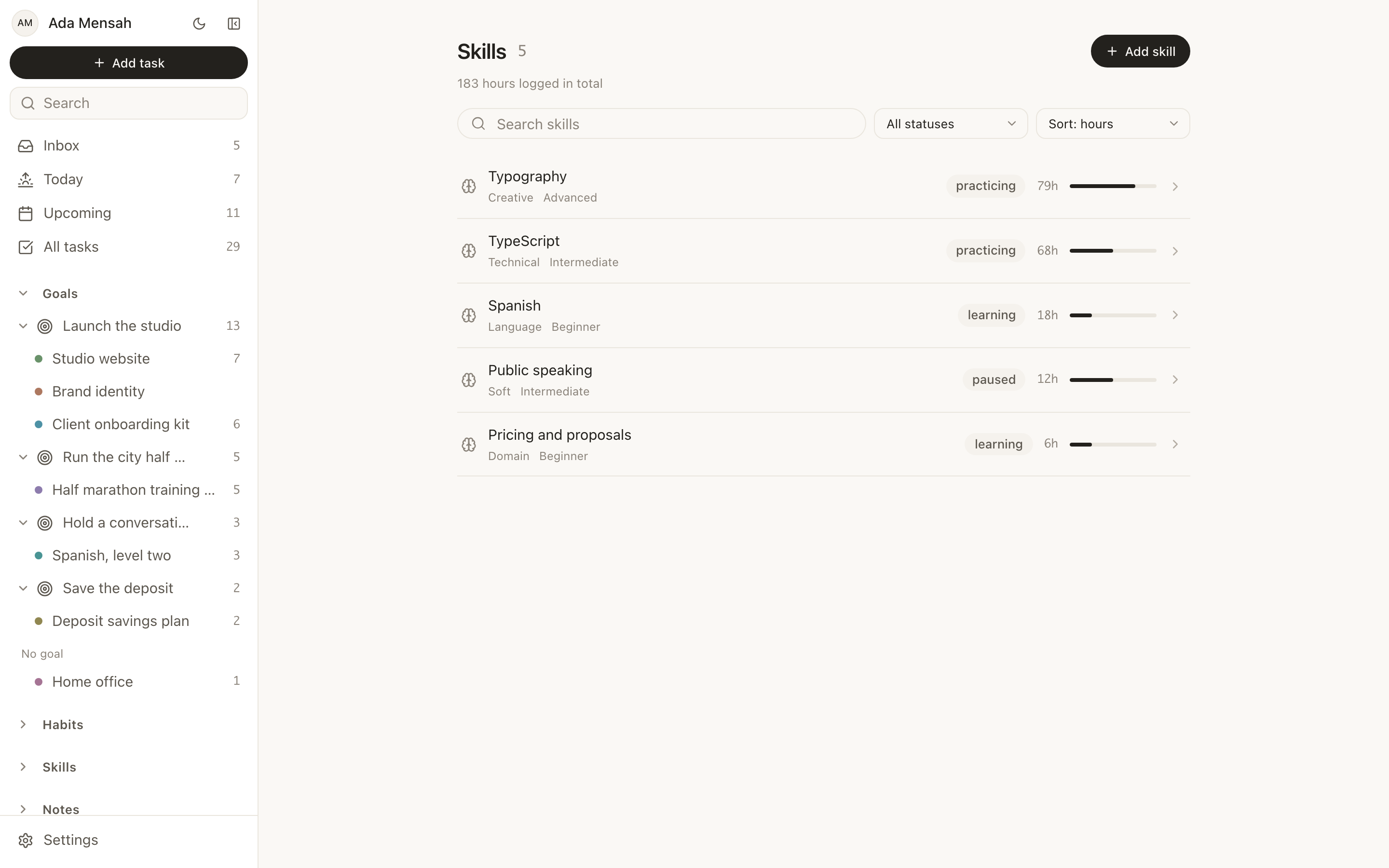
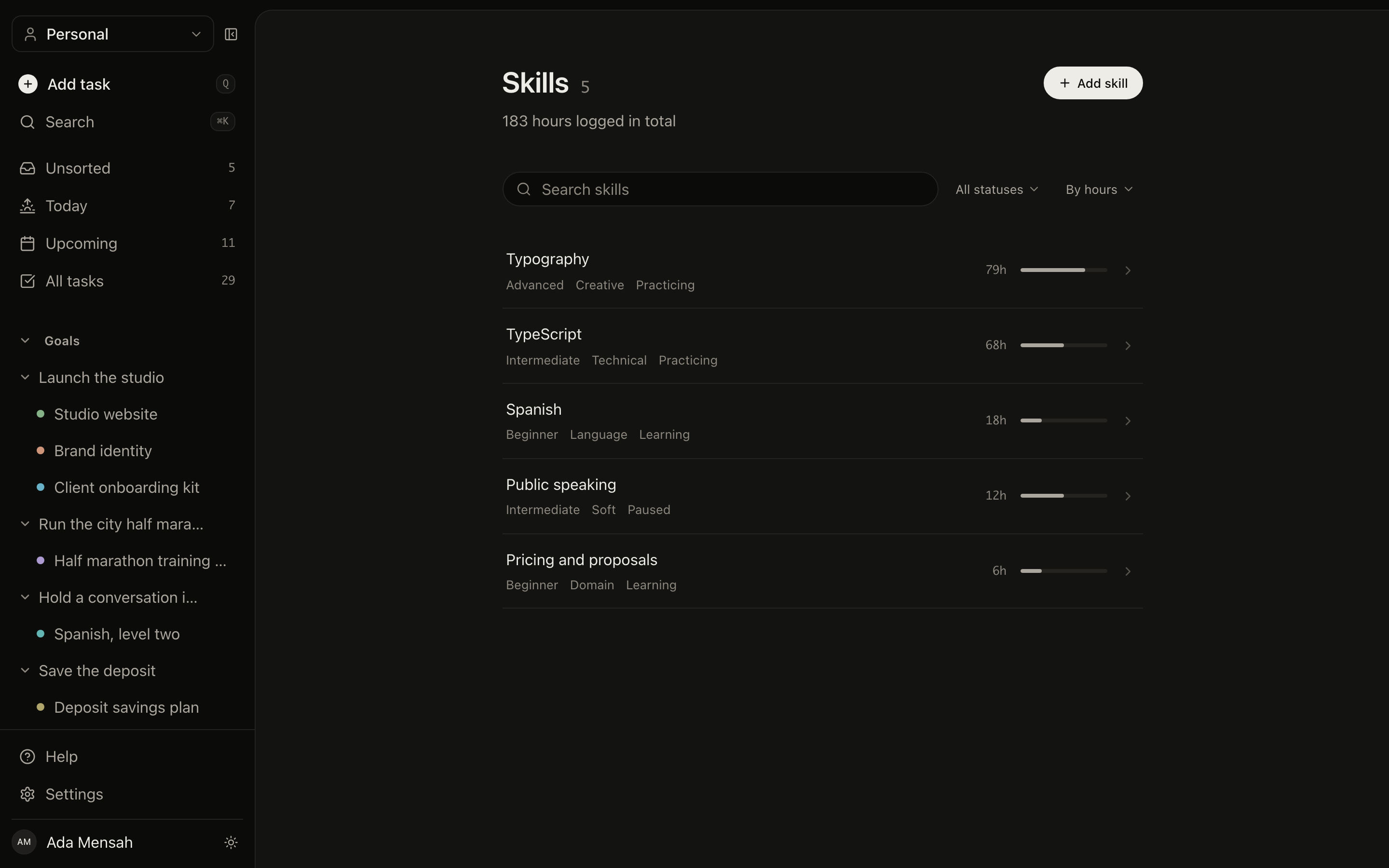
Skills
What you are learning, the hours behind it, and how far it is from the level you are aiming at.
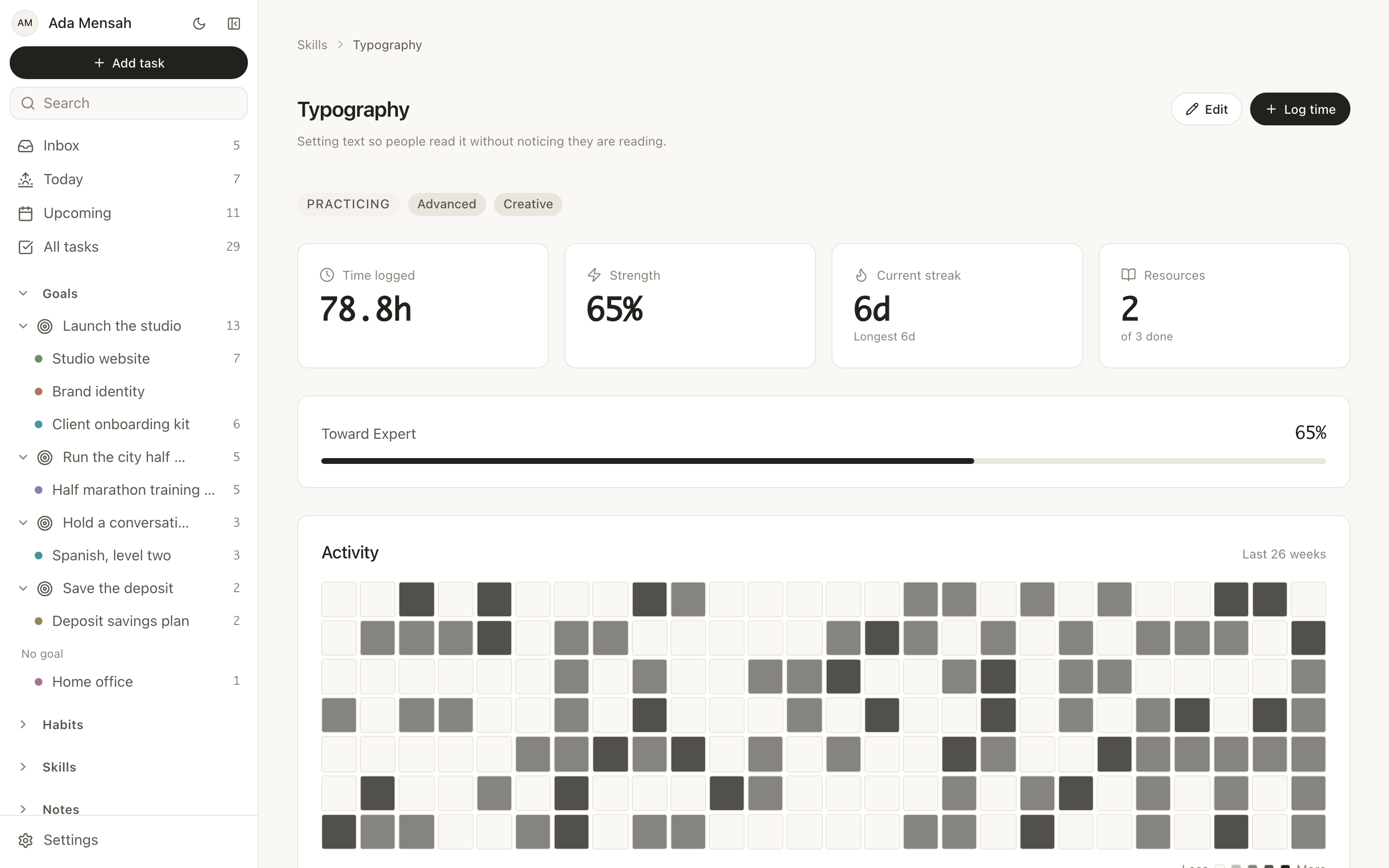
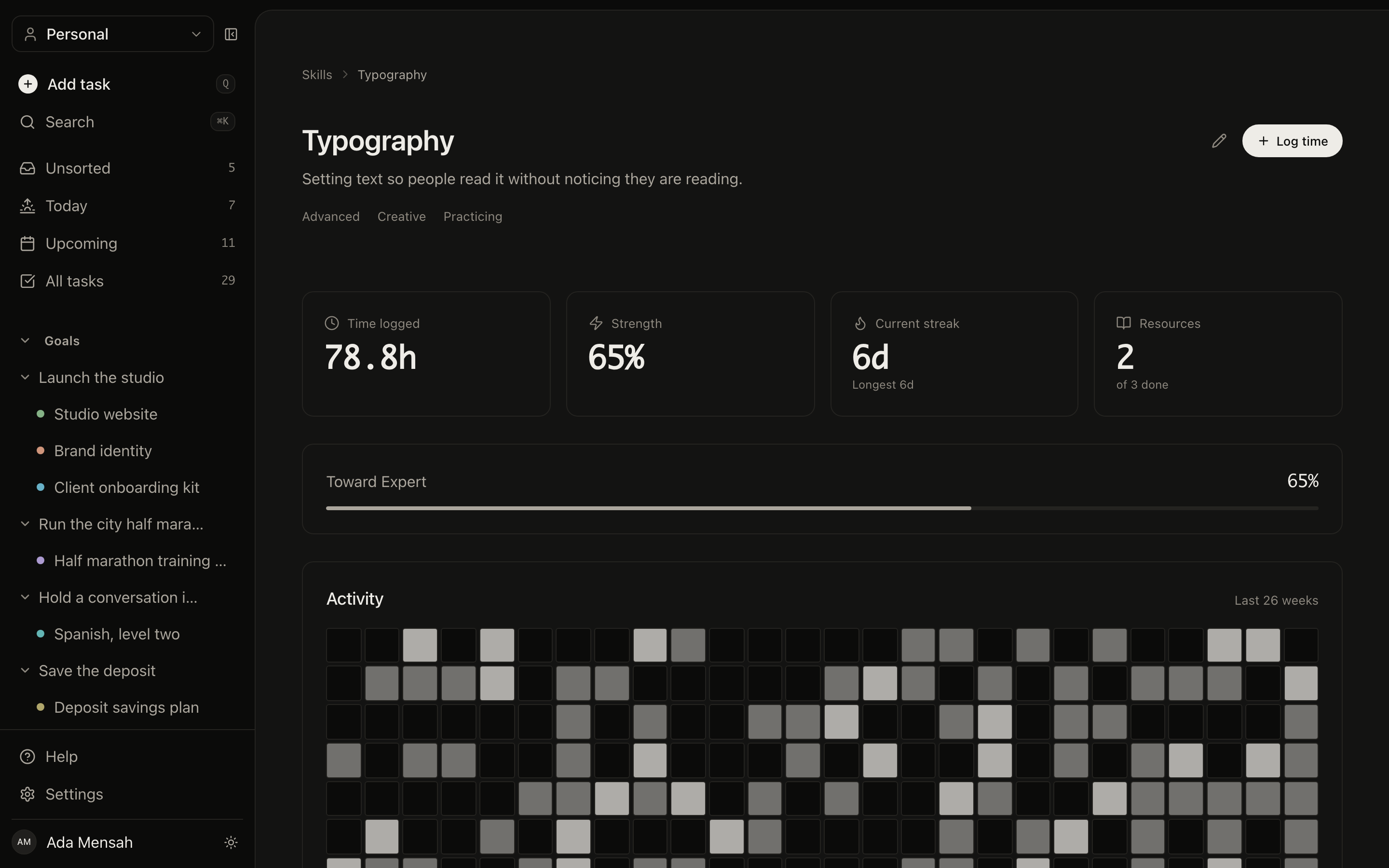
A skill in detail
Logged sessions, linked courses, books and mentors, and a strength score built from hours, streak and recency.
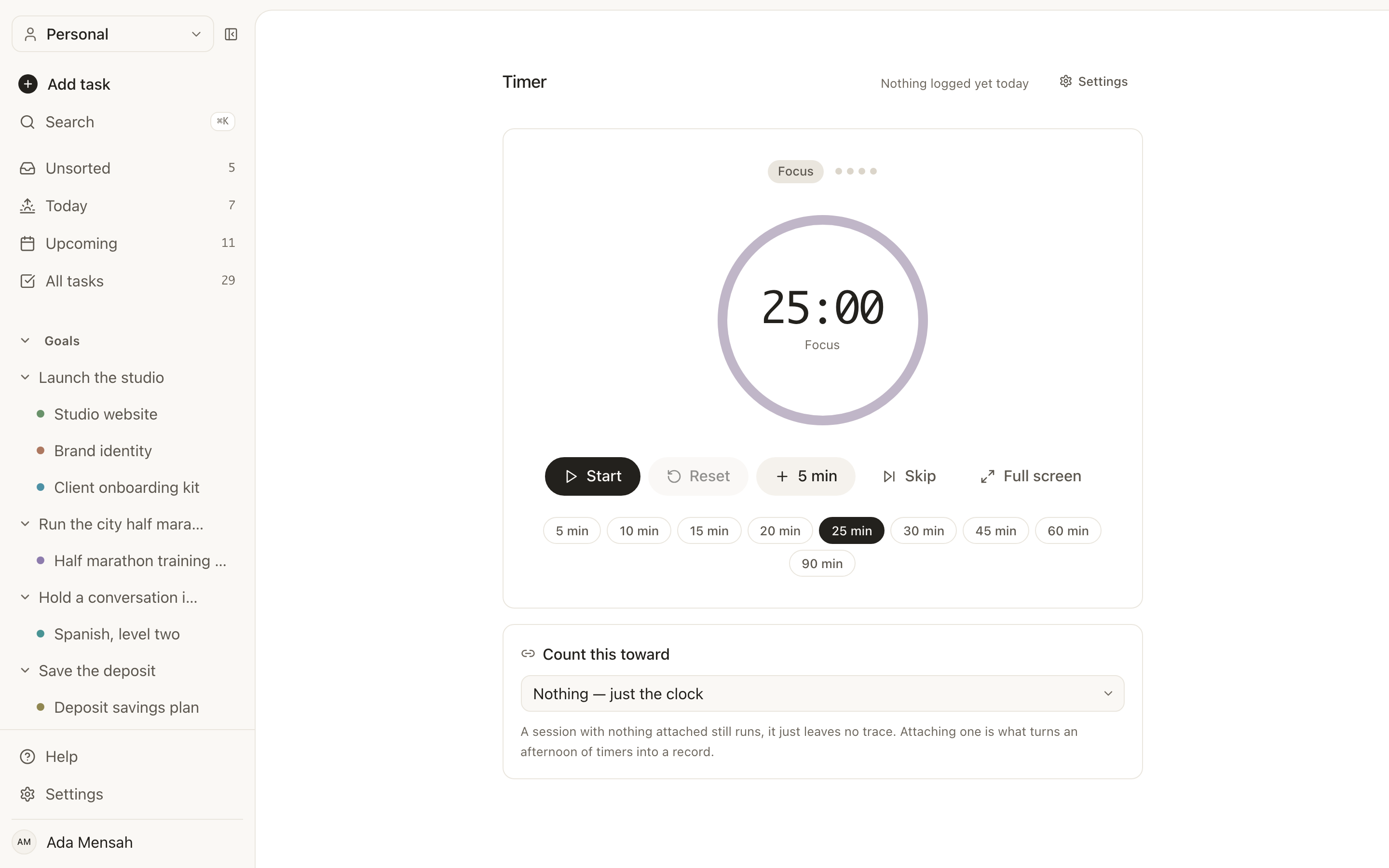
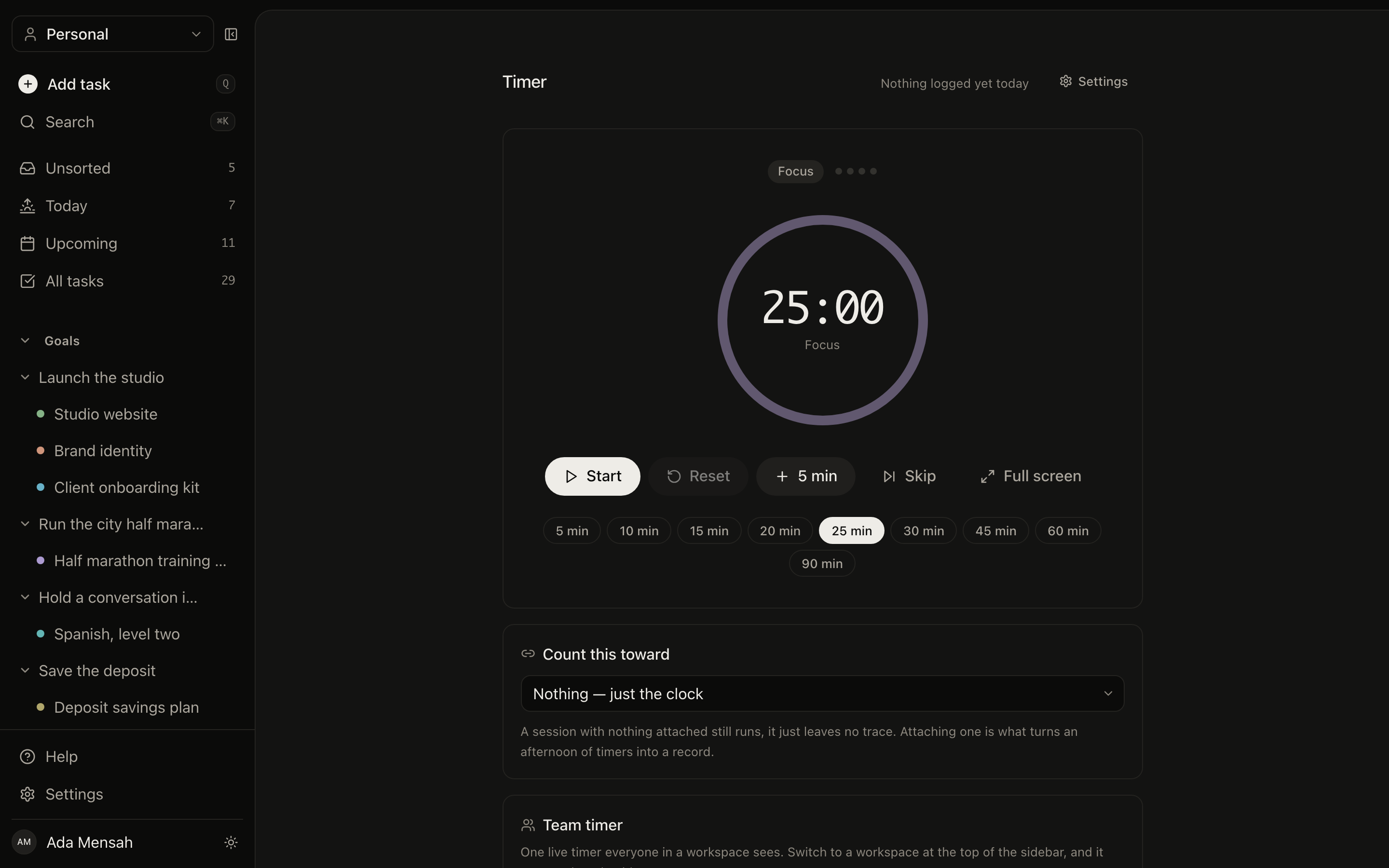
The timer
Point a session at a task or a skill before you start, and an afternoon of timers ends up as logged practice rather than nothing.
Somewhere to think, and somewhere to be.
Writing and scheduling are part of the same system, not two other apps you also pay for.
Notes
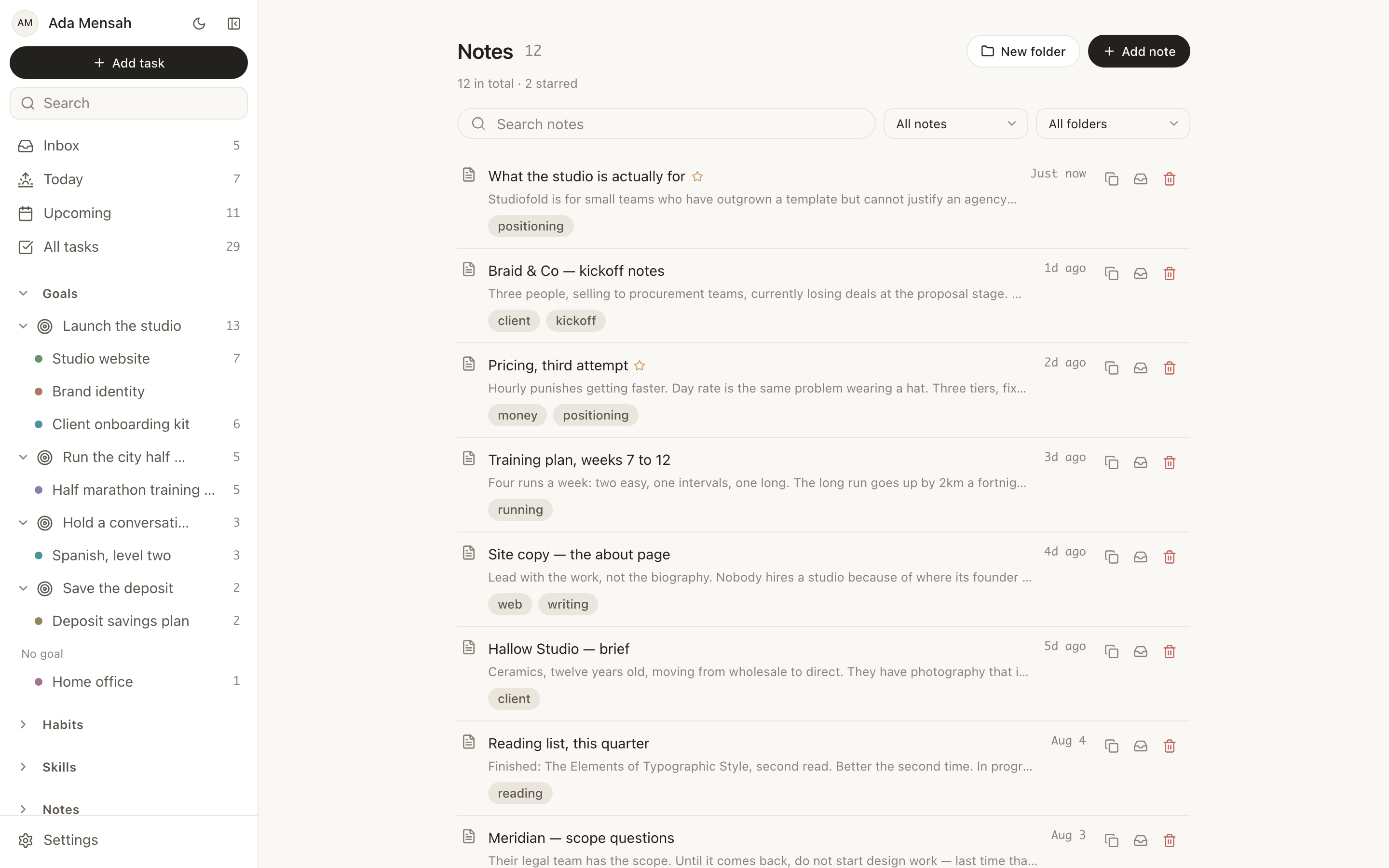
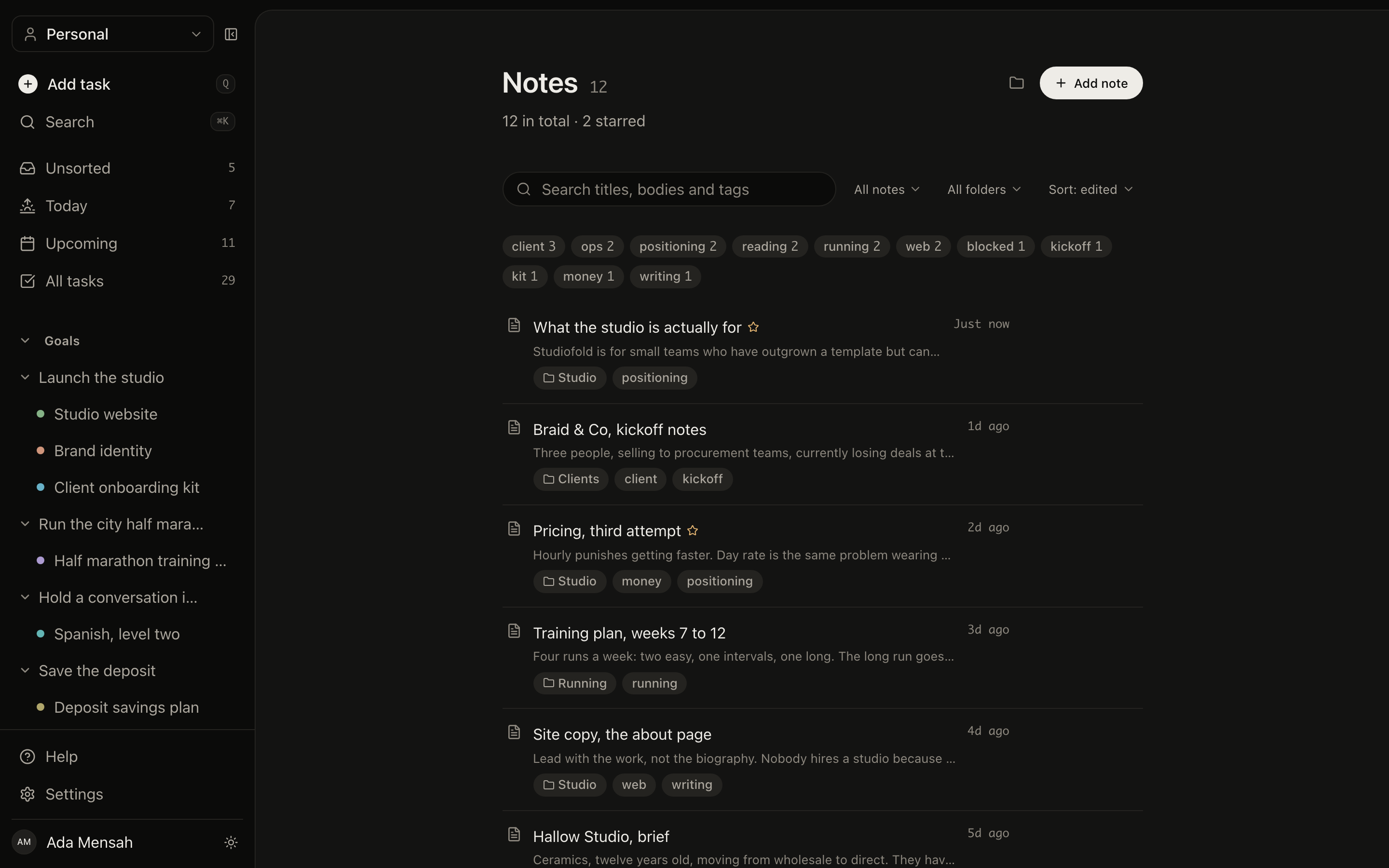
Folders, tags, starring and archiving, with search across everything you have written.
Writing
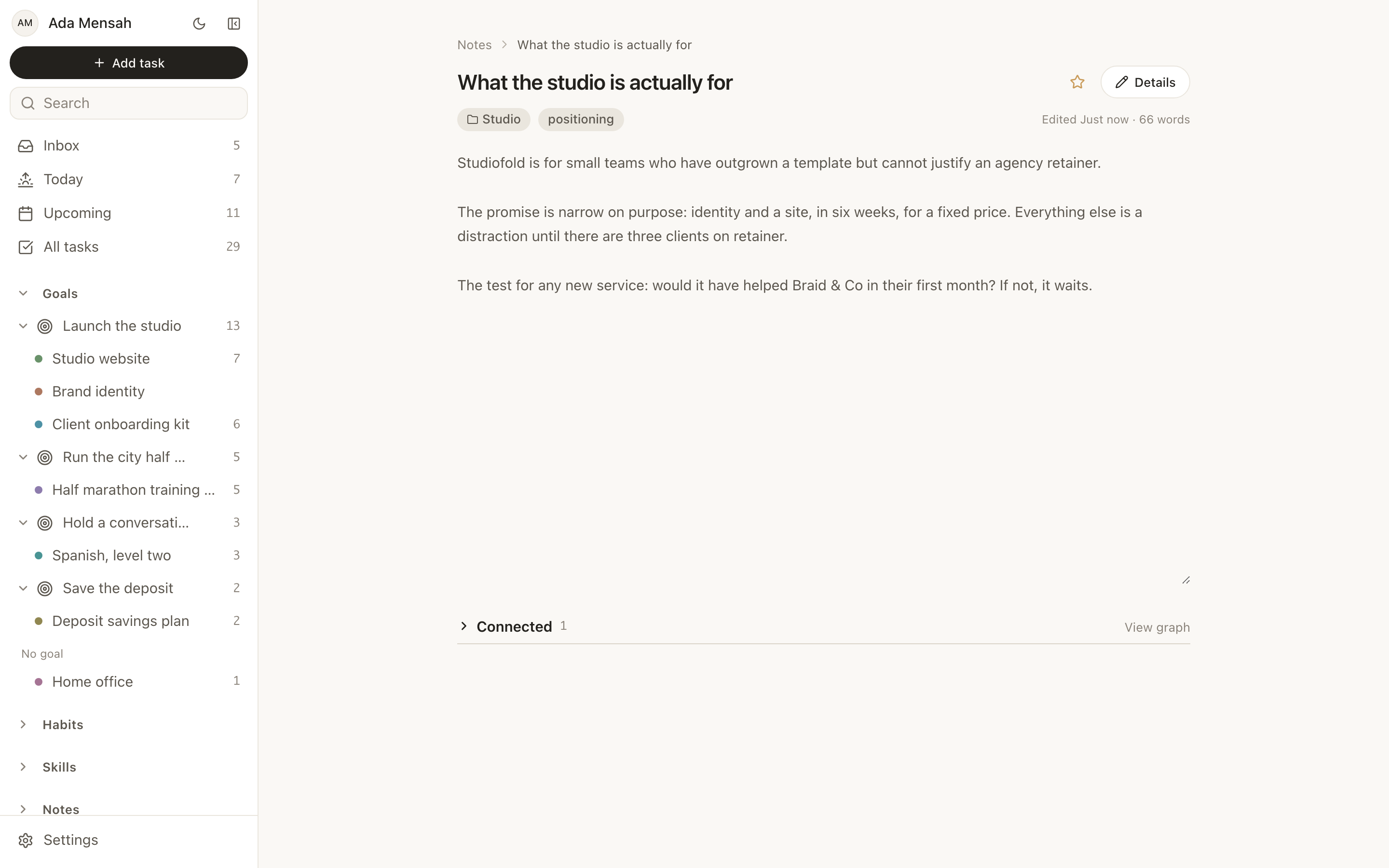
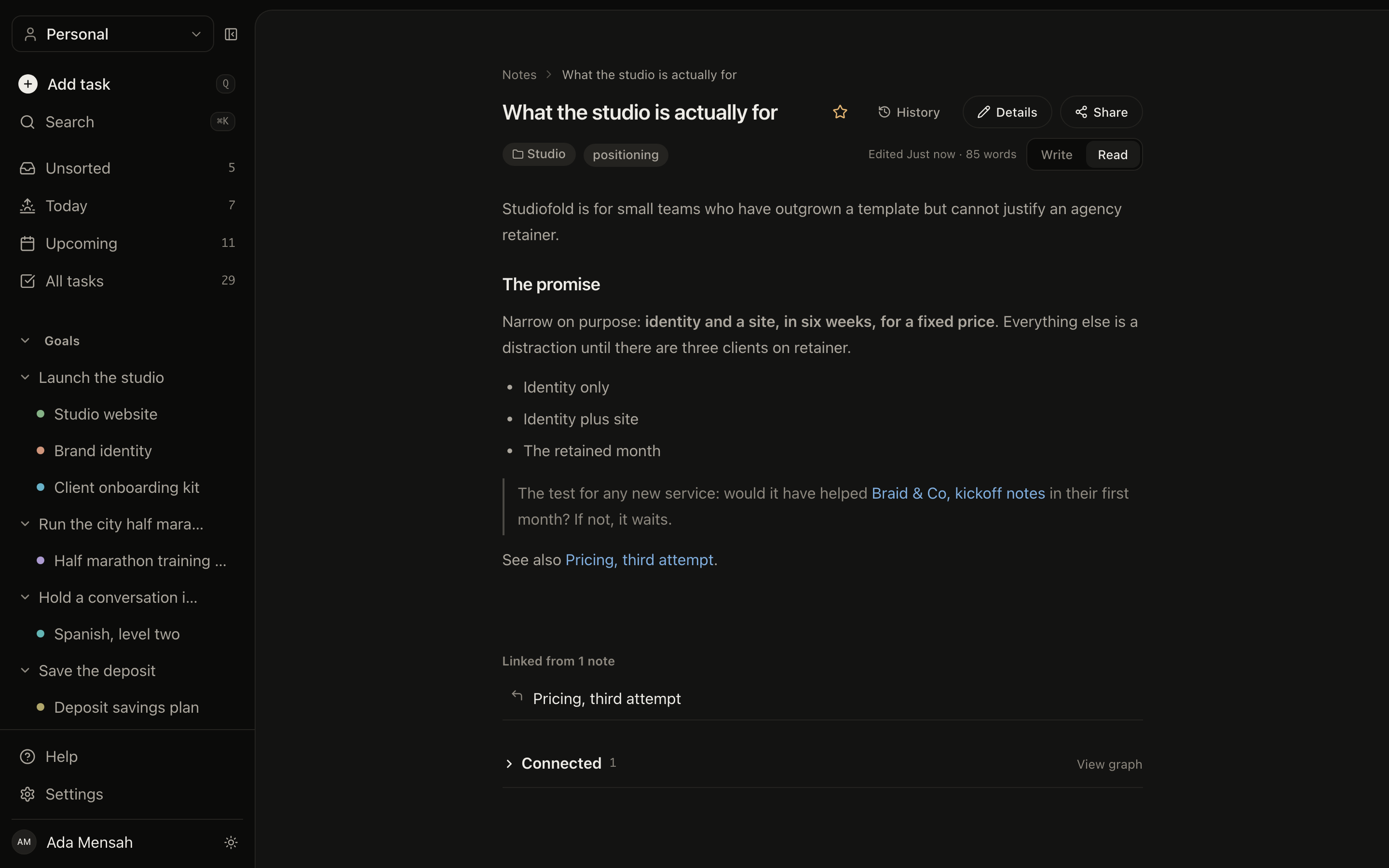
A plain editor with version history and links between notes.
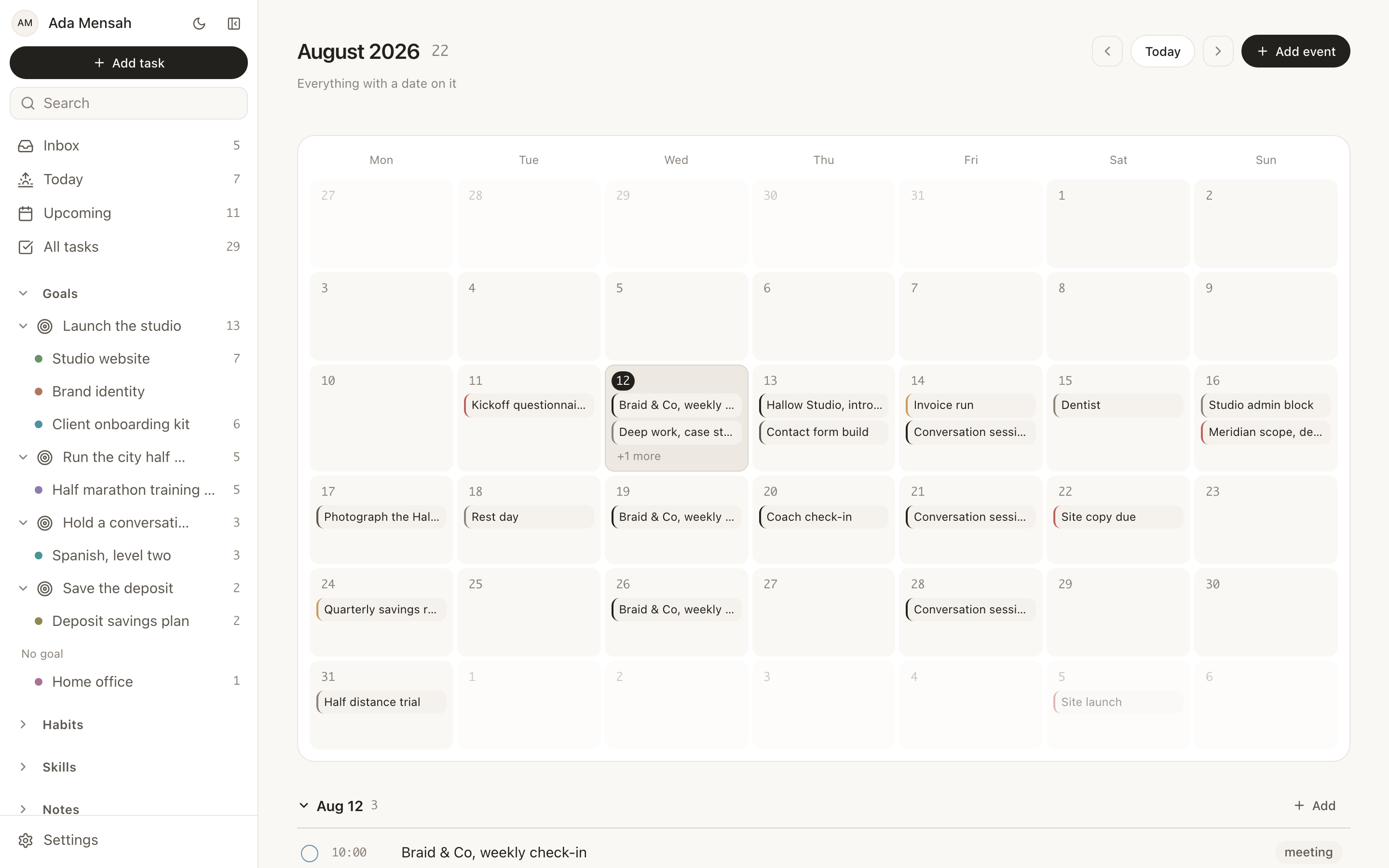
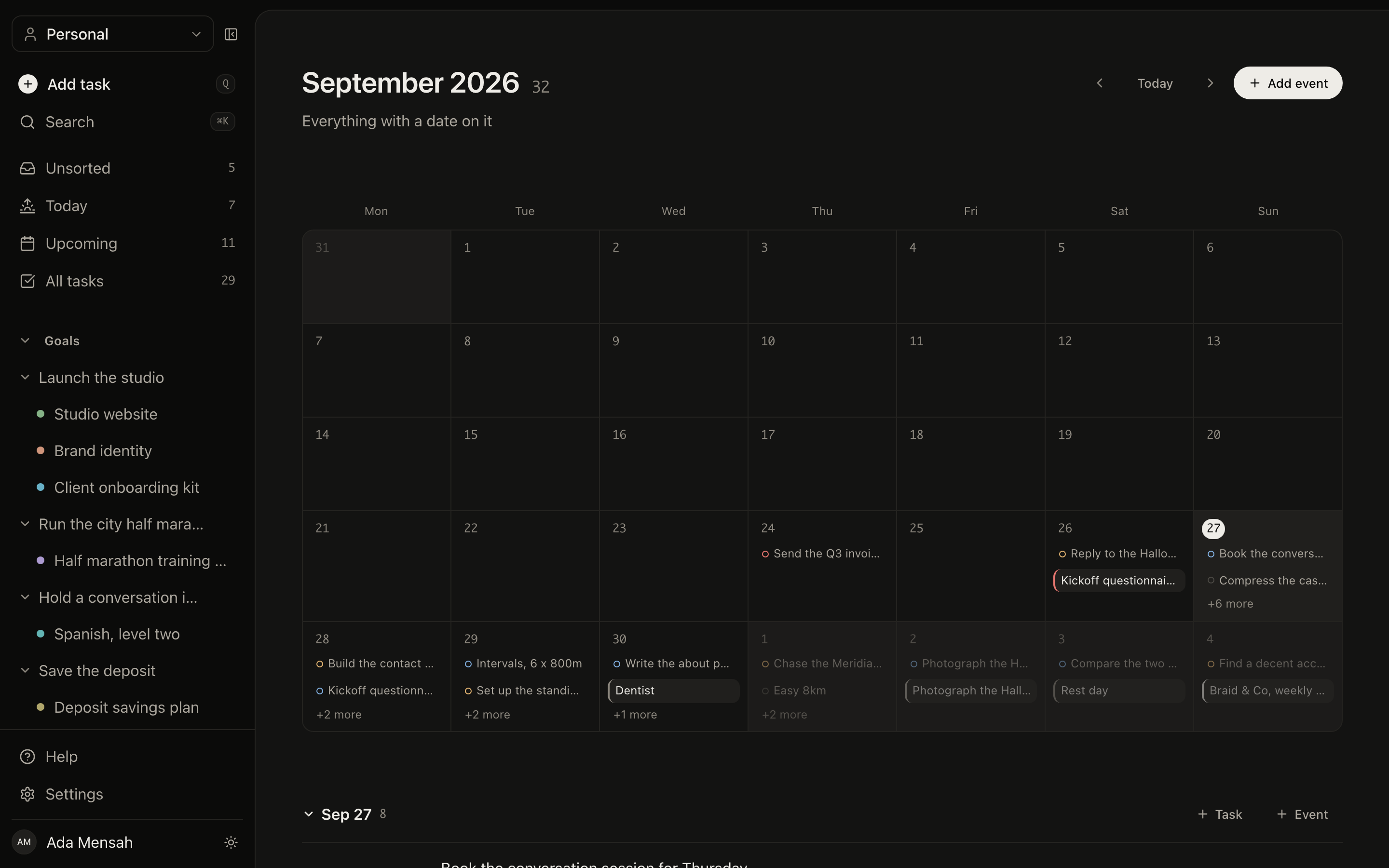
Calendar
Meetings, deadlines, reminders and personal time, in month, week or day, with recurring events expanded properly.
See the whole thing at once.
Two views that only make sense because everything lives in one system: what the numbers say, and how the pieces are wired together.
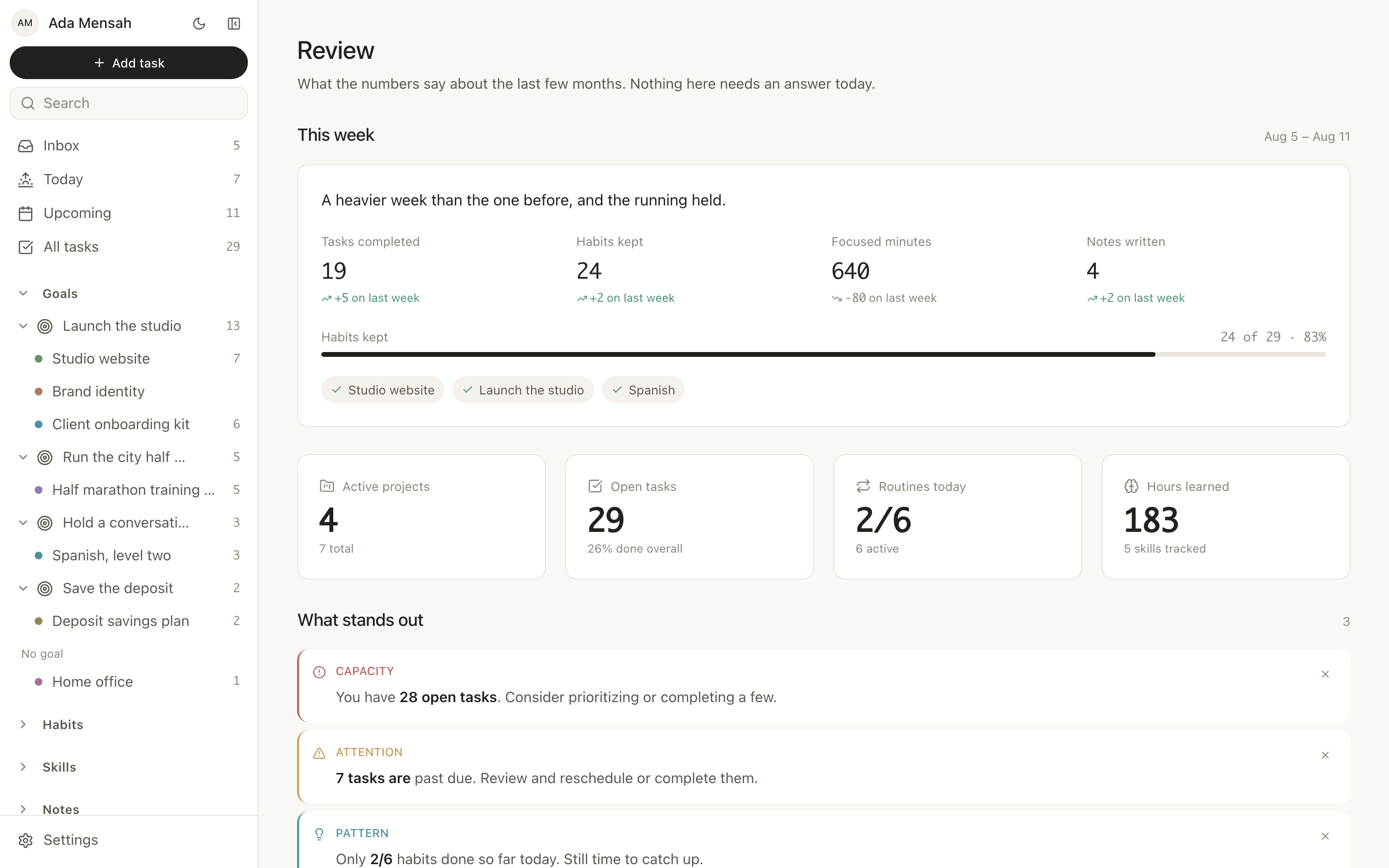
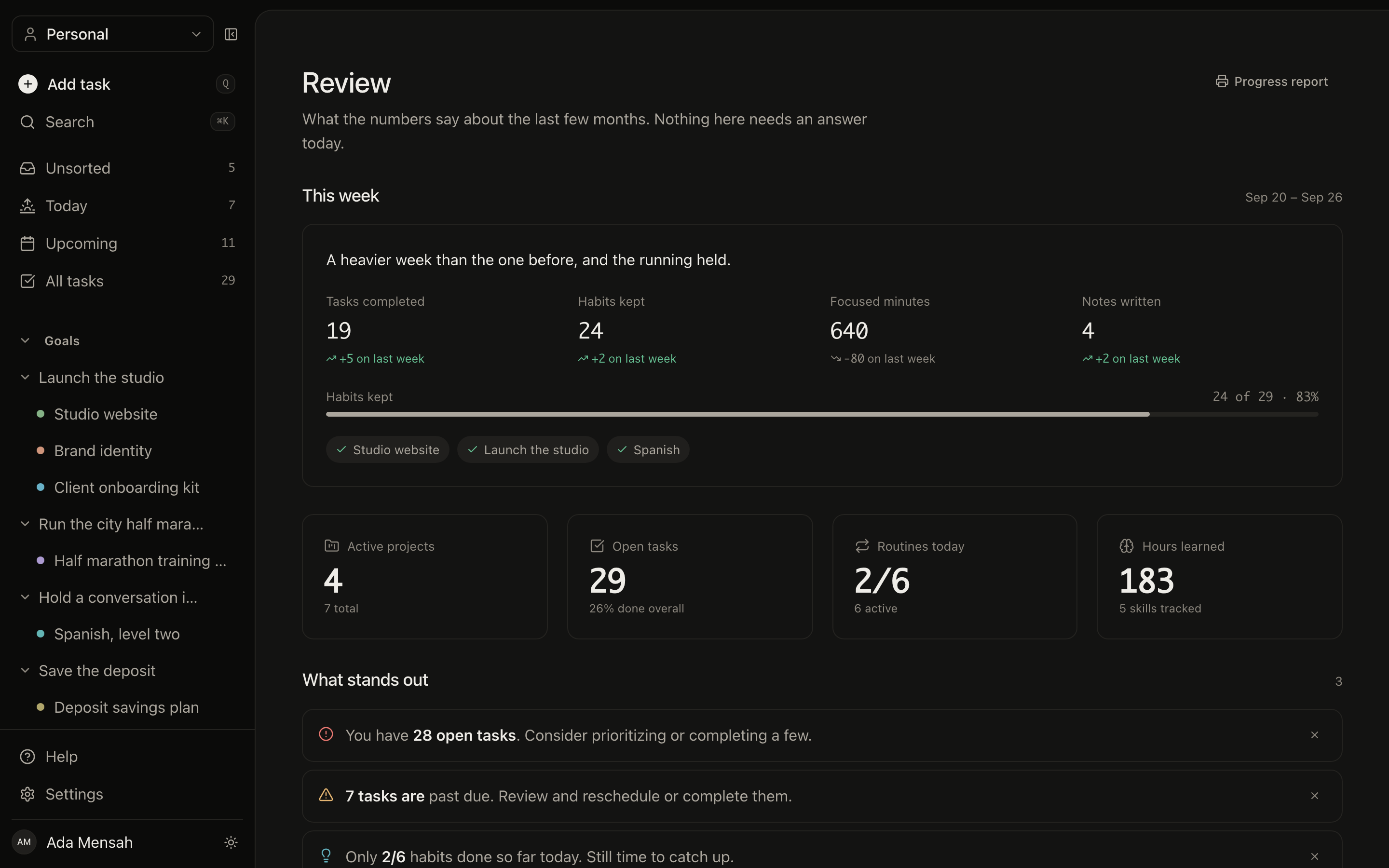
Review
Completion rates, overdue counts, status and priority breakdowns, and the week just gone measured against the one before it.
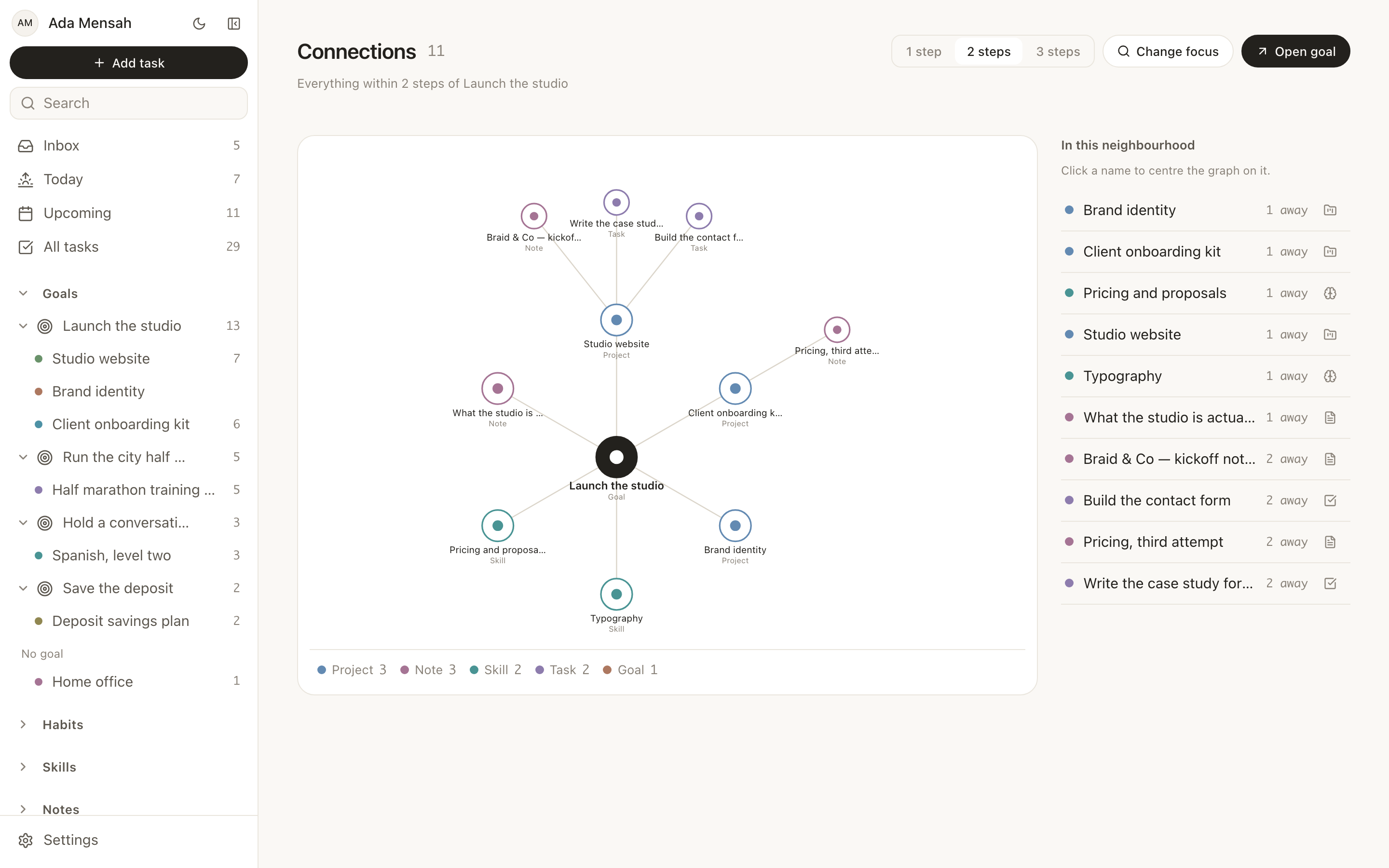
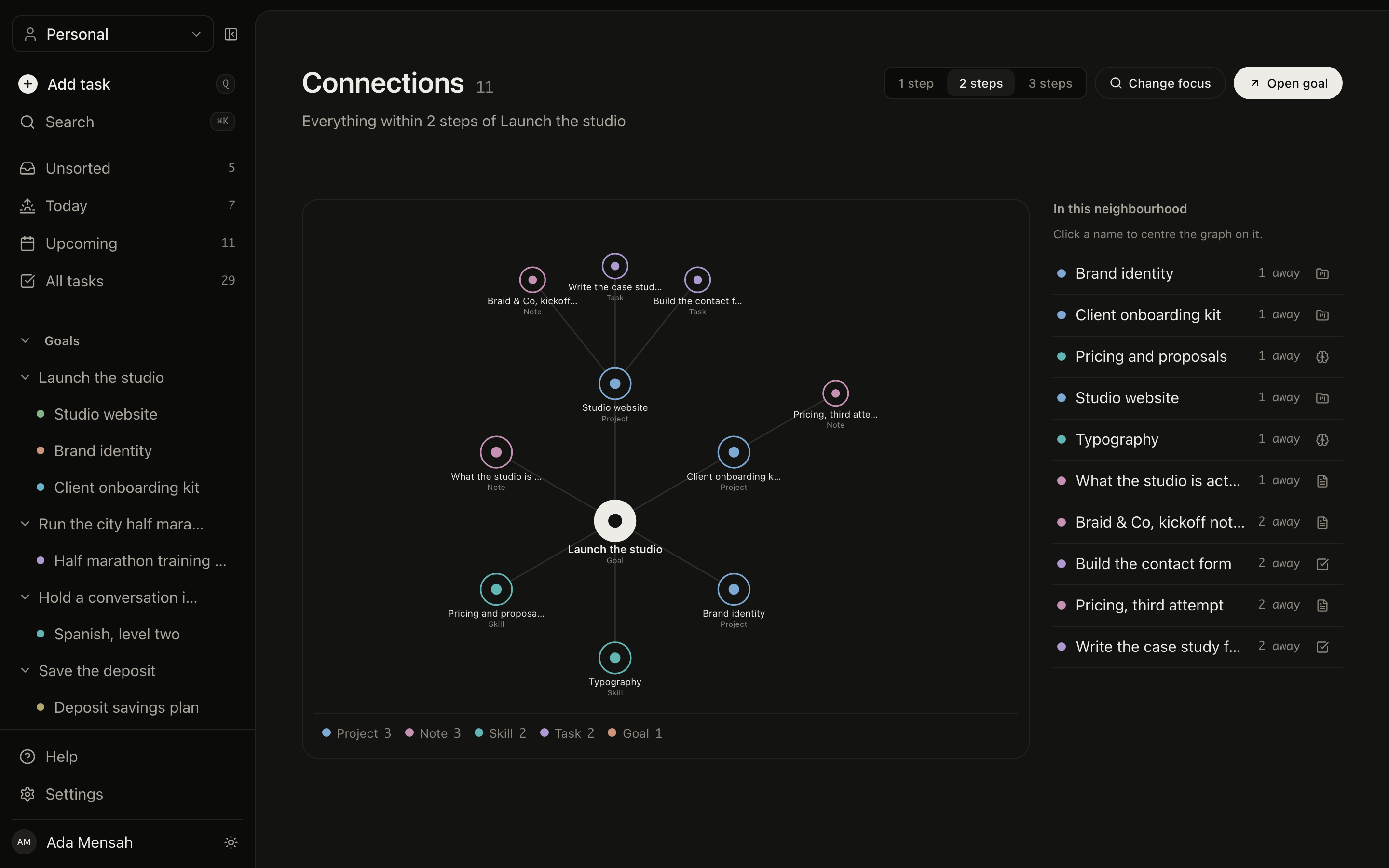
Connections
The graph the product rests on. Goals to projects, projects to tasks, habits and skills to the goals they serve, walk it in any direction.
Some plans belong to more than one person.
A workspace is a space you share with a family, a partner or a team. Goals, projects, tasks and habits inside it belong to everyone in it — and your own space stays private alongside it.
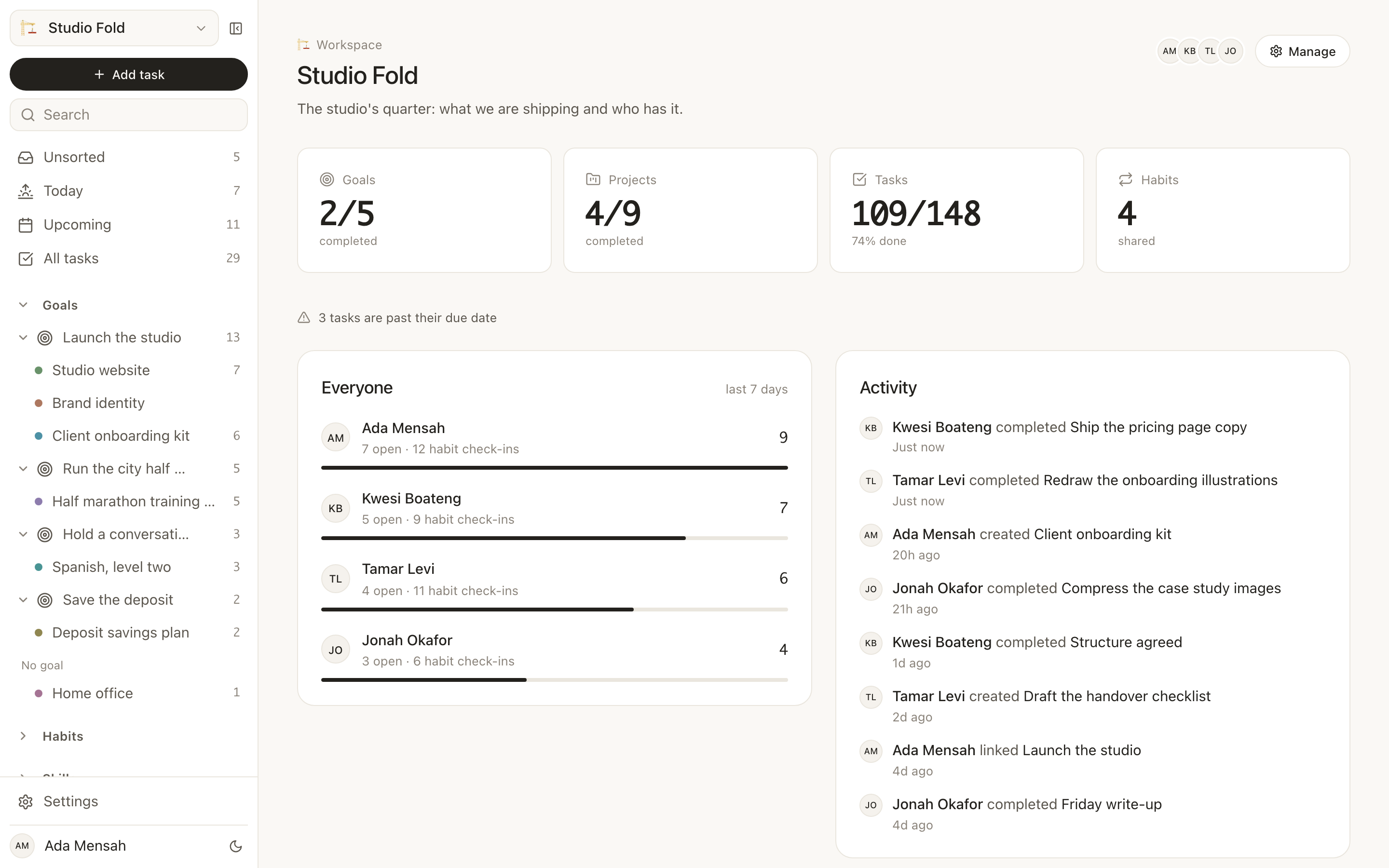
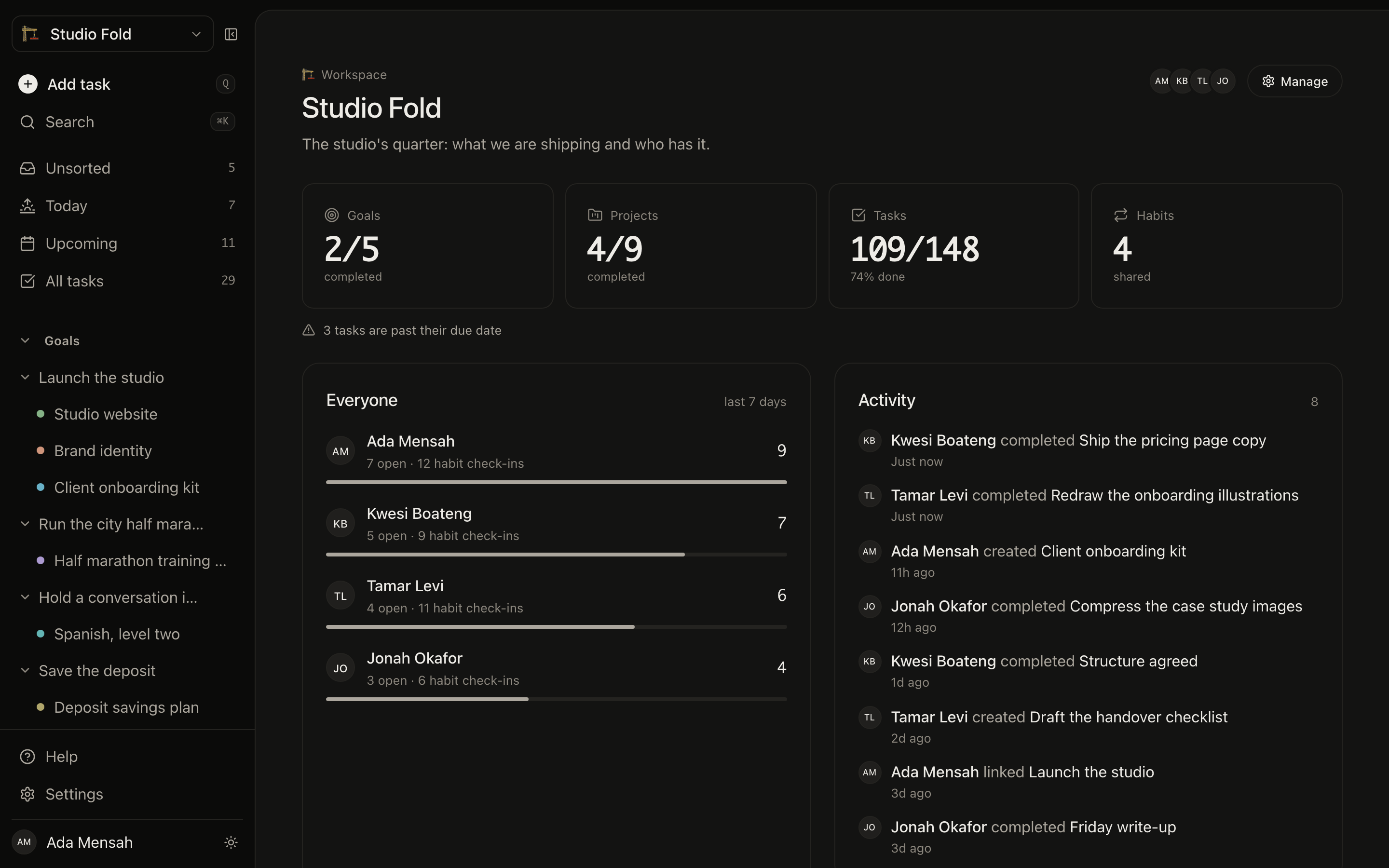
What the space adds up to
Counts for the whole workspace, what each member finished in the last seven days, and a feed that is mostly other people.
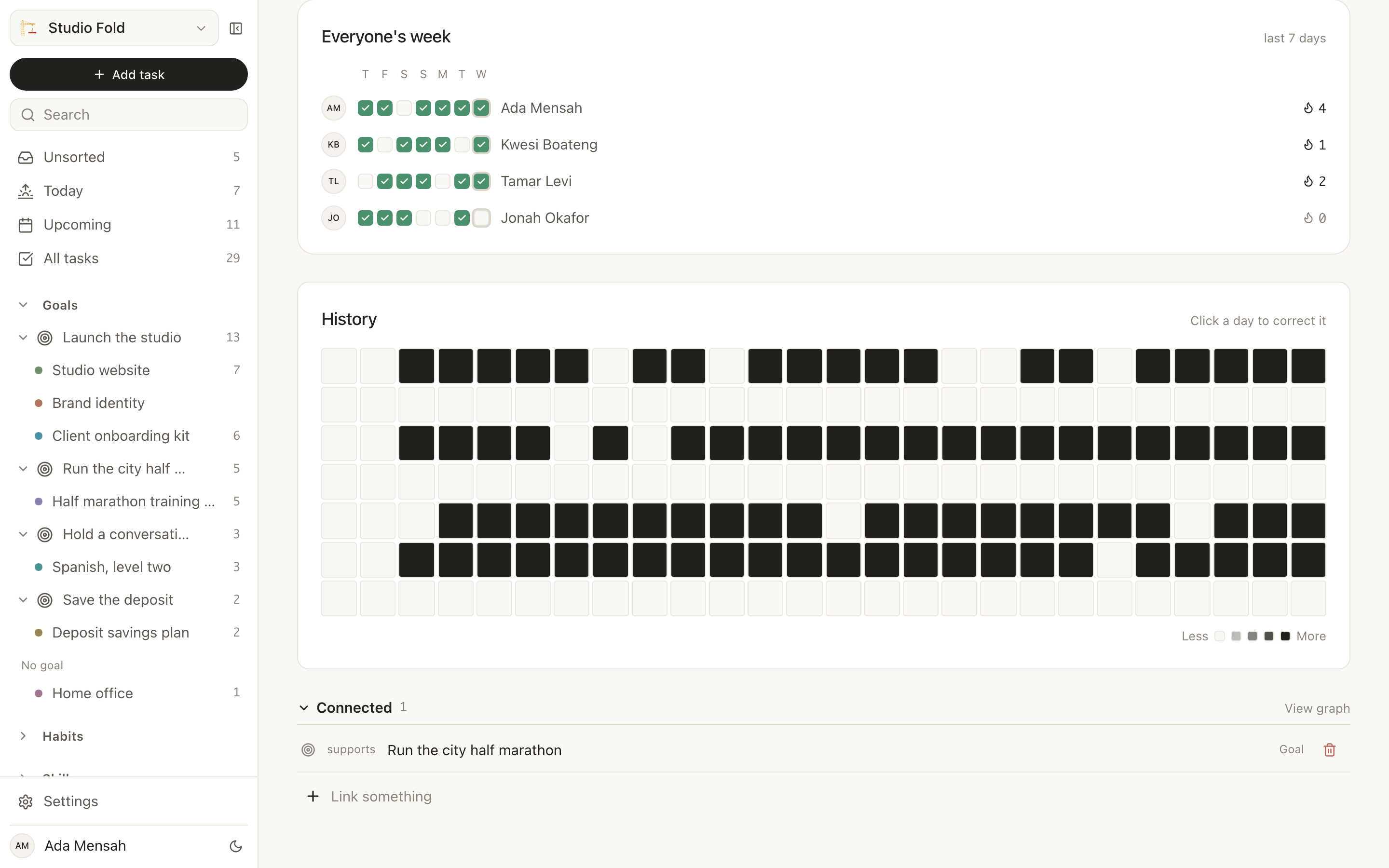
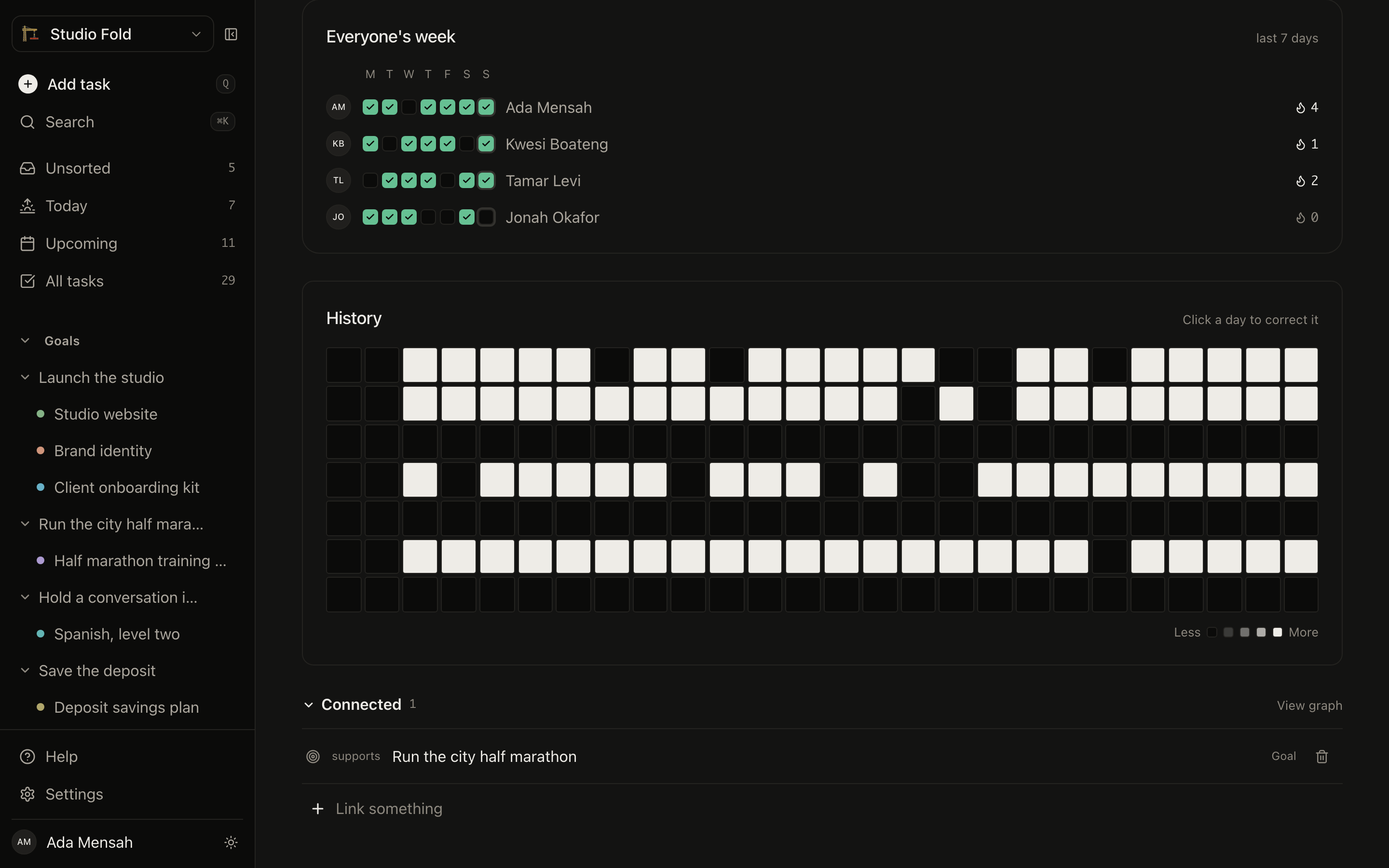
One habit, a streak each
A shared habit has one definition and a separate record per person. Nobody breaks anybody else’s streak.
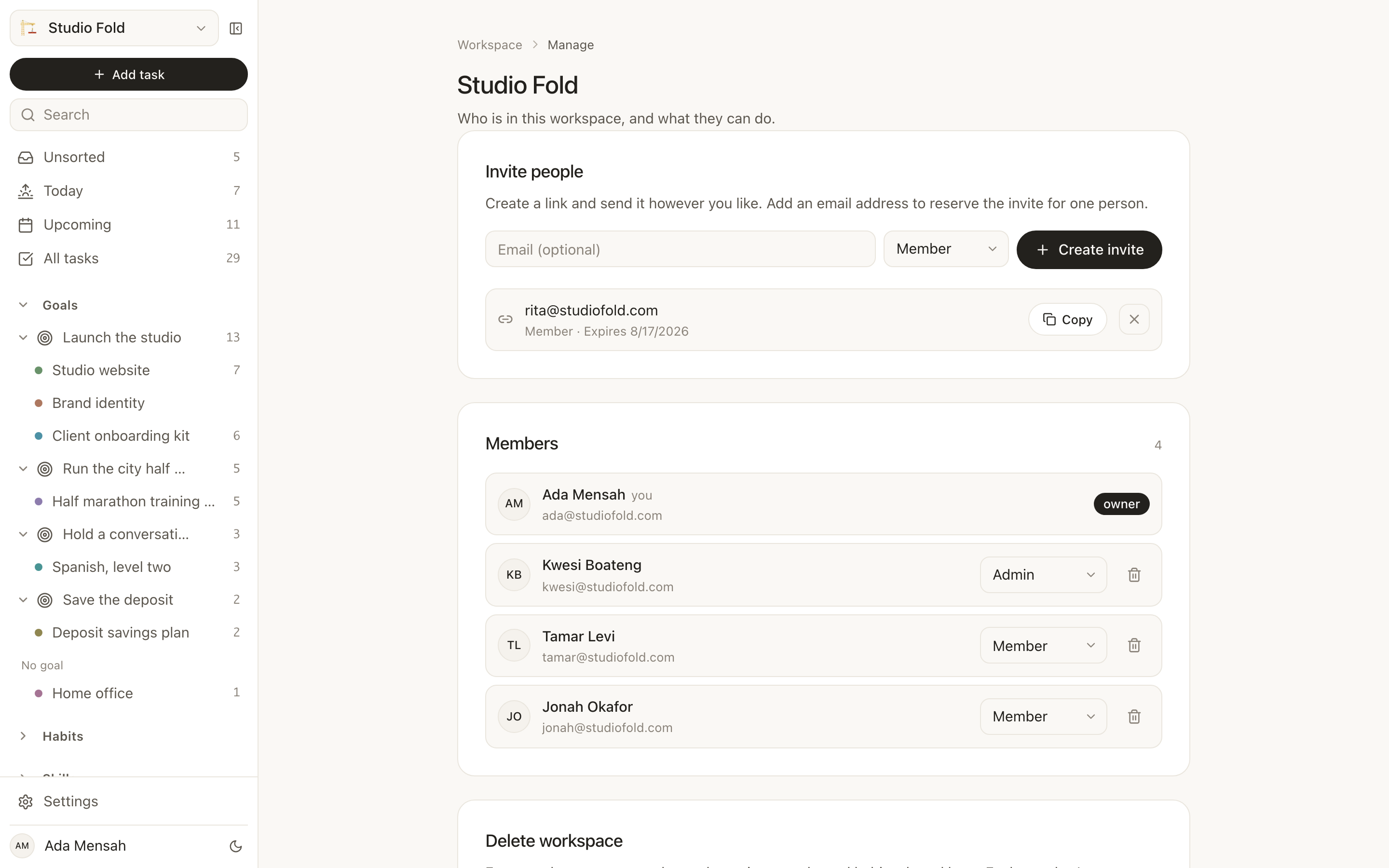
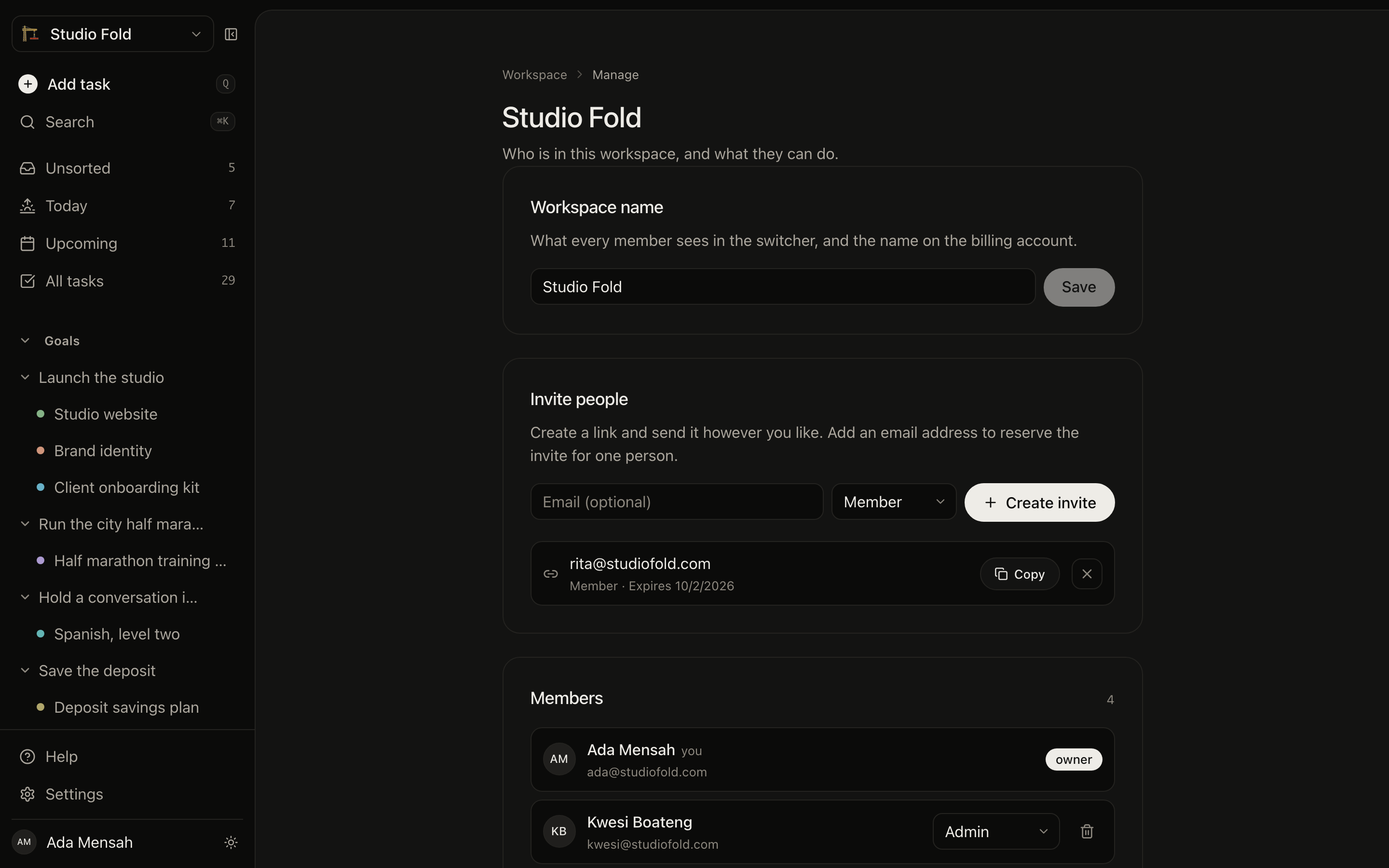
Who is in it
Invite by link or by email, give everyone a role, and revoke a link before it is used. Everyone you invite joins on your subscription.
Your assistant can hold this too.
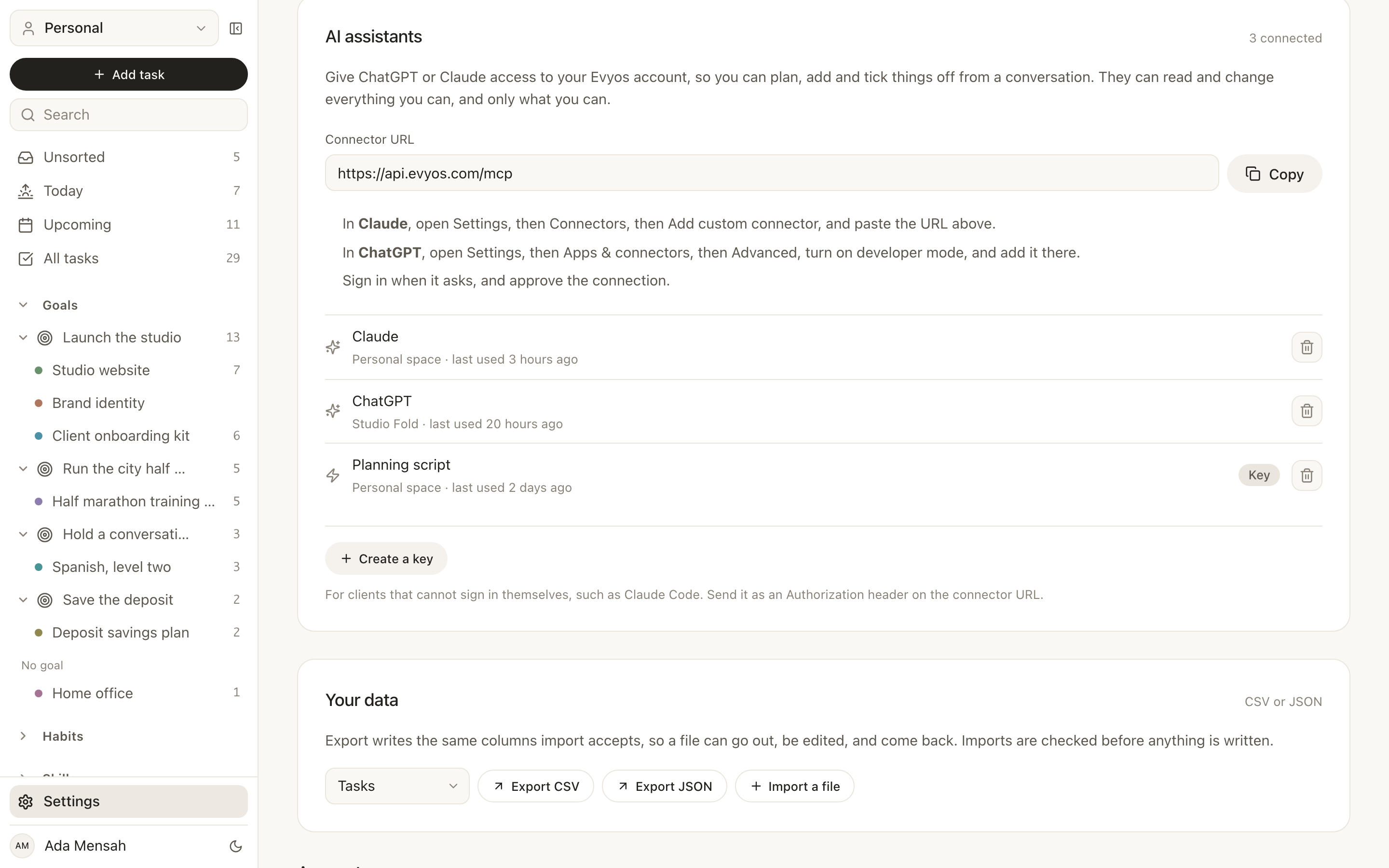
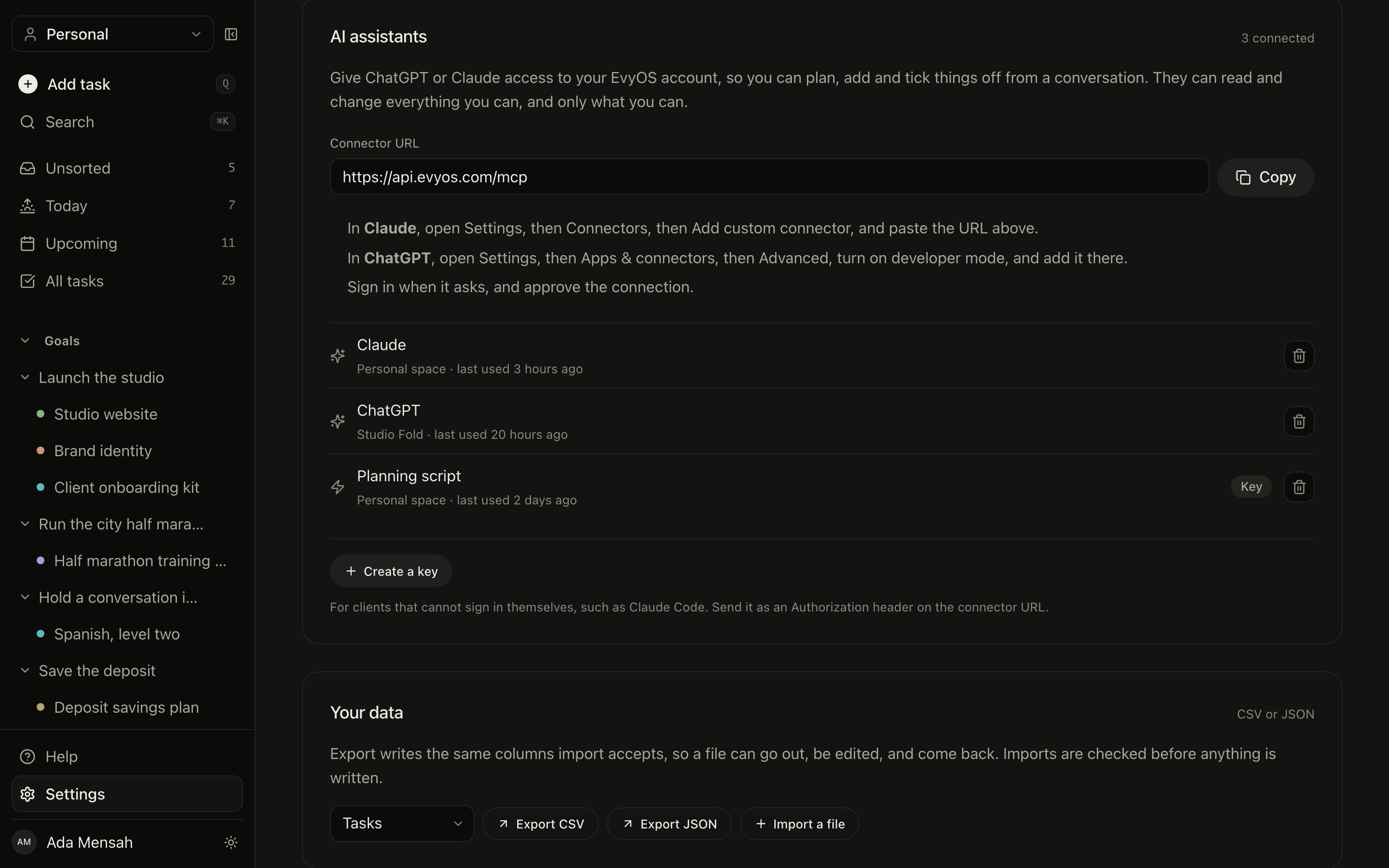
One URL connects ChatGPT or Claude to the real account — not a list you pasted into a chat. It reads and changes the same records the app does, and you can cut it off from here.
Connected assistants
The connector URL, the setup steps for both products, and every connection with the space it can reach and when it was last used.
The same product, sized for a thumb.
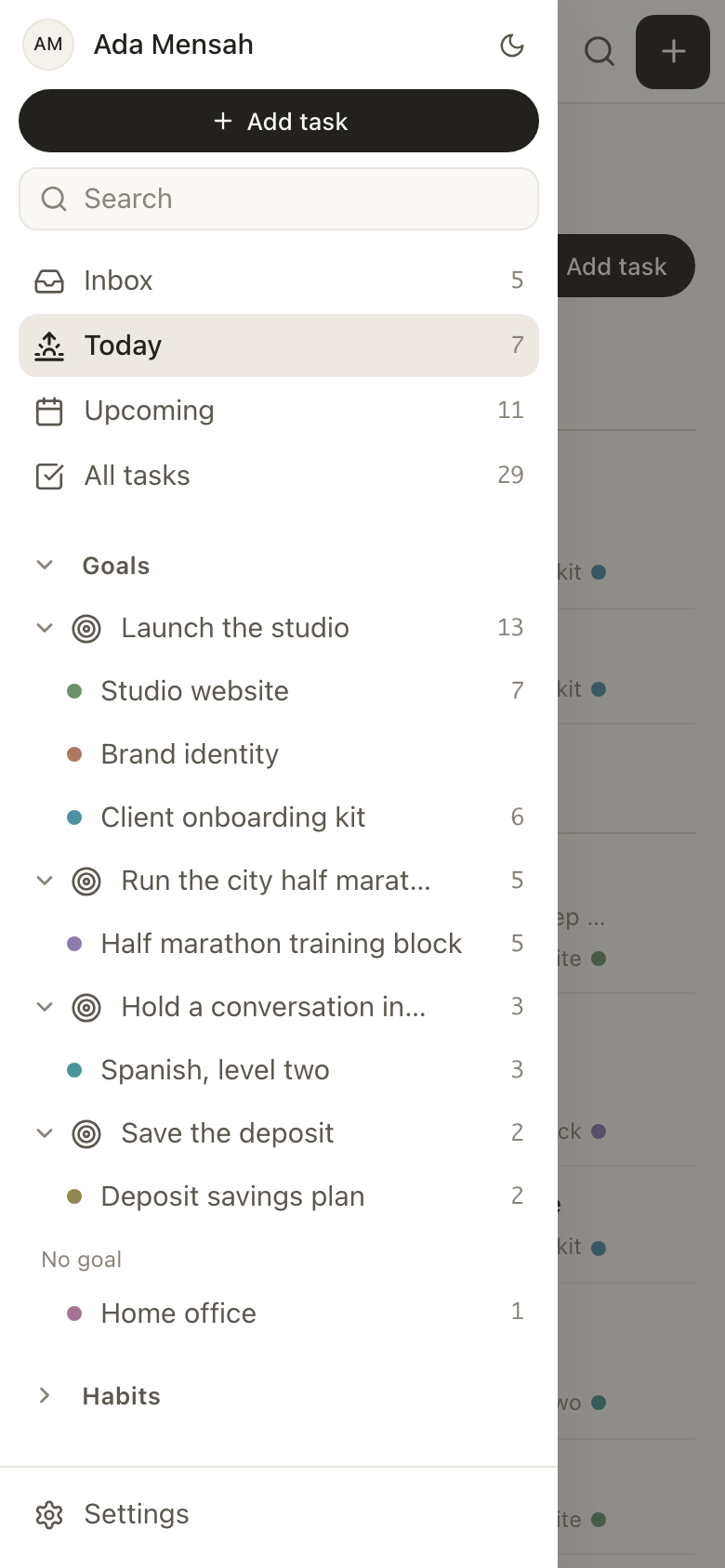
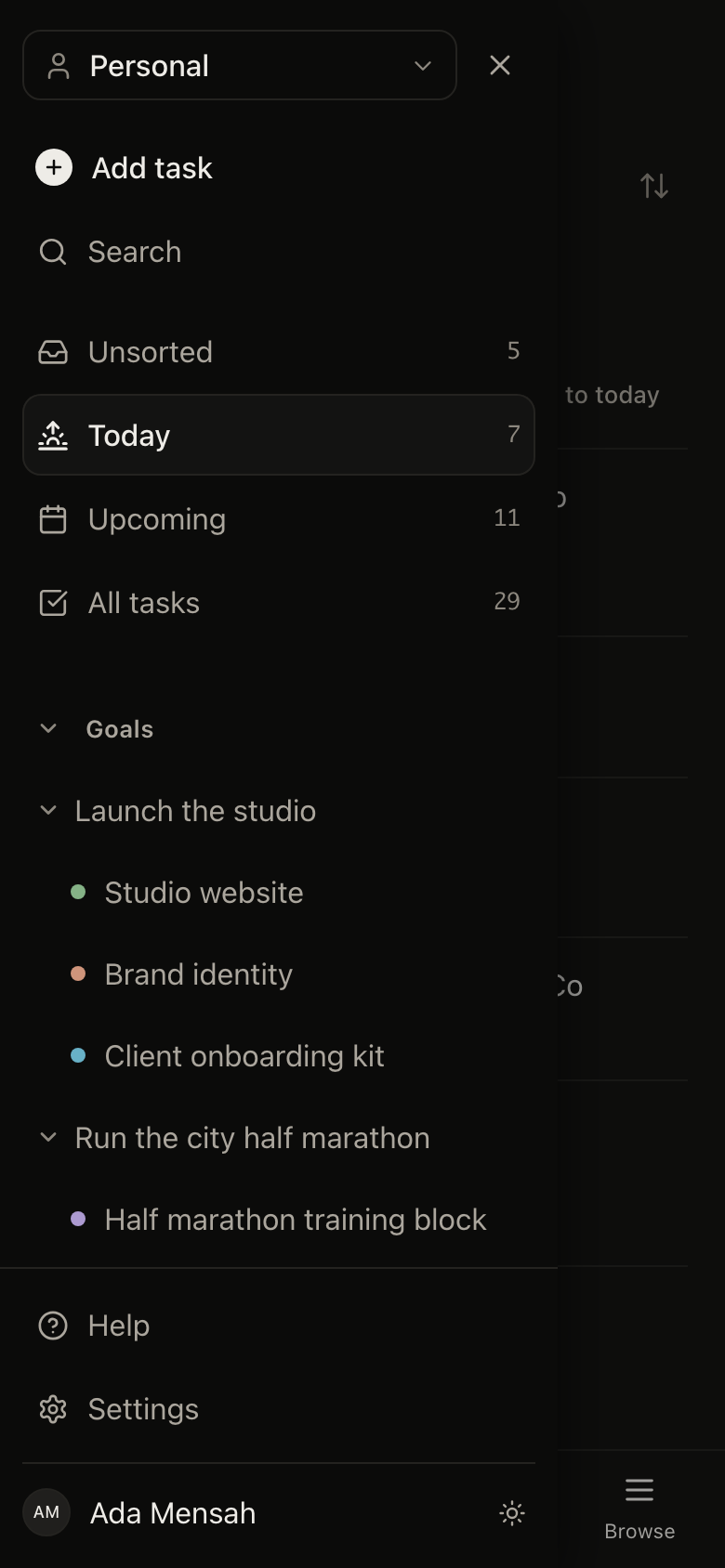
Not a companion app with a quarter of the features. The phone gets the whole navigation tree, the same forms and the same screens.
The whole tree, in a drawer
No four-tab reduction. Goals, projects, habits, skills and notes are all one tap away.
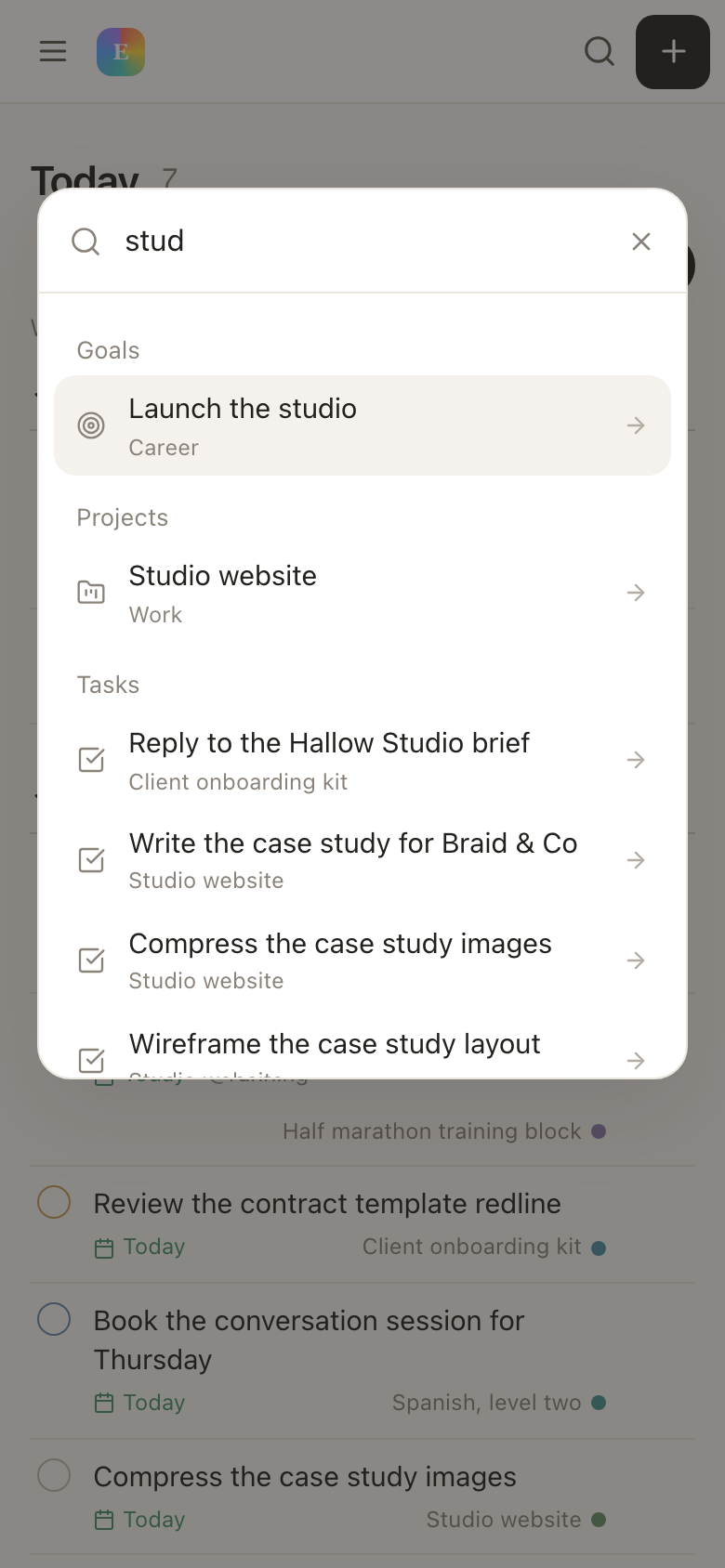
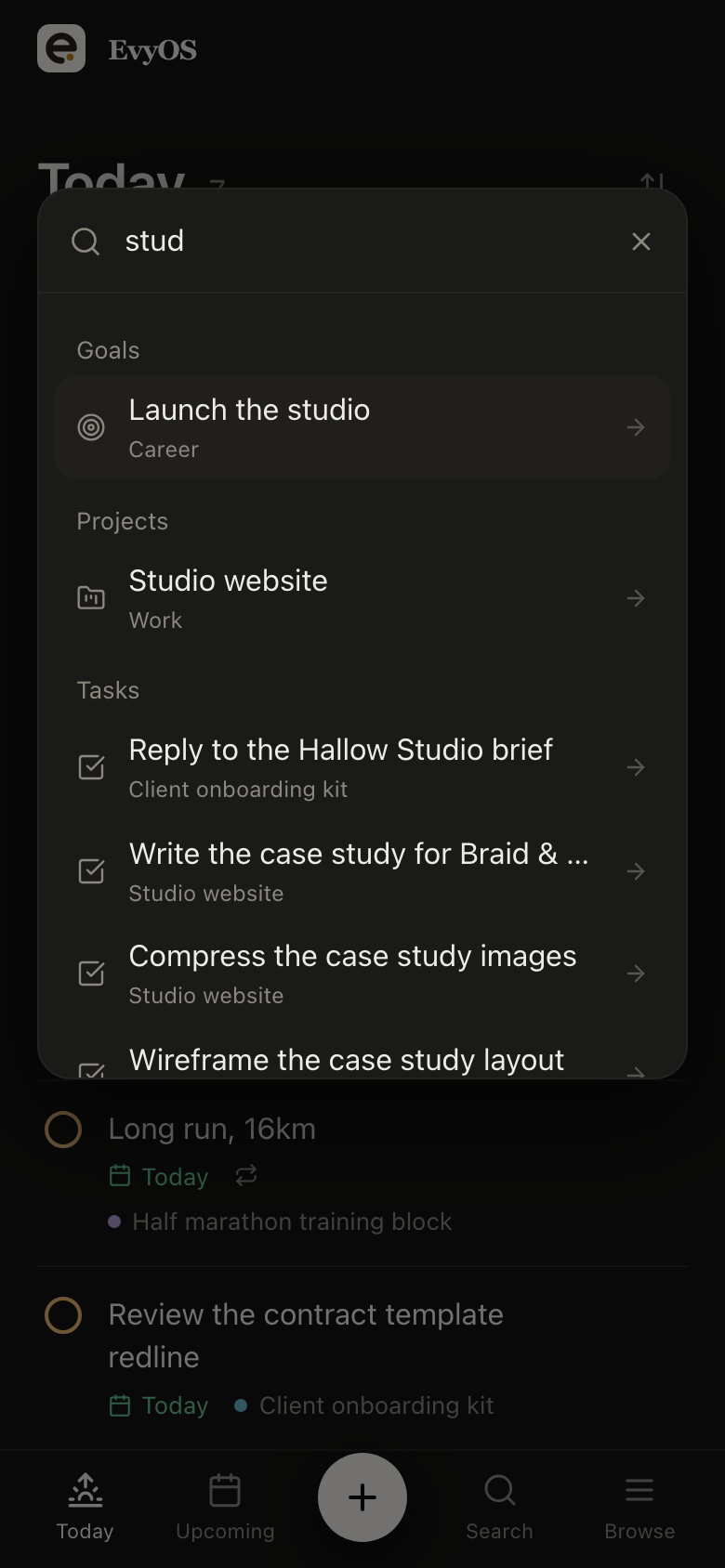
Search from anywhere
One search across goals, projects, tasks, habits, skills, notes and events, reachable from every screen.
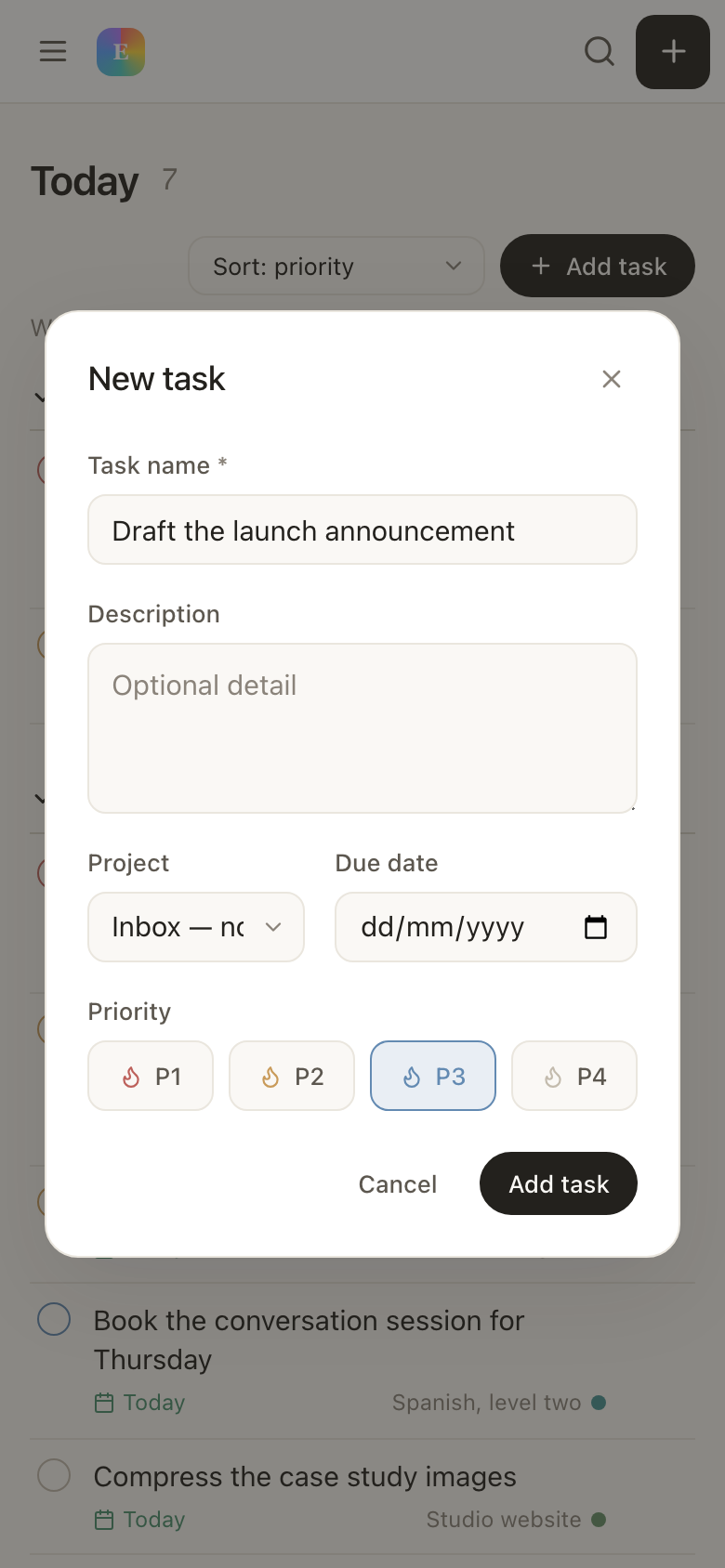
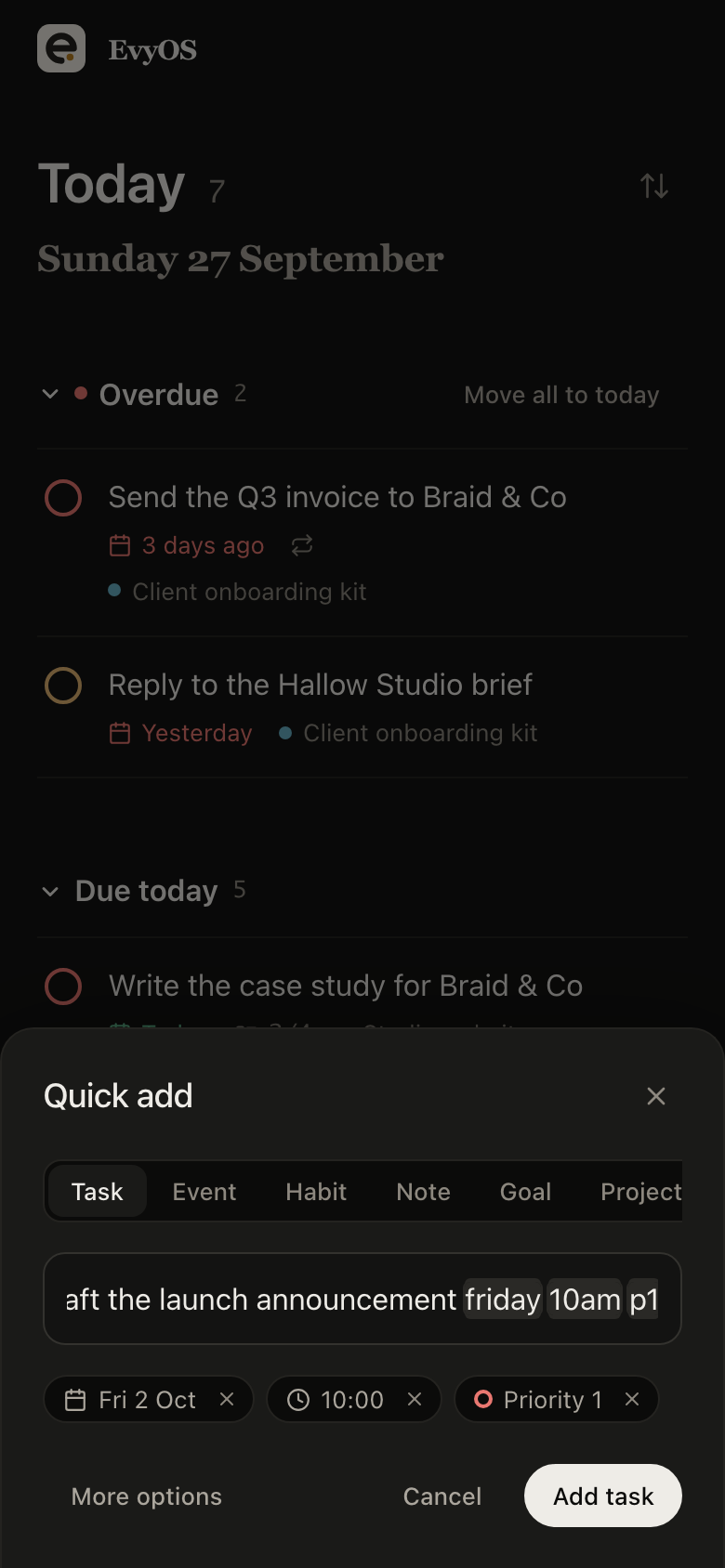
Capture on the move
The same form as the desktop, at thumb size.
The parts that make it yours.
Search, setup, plans, and a promise that your data leaves the way it came in.
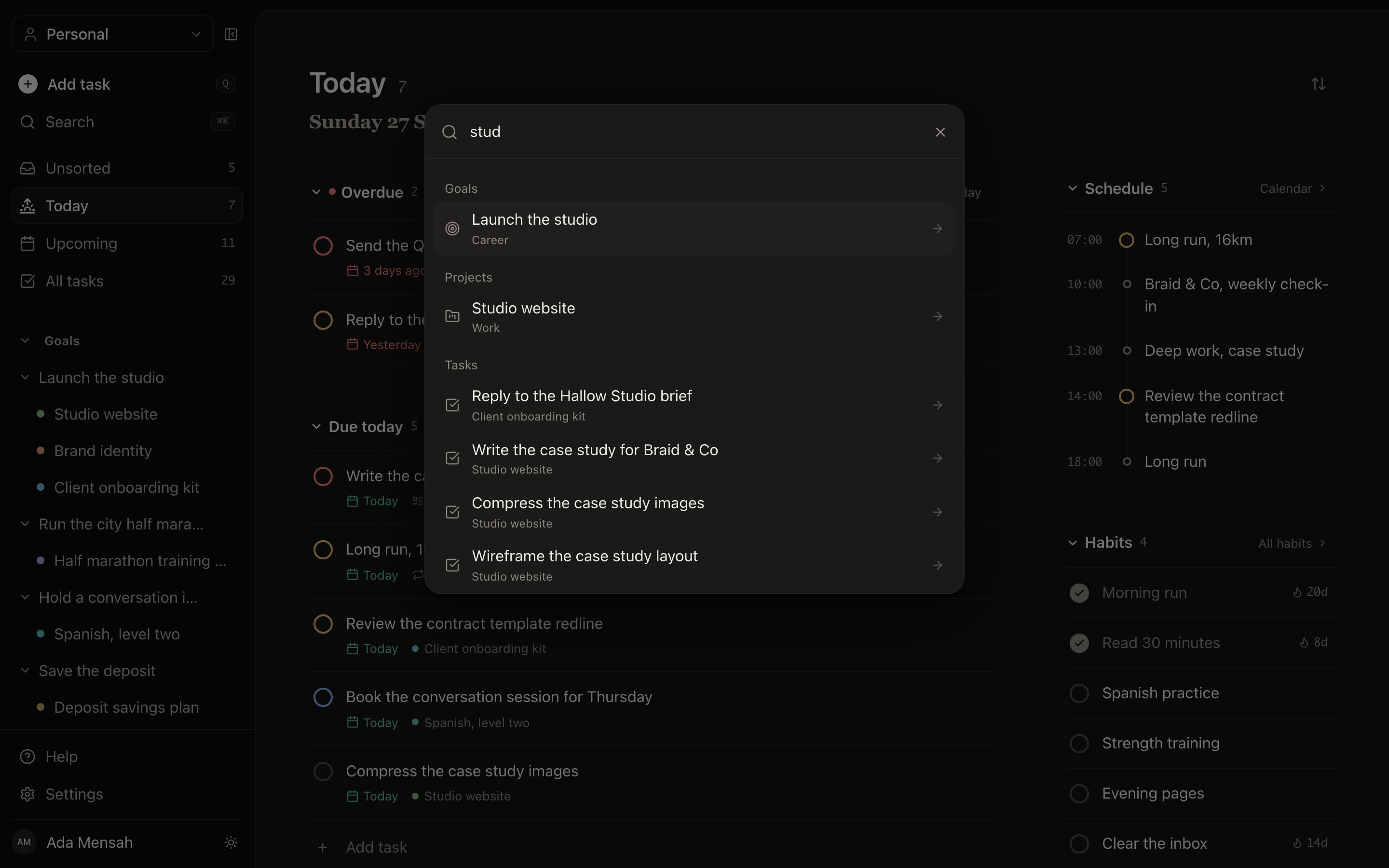
Search everything
One shortcut searches every record type at once, and knows where each result lives.
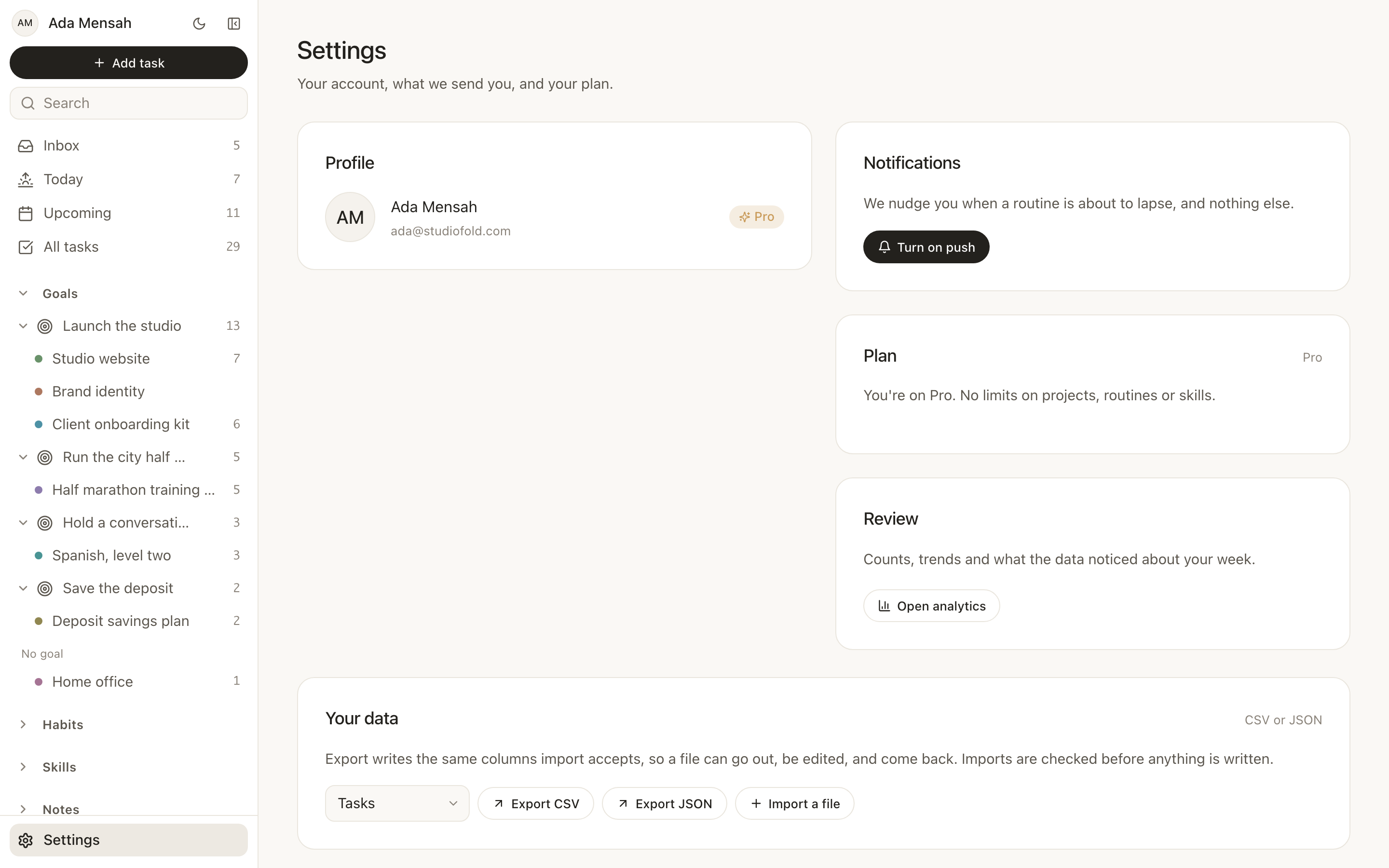
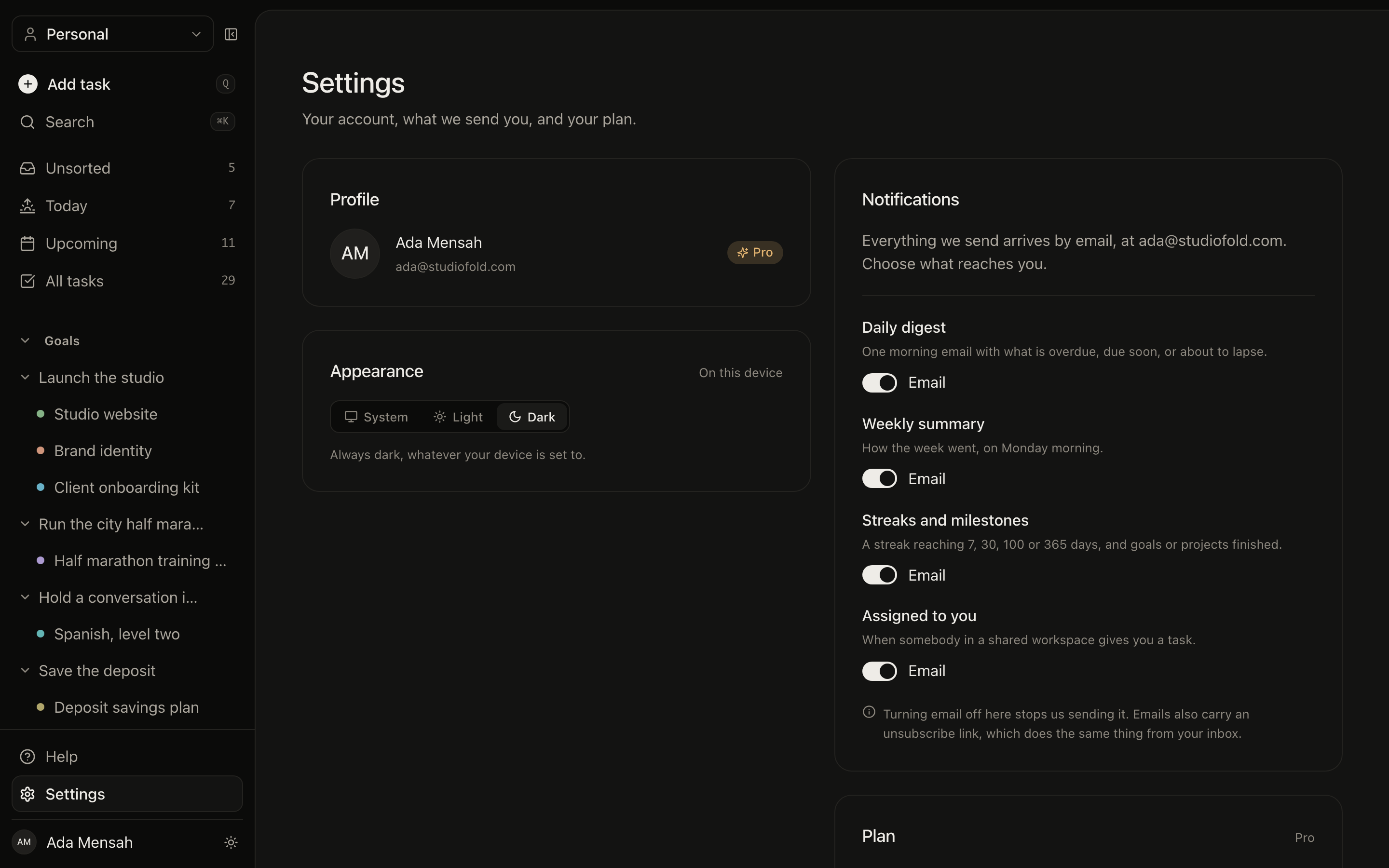
Import and export
A full export of everything you have, and an import that takes it back. No lock-in, no support ticket.
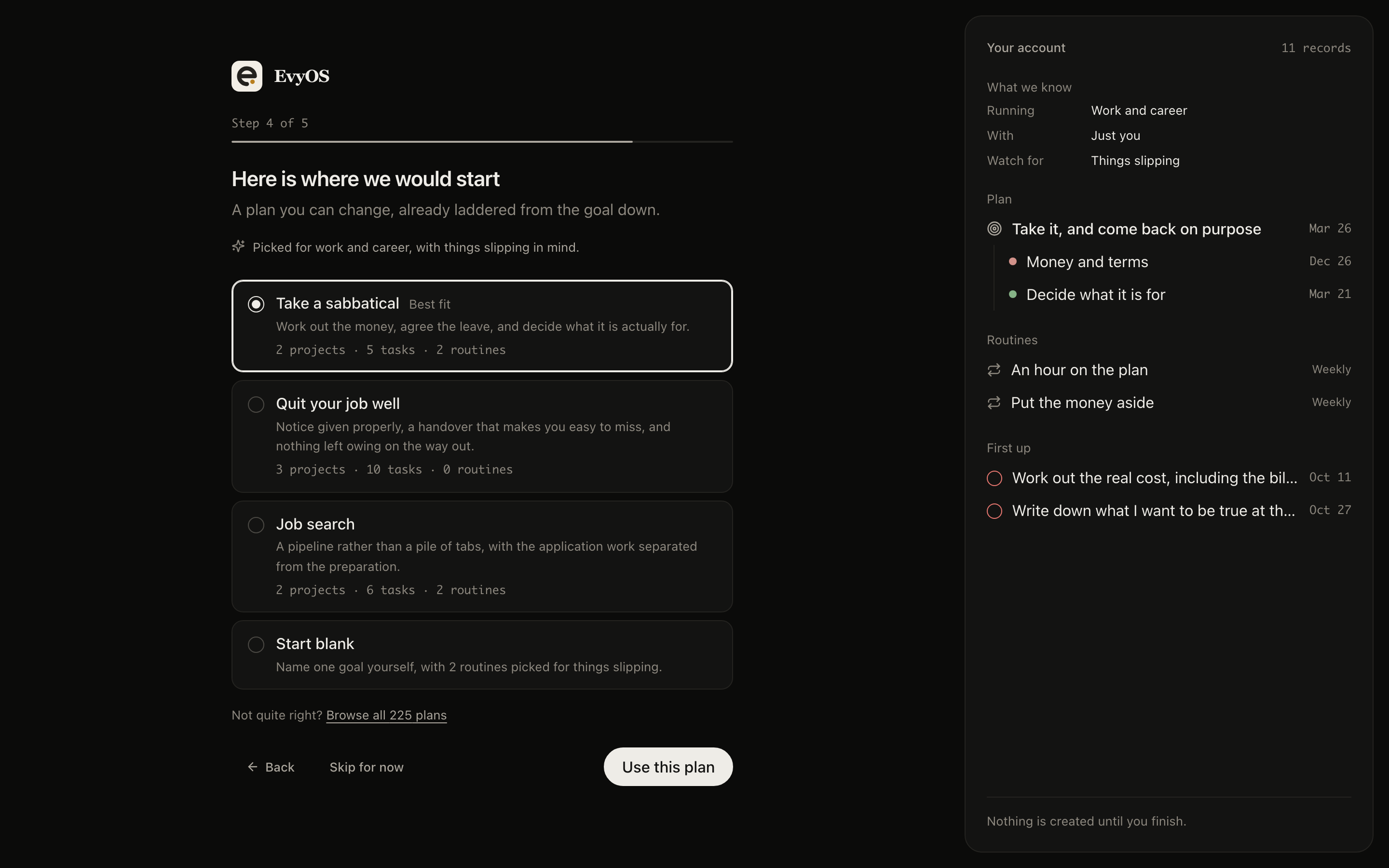
Starting out
Setup offers a whole small plan -- a goal, the projects under it, the first tasks and two routines -- rather than an empty screen and good luck.
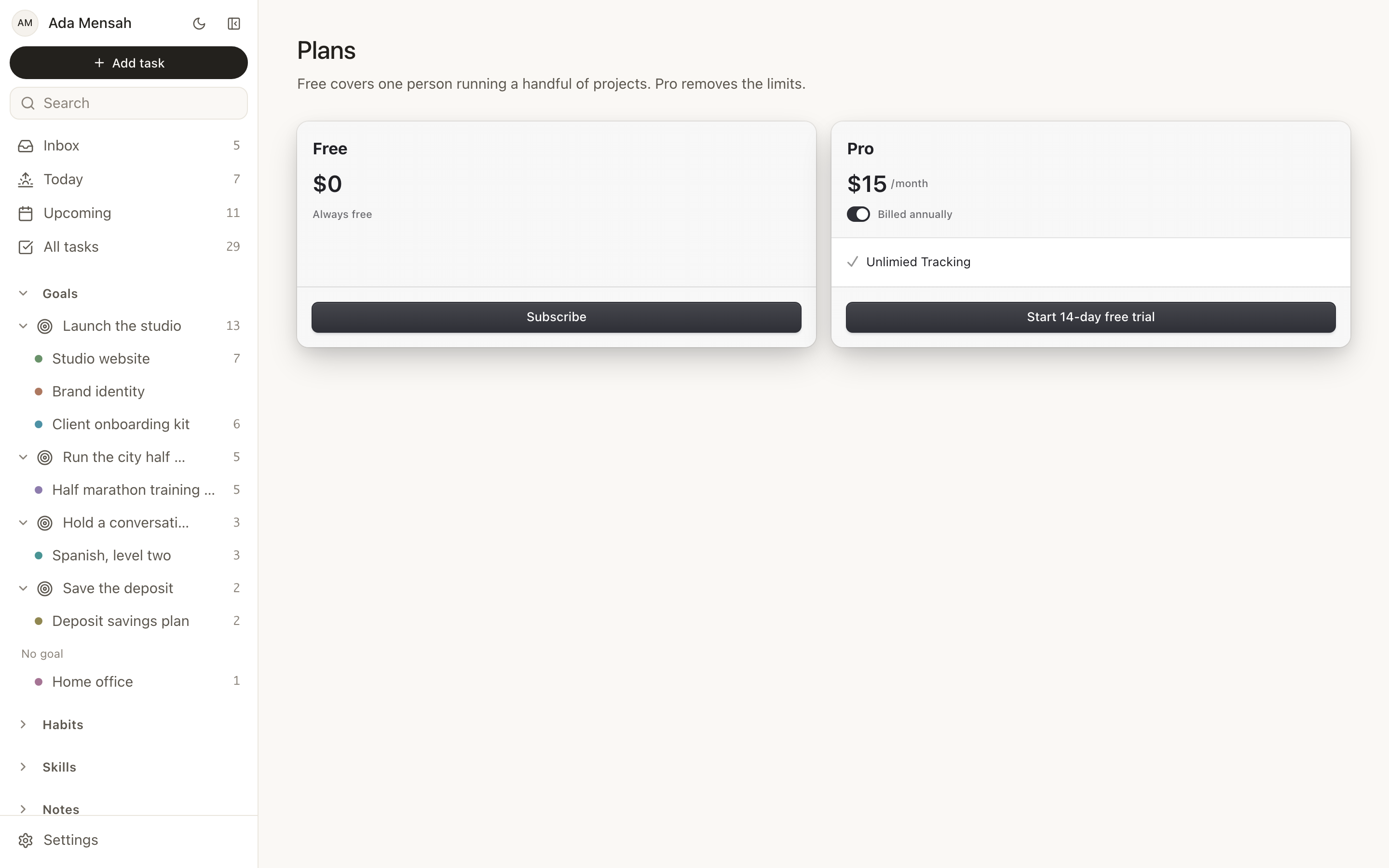
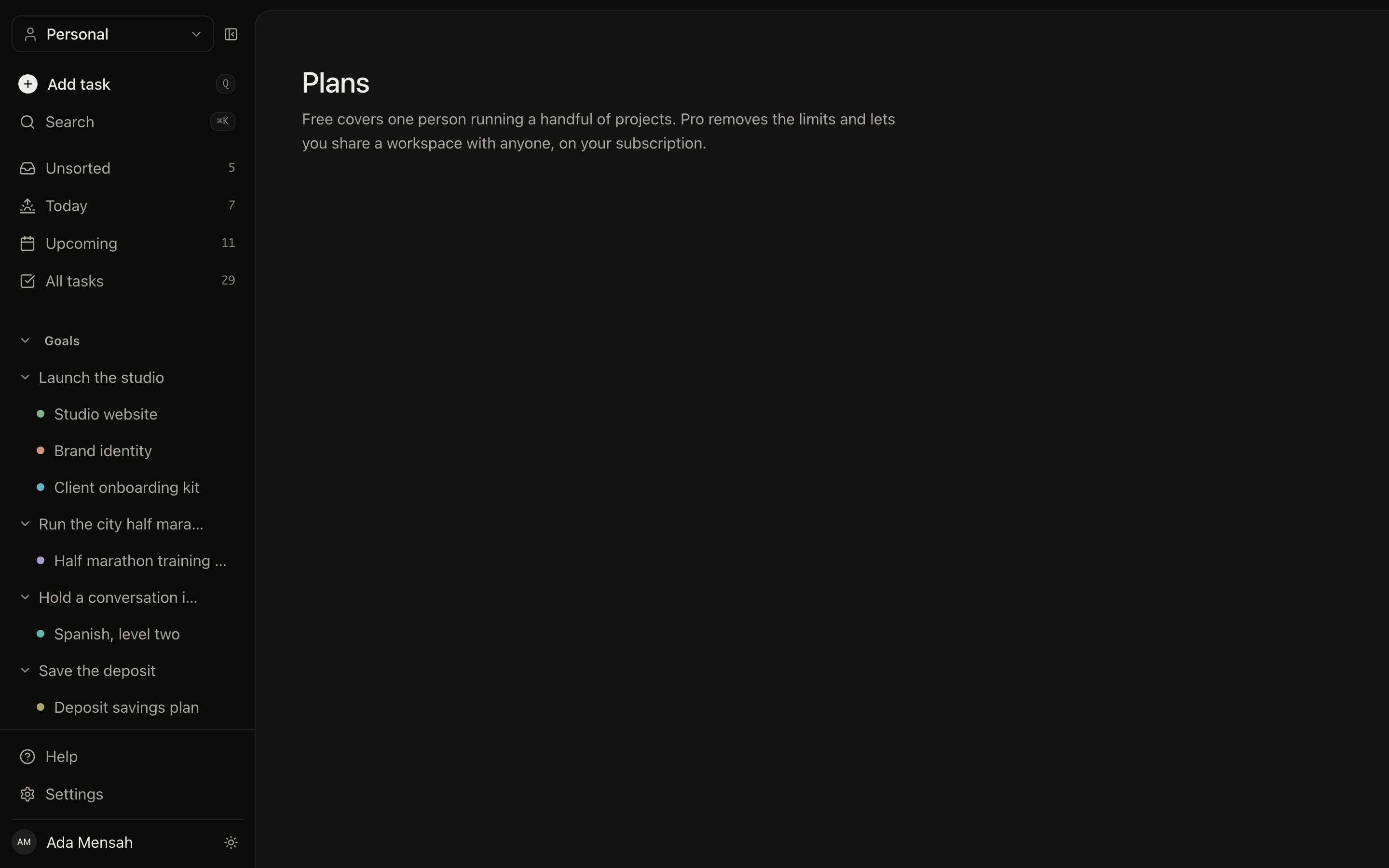
Plans
A free plan with real limits, and Pro for unlimited use.