Goal trackingYou did not forget the goal.
You lost sight of the work.

A goal tracking app where the percentage is earned. Goals hold projects, projects hold tasks, and progress is calculated from what you have actually finished, so nothing sits at 60% because you felt like 60% in March.

Start for free →How projects work

Free for 2 active goals. Finishing one frees the slot.

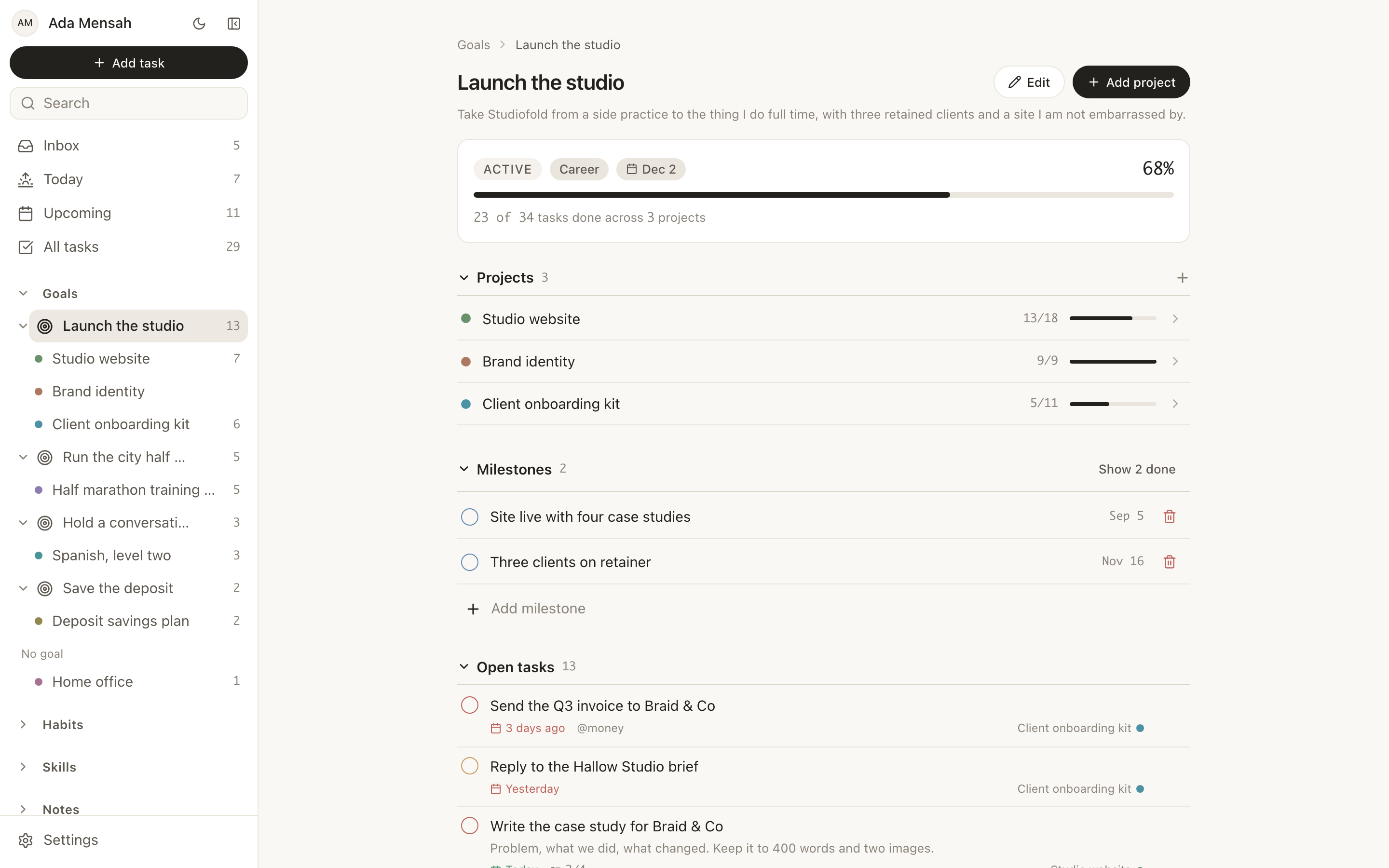
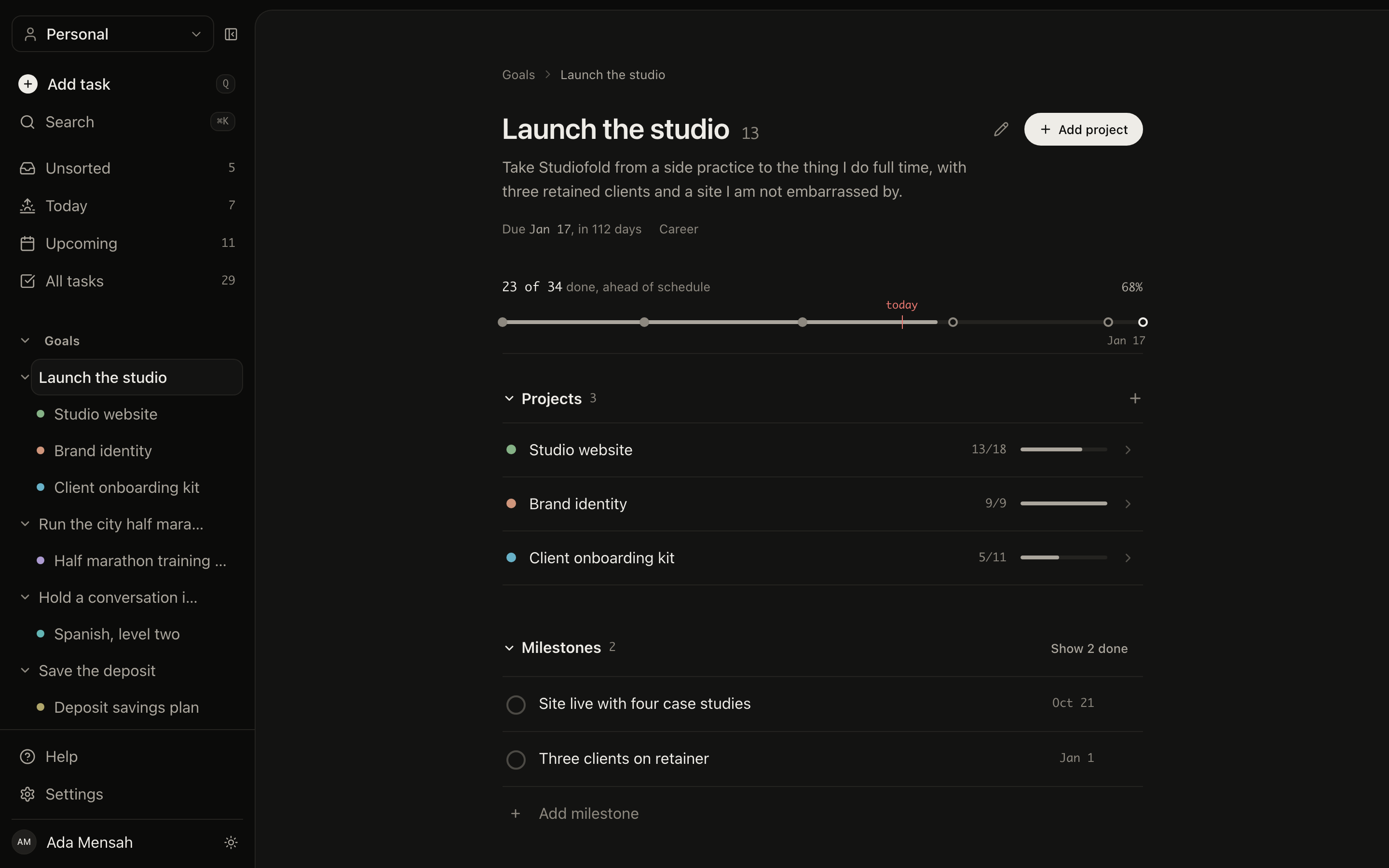
A goal open in EvyOS with its target date, calculated progress, milestones and the projects moving it forward
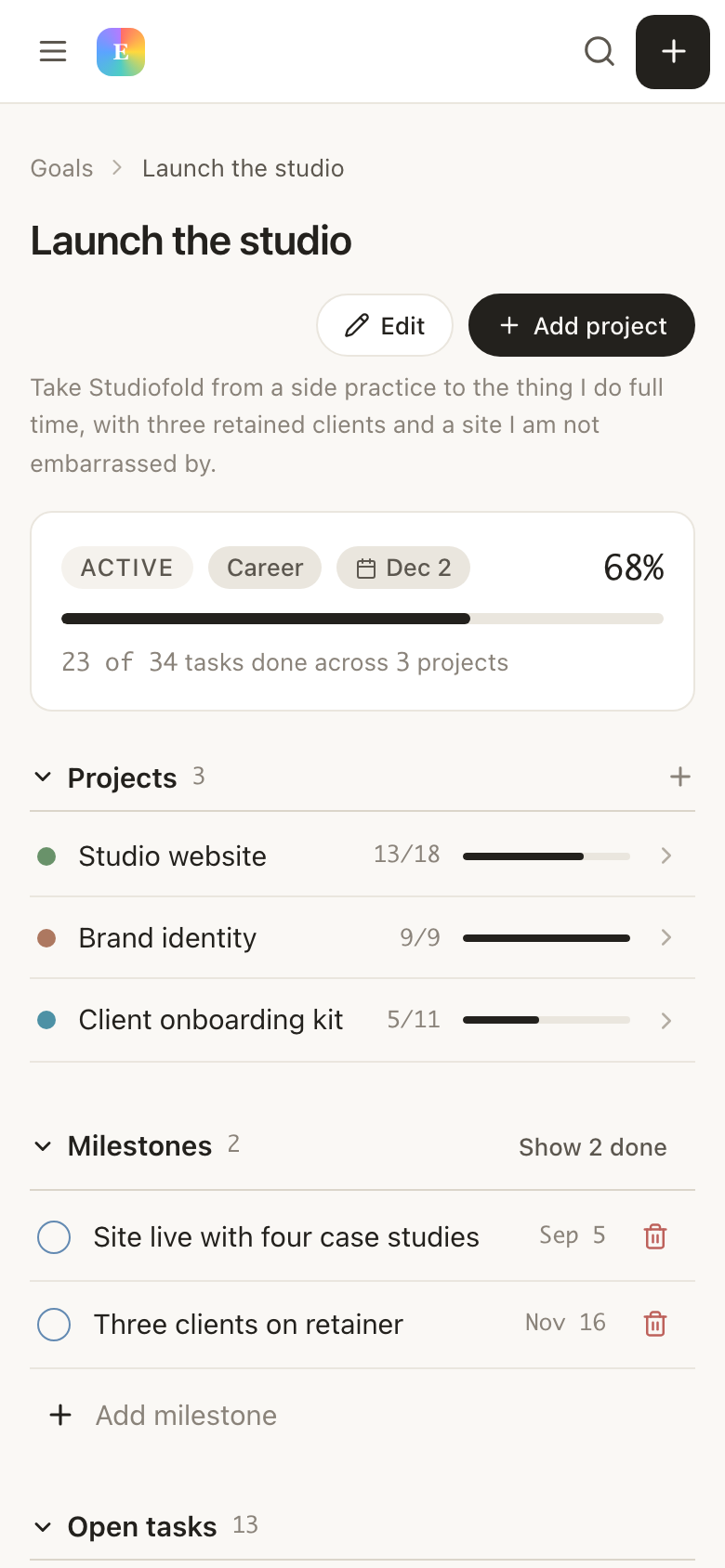
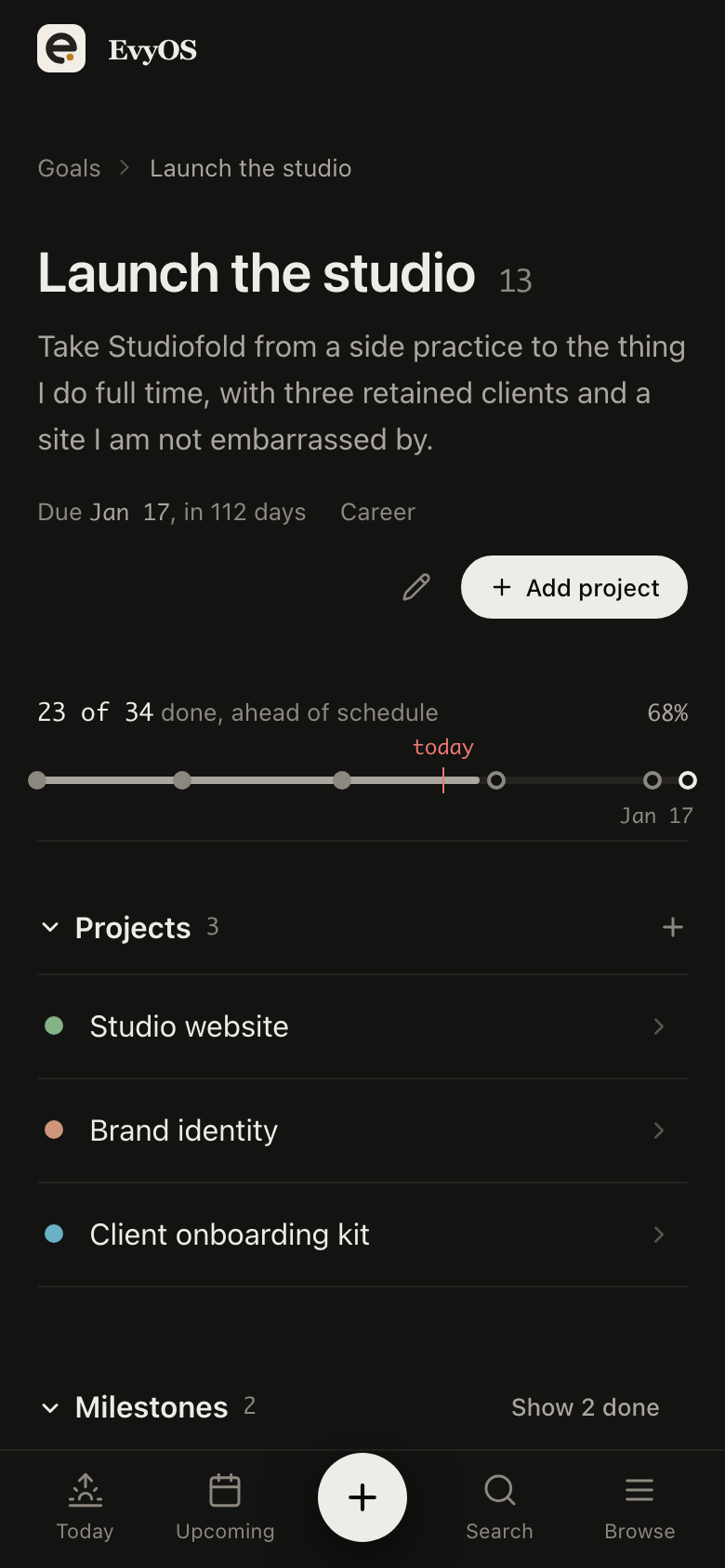
A goal open in EvyOS with its target date, calculated progress, milestones and the projects moving it forward, on a phone
✦ Why goals stall

A goal list is not a plan.

Most goal setting apps are a place to write the goal down. The writing was never the hard part. The hard part is the distance between a sentence about next December and what you do on a Tuesday.

📜
Written where nothing happens

The goal is in a January note. The work is in a task app. They never meet, so the goal is a document rather than something that moves.

🎟
Progress you make up

A slider you drag to 40% tells you what you hoped last time you looked. It cannot tell you whether the last month counted.

📅
A year with no this week

One deadline 11 months out gives you nothing to be behind on until it is too late to catch up. Checkpoints are what make a long goal steerable.

🔄
Habits in another app

Half of most goals is a behaviour you repeat. Keeping that somewhere else means nothing ever adds up in one view.

✦ How it works

How to track progress on goals
without guessing at the number.

01 - Calculated progress

The percentage is earned, not typed.

A goal's progress comes from the projects and tasks underneath it. Tick something off and it moves; do nothing for a fortnight and it stays exactly where it was. There is no field to nudge, which means the number is worth looking at. A goal carries a name, description, category, priority and target date, and as many milestones as the year needs, each with a date of its own.

Rolled-up progressMilestonesTarget datesCategories
A goal in EvyOS showing its progress bar, dated milestones, the projects underneath it and its open tasks
A goal in EvyOS showing its progress bar, dated milestones, the projects underneath it and its open tasks, on a phone
02 - The ladder

From next year down to this morning.

Goals sit at the top. Projects hang off a goal, tasks hang off a project, and the sidebar shows the whole tree with live counts, so you can read down from an outcome to the 3 things it needs this week. Anything that does not belong to a project waits in an unsorted inbox until it does.
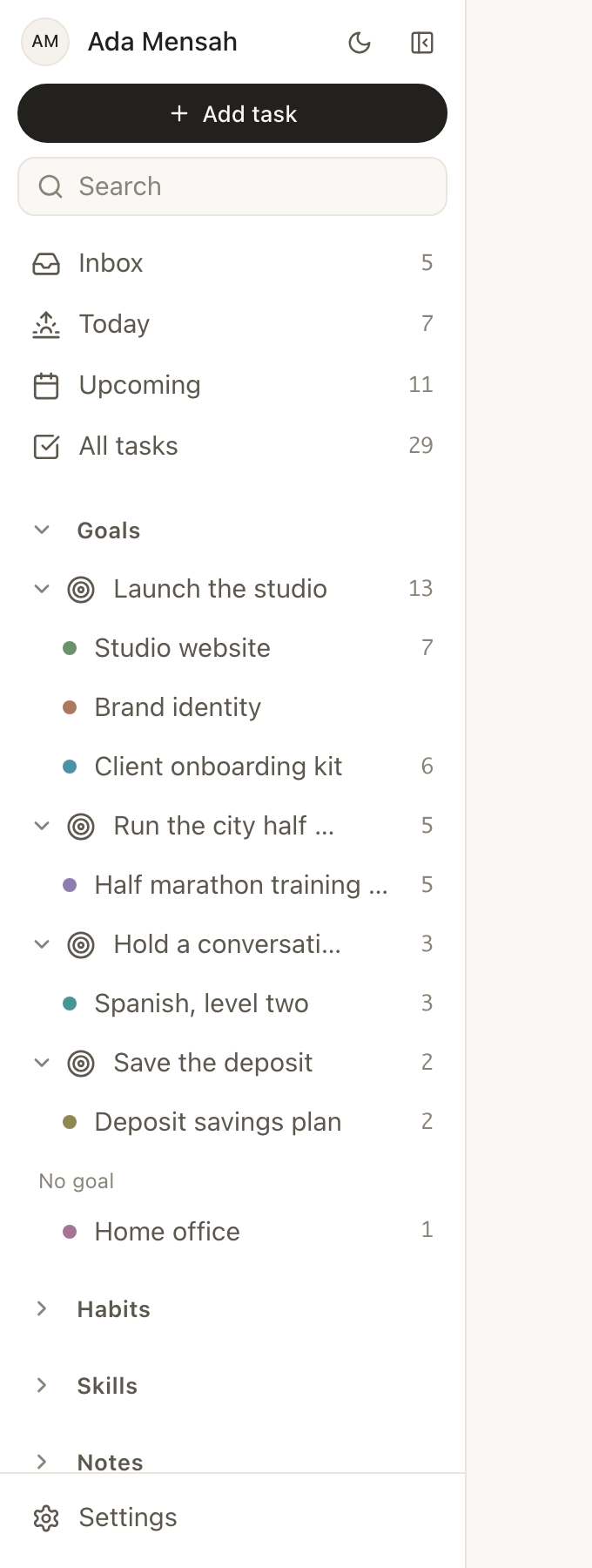
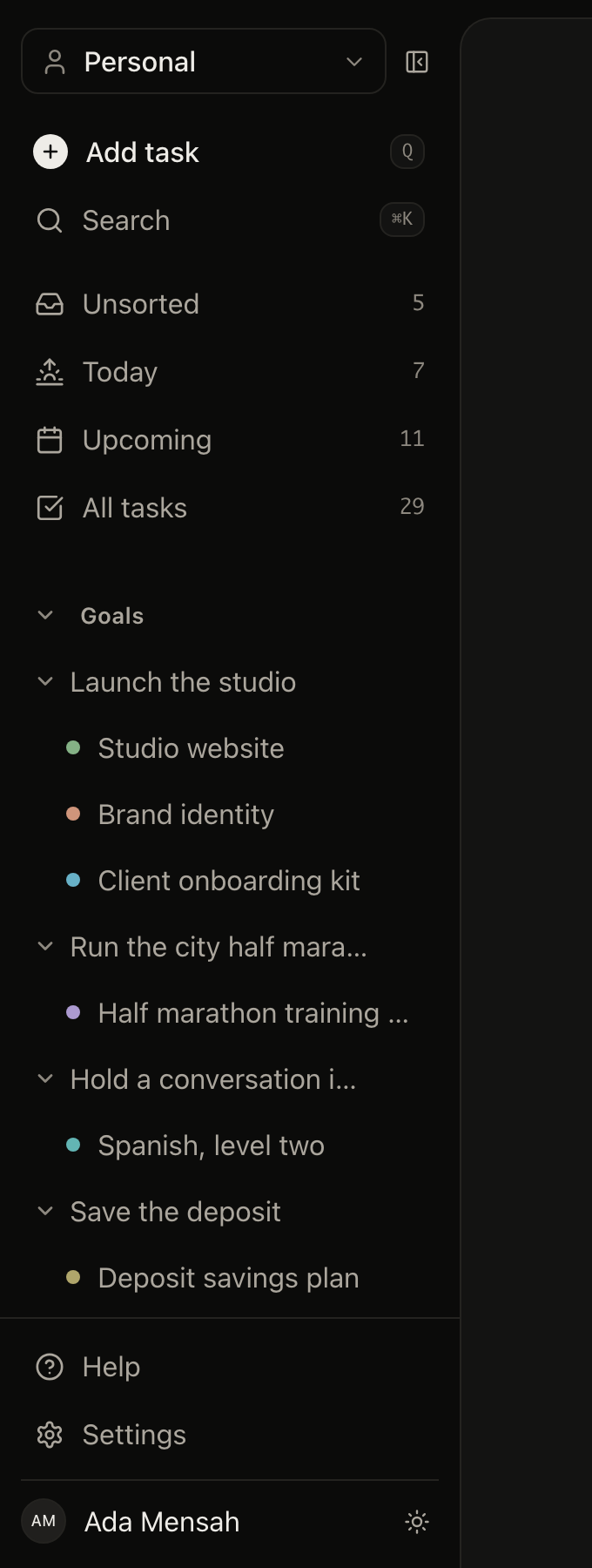
Goal to project to taskLive countsSidebar treeUnsorted inbox
The EvyOS sidebar, showing each goal expanded into the projects under it with a live count of open tasks beside each one
03 - Long-range goals

An app to track goals that take years.

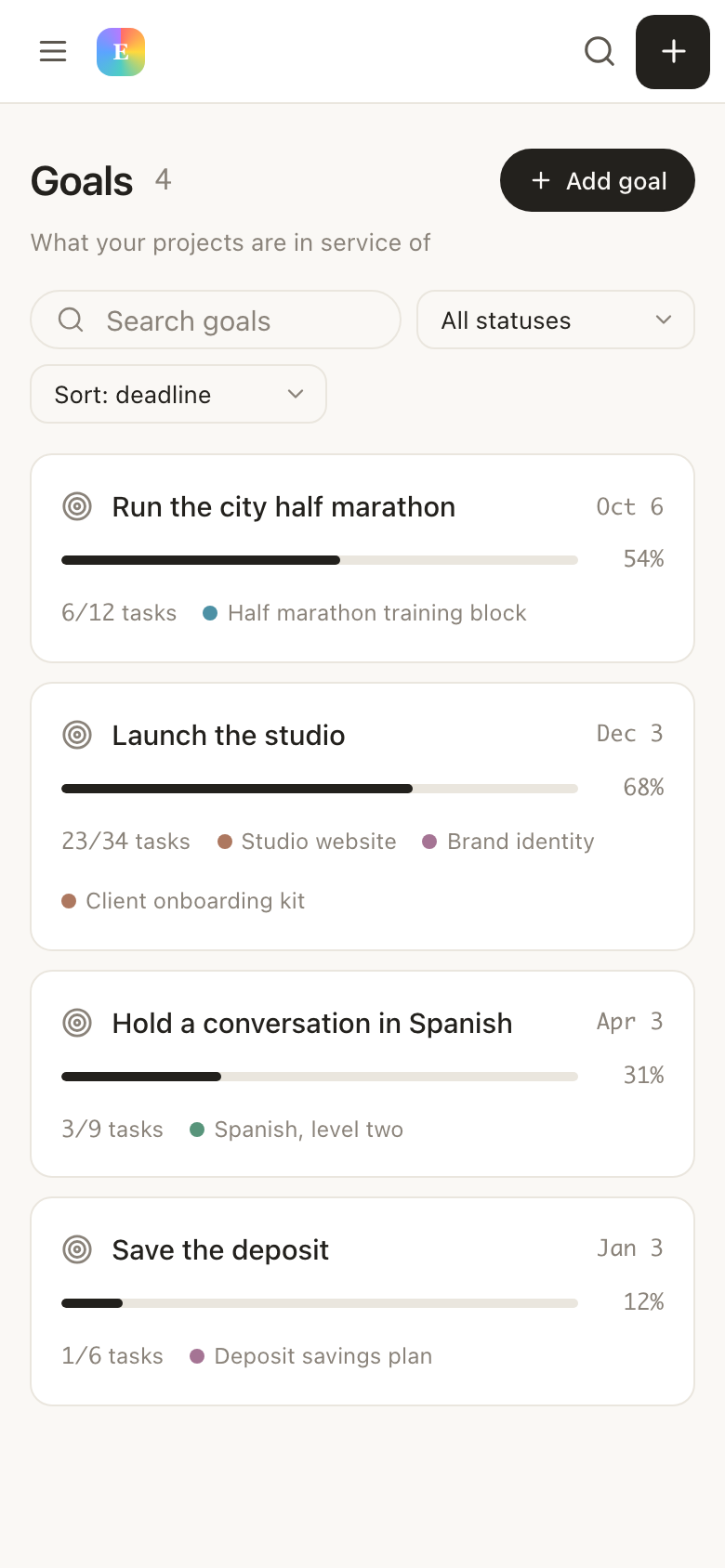
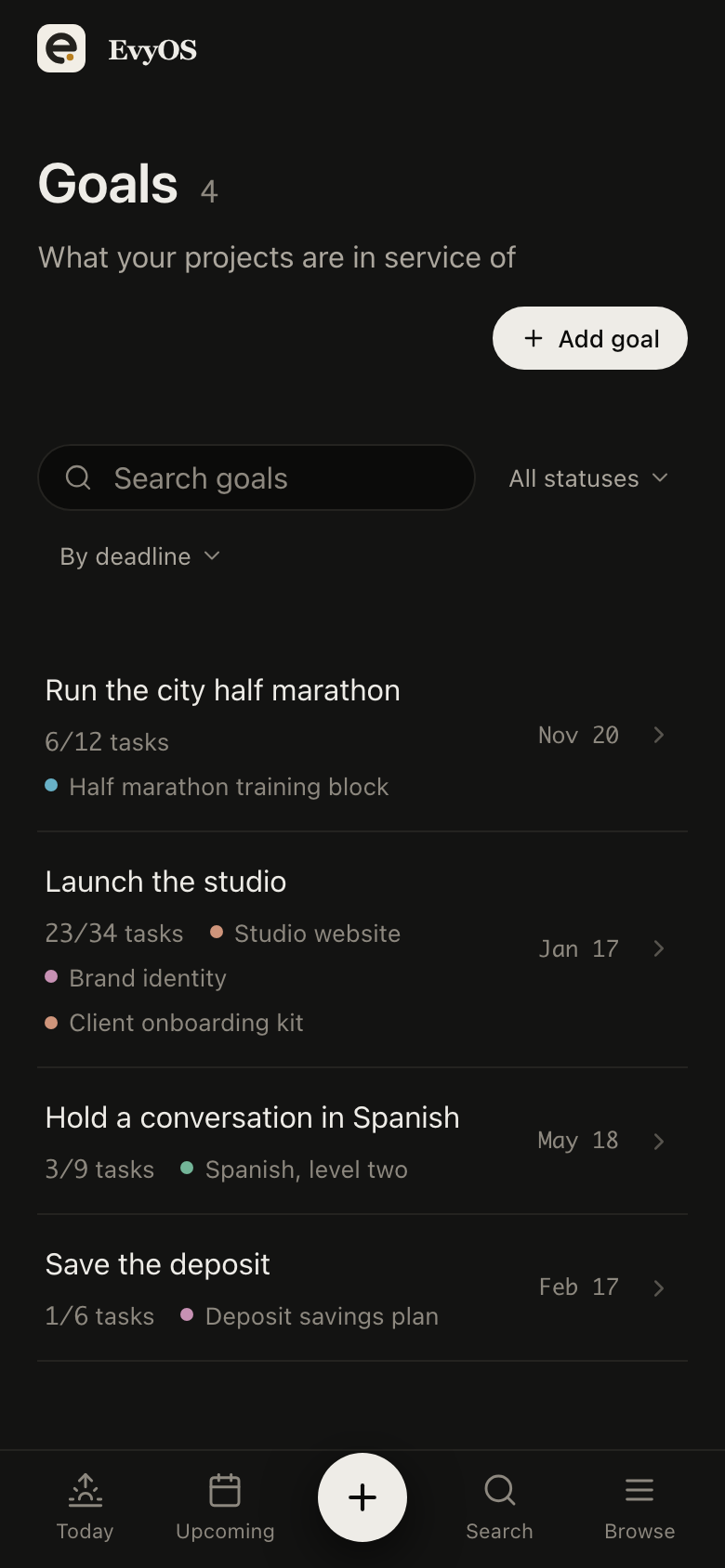
Every goal in one list, with its category, its target date and the progress it has actually made. Long-range outcomes stay legible at a distance while the tasks under them churn week to week, which is what a yearly goal list normally cannot survive. Priority is there for the honest admission that 2 of the 5 matter more.
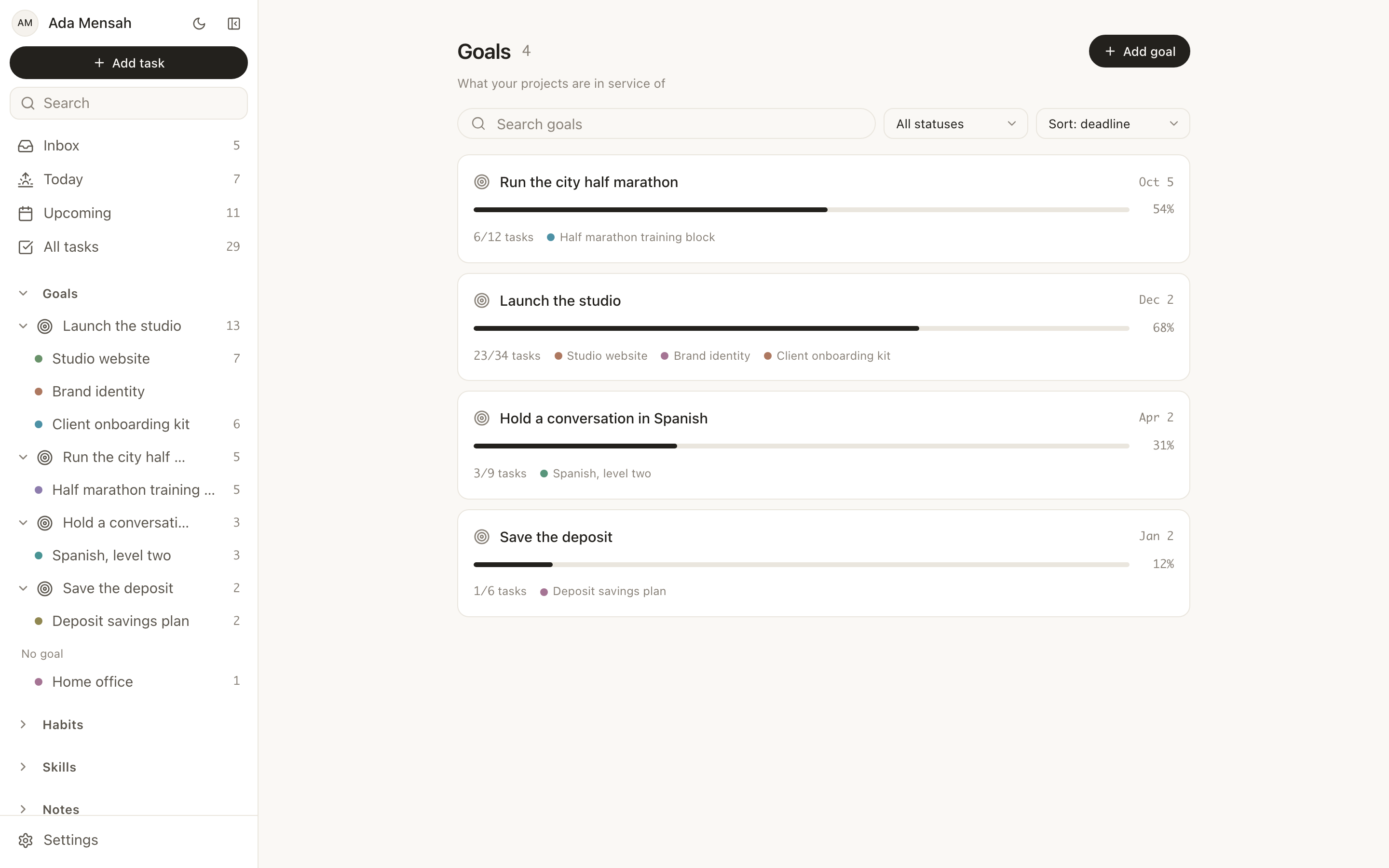
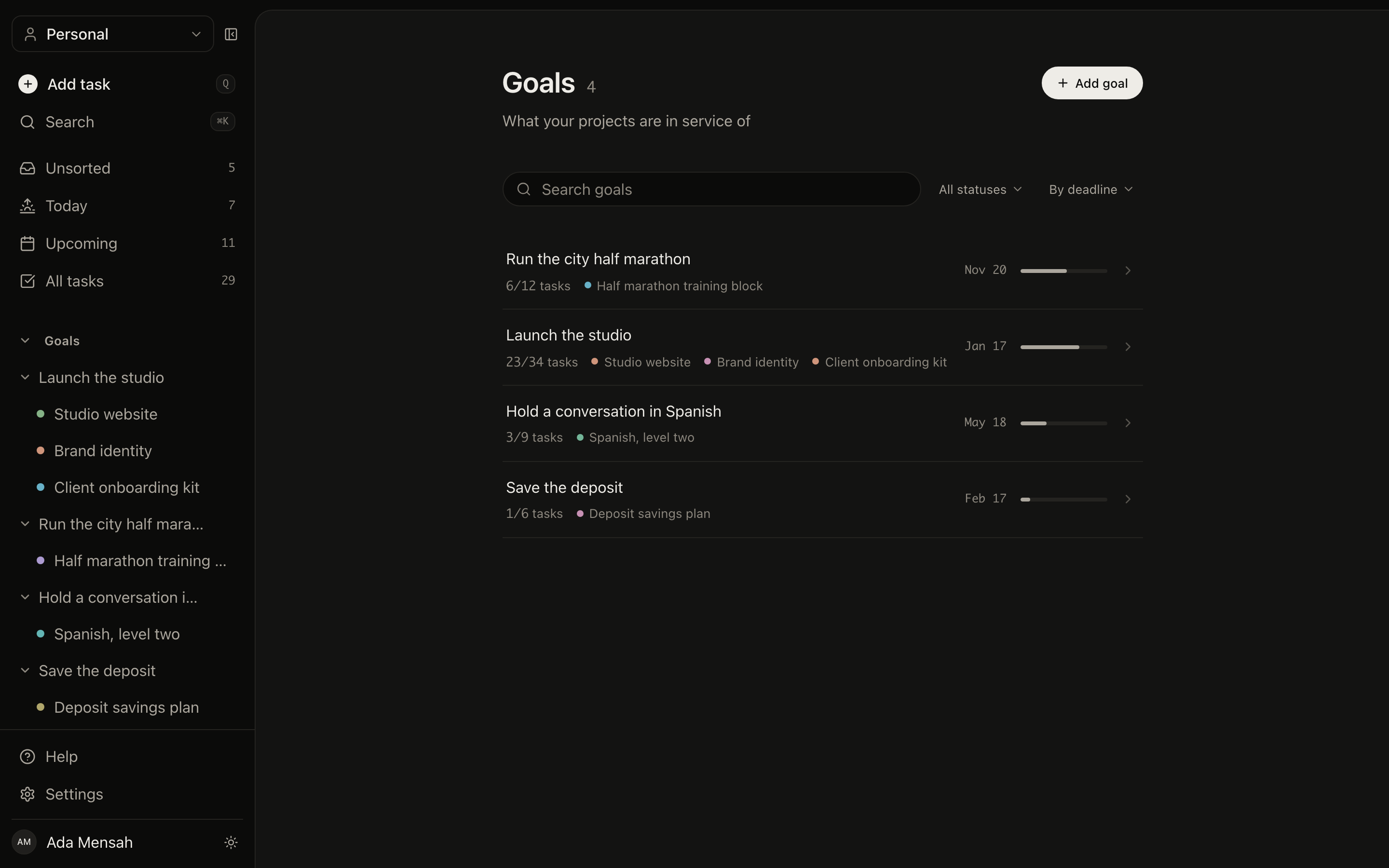
Yearly and multi-yearPriorityCategoriesFinished goals kept
The goals list in EvyOS, each goal with its category, target date and the progress calculated from the work underneath it
The goals list in EvyOS, each goal with its category, target date and the progress calculated from the work underneath it, on a phone
04 - Goals and habits

A goal and habit tracker in one.

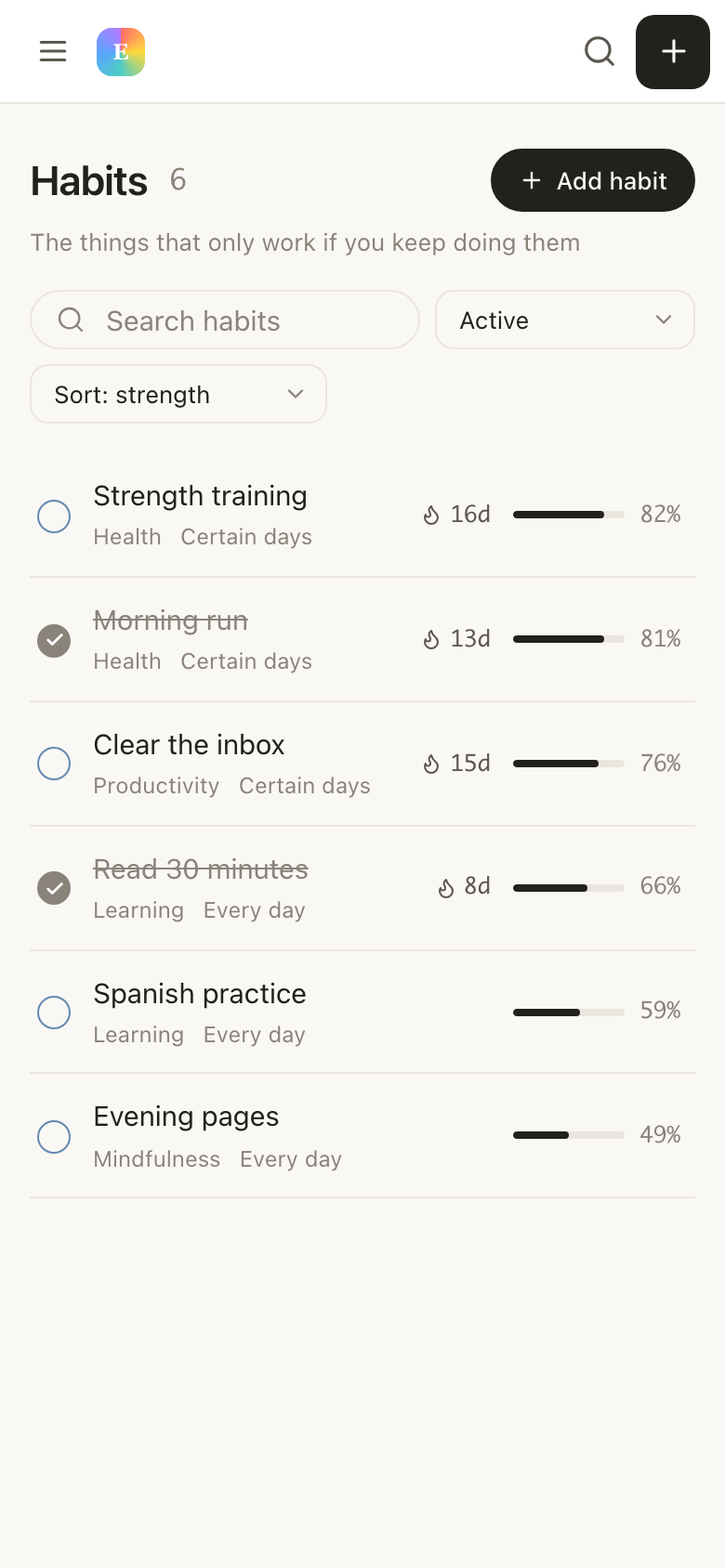
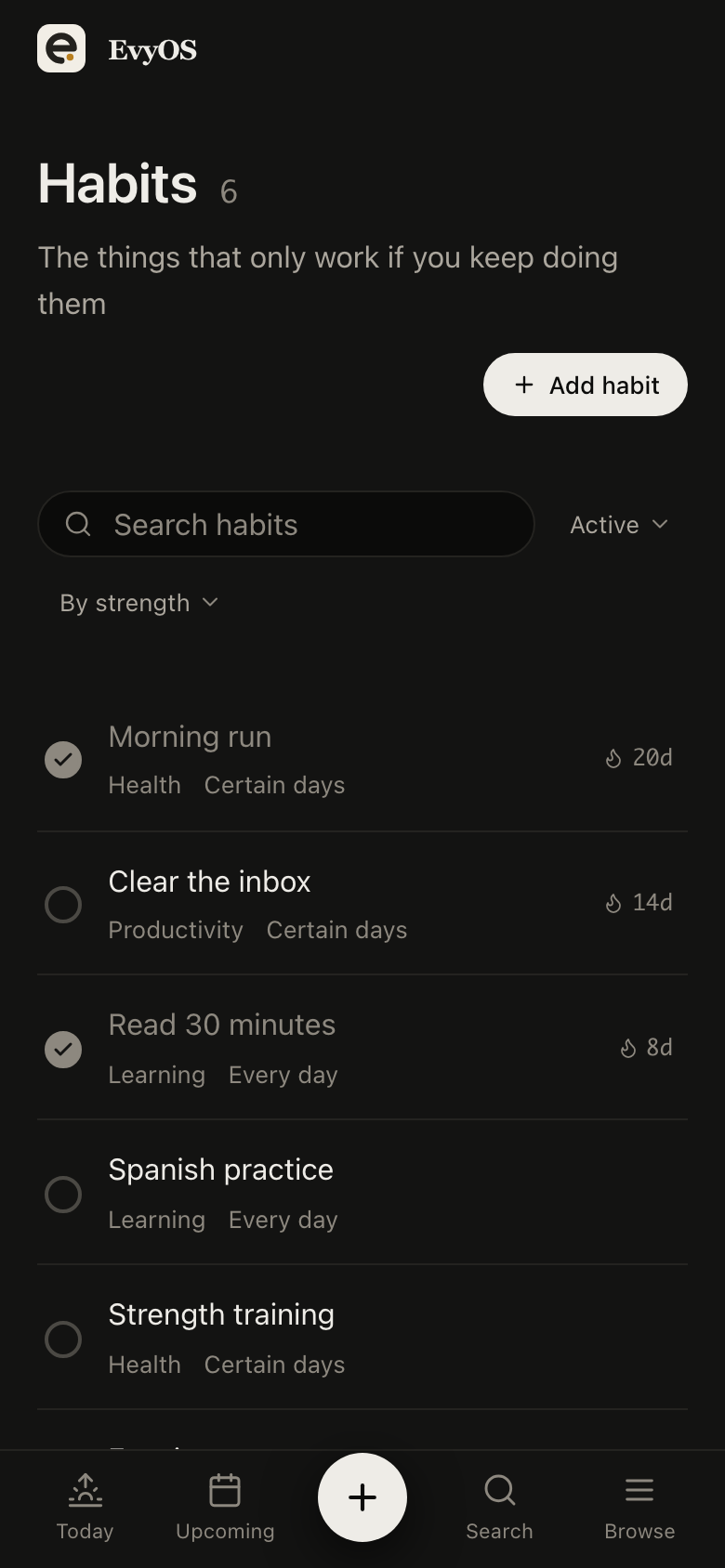
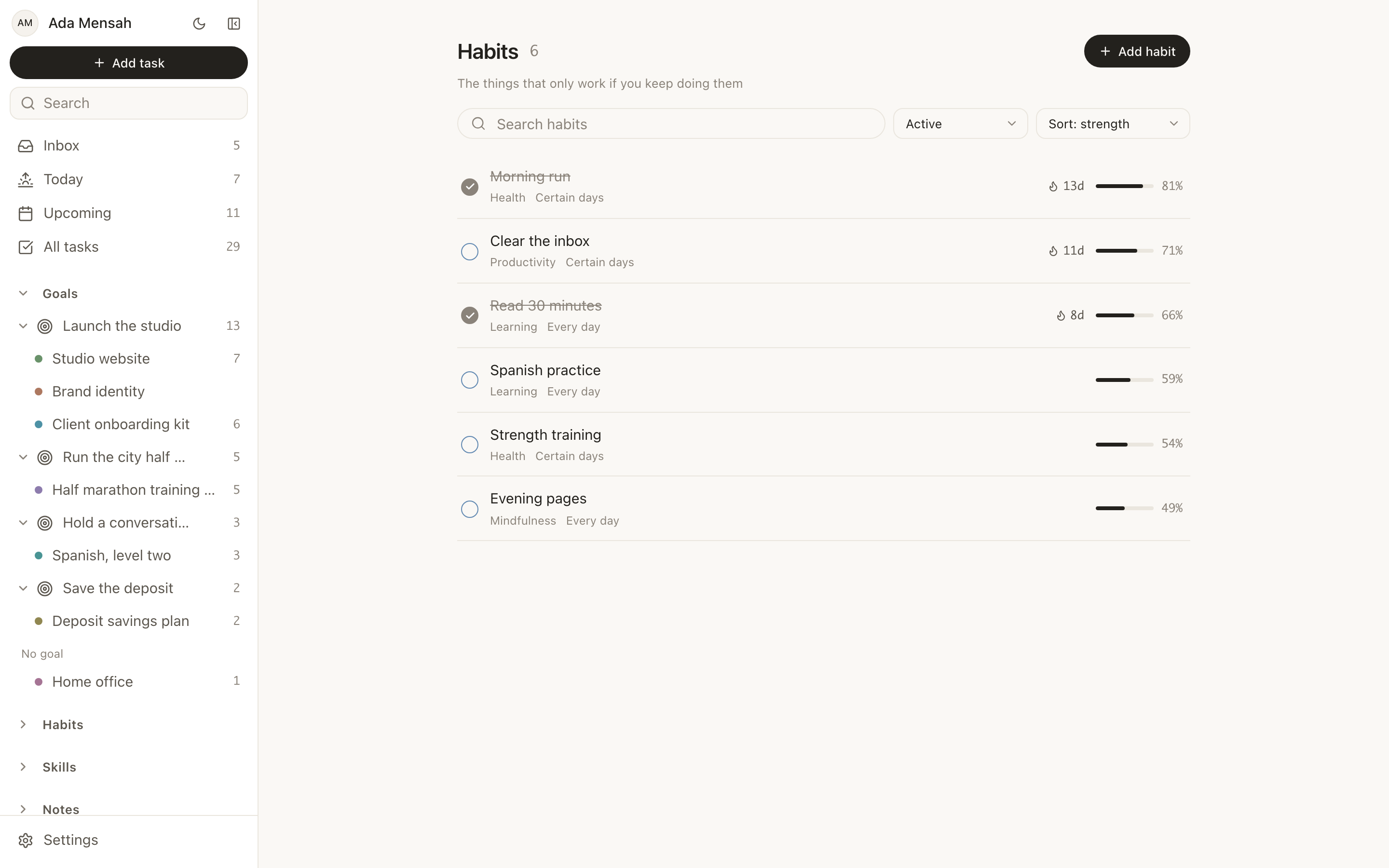
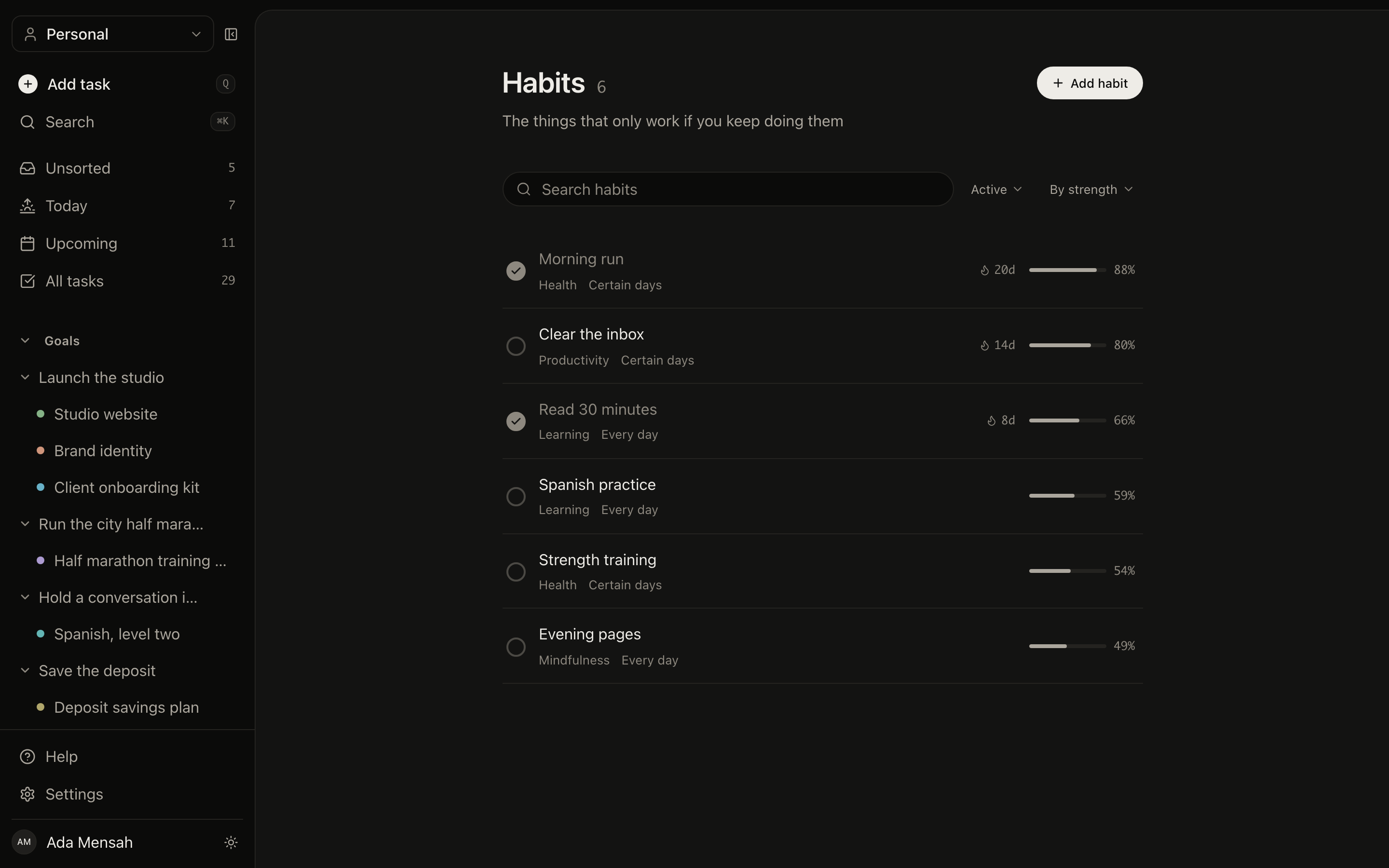
Most goals are half outcome and half behaviour. Run a half marathon is a target date, a training plan and 4 runs a week for five months. Habits live in the same account as the goals they serve, with their own schedules and streaks, and both show up in the same Today view instead of two apps you check separately.
StreaksFlexible schedulesOne Today viewSkills and notes too
The habits screen in EvyOS, each habit with its schedule, current streak and the week of completions behind it
The habits screen in EvyOS, each habit with its schedule, current streak and the week of completions behind it, on a phone
Getting started

Set one up in about five minutes.

1
Write the outcome and the date

One sentence for what is true when it is done, and a target date you believe. Add a category and a priority if you are tracking more than a couple.

2
Add the checkpoints and the projects

Milestones for the 4 or 5 moments that prove it is on track, then a project for each block of work that gets you there. Tasks go under the projects.

3
Work the week, read the goal monthly

Day to day you look at Today and Upcoming. Progress on the goal takes care of itself, so the monthly check-in is reading a number rather than reconstructing one.

✦ What it costs

Free is a real plan.

Two active goals is enough for most people, and the limits count open items only, so finishing one hands the slot straight back. Pro is for when the projects and habits under those goals outgrow the free ceiling.

See the plans →
  • Free: 2 active goals, 5 projects, 20 open tasks, 5 habits, 5 skills
  • Free: a weekly summary of what moved and what did not
  • Pro: unlimited projects, habits and skills, at $9.99 a month or $99 a year
  • Pro: progress heatmaps, the daily planner and the mobile app
  • Pro: shared workspaces and the ChatGPT and Claude connector
Questions

Frequently asked.

You do not set the number, the work does. A goal in EvyOS holds projects, and those projects hold tasks, so the percentage moves when you finish something real. Milestones sit alongside it as the checkpoints you named at the start, each with its own date. If a goal has not moved in three weeks, that is a fact on the screen rather than a feeling.
That is what a goal is for here. Give it a target date years out if that is honest, add milestones for the checkpoints in between, and let the projects underneath it carry the near-term work. The goal stays readable at a distance while the tasks churn week to week, which is the part most yearly goal lists lose by February.
Yes. A goal can carry as many milestones as it needs, and each one has its own title and date, so a 12-month goal reads as 4 or 5 checkpoints rather than one distant deadline. Projects can carry their own milestones too, which is usually where the detail belongs.
Yes, and they are the same system rather than two apps side by side. Goals cover the outcomes that end, habits cover the behaviour that has to repeat for those outcomes to happen, and both sit in one account with one Today view. A goal to run a half marathon and the habit of running 3 mornings a week stop being separate record-keeping.
2 active goals, along with 5 active projects, 20 open tasks, 5 habits and 5 skills. The limits count open items only, so completing a goal frees the slot immediately. Pro, at $9.99 a month or $99 a year, lifts the project, habit and skill limits and adds shared workspaces, progress heatmaps and the ChatGPT and Claude connector.
Mark it complete and it leaves your active list, taking its slot with it, while the record of what it took stays. The projects, tasks and milestones under it are still there to read, which is what makes a yearly review worth sitting down for.
✦ Try it without an account

Three goal templates that need no sign-up.

Each one fills in on the page, prints as a real form and can be sent across to the app in a click. The quickest way to find out whether this shape of goal tracking suits you.

The goal was never the problem.
The gap underneath it was.

Write the outcome, hang the projects off it, and let the progress come from work you have actually done.

Start for free