Built for adults with ADHDOne place for all of it.So nothing falls out of your head.
Projects, tasks, habits, and the things you are learning, in a single app, on one screen, in the order you need them. EvyOS is external structure you do not have to rebuild every morning.
Free for as long as you like, no card required. Pro is $15 a month.
Goals
Projects
Tasks
Habits
Skills
Notes
Calendar
✦ The problem
The problem is rarely the work. It is everything you have to hold in your head to get to the work.
Most productivity tools assume you will remember to open them, remember what mattered yesterday, and remember which of the four apps you put it in. That assumption is where the system quietly fails, and once it fails, starting a new one feels easier than repairing the old one.
🧩
Five apps means five places to forget
Tasks in one app, habits in another, notes in a third, the actual plan in a document you cannot find. Every extra tool is another thing to check, and the one you forget to check is where the work goes missing.
👀
If you cannot see it, it does not exist
A task filed neatly into a folder you never reopen is a task you have deleted. What you need is not more organizing. It is for today's work to be on the screen the moment you open the app.
⚖️
Everything feels equally urgent
When forty items sit in one flat list with no due dates and no priority, choosing between them costs more energy than doing any of them. So the list gets closed, and the day gets decided by whatever shouts loudest.
📉
One missed day ends the whole streak
Most habit trackers are built around unbroken chains. Miss a day, lose the streak, abandon the app. A system that only works when you are perfect is not a system you can use.
📋
Task manager
For daily to-dos
$4/mo
📁
Project tracker
For goals and timelines
$8/mo
🔄
Habit tracker
For daily rituals
$5/mo
⚡
Learning journal
For skill tracking
$6/mo
+
Monthly total
4 apps, no integration
$23/mo
vs $15 with EvyOS
✦ Four pillars, one system
Everything you're building. In one place.
01 - Projects
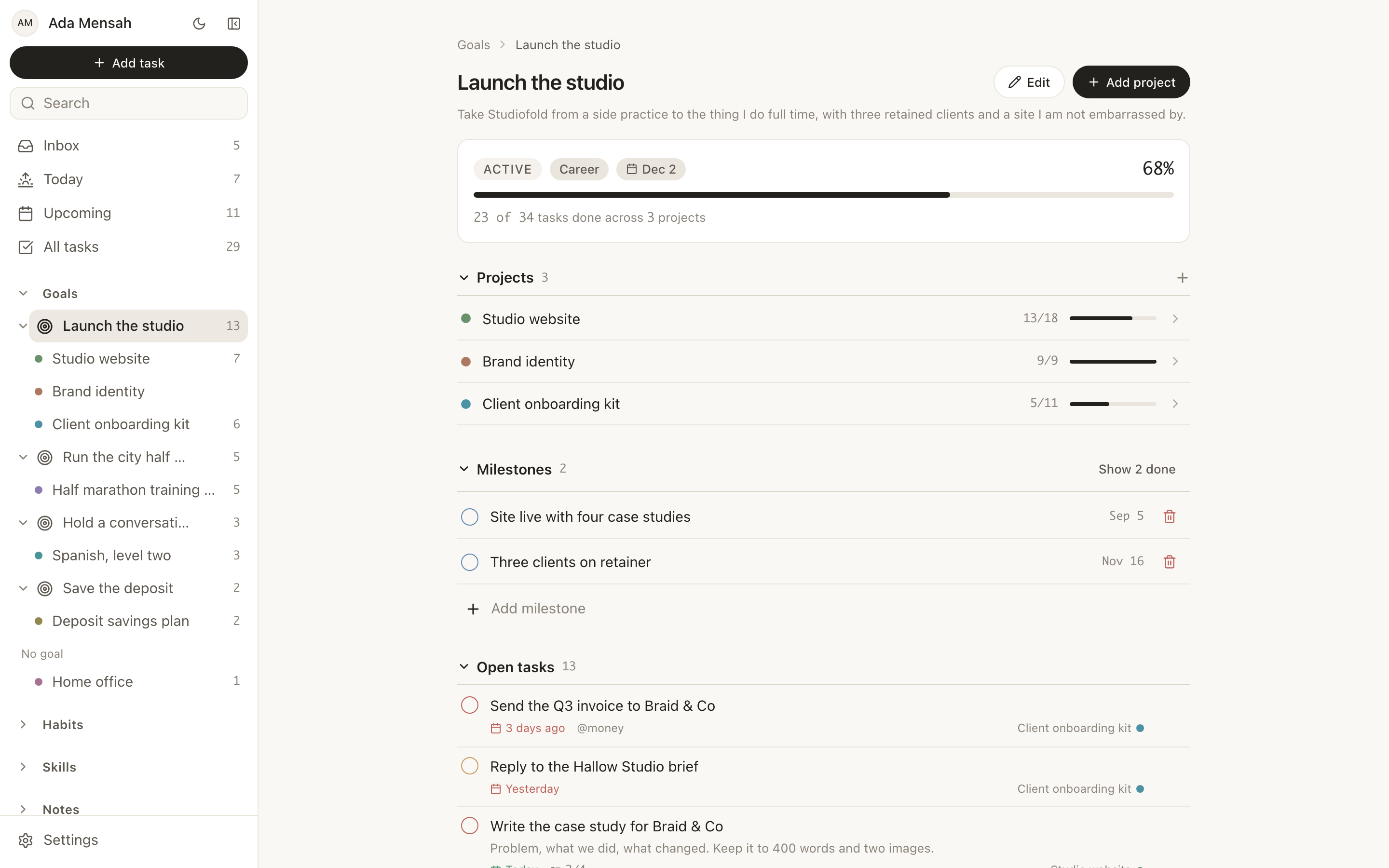
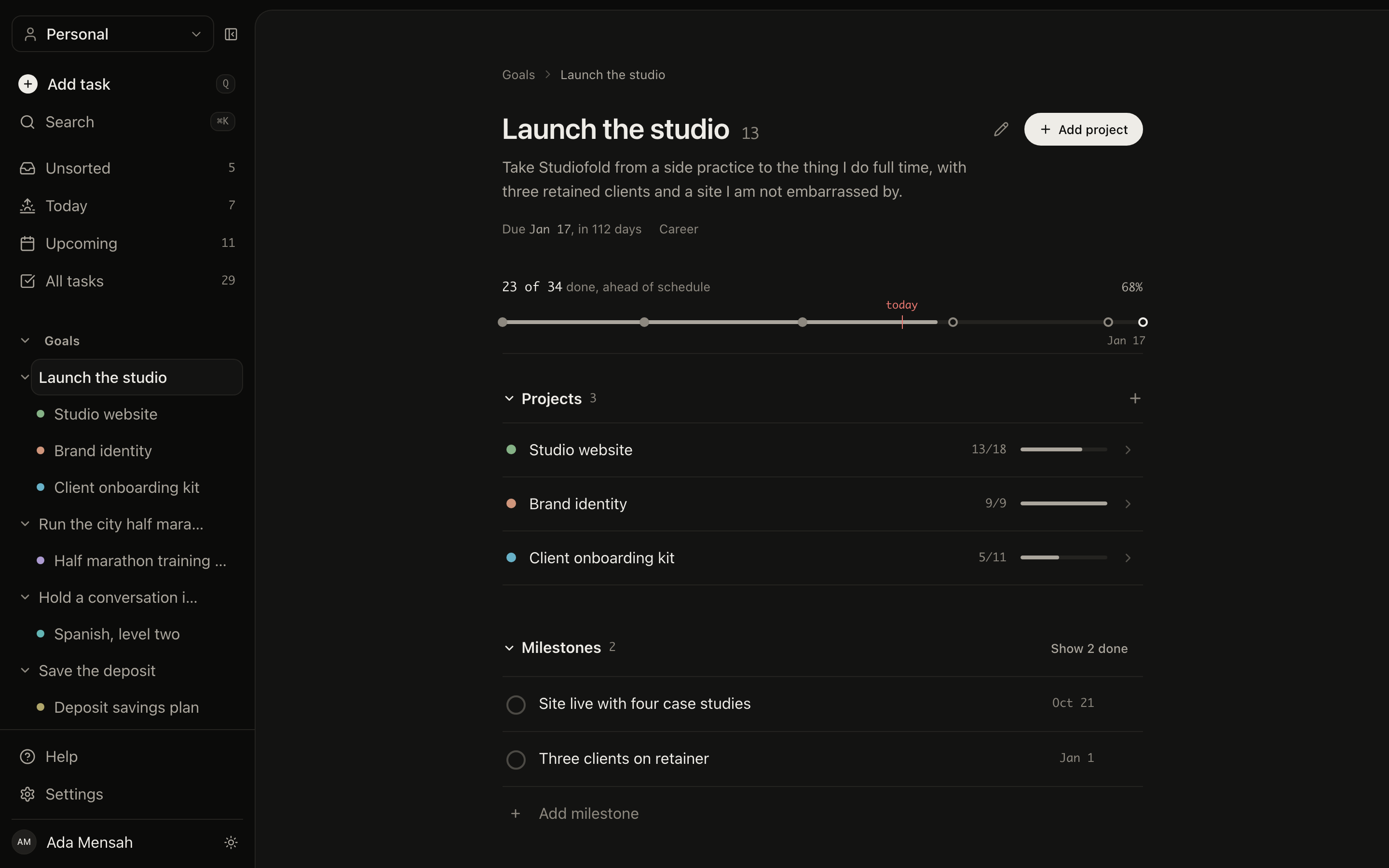
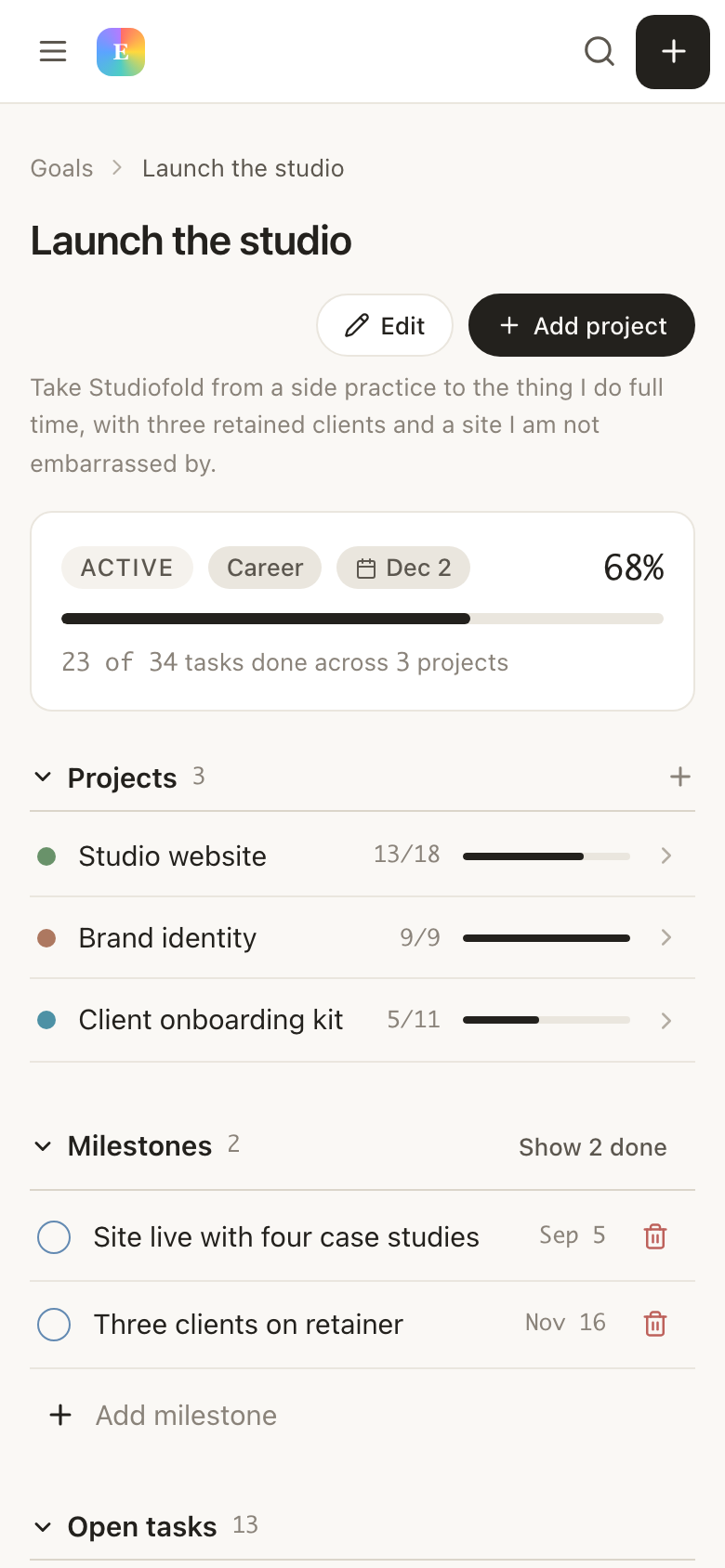
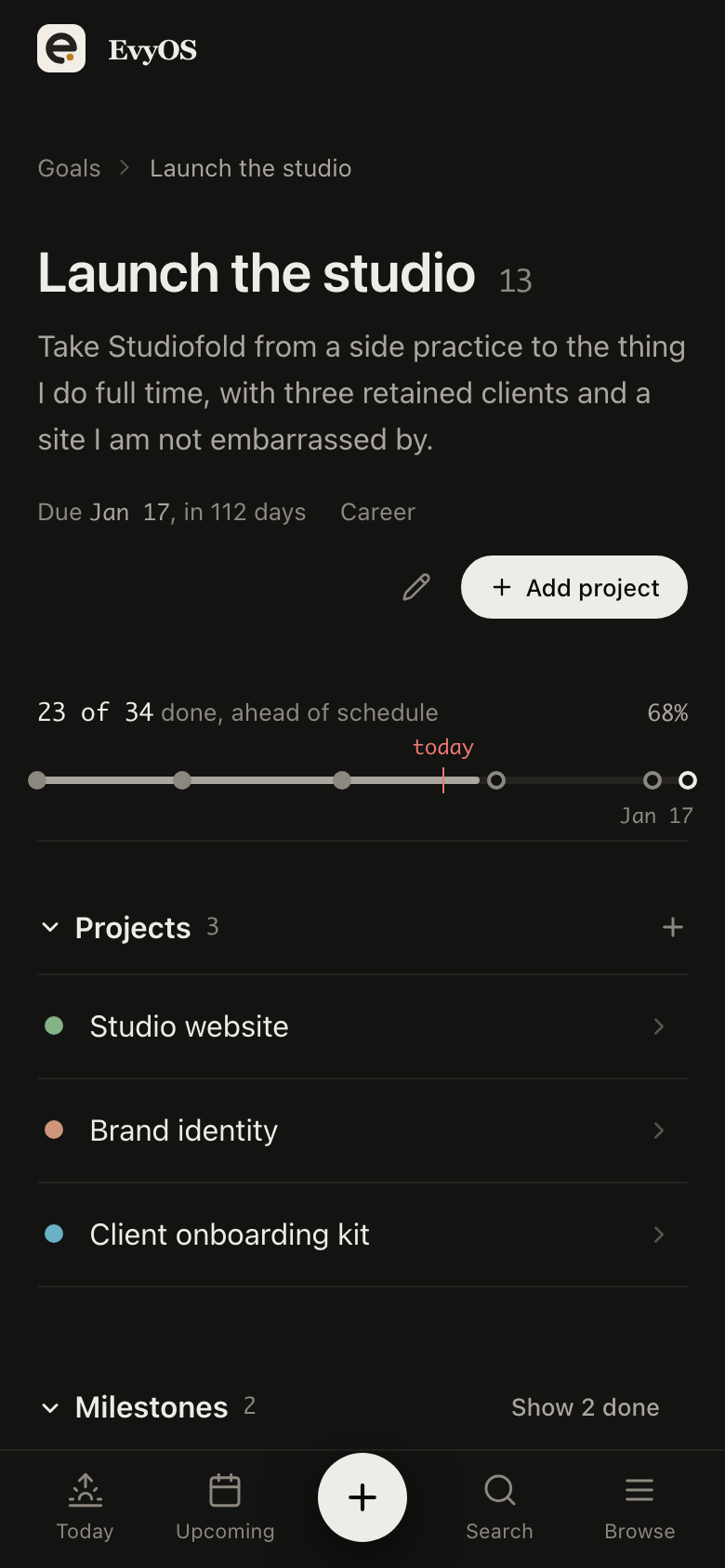
Let the project hold the plan, not your memory.
Put the whole thing in one place, the goal, the projects under it, the milestones, and every task attached to them. When you come back after two weeks away, the structure is still there. You are picking up a plan, not reconstructing one from scratch.
GoalsProjectsMilestonesNothing orphaned
02 - Tasks
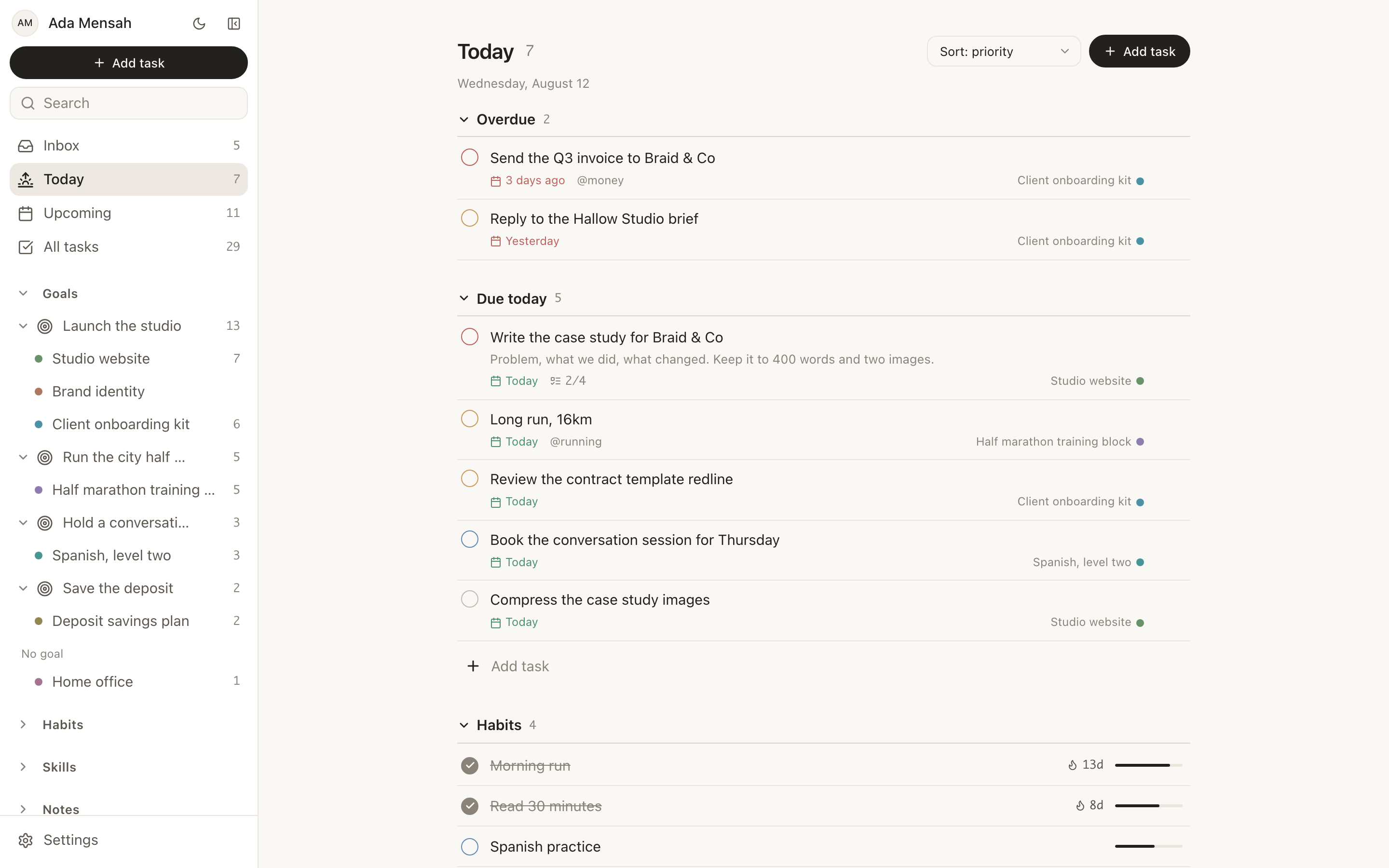
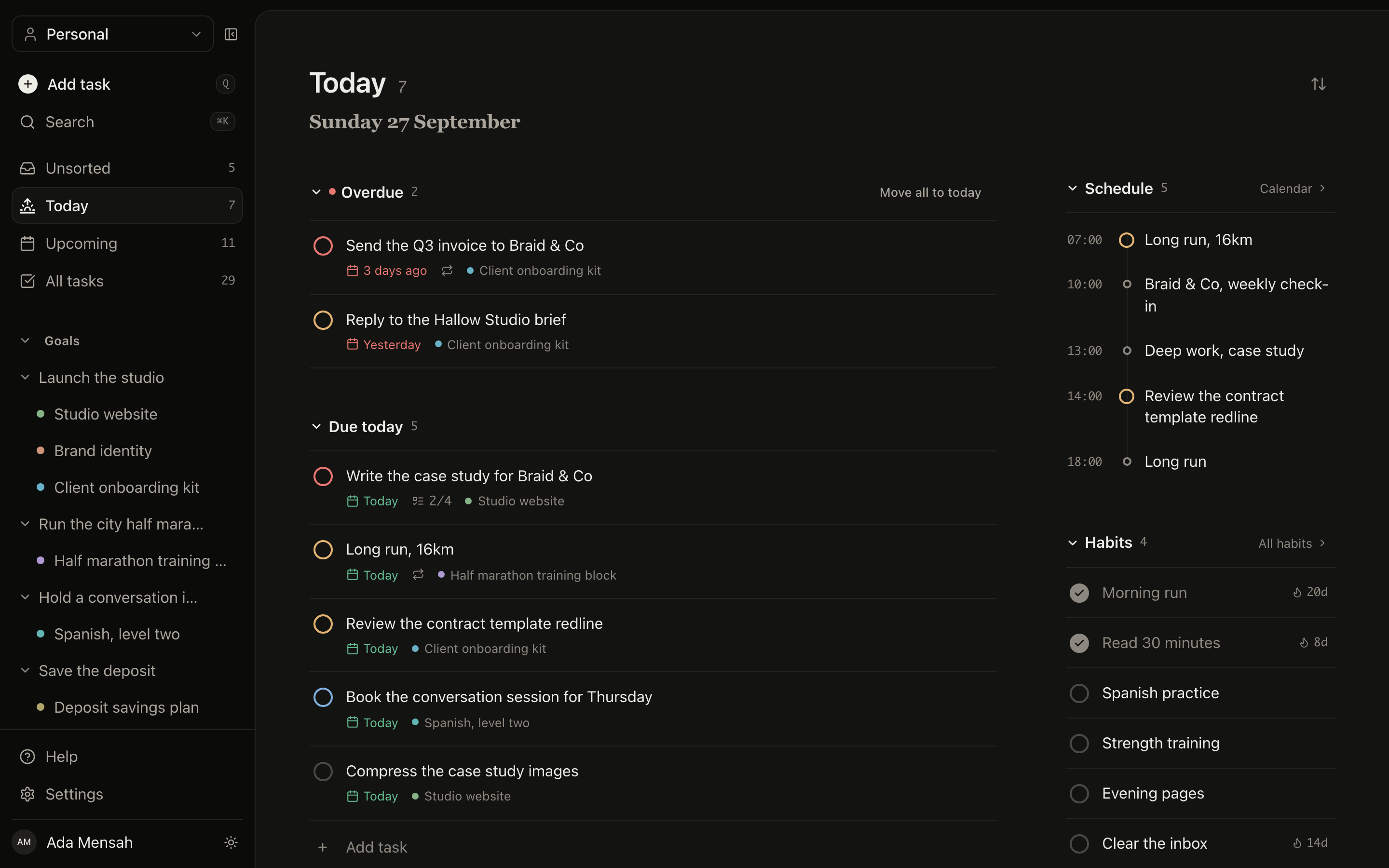
Today decides for you.
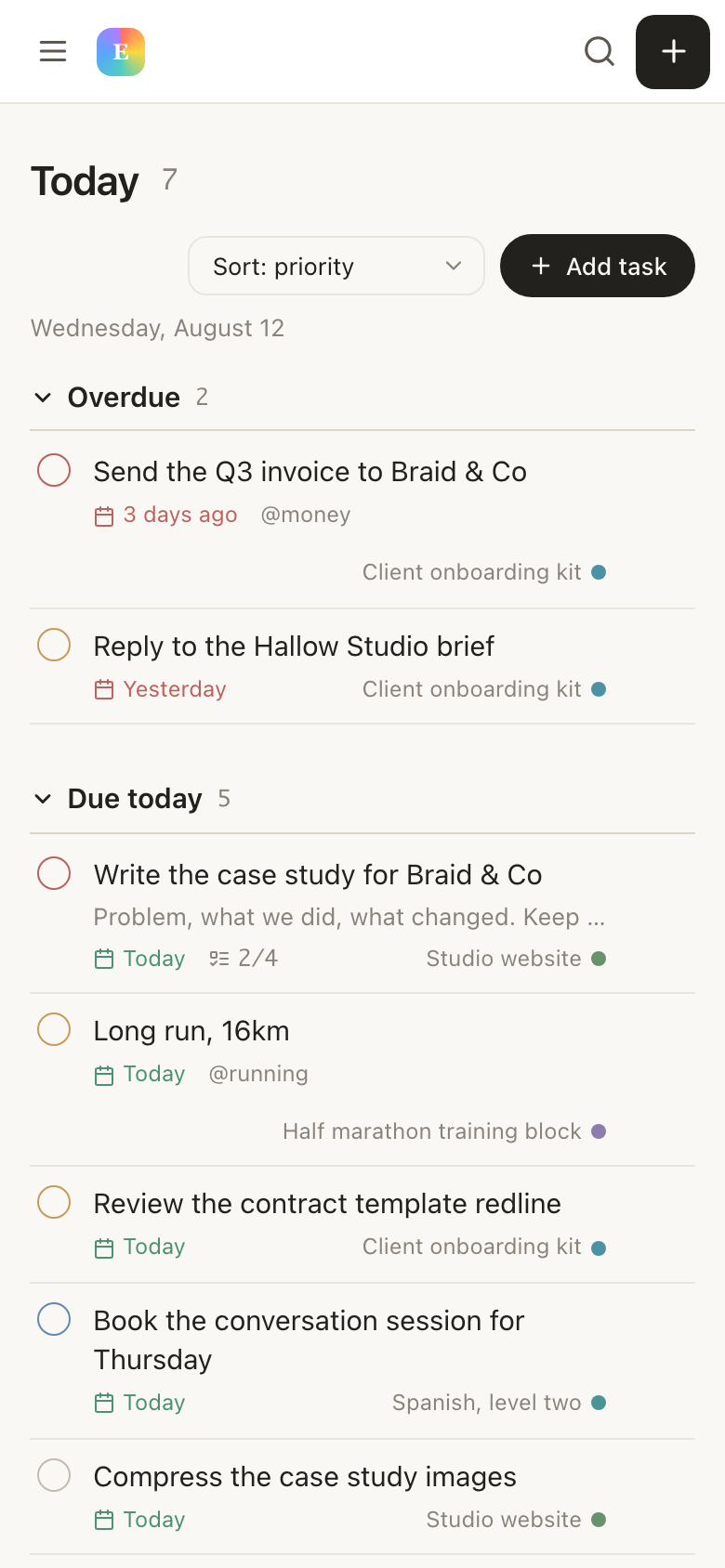
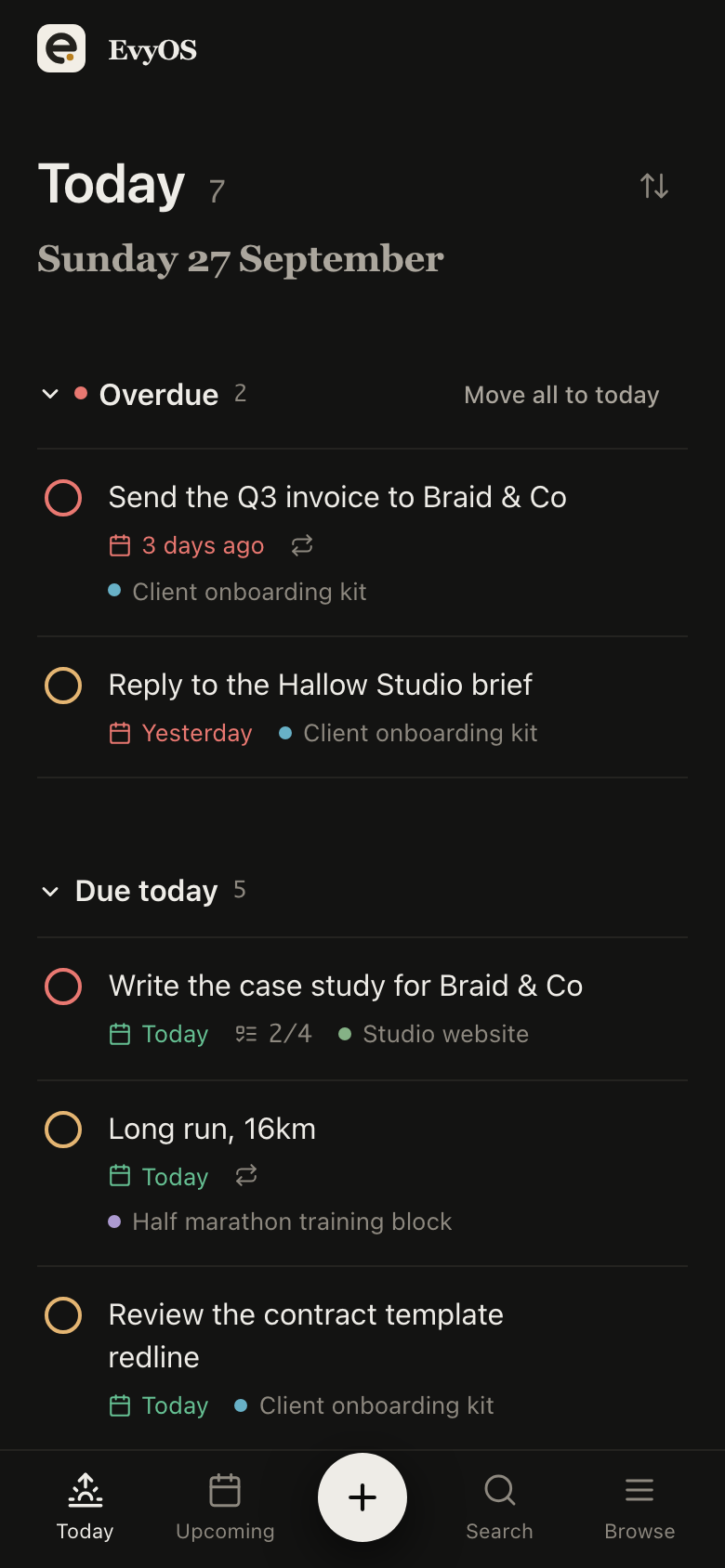
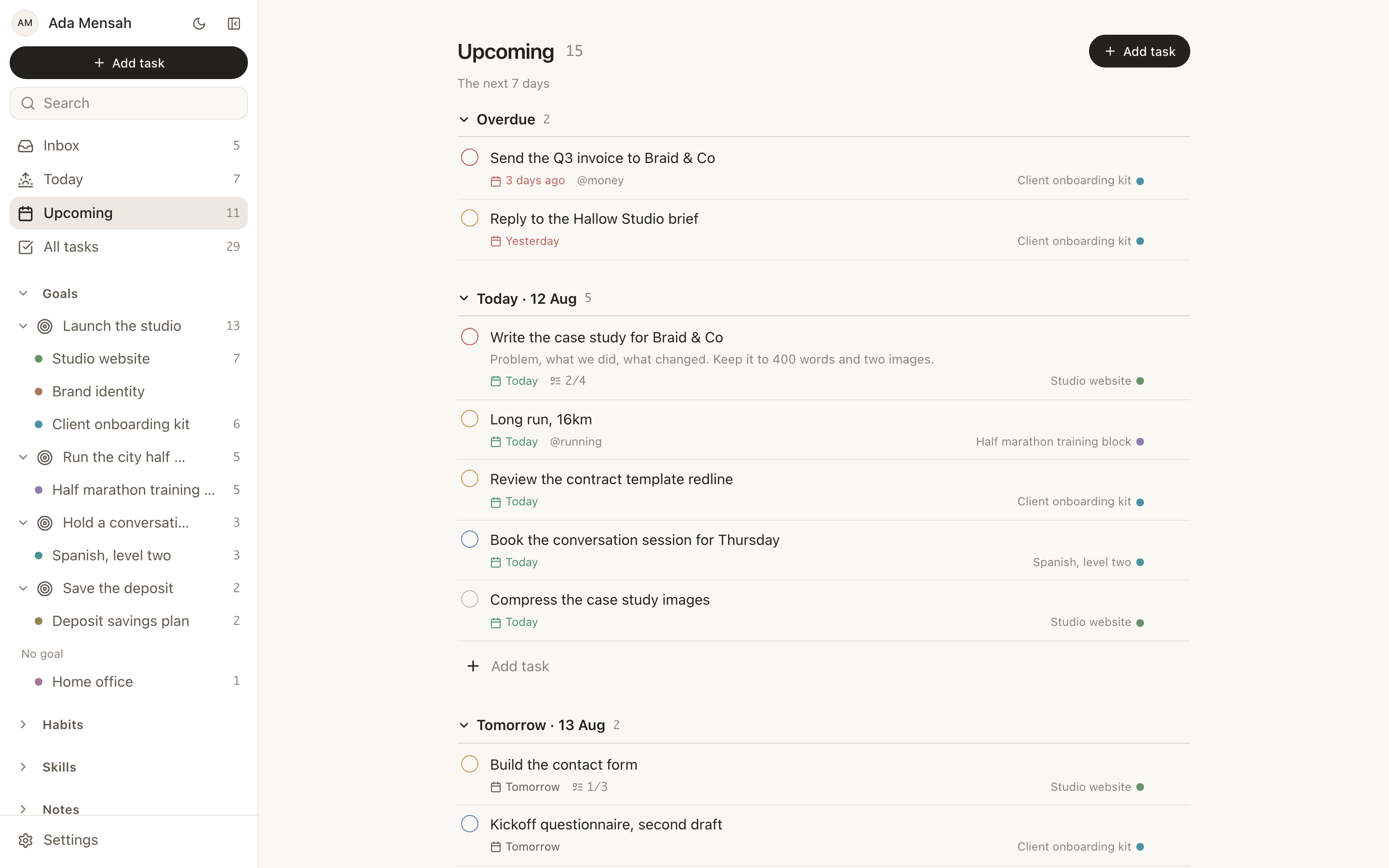
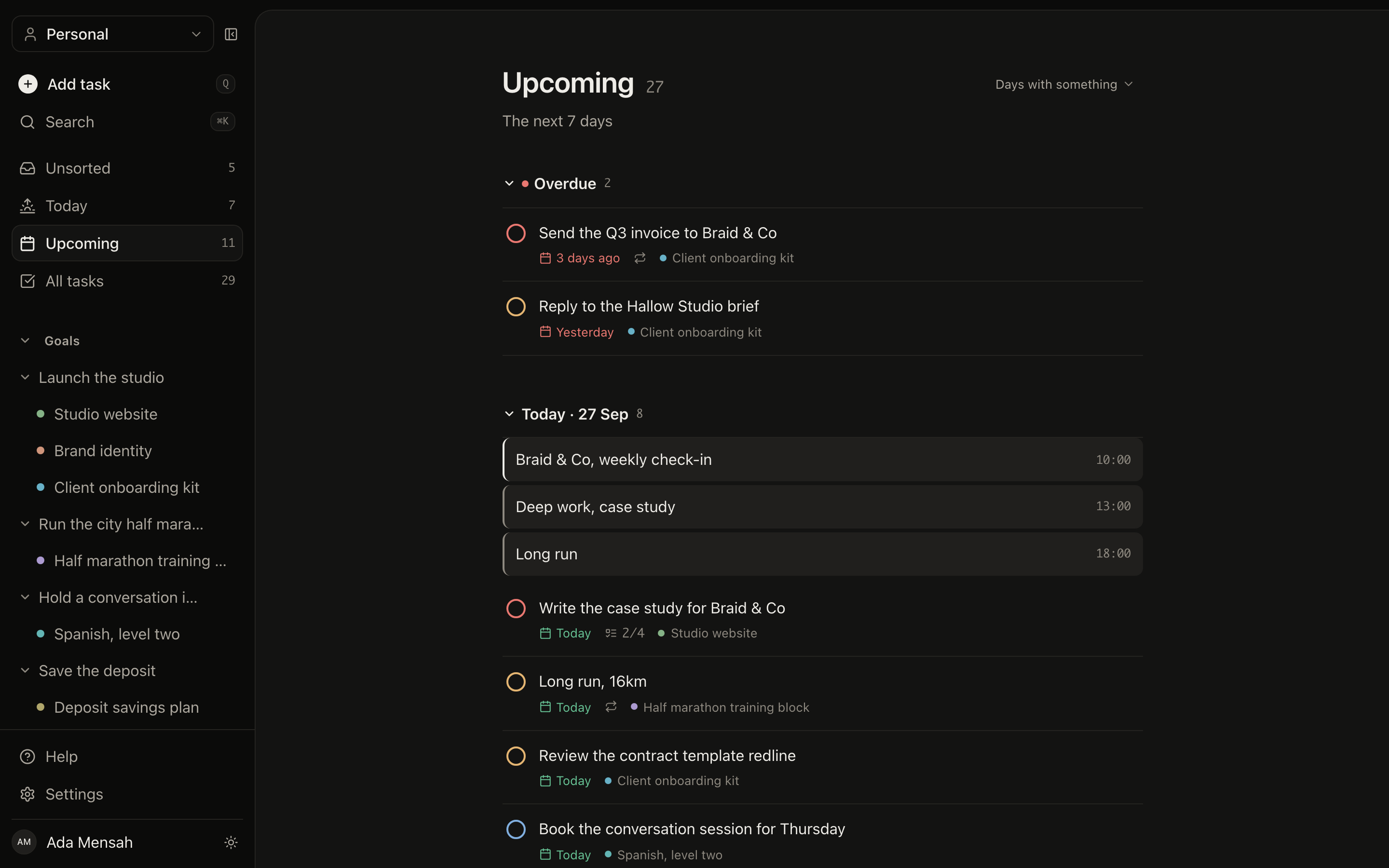
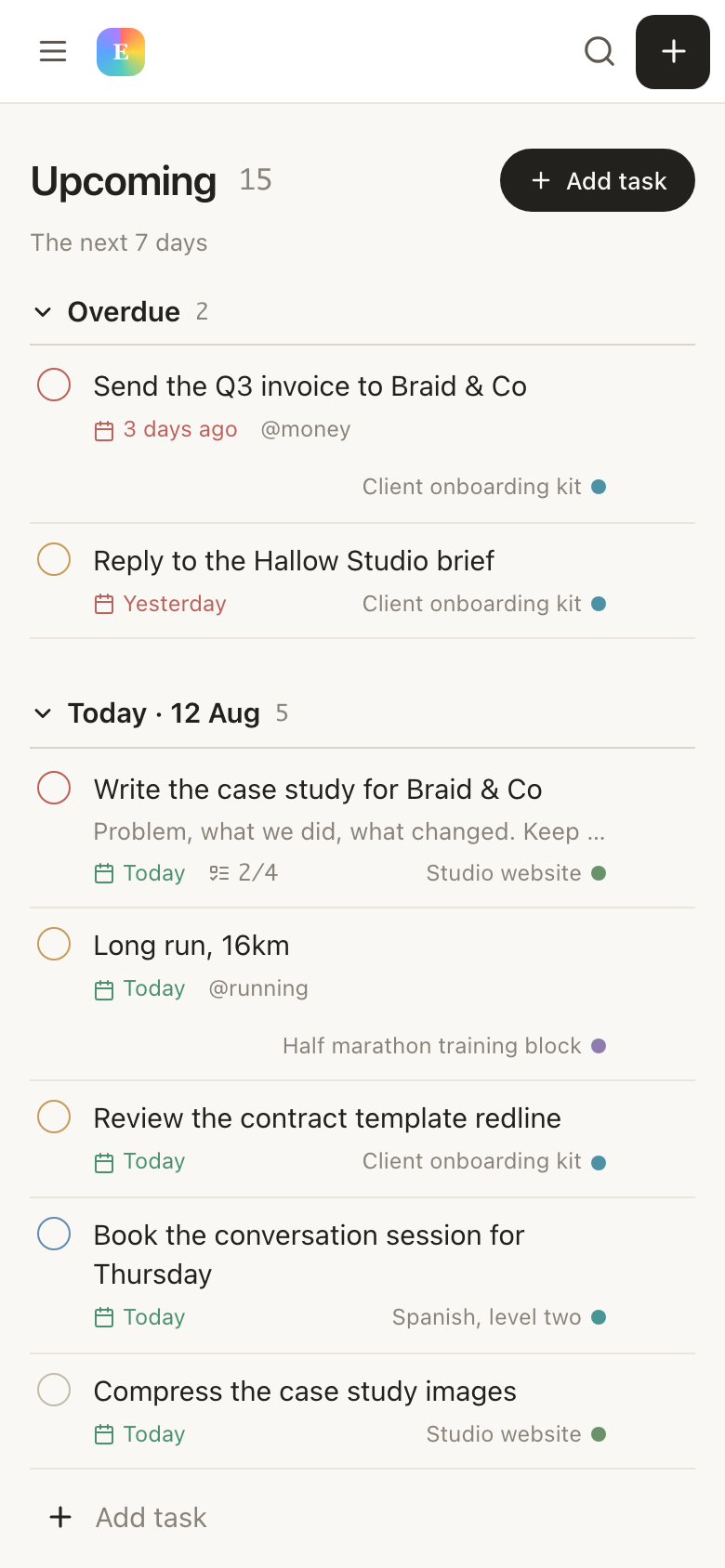
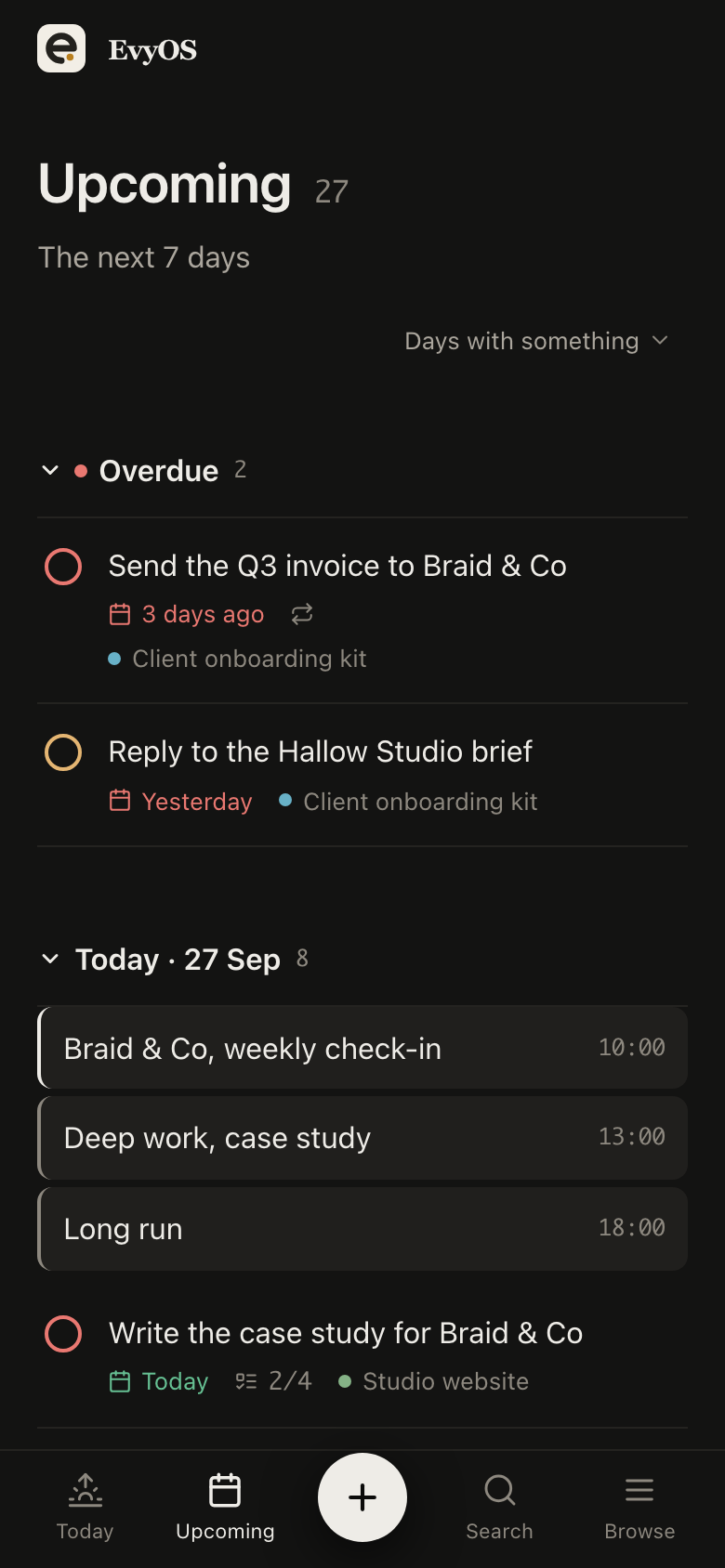
Open EvyOS and you get one screen: overdue split out at the top, then what is actually due today, then your habits, then the calendar. No filtering, no triage, no forty-item list to choose from. Priority rings and due chips do the sorting so you do not have to.
Today viewOverdue firstPrioritiesQuick add
03 - Habits
A missed day is data, not failure.
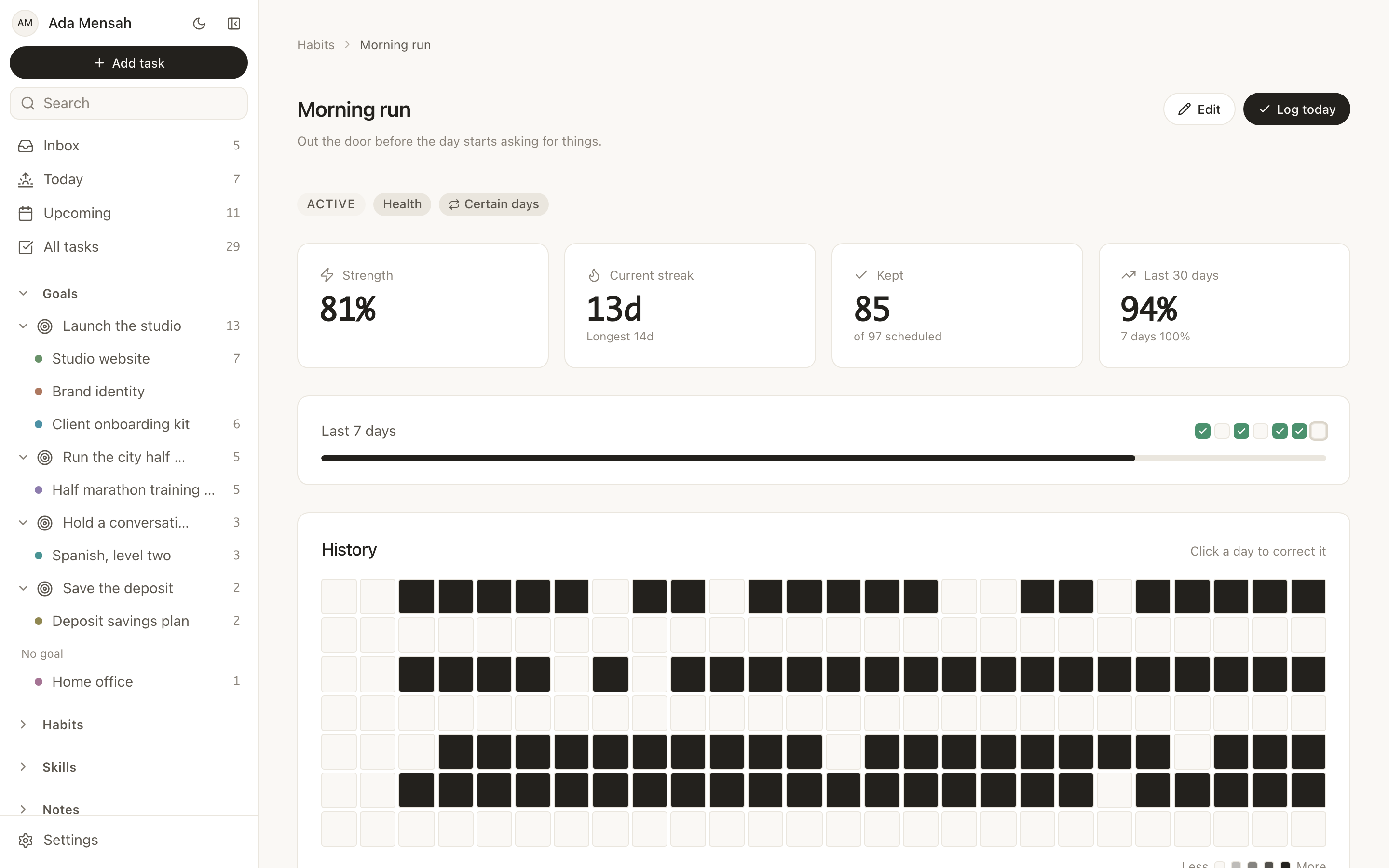
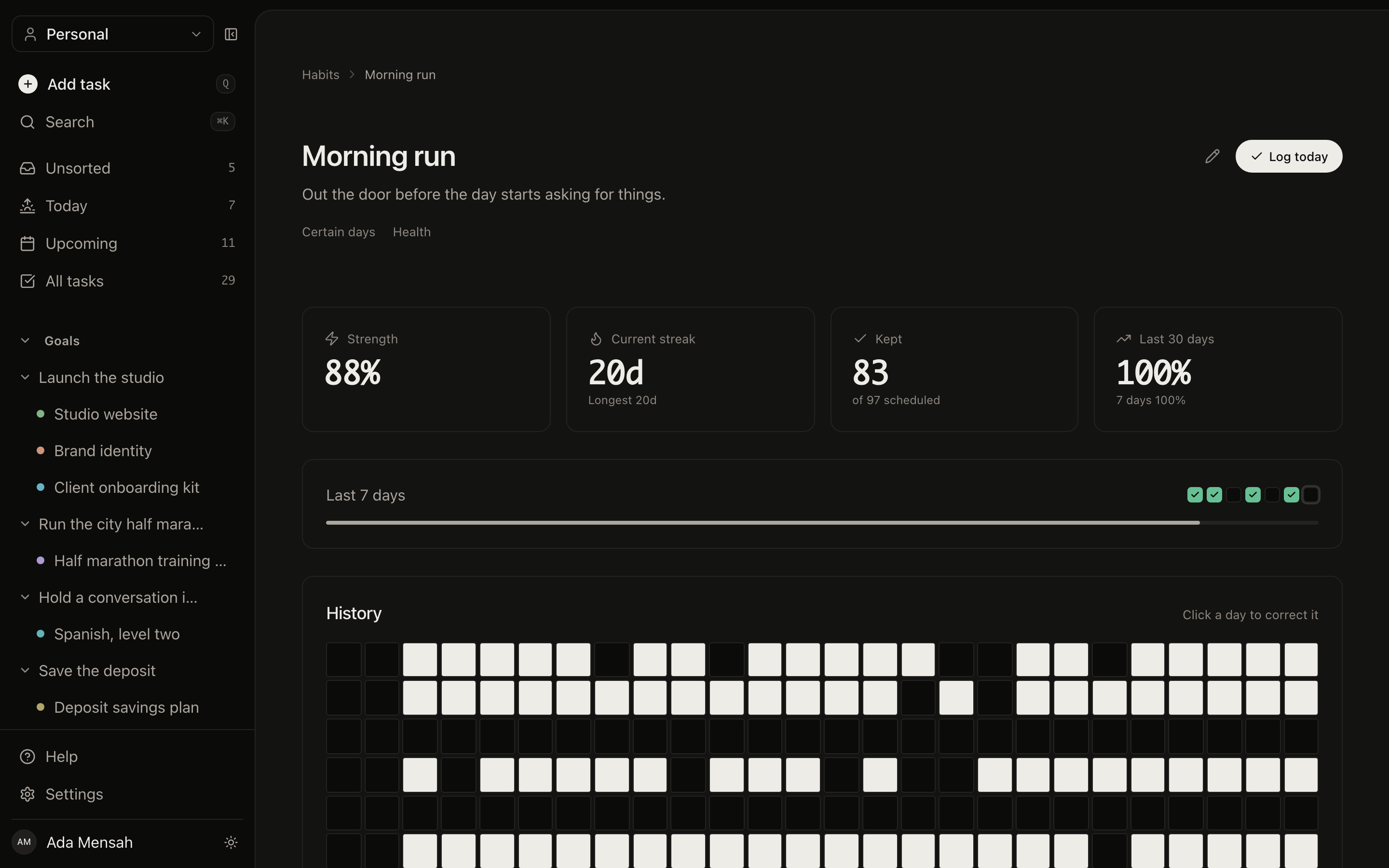
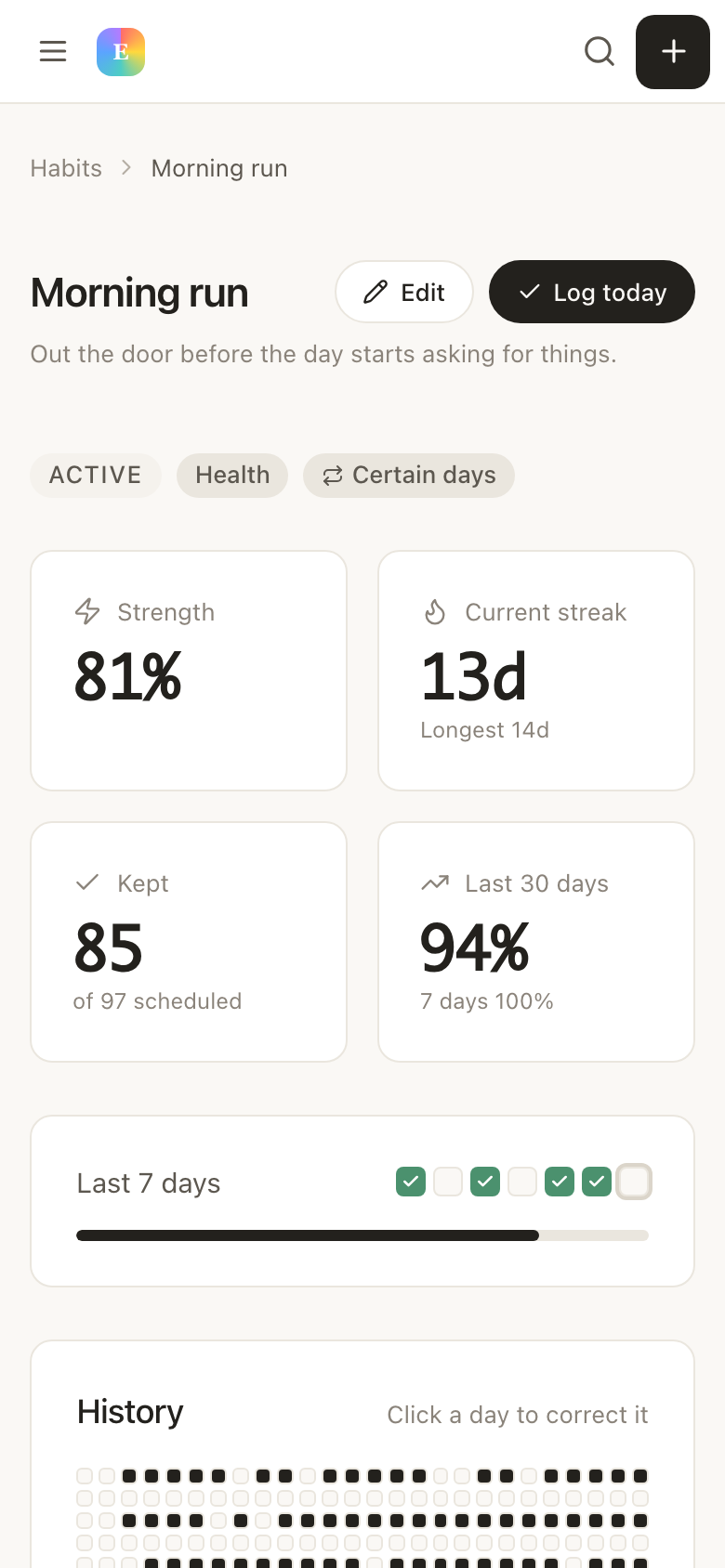
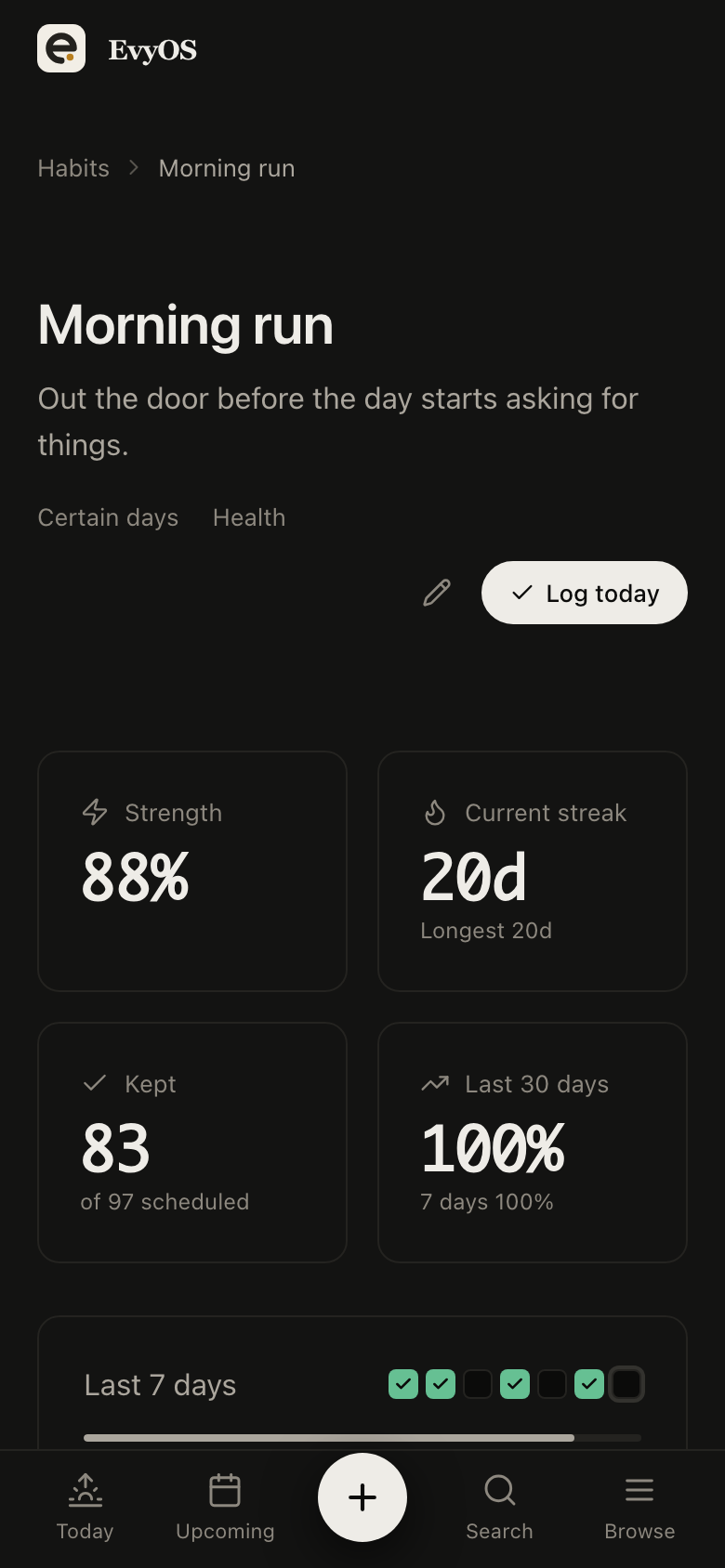
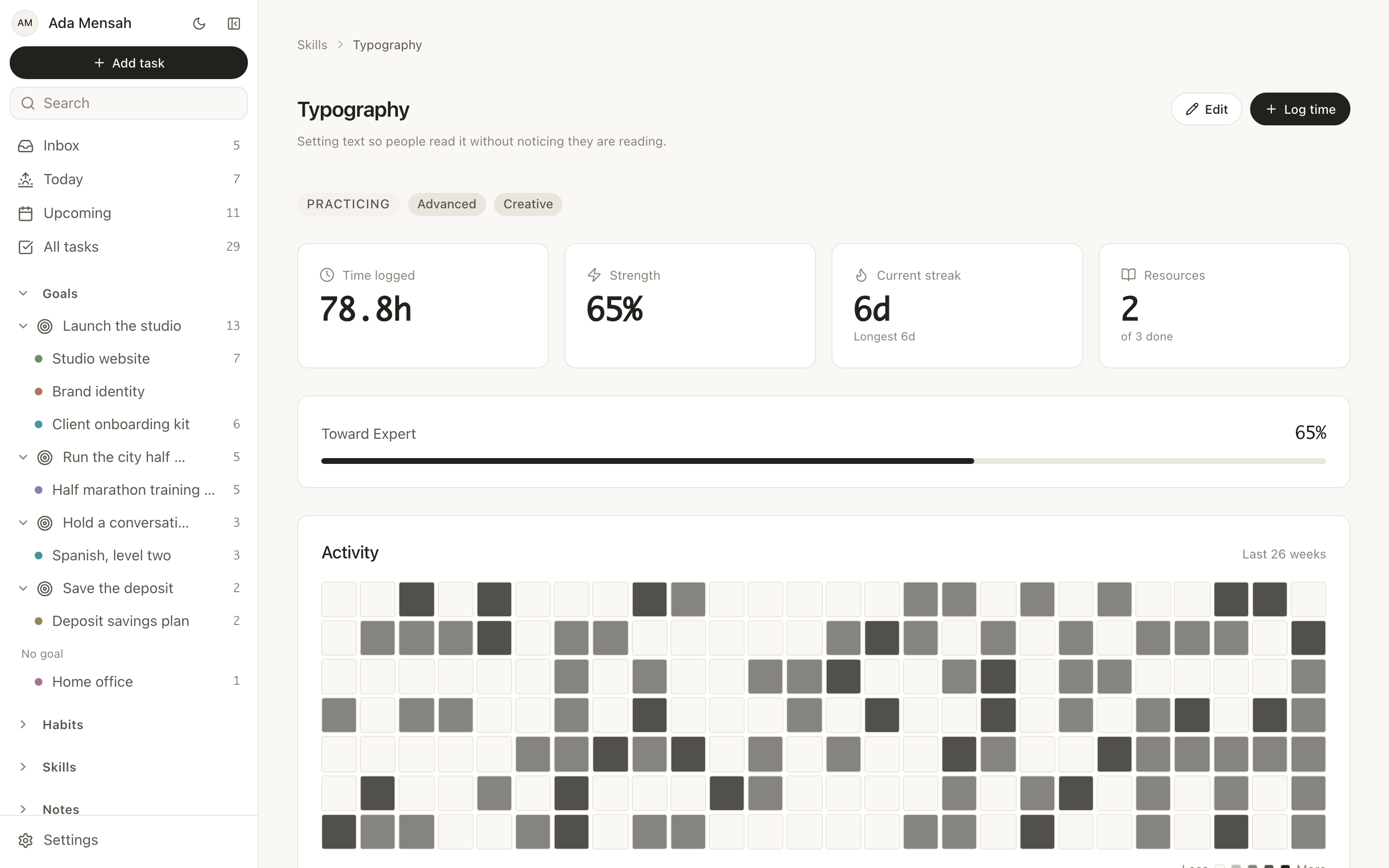
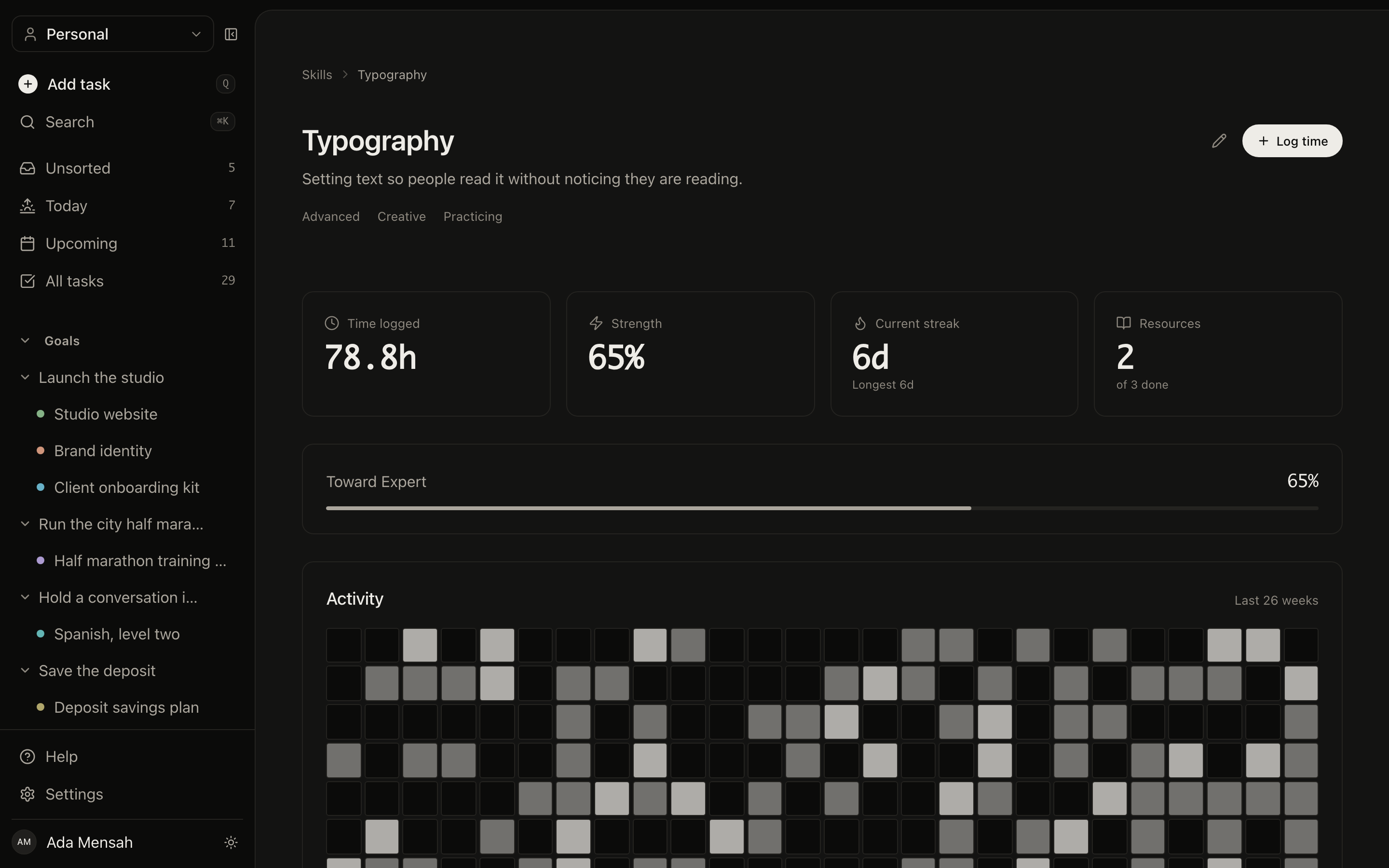
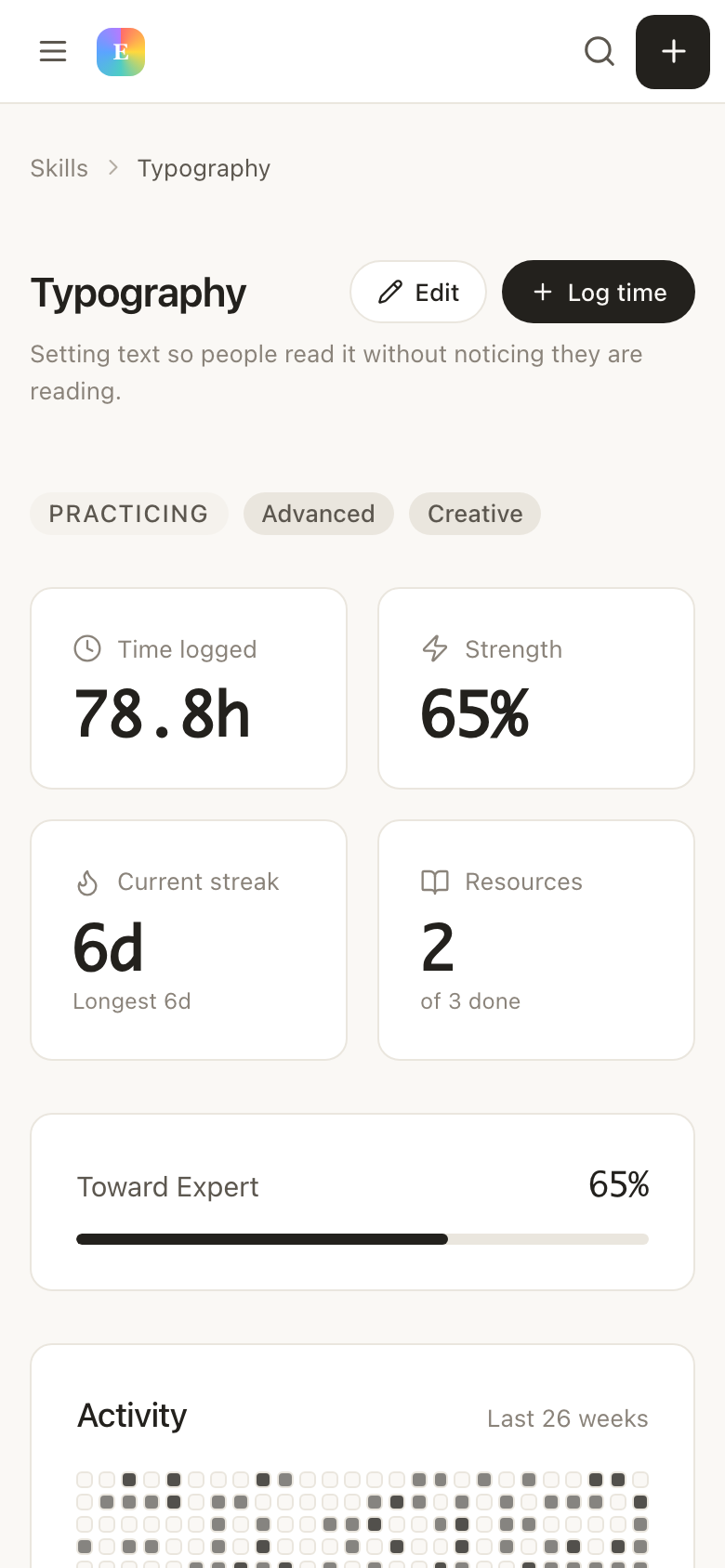
Habits show a year-long heatmap and a strength score, not just a streak counter waiting to be broken. Three days in five is visible progress, and it looks like progress. You can miss Tuesday and still be someone who does this.
HeatmapsStrength scoreFlexible schedulesReminders
04 - Skills
The deep dives finally count for something.
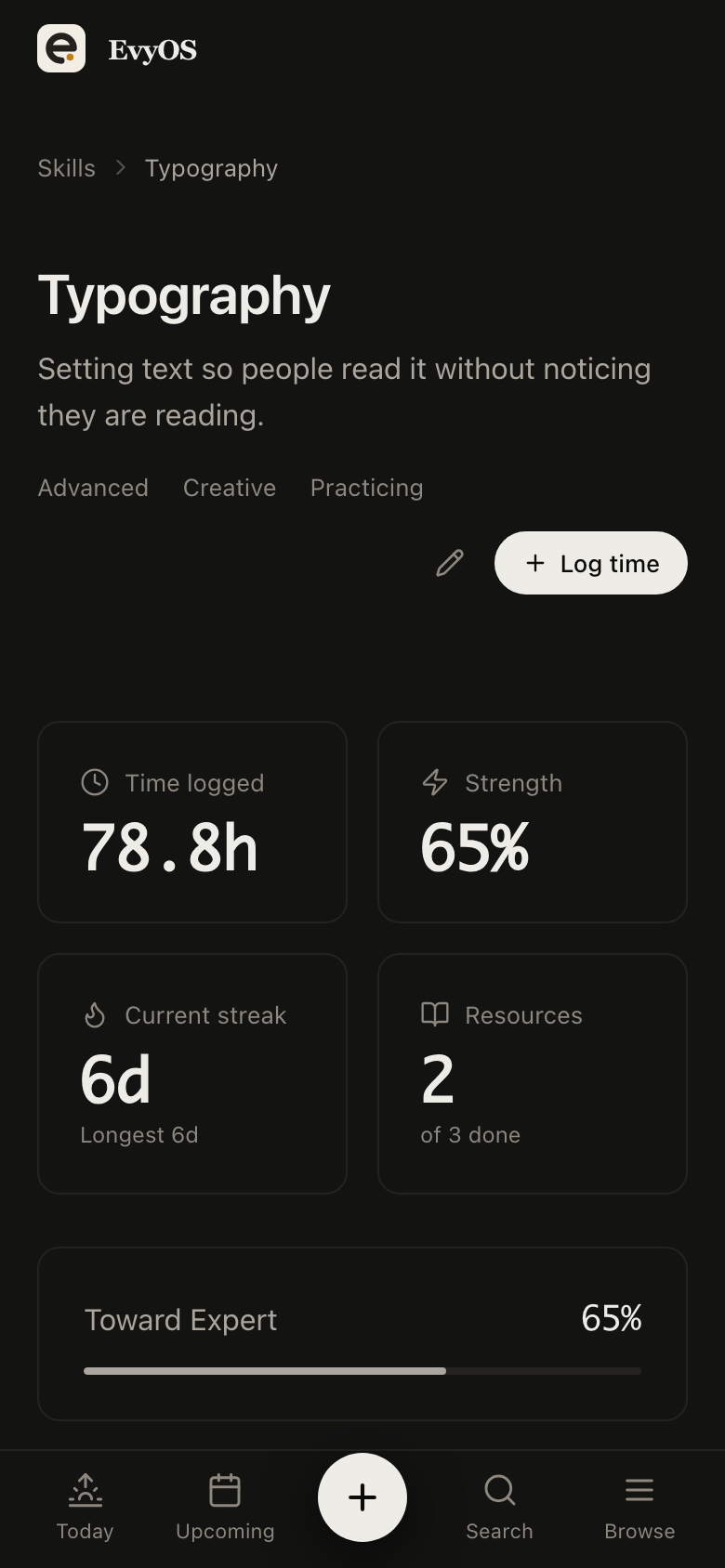
When interest pulls you into six hours of a new language, a new instrument, or a new tool, log it. Skills turn scattered intense sessions into a record with hours, resources, and a level you are working toward, so the enthusiasm leaves something behind after it moves on.
Dump everything into the Inbox, no sorting, no categories, no decisions. Then attach the handful that matter to a project and give them a date. Five minutes, once.
2
Open one screen, not five apps
Today shows overdue first, then what is due, then habits. Tick what you finish, drag what you do not to tomorrow. The rest waits where you left it instead of disappearing.
3
See the evidence build up
After a month: a habit heatmap that shows the good weeks and the rough ones, a project that visibly moved, and hours logged against something you were curious about. Progress you can point to, not just recall.
✦ Pricing
Simple. No surprises.
Start free. Upgrade when you're ready to go deeper.
The most useful app is the one that keeps everything in a single place and puts today's work in front of you without any setup. EvyOS combines tasks, projects, habits, and skills in one system with a Today view that opens to overdue items first, so there is nothing to configure before you can start.
EvyOS has a free plan with 2 active goals, 5 active projects, 20 open tasks, 5 habits and 5 skill tracks, with no time limit and no card required. Goals, projects and tasks are counted only while they are open, so finishing something gives the slot back. The Pro plan is $15 per month or $144 per year and removes the limits entirely.
Most of them are built around an unbroken streak, so a single missed day wipes out the visible record of your progress and the app starts to feel like evidence against you. EvyOS shows a year-long heatmap and a strength score instead, so a missed day lowers a number slightly rather than resetting everything to zero.
No. EvyOS is a productivity app, not a medical device, and it does not diagnose or treat anything. It is external structure, one place to keep your work so that remembering it is not a daily task in itself. Use it alongside whatever else works for you.