Built for photographersThe shoot is the easy part.Everything after it is where jobs slip.
A shoot is a project with a delivery date. Culling, editing and the gallery are tasks with dates of their own. Lightroom keeps the files; EvyOS keeps the promise you made about when they arrive.
Free for as long as you like, no card required. Pro is $15 a month.
Goals
Projects
Tasks
Habits
Skills
Notes
Calendar
✦ The problem
The camera work takes a day. The rest takes six weeks and nobody schedules it.
Two shoots in a week is fine. Two shoots in a week, plus last month’s wedding still in the cull, plus the second shooter waiting to be paid, plus a portfolio you have not touched since spring — that is when delivery dates start moving, and the first warning is an email asking where the photos are.
📸
Post-production has no deadline until it is late
Everyone books the shoot date. Nobody books the 4 evenings of culling, the edit pass and the export, so they happen in whatever gap is left — which is usually the night before the client asks.
⏳
Six jobs, six stages, none of them written down
One set is shot, one is culled, one is waiting on client selects, one needs an album layout. The stage of each lives in your head, and your head is not a reliable place to store six delivery dates.
🌱
Personal work is always next month
The series you want to make has no client and no date, so it loses every scheduling argument to paid work. Years pass and the portfolio only shows what you were hired to do.
💡
The business behind the camera is unscheduled
Rewriting the site, entering the award, renewing insurance, finally learning off-camera flash. All of it matters and none of it has a day, so none of it happens.
📋
Task manager
For daily to-dos
$4/mo
📁
Project tracker
For goals and timelines
$8/mo
🔄
Habit tracker
For daily rituals
$5/mo
⚡
Learning journal
For skill tracking
$6/mo
+
Monthly total
4 apps, no integration
$23/mo
vs $15 with EvyOS
✦ Four pillars, one system
Everything you're building. In one place.
01 - Projects
One shoot, one project, one delivery date.
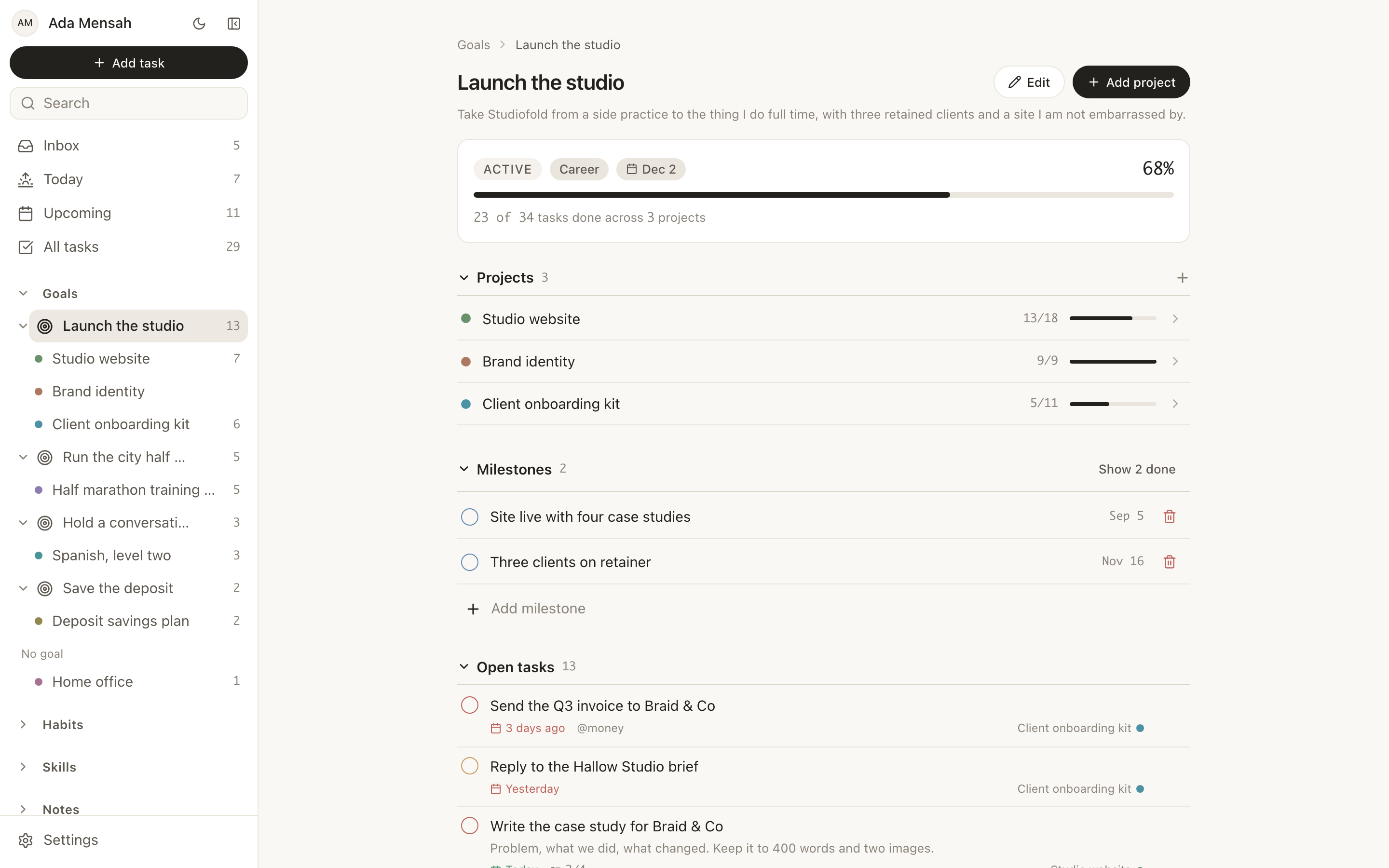
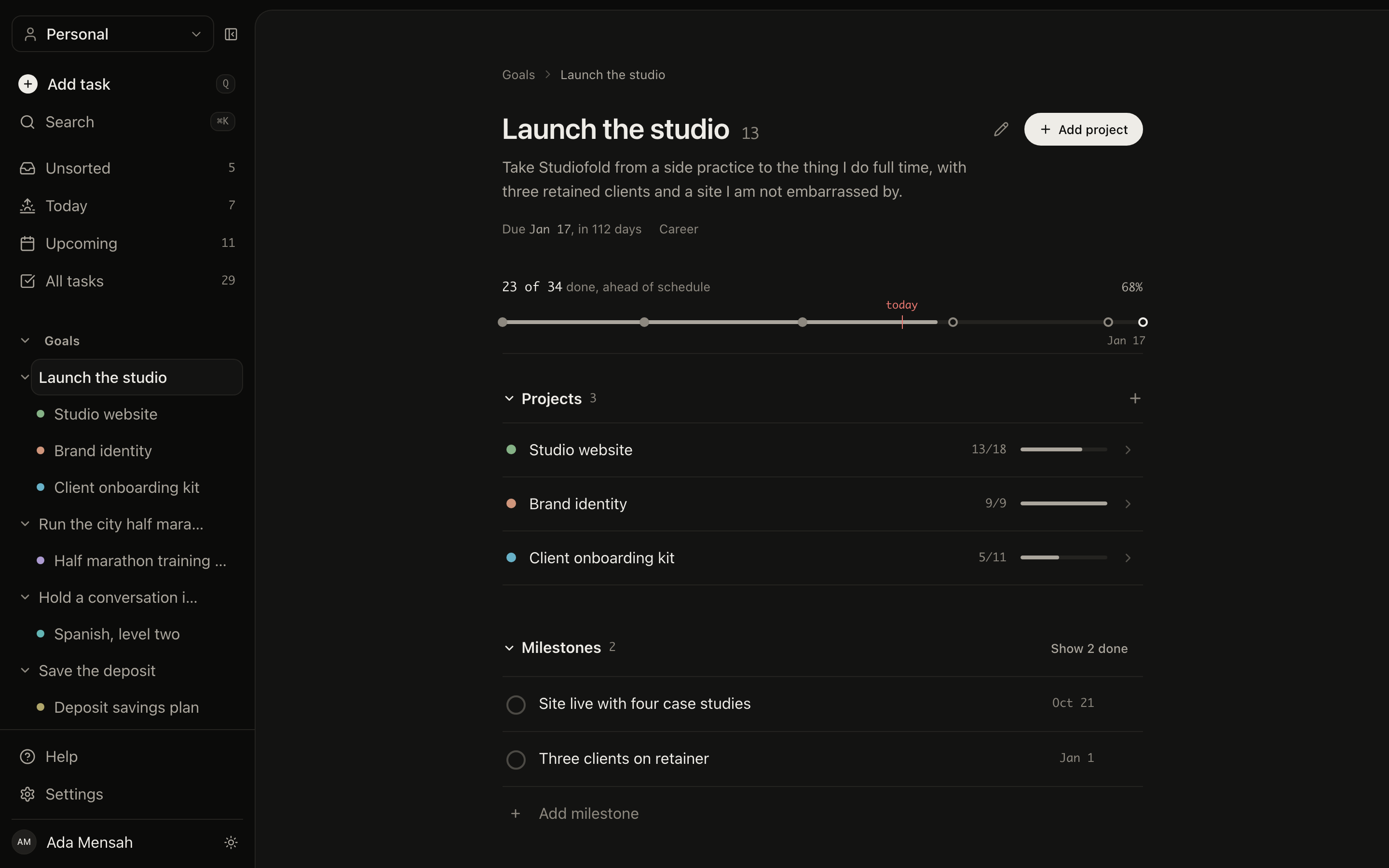
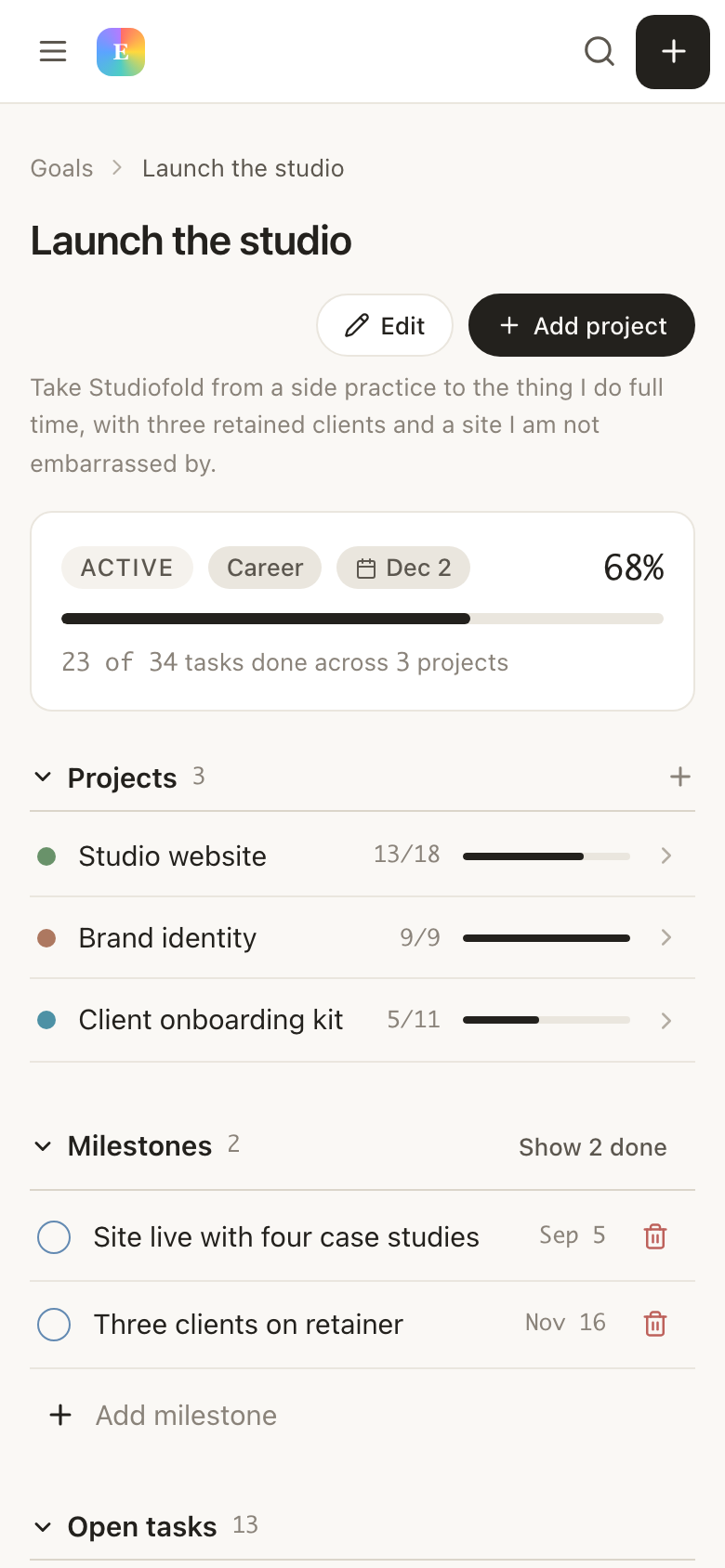
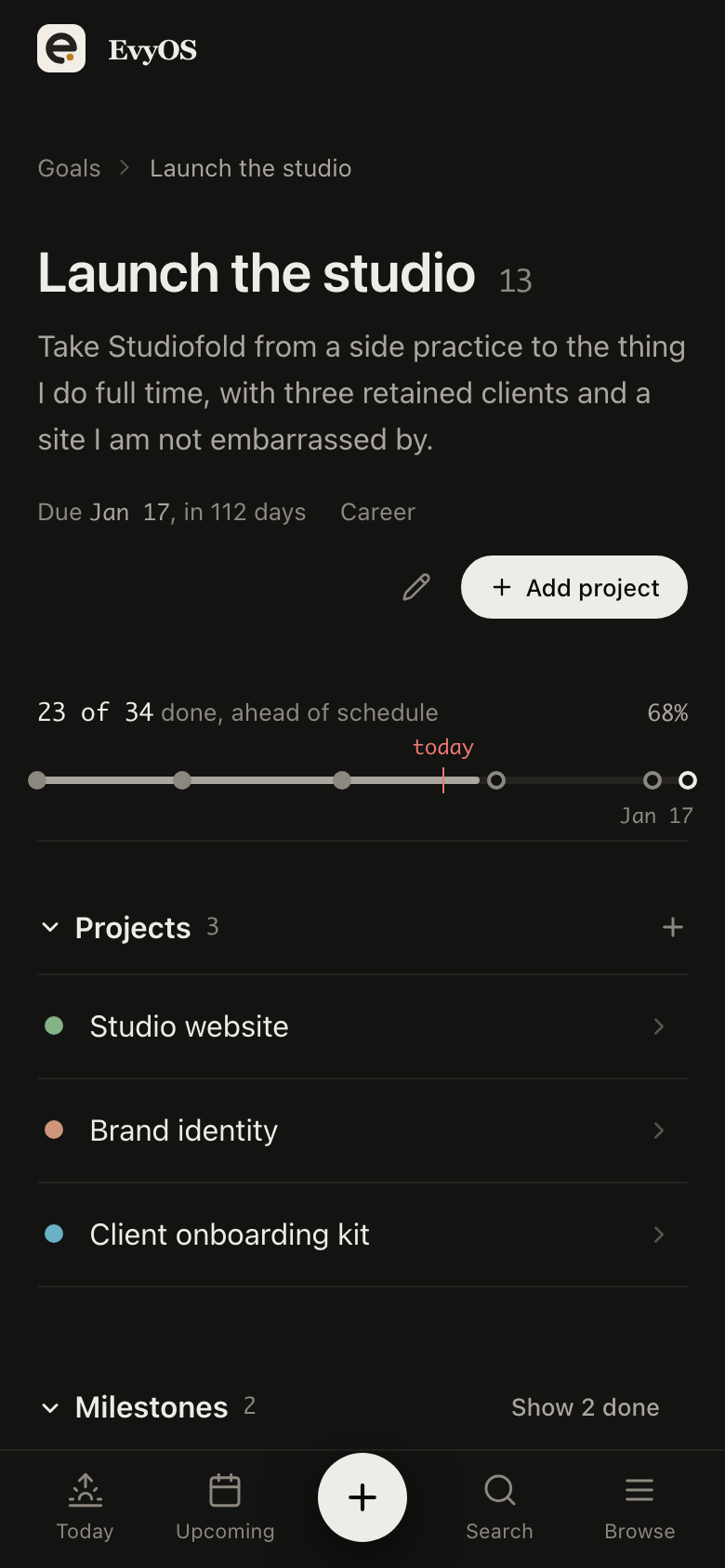
The wedding, the brand shoot, the album reprint — each a project carrying the date you promised and milestones for shot, culled, edited and delivered. Six jobs at six stages become one page where the stage is recorded instead of recalled.
One project per shootDelivery datesStage milestonesPersonal series
02 - Tasks
Post-production planned the way the shoot day is.
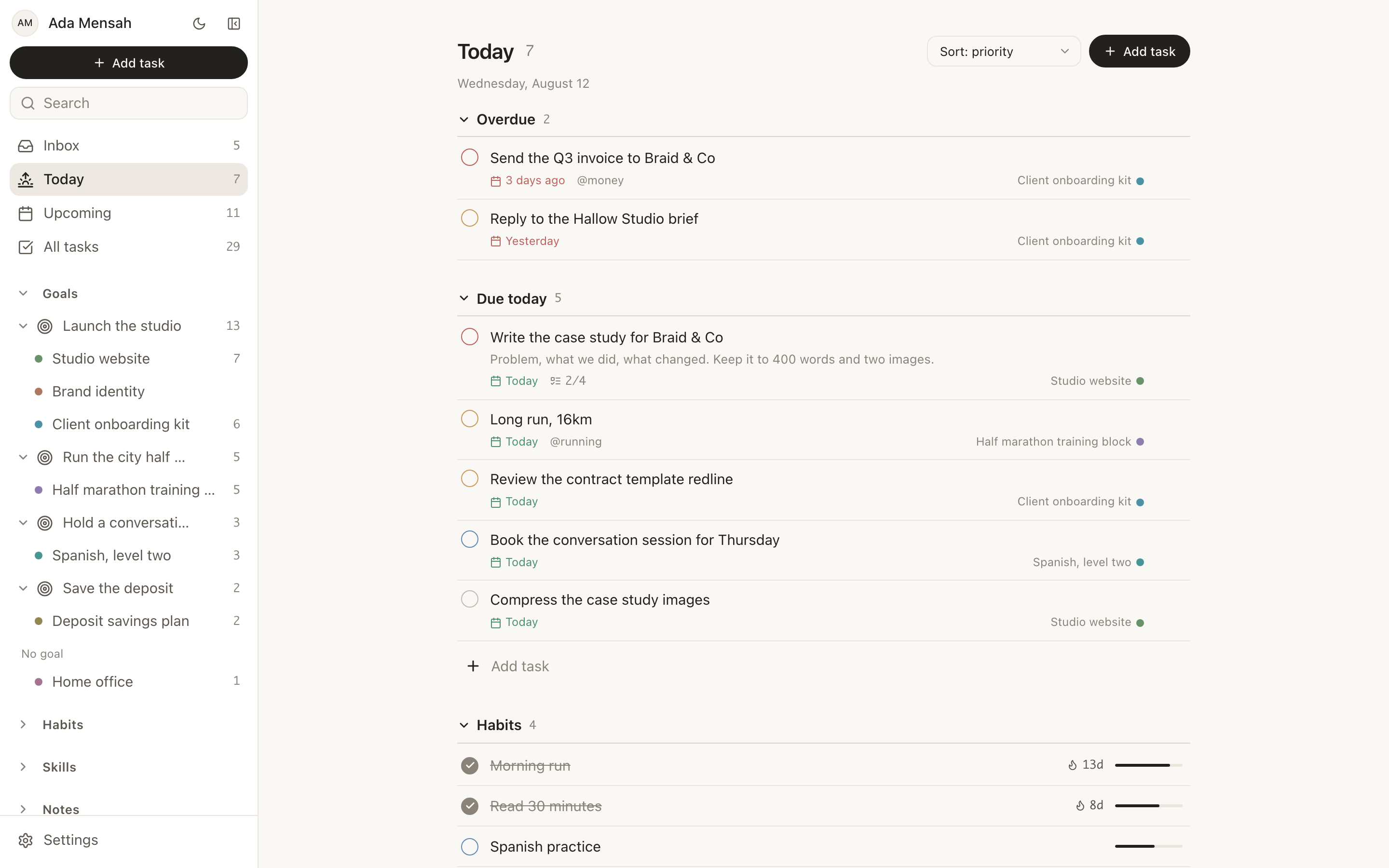
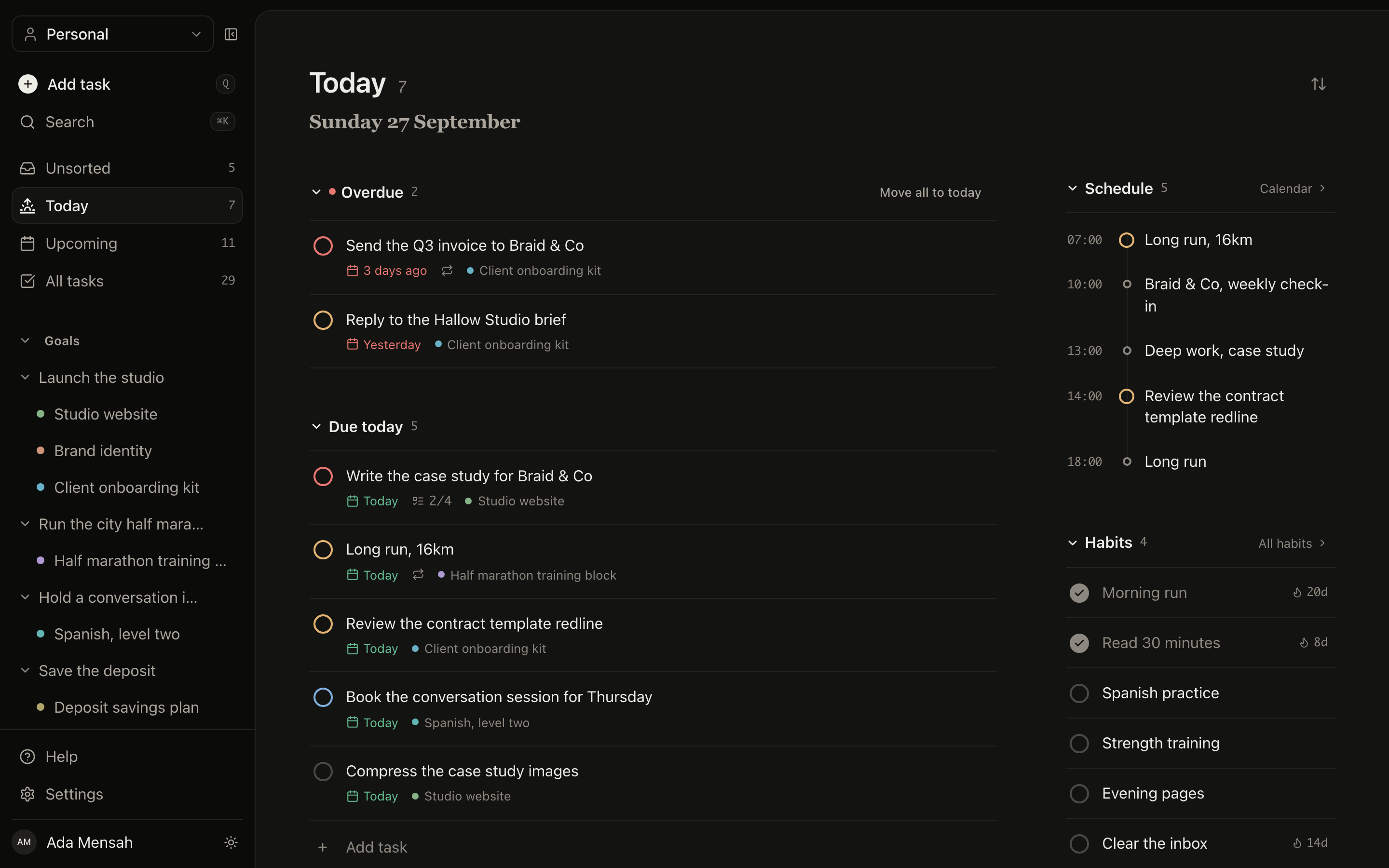
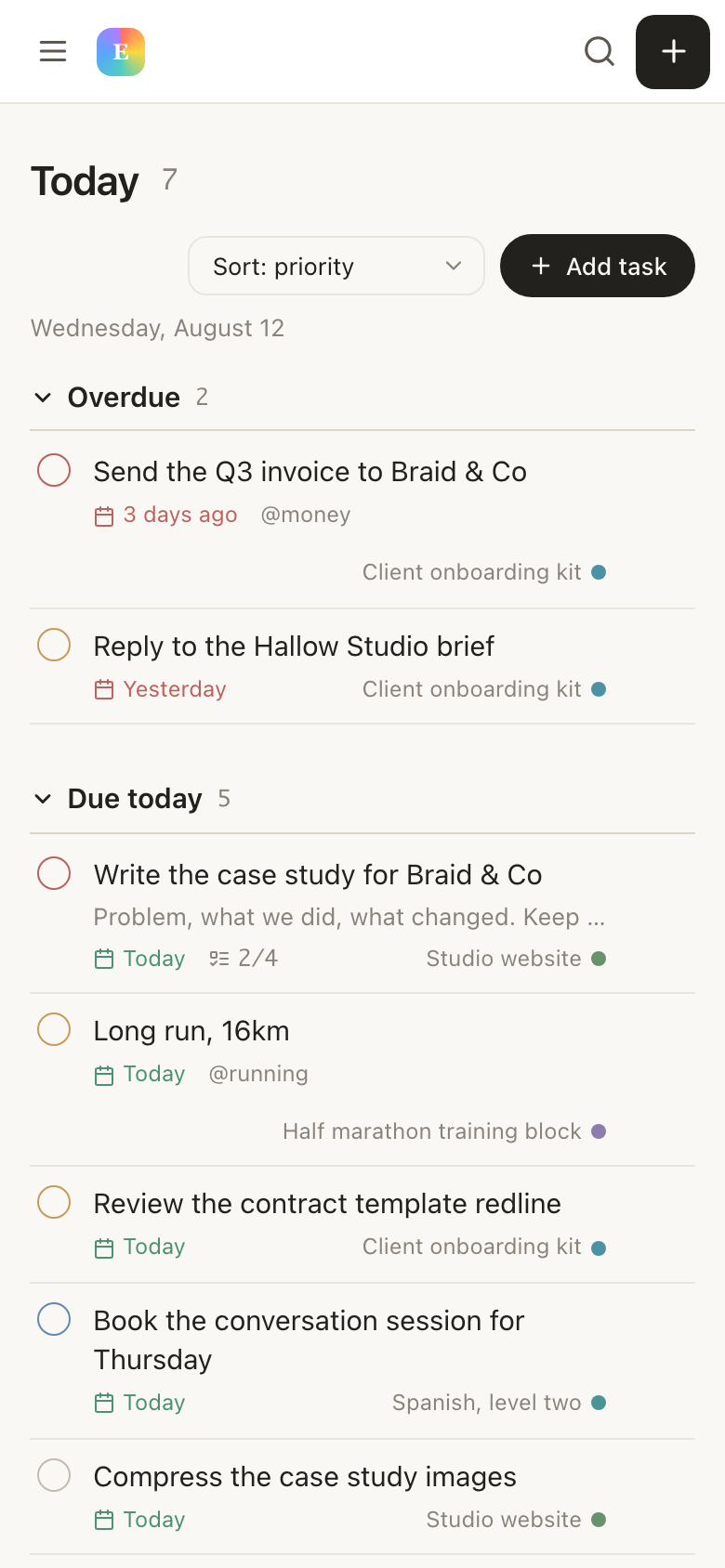
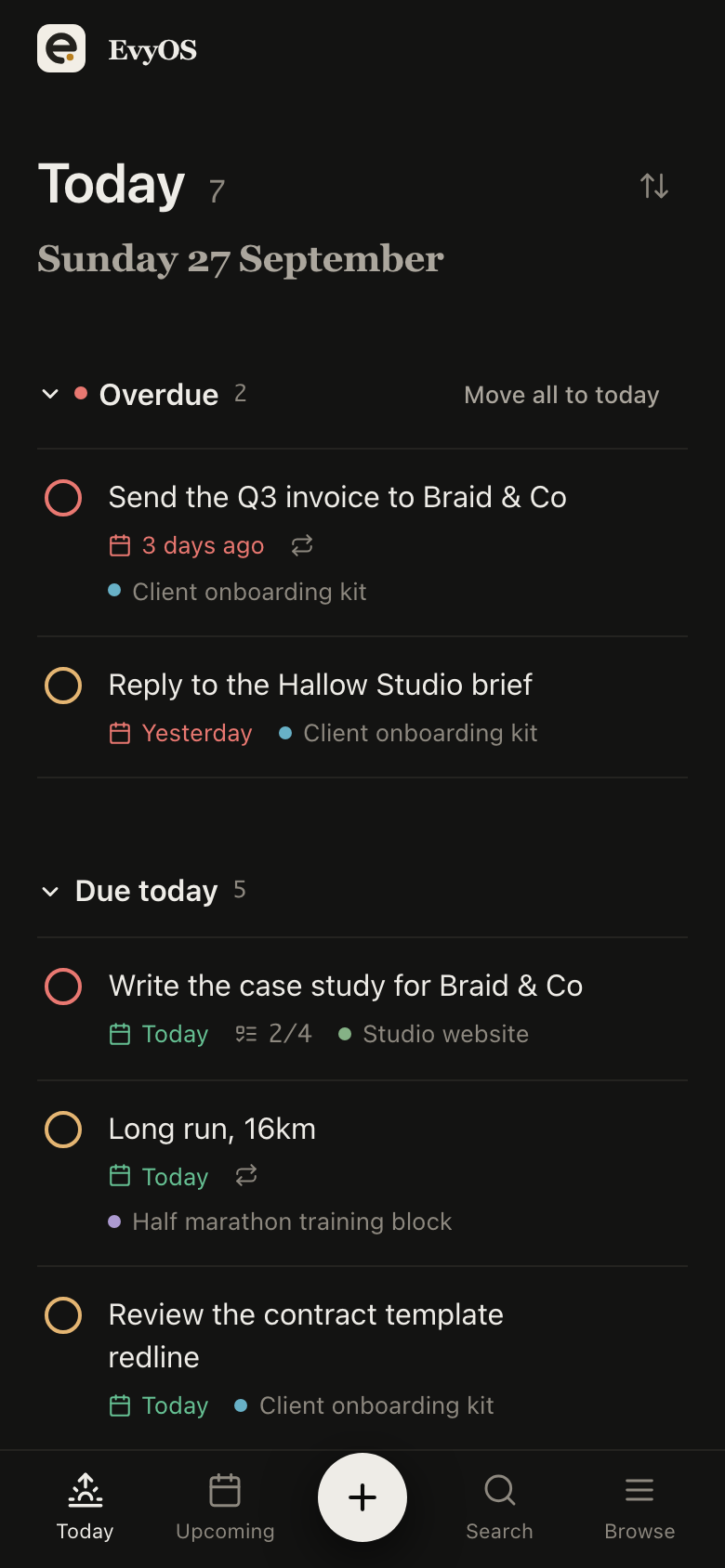
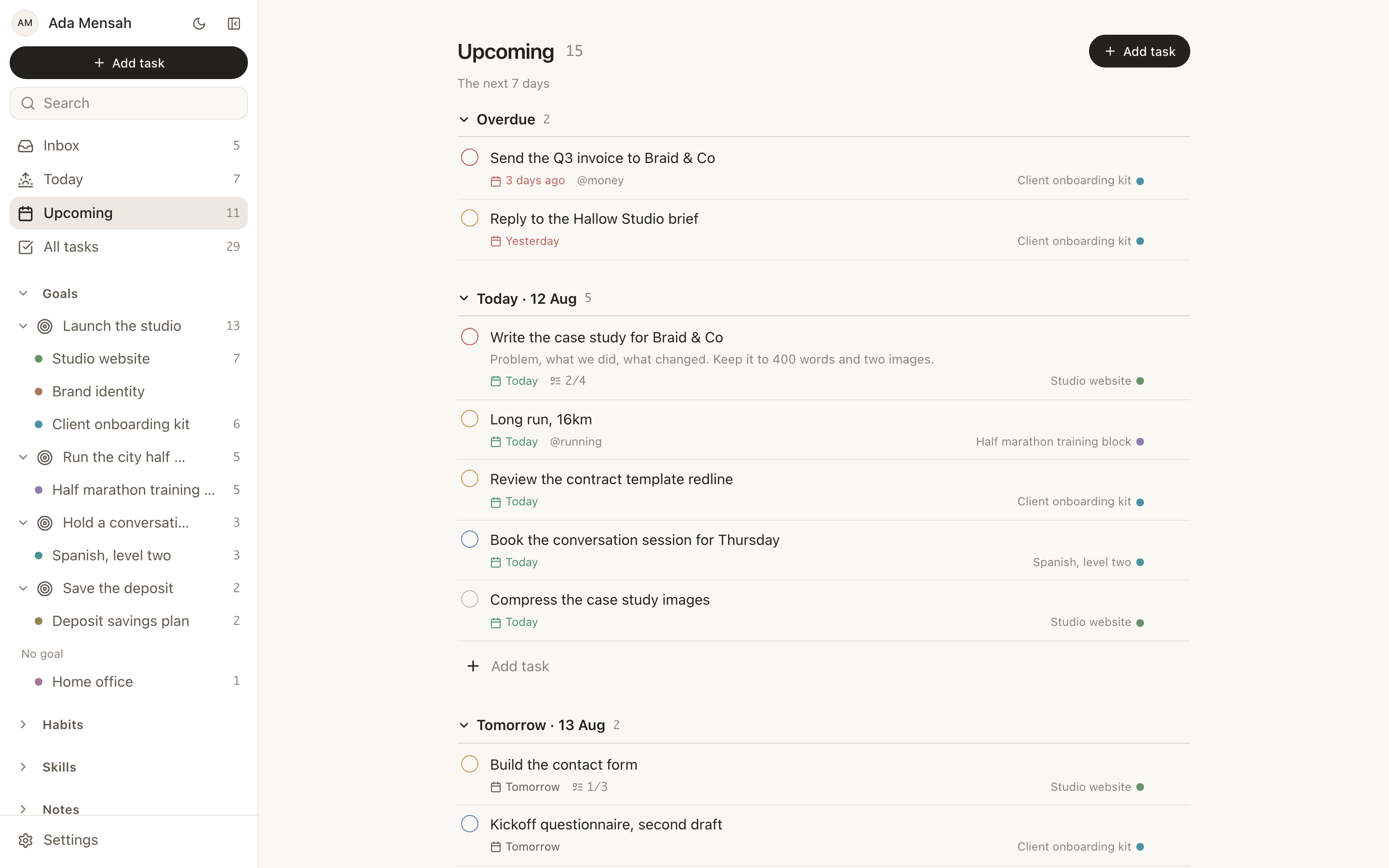
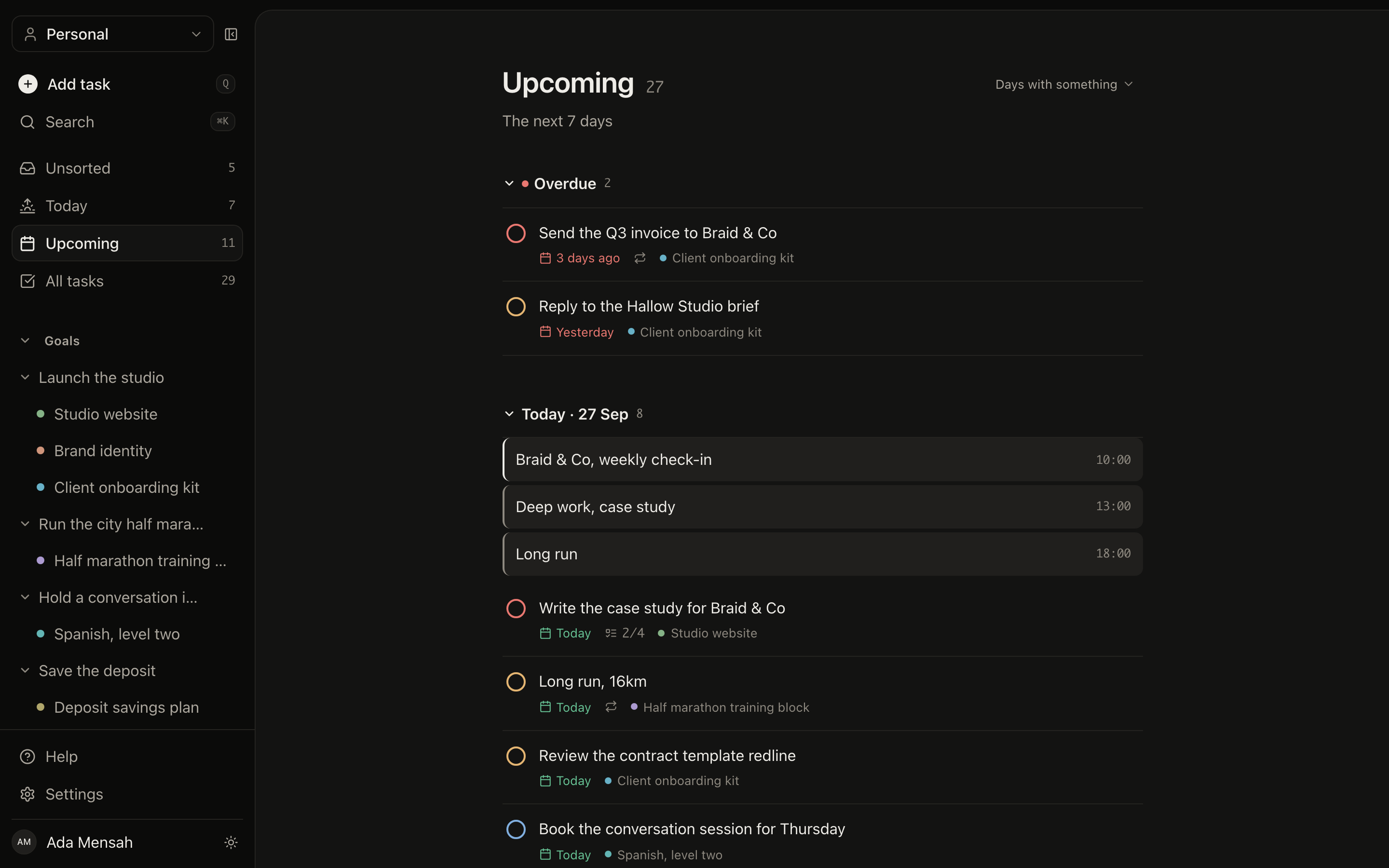
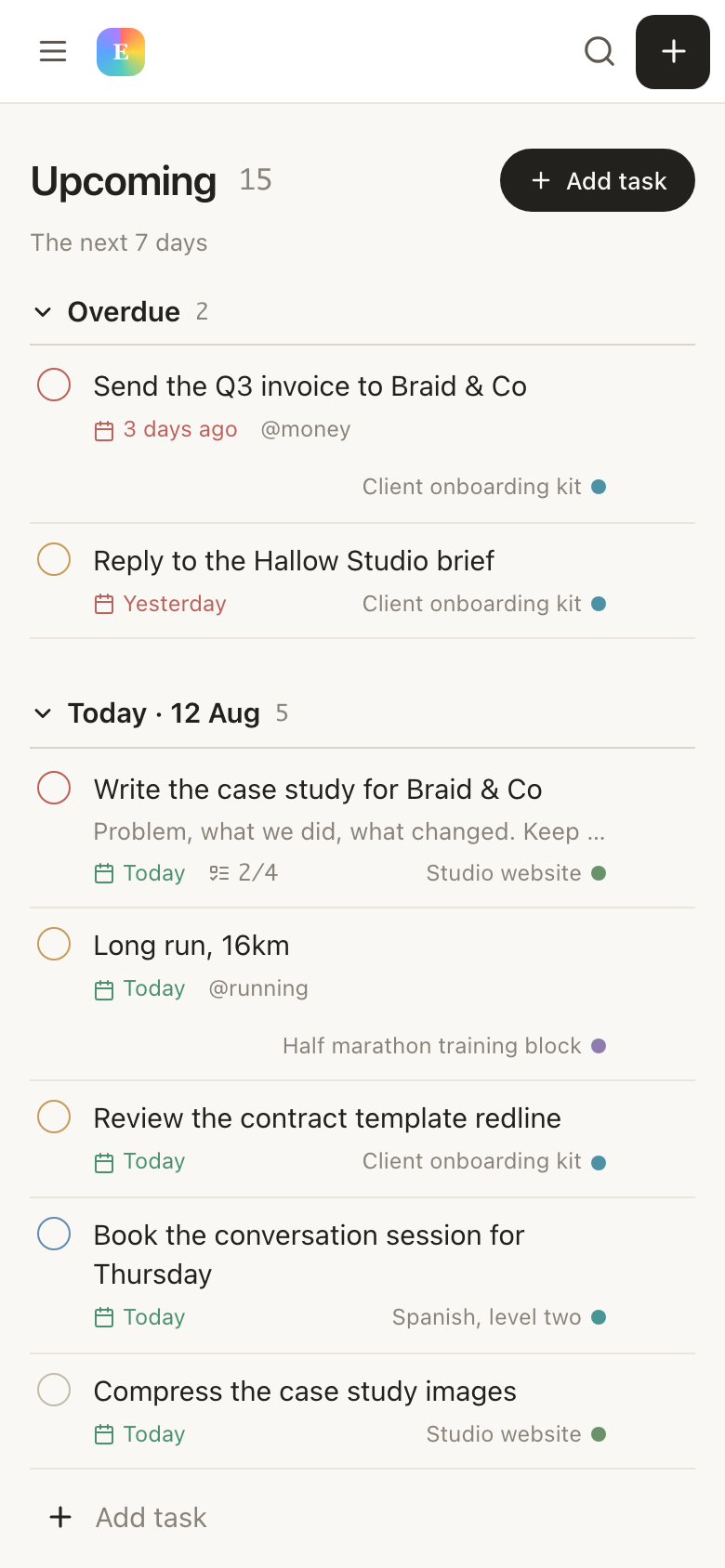
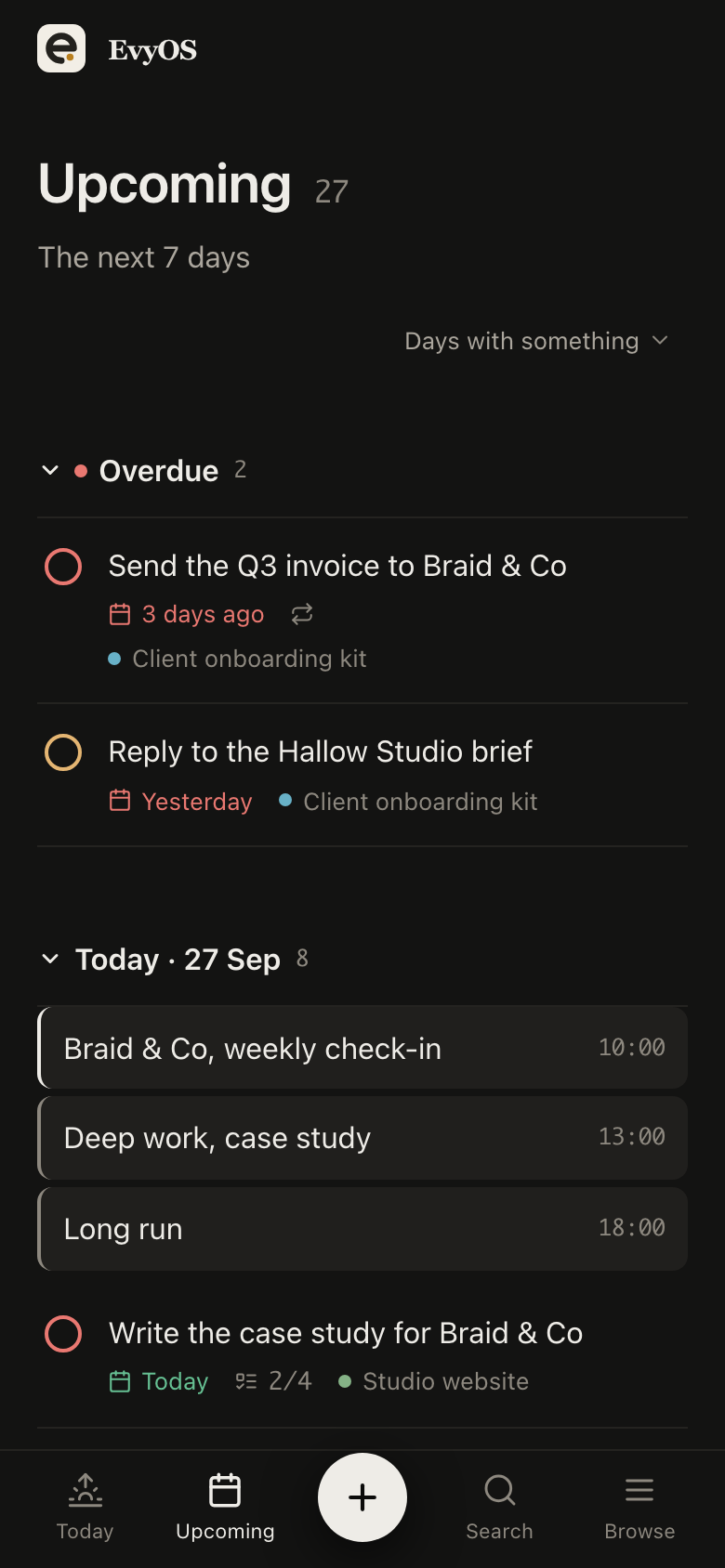
Cull the take, first pass, retouch the 12 selects, export and upload the gallery. Each a task with a due date and an estimate in minutes, so an edit that always eats 4 hours is booked as 4 hours. Today puts overdue work at the top, which in a heavy month is the entire point.
Culling and editingTime estimatesDue datesOverdue first
03 - Habits
The work that keeps you a photographer.
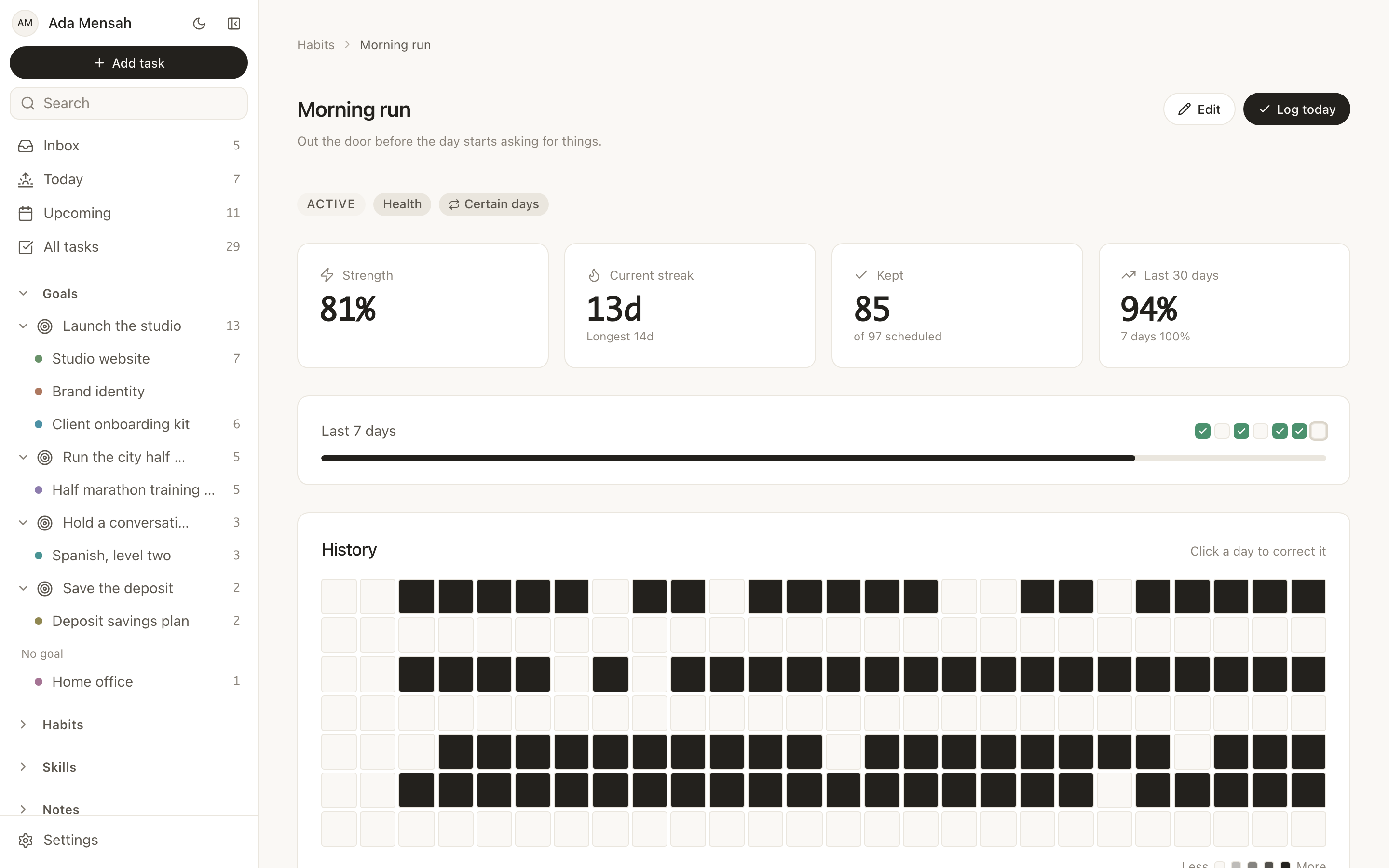
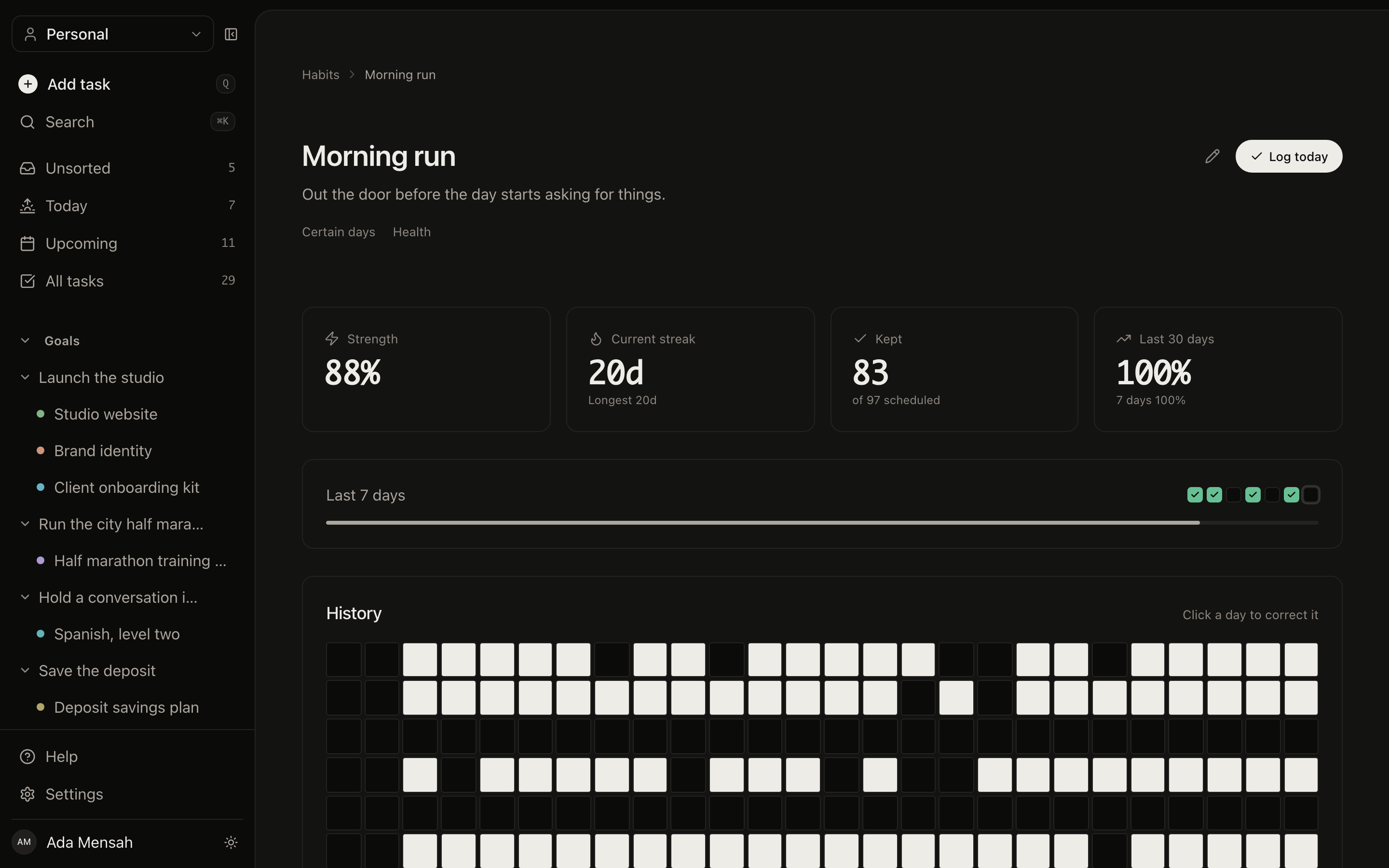
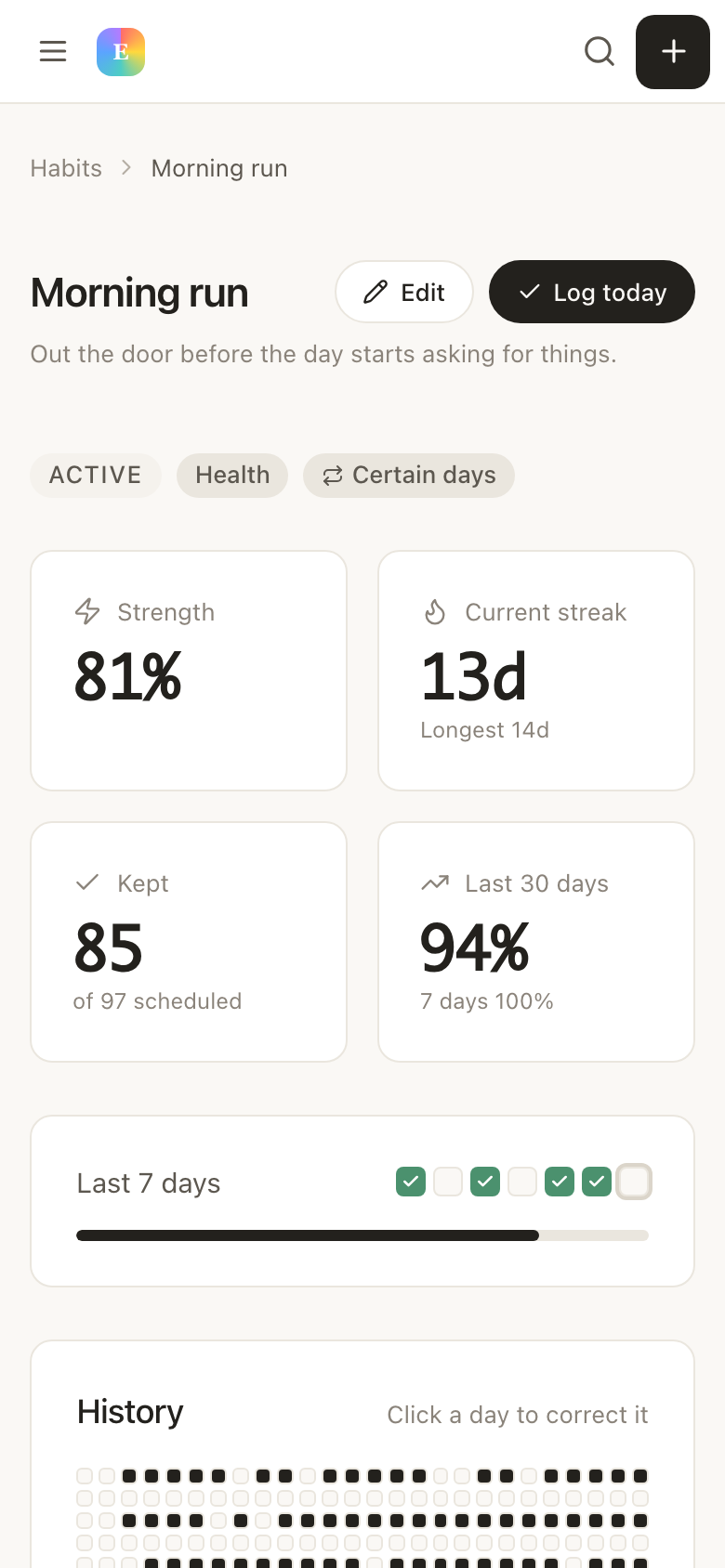
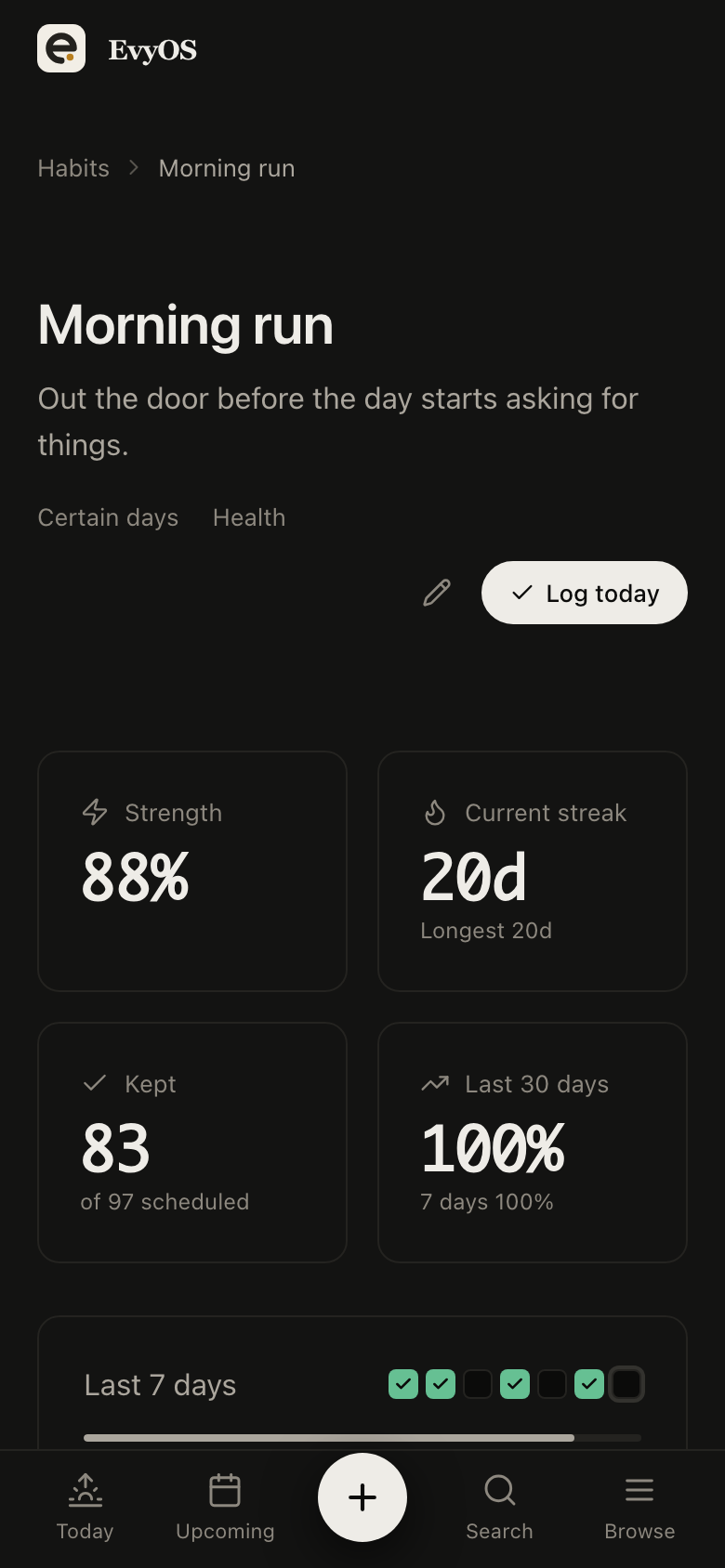
Shoot one frame a day. Post something weekly. Two hours of personal work on a Sunday. Each a habit on its own schedule with a year-long graph, so six months of nothing but client work reads as six months rather than as a vague sense of having gone stale.
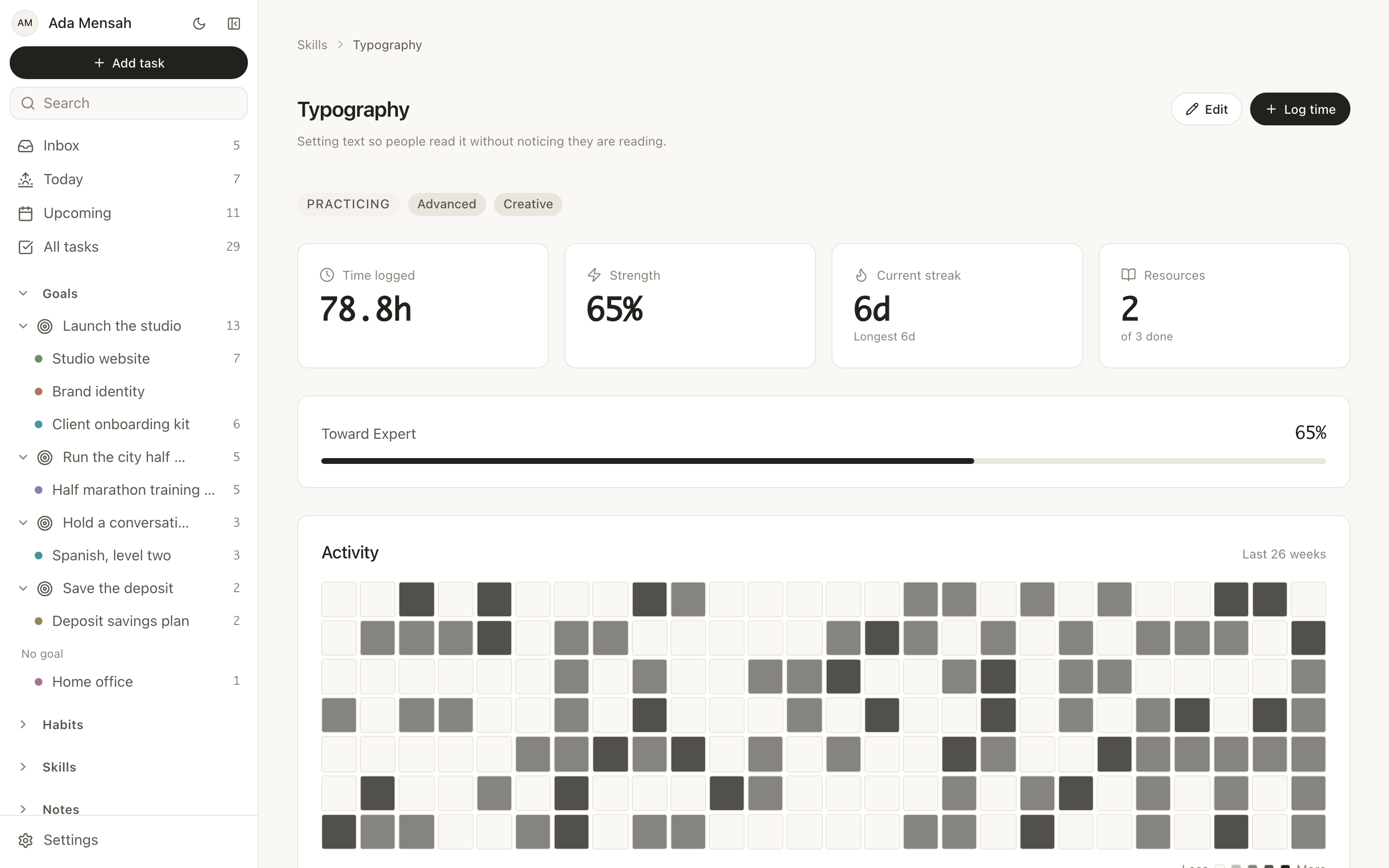
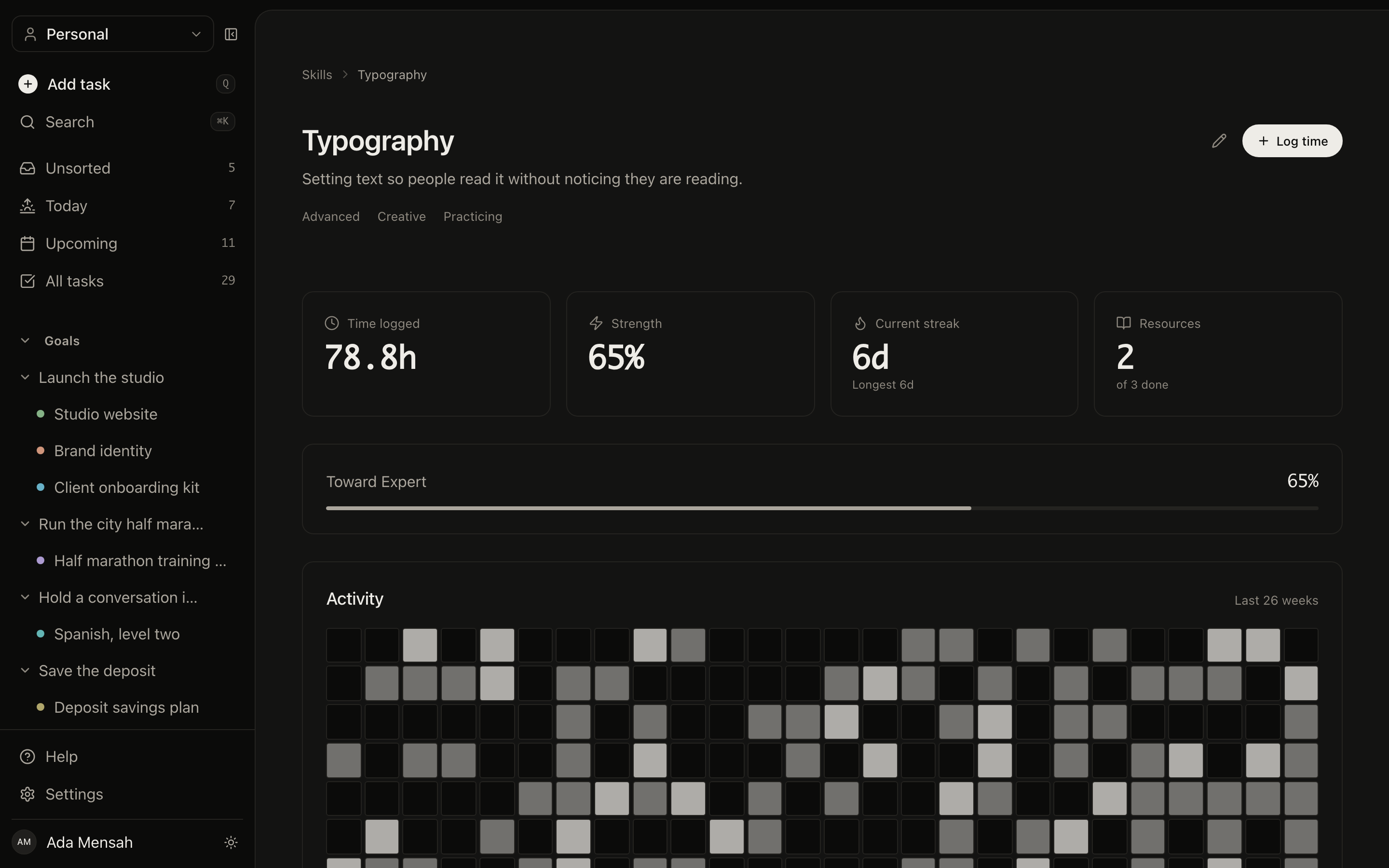
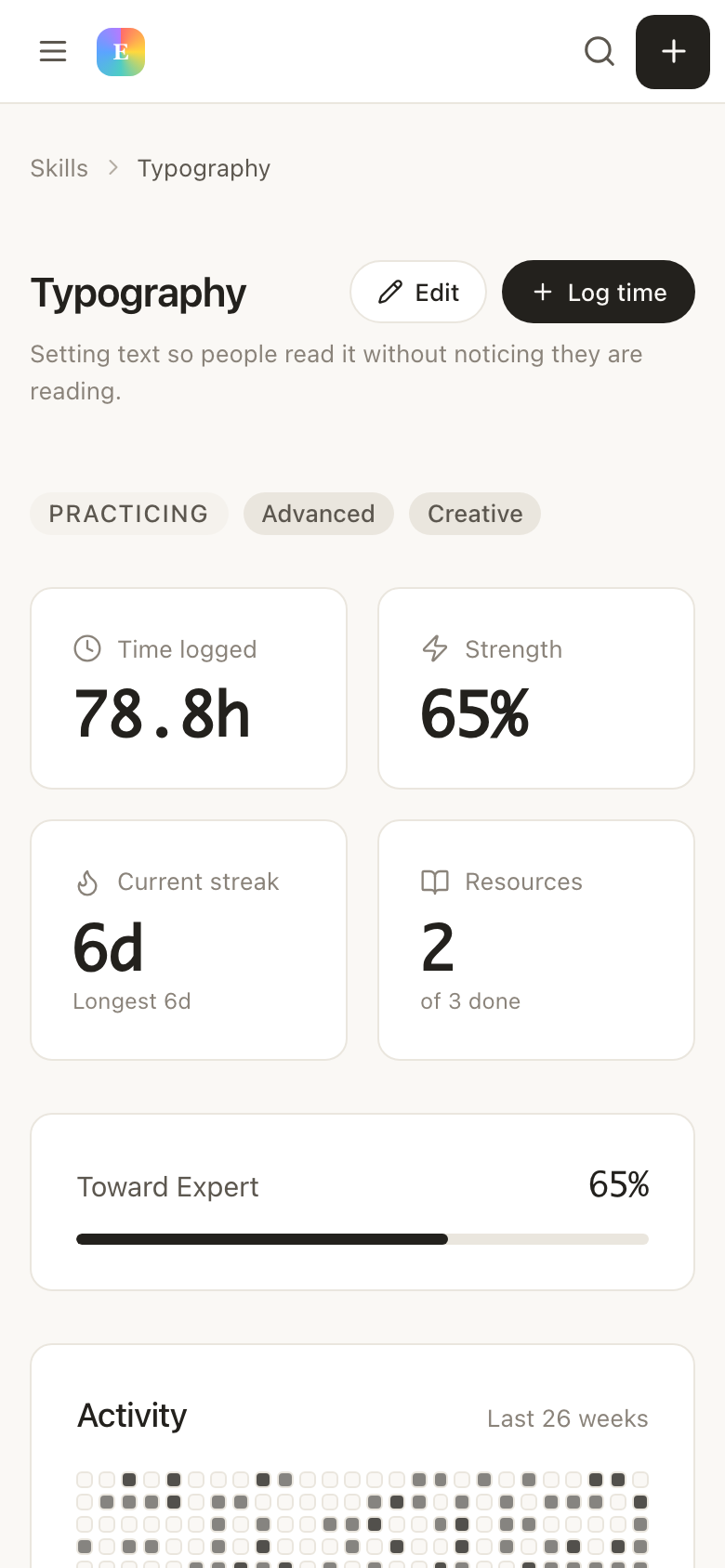
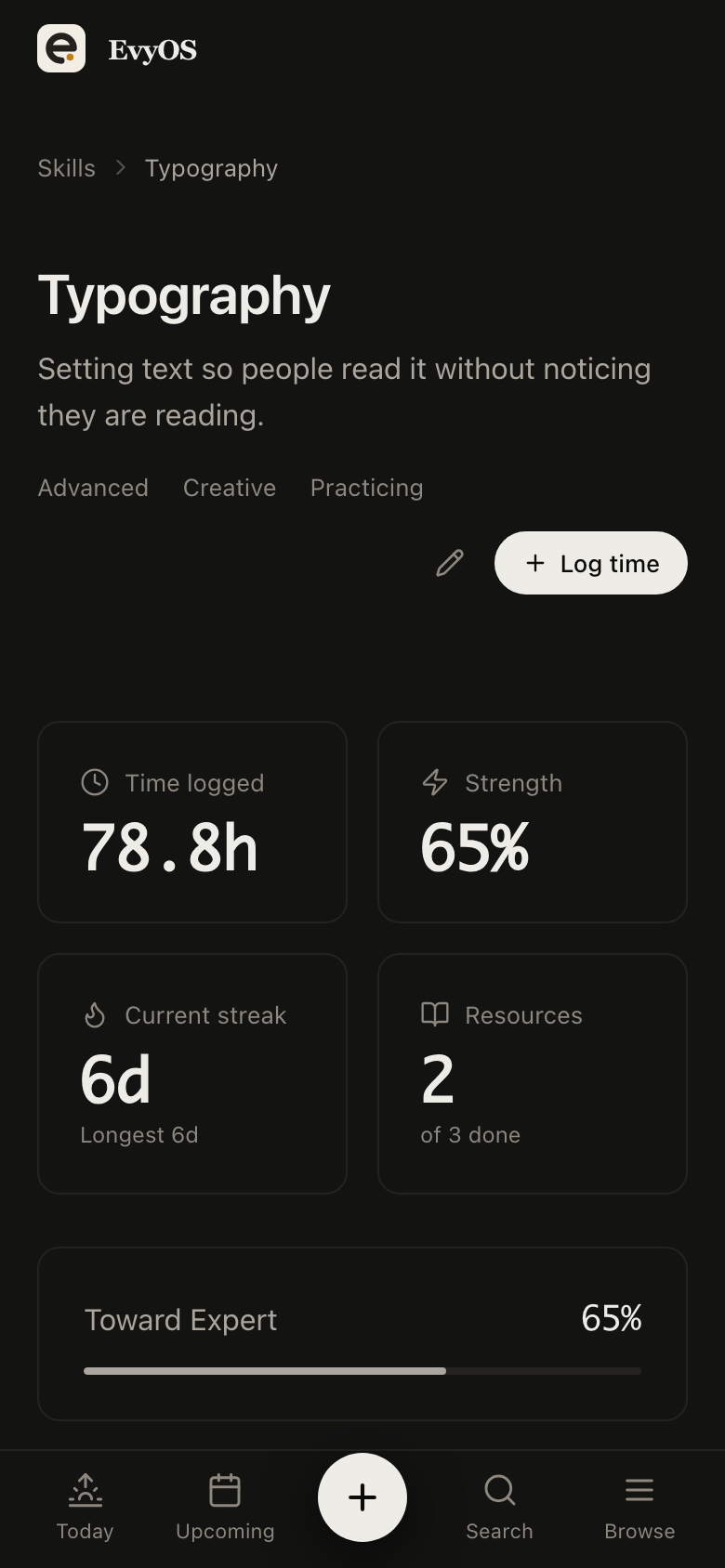
Flash, colour grading, posing, video. Log a practice session with its minutes and what you worked on, set a target level, and keep the tutorials and references in the skill’s own resource list. The hours accumulate somewhere you can see them, which is what turns an intention into a competence.
Lighting practiceColour gradingLogged hoursReference list
✦ Getting started
Up and running in under 5 minutes.
1
Book the whole job, not the shoot date
A new booking becomes a project with the delivery date and milestones for shot, culled, edited and sent. The editing evenings get due dates the day you take the job, not the week it is due.
2
Work from Today
Six live jobs resolve into the handful of things due now, with anything overdue split out at the top. Tick the edit pass, log the personal-work session, move on.
3
Give the unpaid work equal footing
The personal series is a project with a date and the shooting is a habit with a graph, so both compete with client work on the same screen instead of losing quietly in a notes app.
✦ Pricing
Simple. No surprises.
Start free. Upgrade when you're ready to go deeper.
No, and it does not pretend to. There is no library, no RAW handling and no previews — Lightroom, Capture One or your drive keep the files. EvyOS holds the shoot as a project with a delivery date and the culling and editing as tasks. What was missing from your setup was the schedule, not another catalogue.
Give each shoot its own project and use milestones for the stages: shot, culled, edited, delivered. The project list then reads as a status board. You can see which job is waiting on you and which is waiting on the client without opening six folders to work it out.
No. There is no invoicing, no expense tracking and no client database, so keep billing wherever you bill. What EvyOS does is hold ‘send the invoice’ as a task on the project with a due date and a priority, which is usually the point at which invoicing actually goes wrong.
Make the series a real project with a target date and milestones, and put the shooting under a habit with its own schedule. Both then appear in Today beside client work rather than in a notes app, and the year-long graph makes a quiet six months hard to explain away.