Built for nurses and shift workersNo two weeks look the same.The system should not care.
Habits that are not broken by the days you were never going to keep them, life admin that survives four nights in a row, and the training hours you need to evidence — in one place.
Free for as long as you like, no card required. Pro is $15 a month.
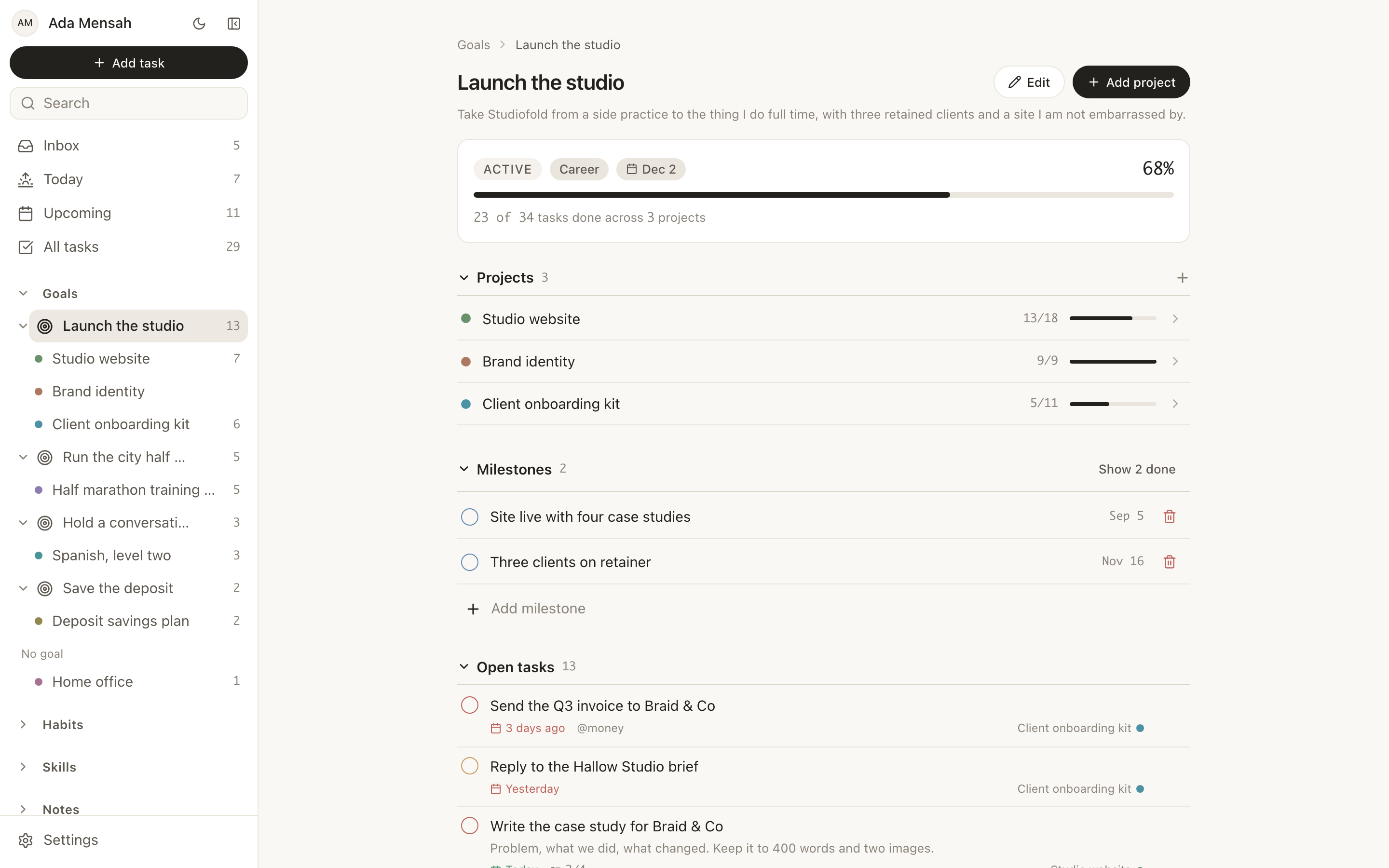
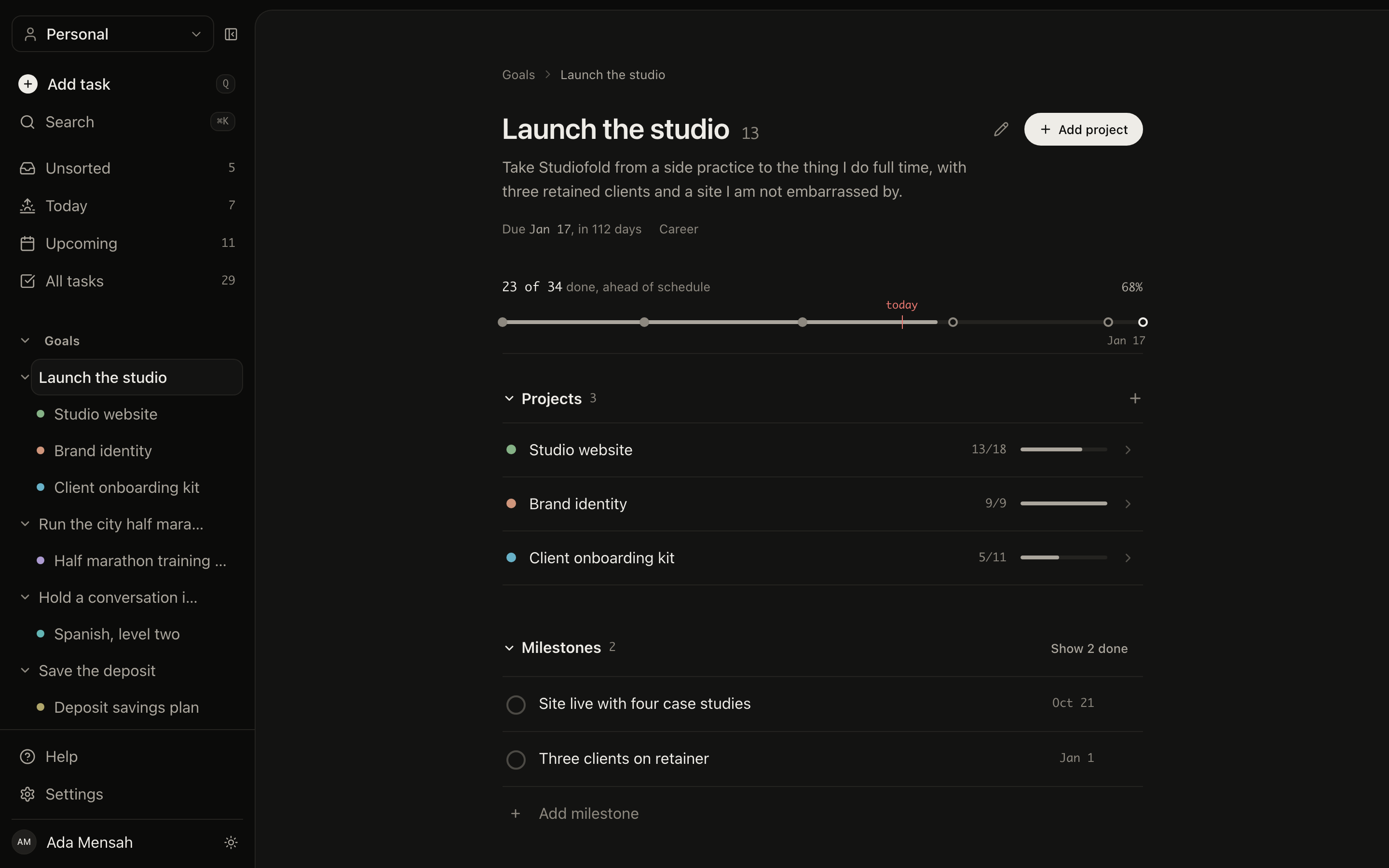
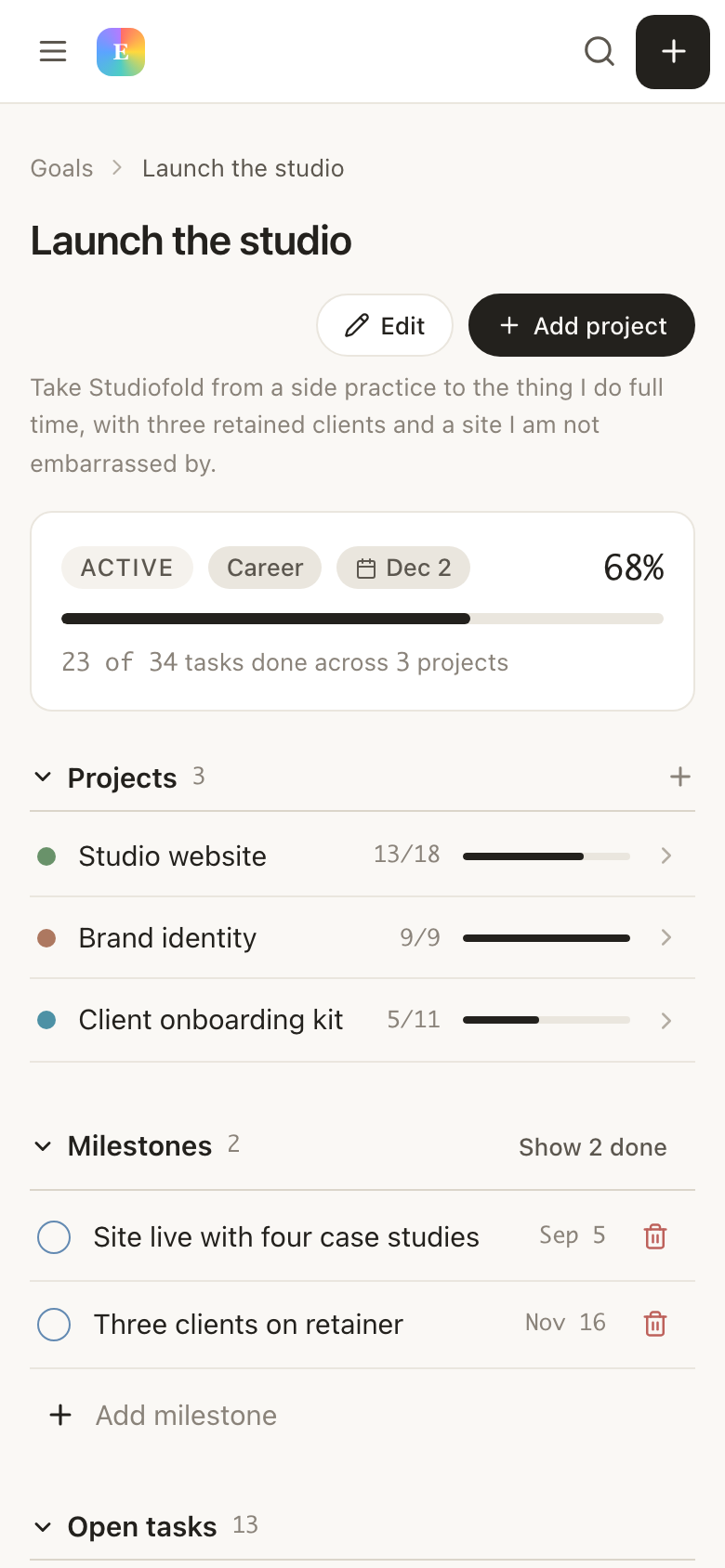
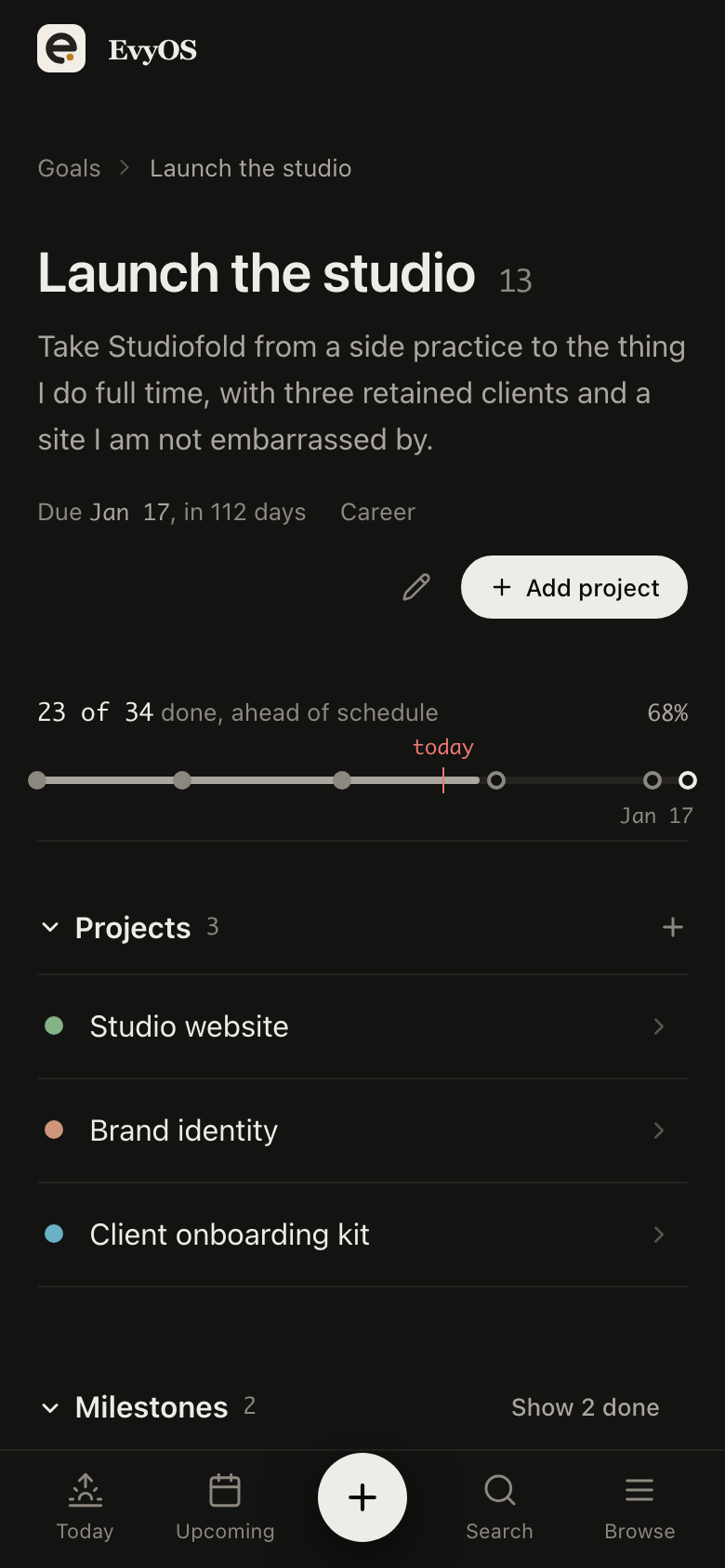
Goals
Projects
Tasks
Habits
Skills
Notes
Calendar
✦ The problem
Every productivity system assumes a week you do not have.
Morning routines assume mornings. Weekly reviews assume weekends. Streaks assume you are awake at the same time twice in a row. So you try the app, it breaks on your first run of nights, and you conclude that you are the problem.
🌙
Streaks punish you for working nights
Miss a day because you were on a long shift and the counter resets. The one number the app shows you says you failed, when what actually happened is that you worked.
⏰
Life admin waits for a day off that keeps moving
Appointments, renewals, the car, the call you owe someone. All of it queues for a free day, and the free day arrives with you too tired to spend it on admin.
📋
Training hours are remembered, not recorded
Revalidation and CPD need evidence with dates. Reconstructing a year of it from memory and old emails is its own unpaid shift.
💤
Recovery is invisible until it is a problem
Nothing records how many stretches you have done without a real break, so the point where you stopped coping is only obvious afterwards.
📋
Task manager
For daily to-dos
$4/mo
📁
Project tracker
For goals and timelines
$8/mo
🔄
Habit tracker
For daily rituals
$5/mo
⚡
Learning journal
For skill tracking
$6/mo
+
Monthly total
4 apps, no integration
$23/mo
vs $15 with EvyOS
✦ Four pillars, one system
Everything you're building. In one place.
01 - Projects
The things that are not shifts.
Revalidation, a house move, a course, the holiday you are saving for. Each is a project with milestones and a real date, so it keeps existing while the rota churns underneath it rather than waiting for a quiet month that never comes.
RevalidationLife projectsMilestonesTarget dates
02 - Tasks
Admin that survives four nights in a row.
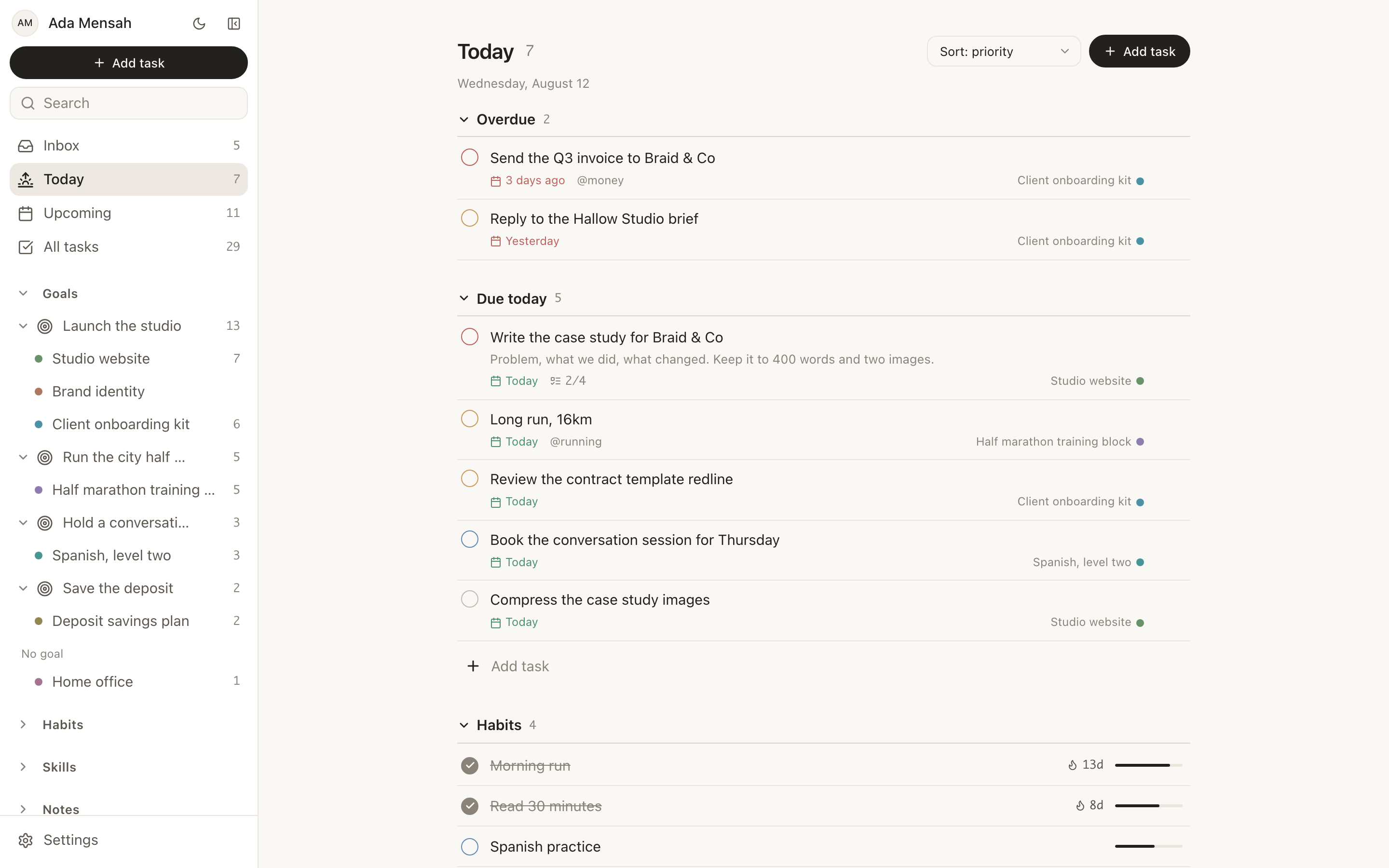
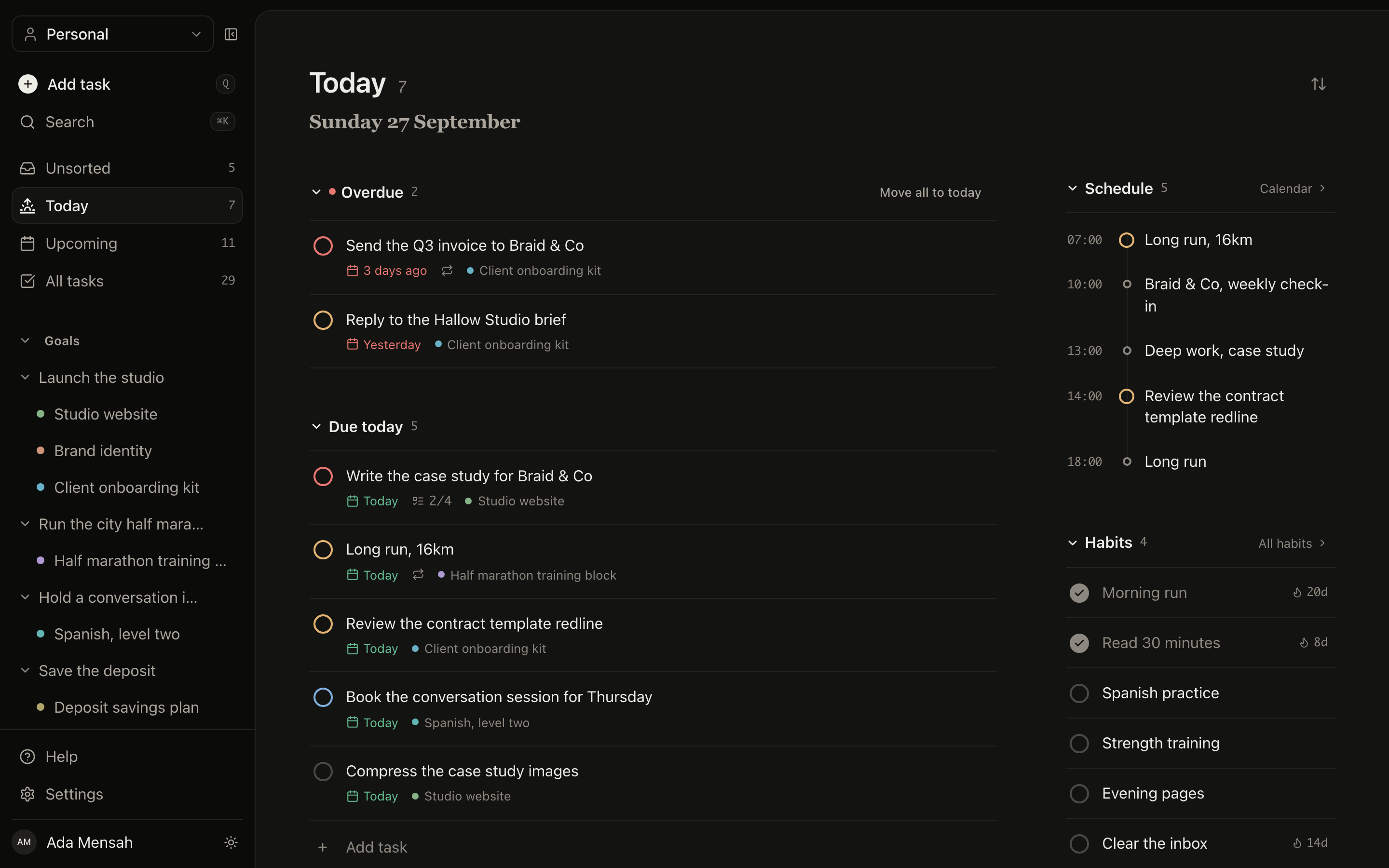
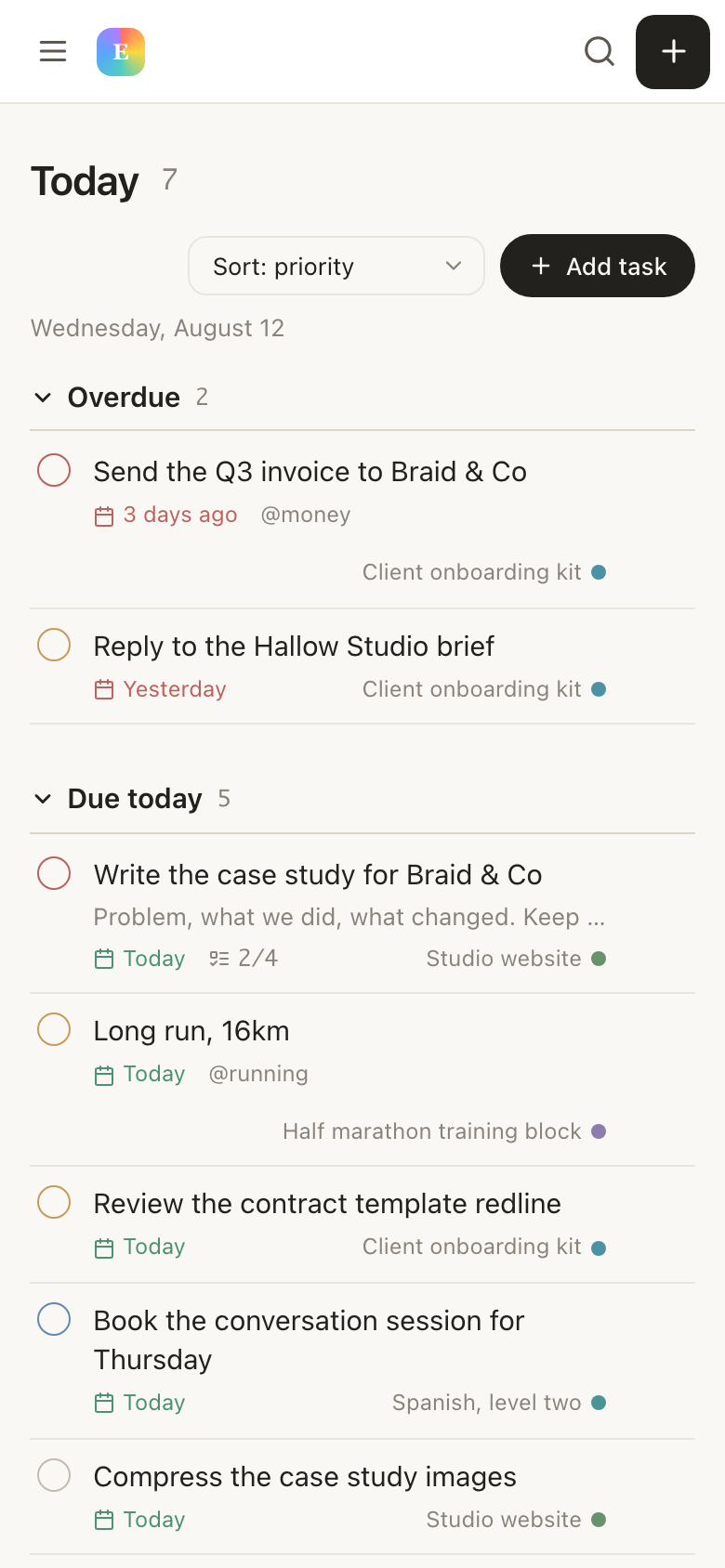
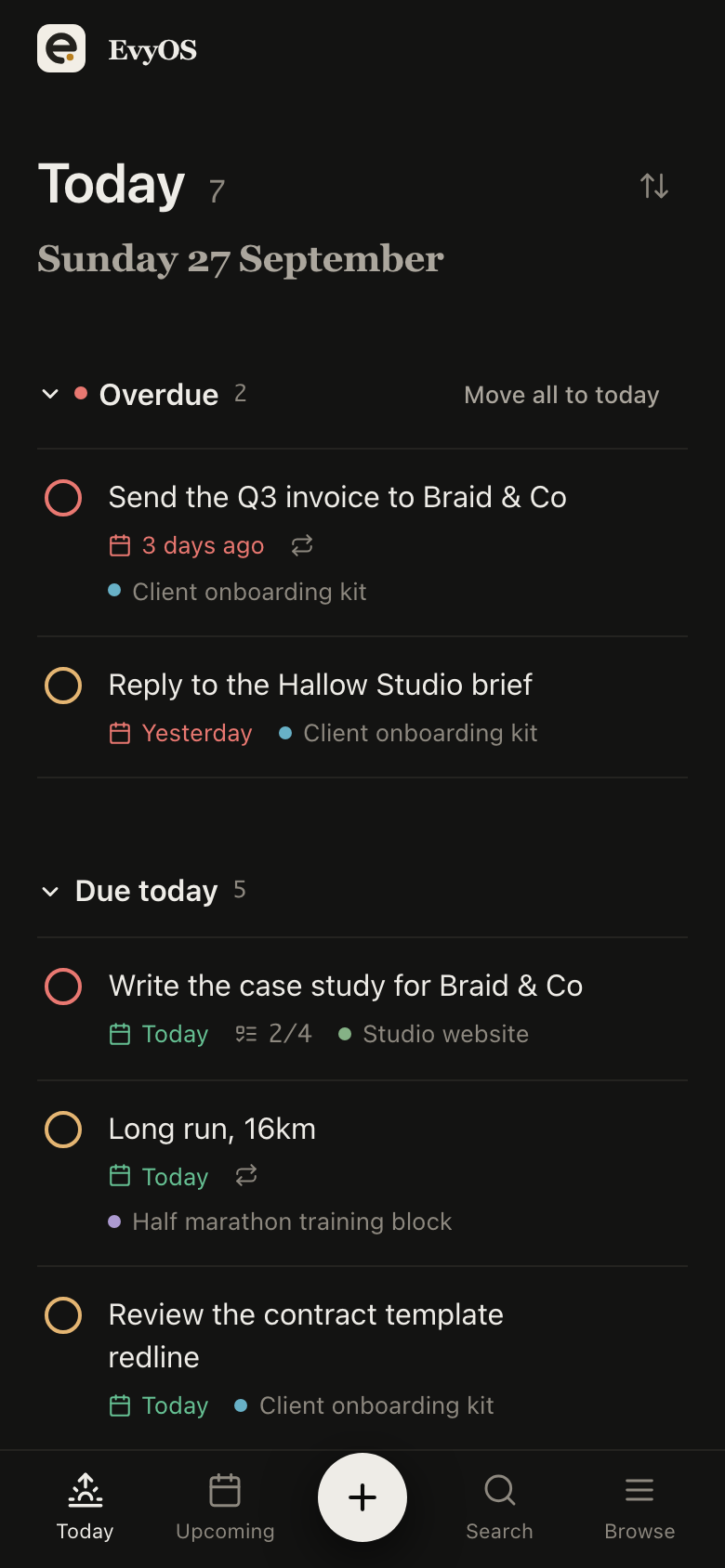
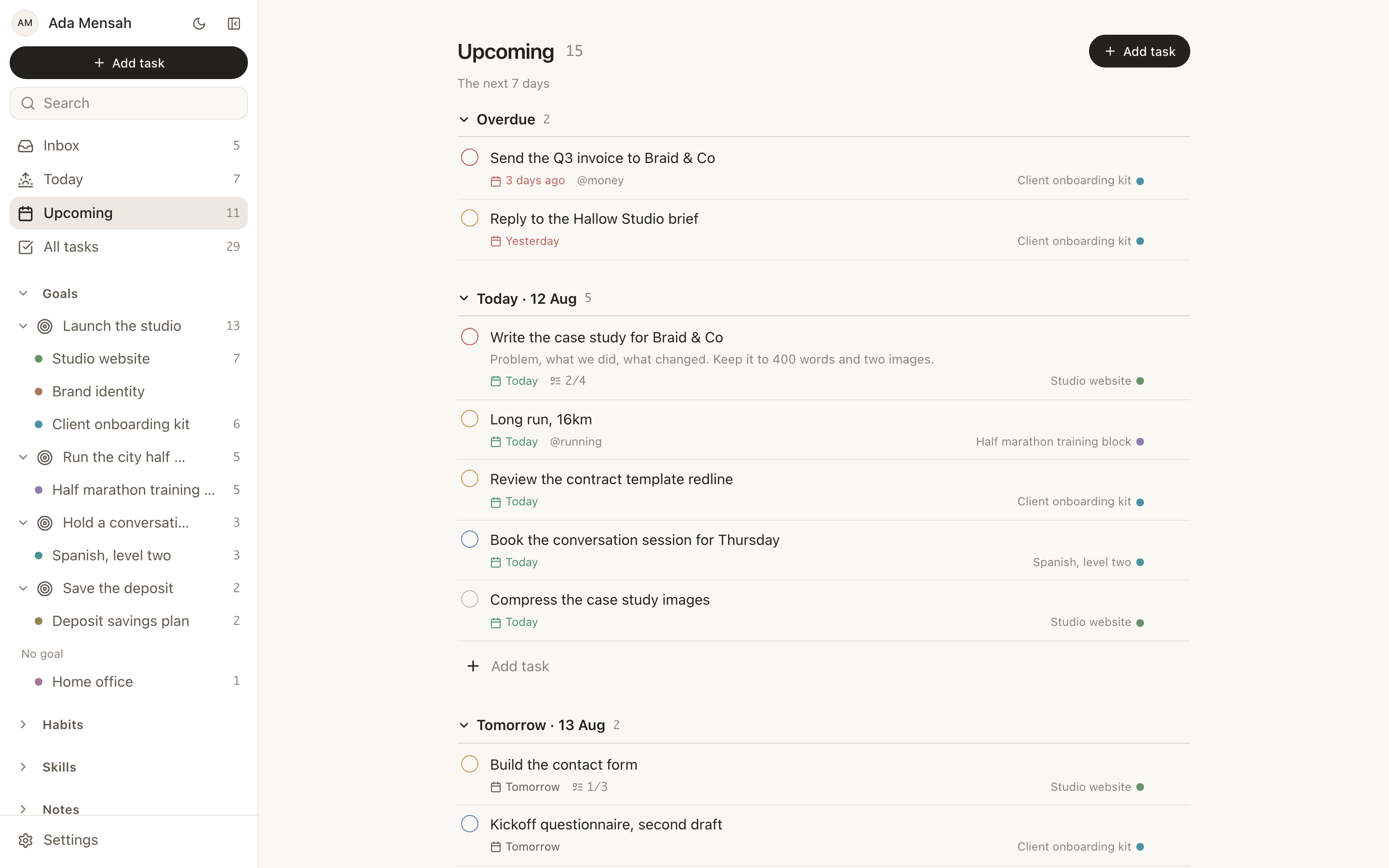
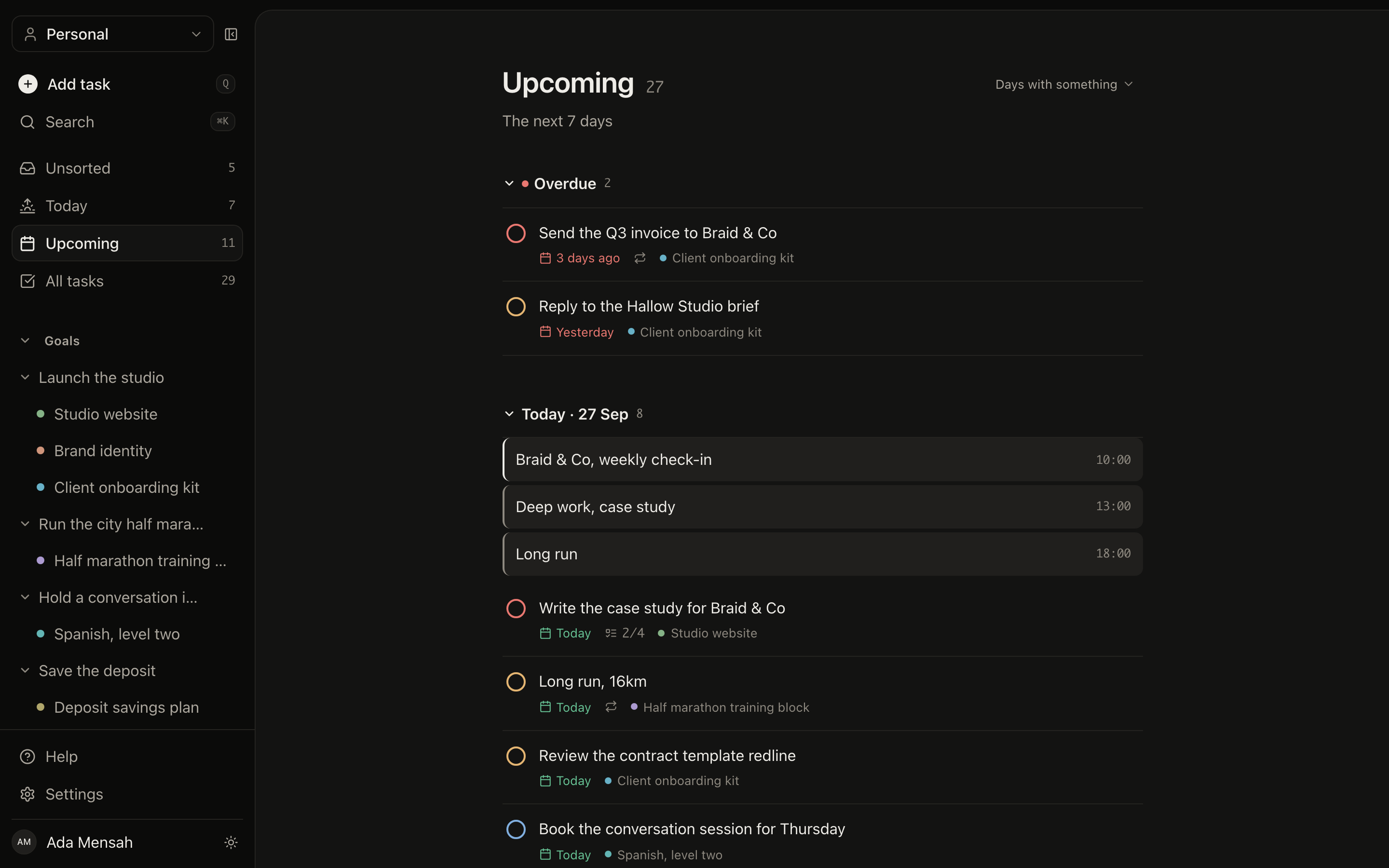
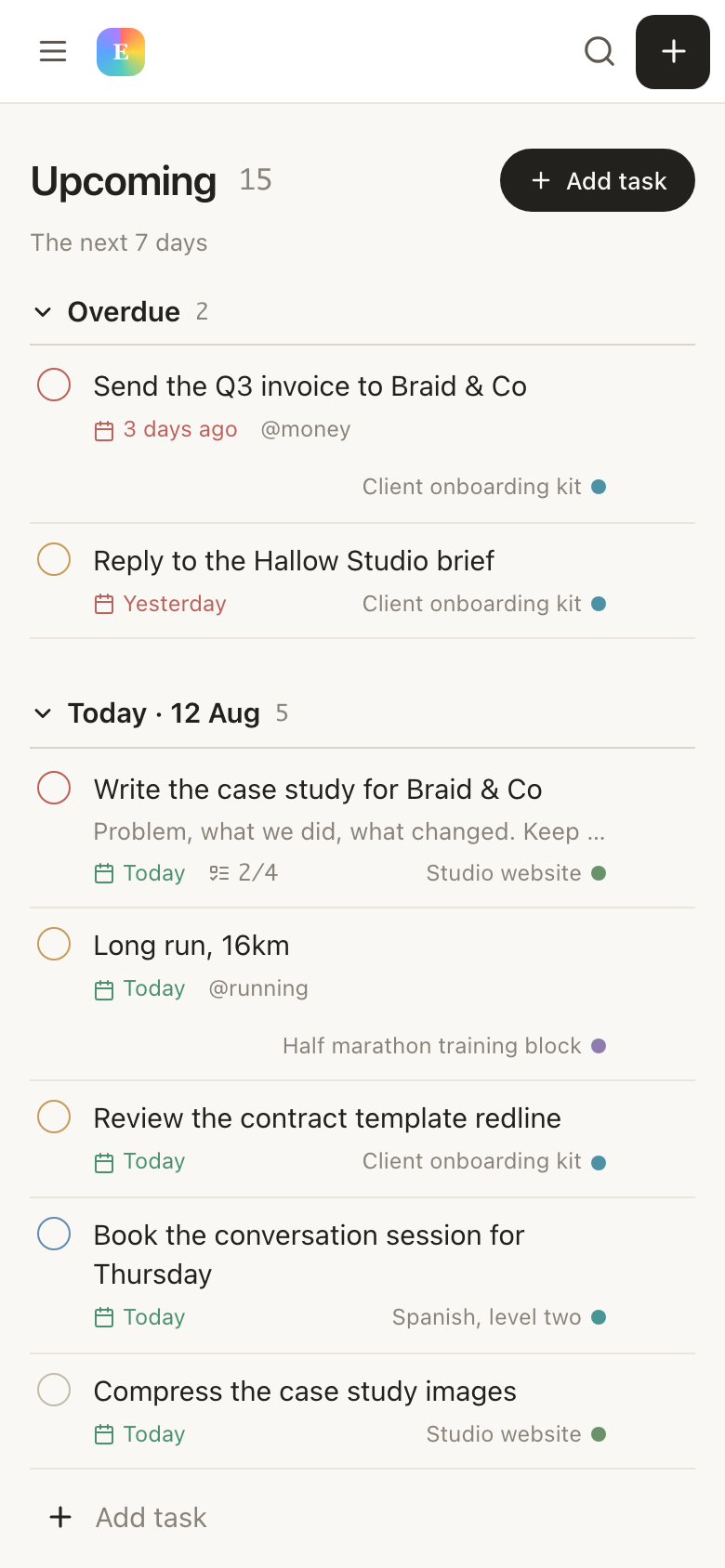
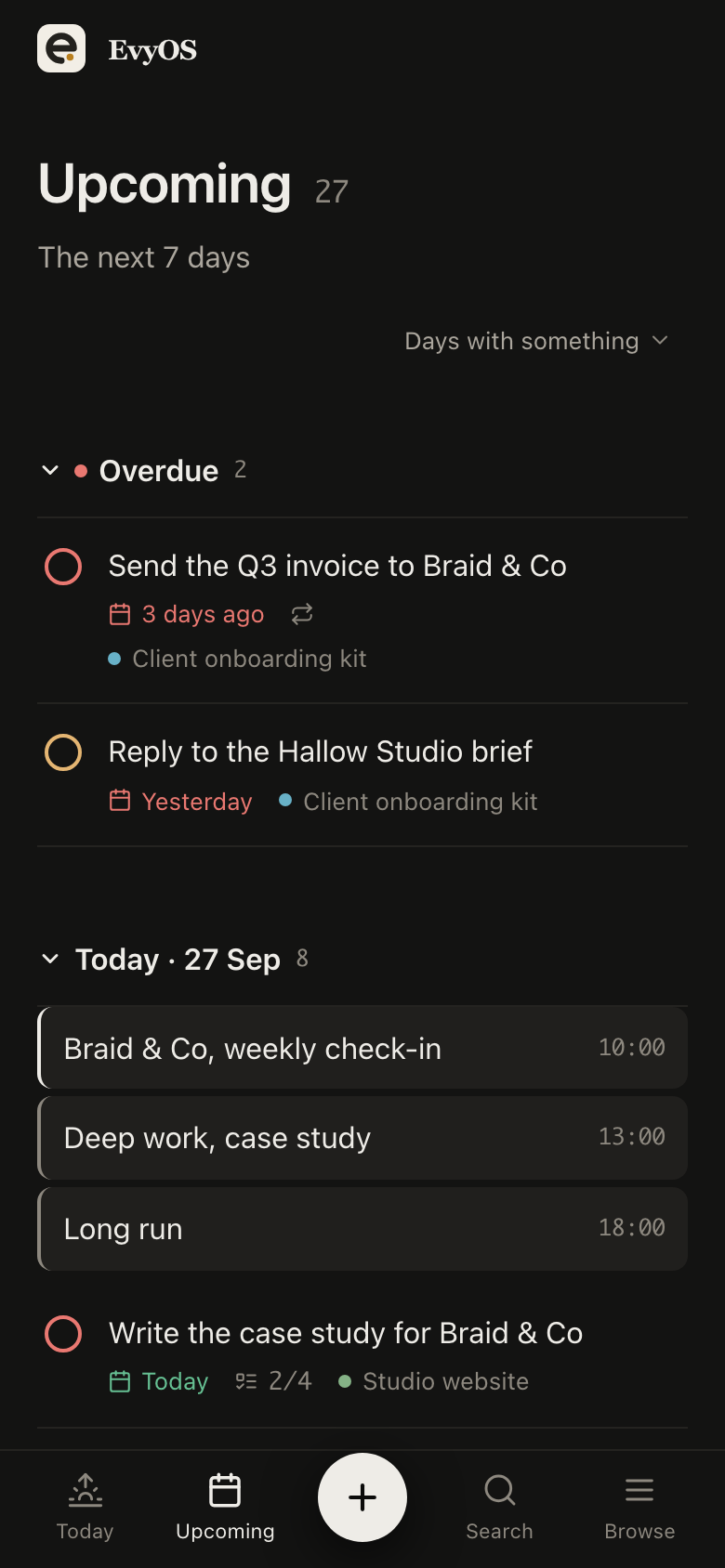
Everything you owe the rest of your life, with due dates and priorities. Come off a run of nights and Today shows what is overdue, split out at the top, so you spend your first clear hour on the two things that matter instead of remembering.
Overdue split outPrioritiesDue datesQuick capture
03 - Habits
Routines set to your pattern, not to Monday.
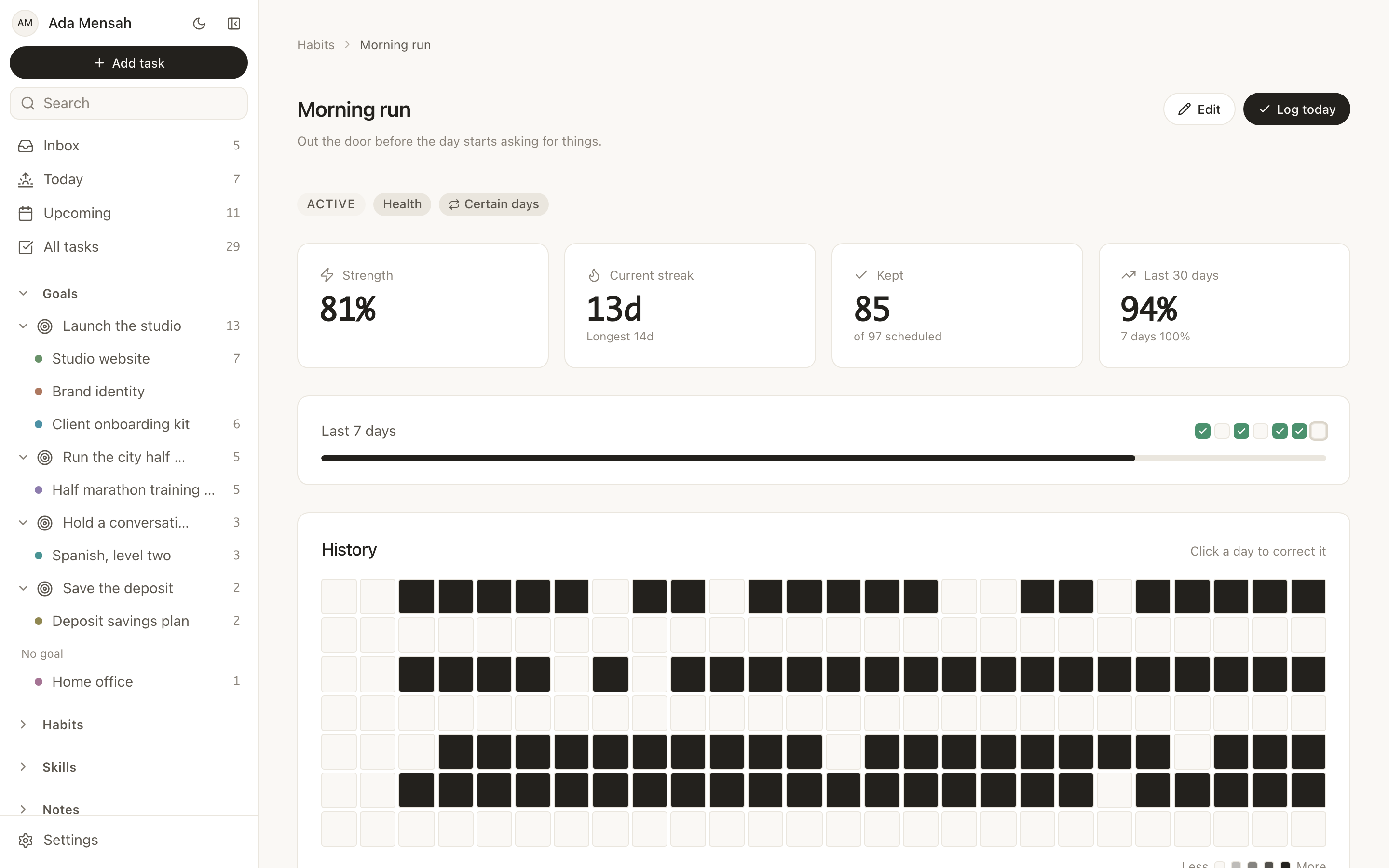
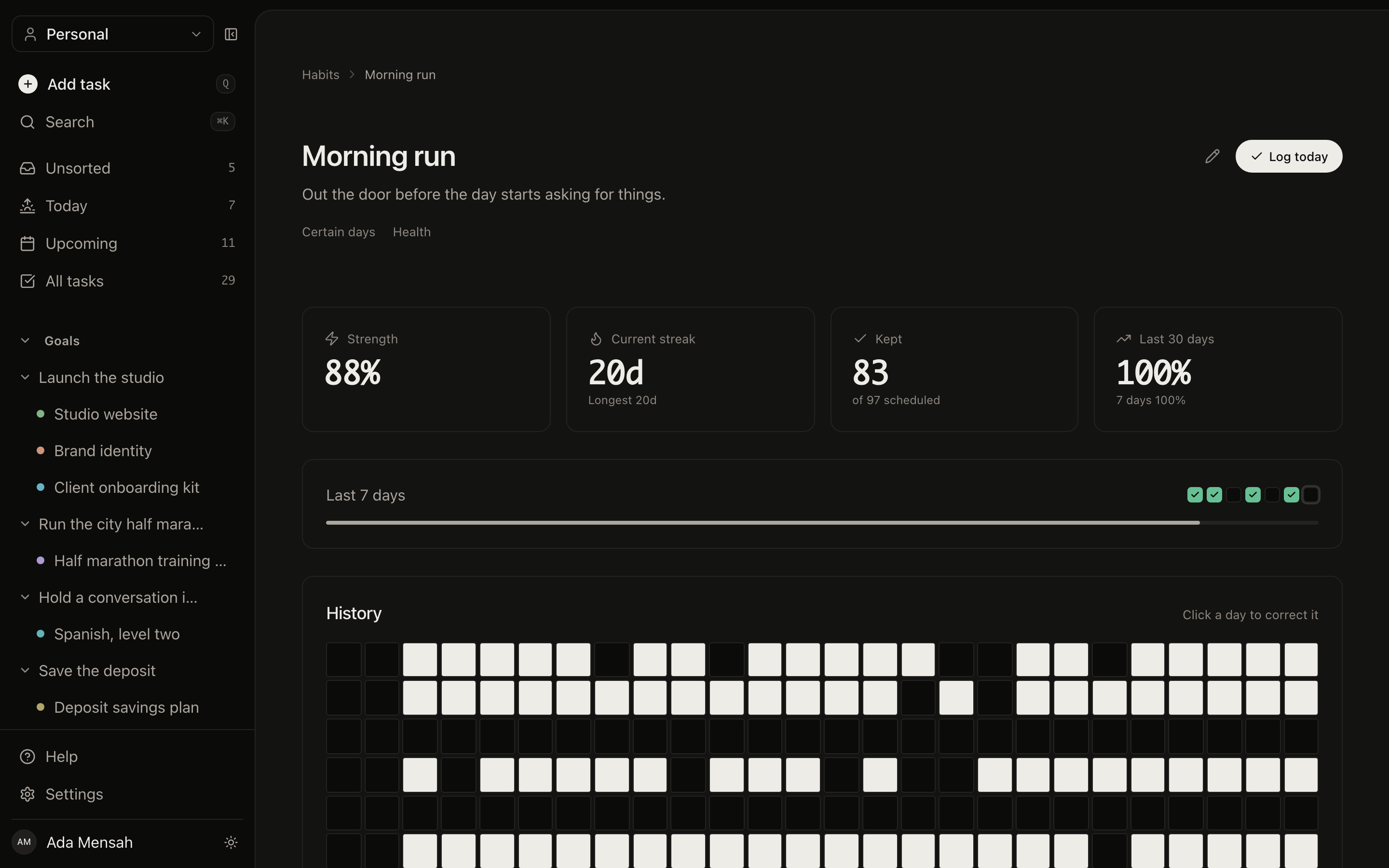
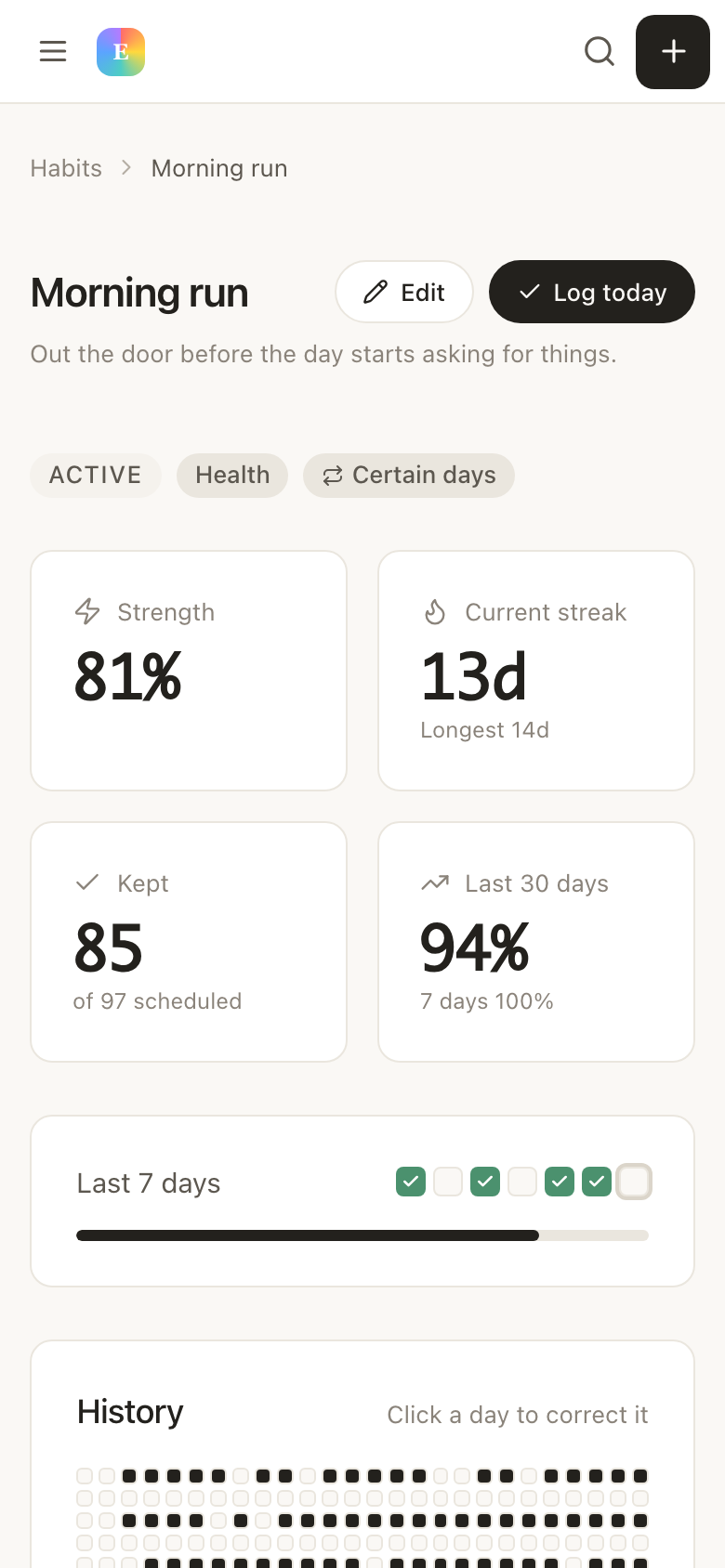
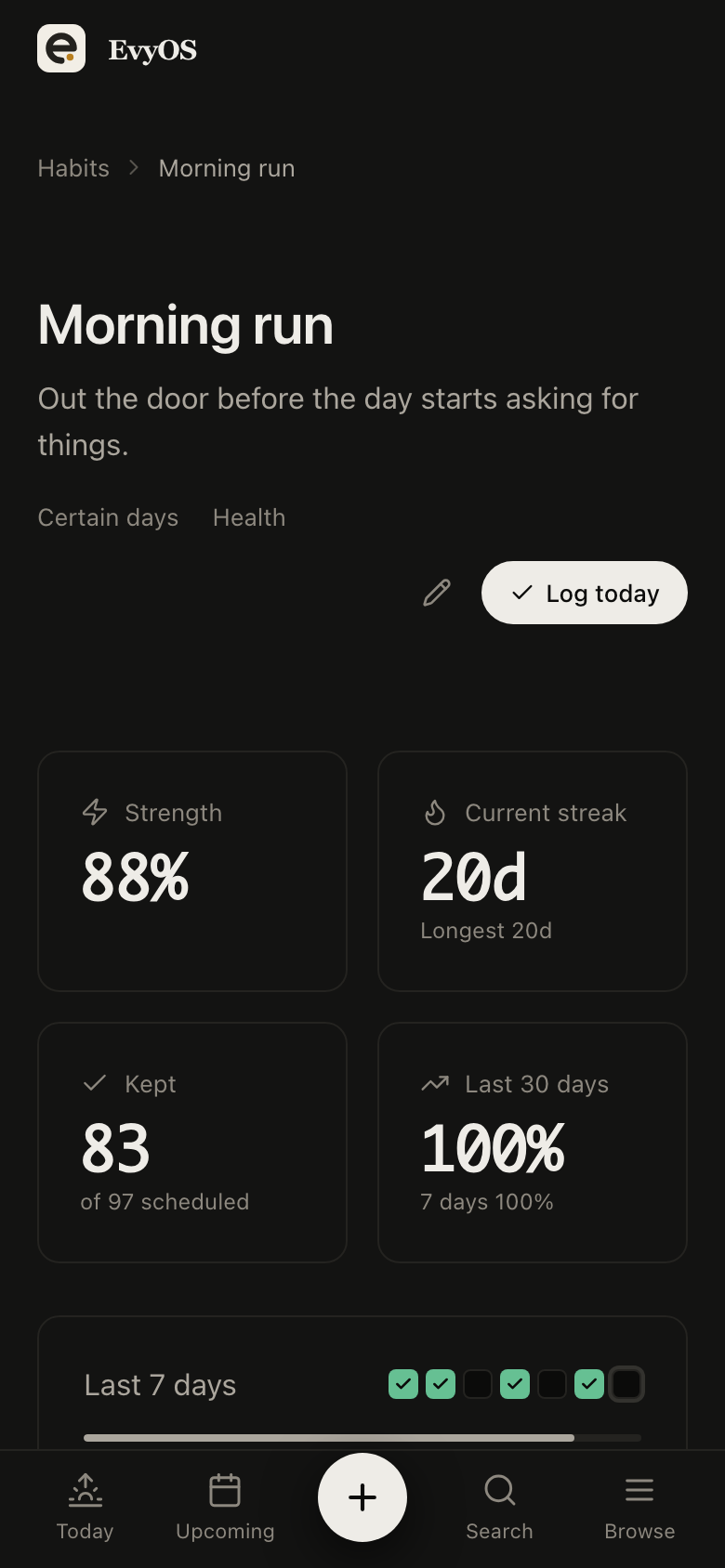
Name the days a habit is due rather than defaulting to every day, and the days it is not scheduled never count against you. Today is not counted against you either until it is over, so a late finish does not report a broken streak at 9am. The year graph then shows the real pattern rather than a counter that resets every rotation.
Chosen daysNever broken by a rest dayStreaksContribution graph
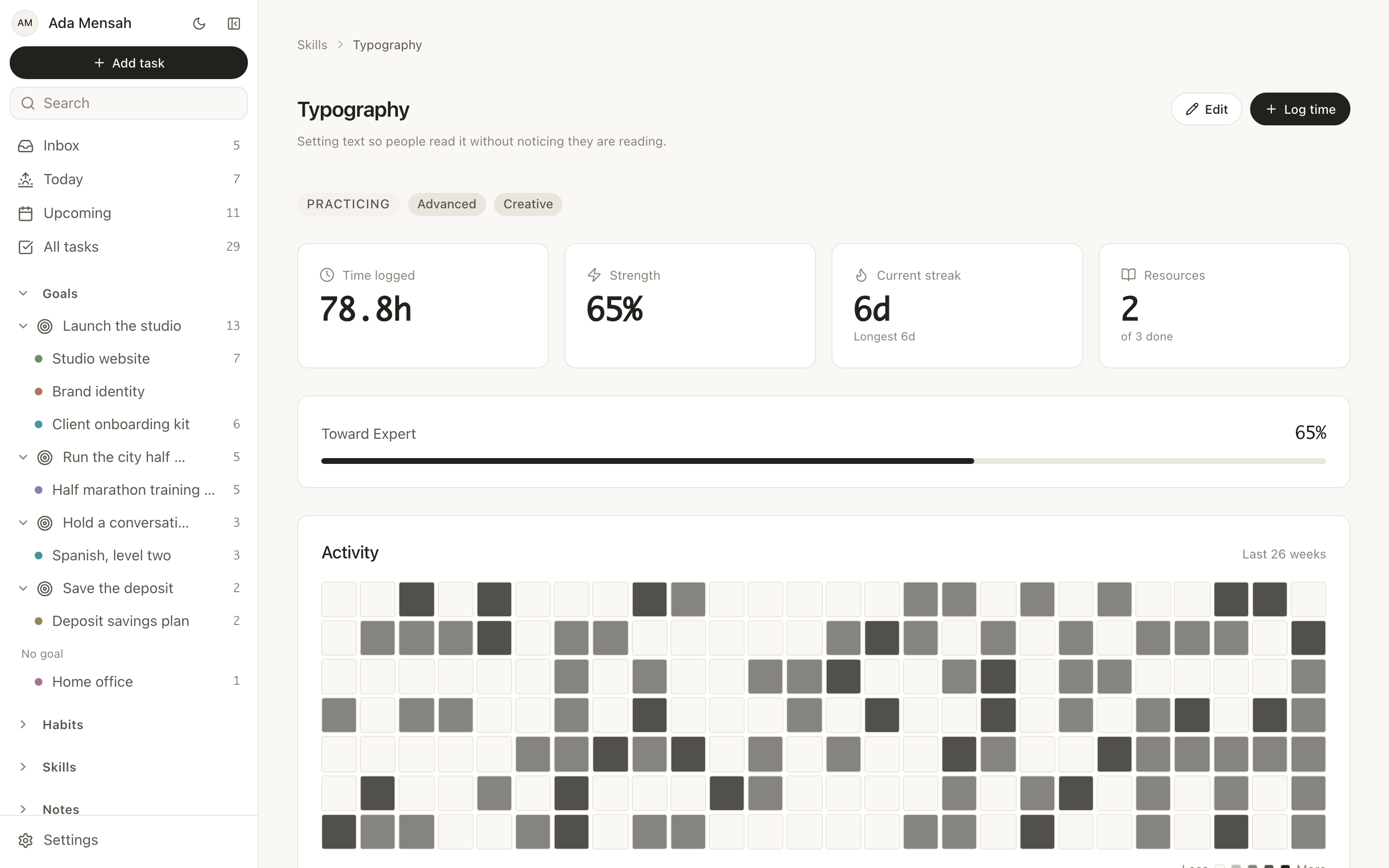
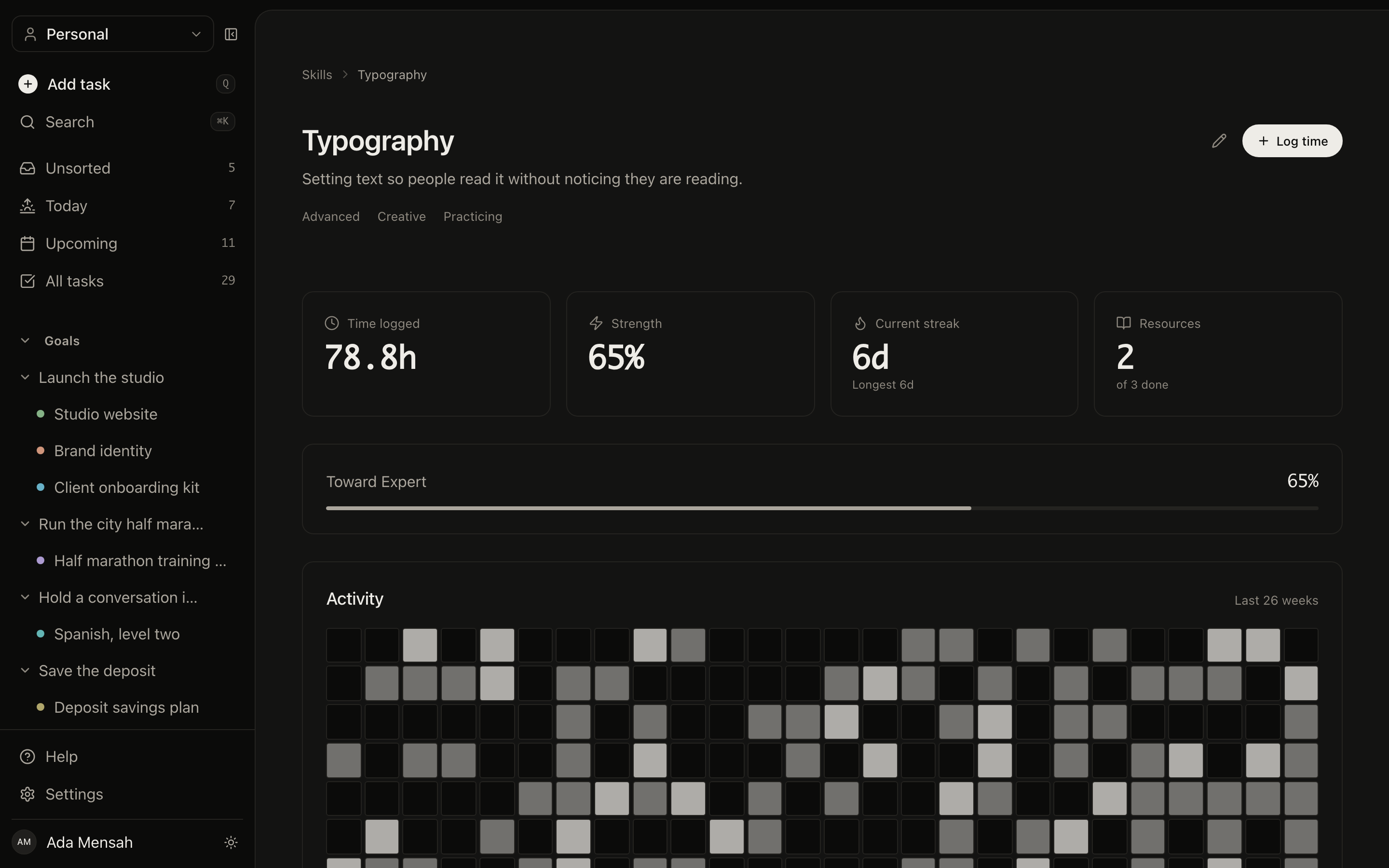
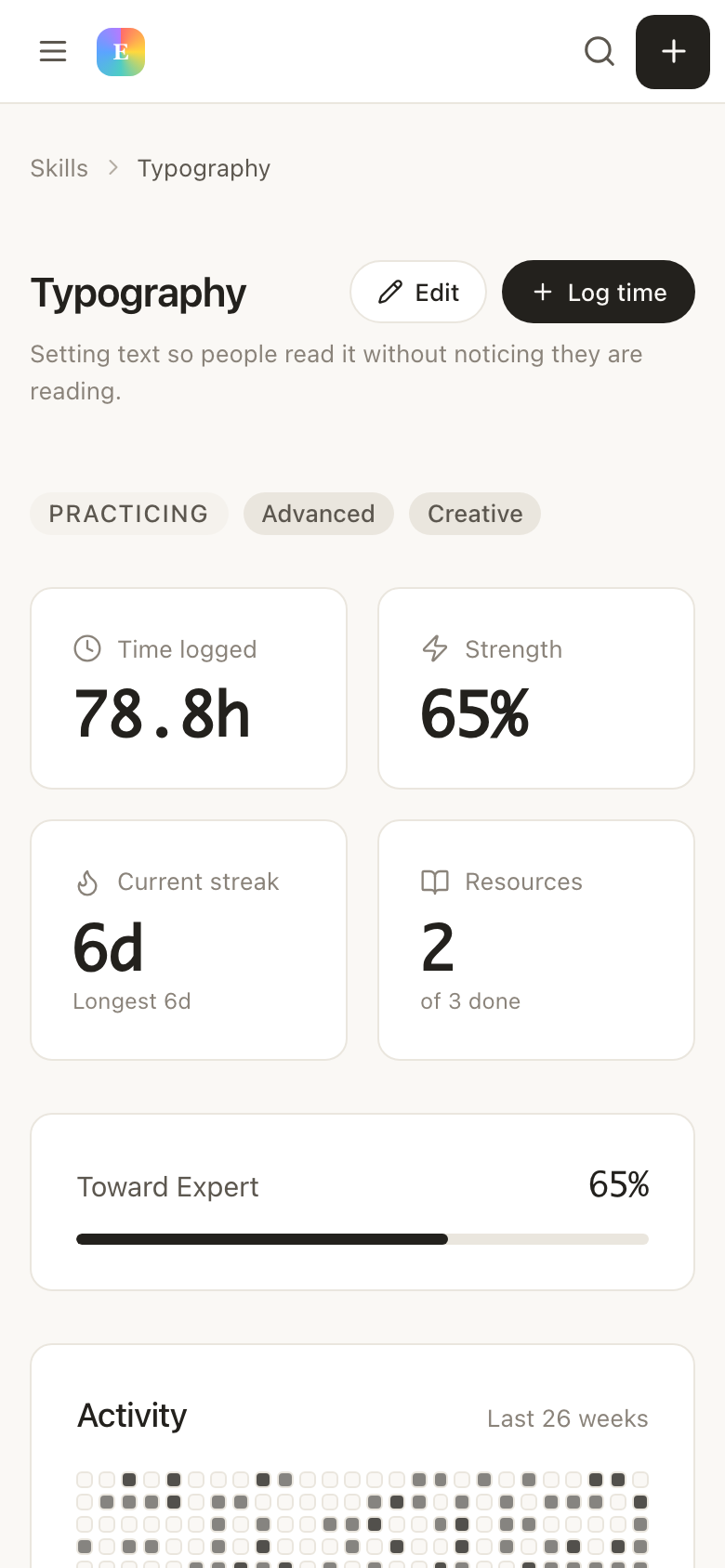
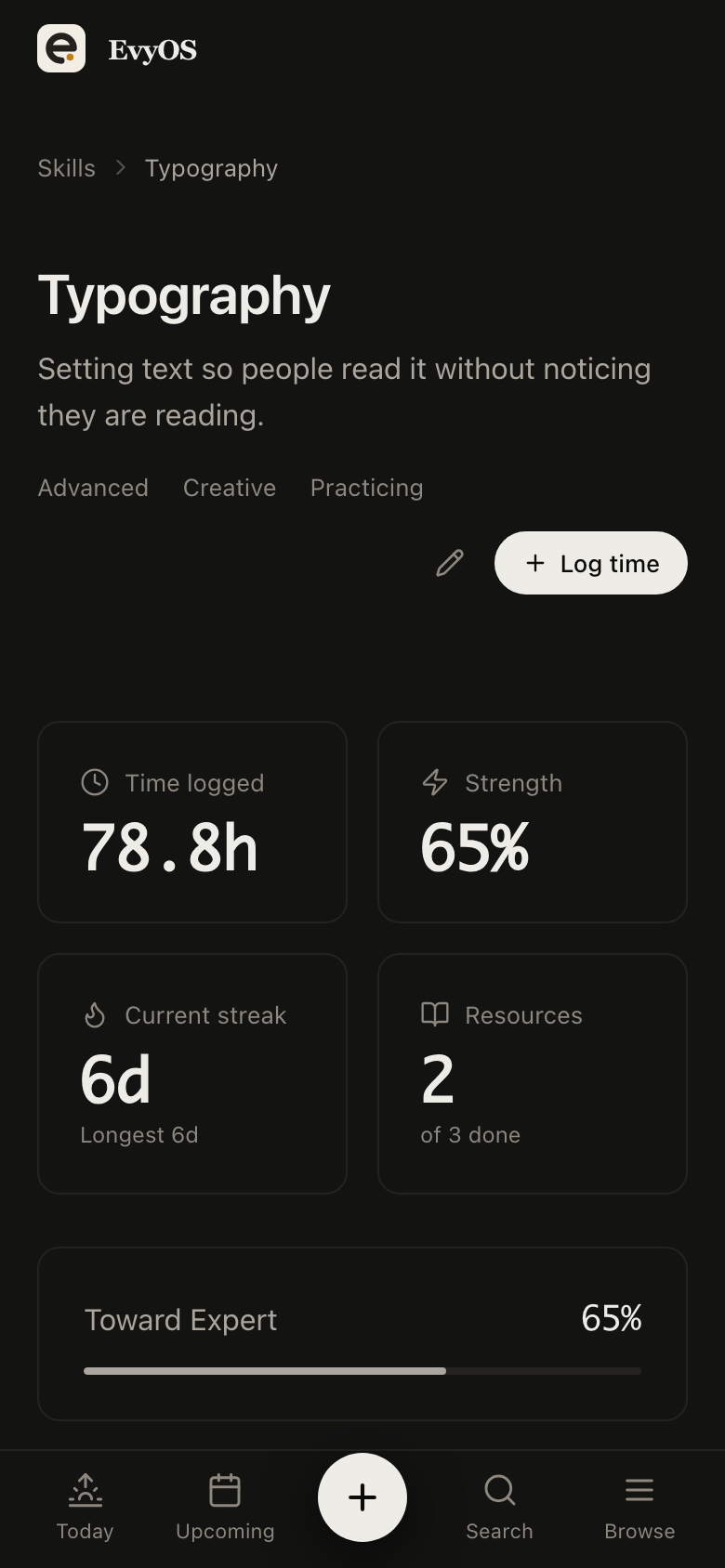
04 - Skills
Training hours, logged when they happen.
Log a session the day you do it, with the minutes and what it was. A year later the evidence for revalidation is a list with dates rather than an archaeology project through your inbox.
CPD hoursDated sessionsLearning resourcesProgress to target
✦ Getting started
Up and running in under 5 minutes.
1
Set habits to your real pattern
Two or three named days you can genuinely hold, rather than every morning. A schedule should describe the life you have, not one you would need a different job to live.
2
Capture as you go
Admin goes in with a due date the moment you think of it. Training gets logged the day it happens. Neither depends on you having energy later.
3
Use your days off on purpose
A clear day starts with a screen that already knows what is overdue and what is due next, so it goes on the two things that matter rather than on working out what they were.
✦ Pricing
Simple. No surprises.
Start free. Upgrade when you're ready to go deeper.
Partly, and it is worth knowing exactly how. A habit is due either every day or on the weekdays you name, and a day it is not scheduled on never breaks the streak — so a Monday and Thursday habit is untouched by the nights in between. Today also never counts against you until it is over. What it cannot do is follow a rotating rota automatically, so pick the days you can most reliably hold and let the year graph show the rest.
Log each session against a skill with its minutes and date. The hours accumulate, so the evidence exists as a dated list instead of being reconstructed from memory at the end of the year.
EvyOS runs in the browser on a phone and can be added to your home screen, so capture on a break works without an app store. You can also connect it to ChatGPT or Claude on any plan and add things by asking.
Yes. A shared workspace holds the joint list, the household projects and shared habits, with a separate streak per person, while your own work stays in a personal space that nobody else can see.