Built for medical studentsThe material is not the problem.Keeping the plan is.
Blocks, boards and rotations in one system, with the daily question target, the sleep you keep sacrificing, and the hours you have actually put into each subject sitting next to them.
Free for as long as you like, no card required. Pro is $15 a month.
Goals
Projects
Tasks
Habits
Skills
Notes
Calendar
✦ The problem
Your study plan lives in six places and survives about nine days.
A spreadsheet for the block schedule. A flashcard app for the daily reviews. A calendar for lectures. A notes app for the summaries. Nothing knows what the others contain, so when one week goes badly the whole plan quietly stops being true and you find out three weeks later.
📚
The plan is a spreadsheet nobody updates
You build a beautiful block schedule in week one. By week three it is fiction, because there is no cheap way to move one bad day without rebuilding every row after it.
🧠
Reviews and everything else are separate lives
The flashcard streak is the only thing you measure, so it becomes the only thing you protect. Anatomy lab, the research project and the clinical skills checklist have no streak, so they slide.
🌙
Sleep is the first thing traded away
It is also the thing that decides how much of today you keep. Nothing in your setup shows the trade, so you make it every night without ever seeing the bill.
📋
You cannot tell strong subjects from weak ones
Ask which system you have spent the least time on this month and there is no answer anywhere. So you revise what feels urgent, which is usually what you already know.
📋
Task manager
For daily to-dos
$4/mo
📁
Project tracker
For goals and timelines
$8/mo
🔄
Habit tracker
For daily rituals
$5/mo
⚡
Learning journal
For skill tracking
$6/mo
+
Monthly total
4 apps, no integration
$23/mo
vs $15 with EvyOS
✦ Four pillars, one system
Everything you're building. In one place.
01 - Projects
One project per block, one goal per exam.
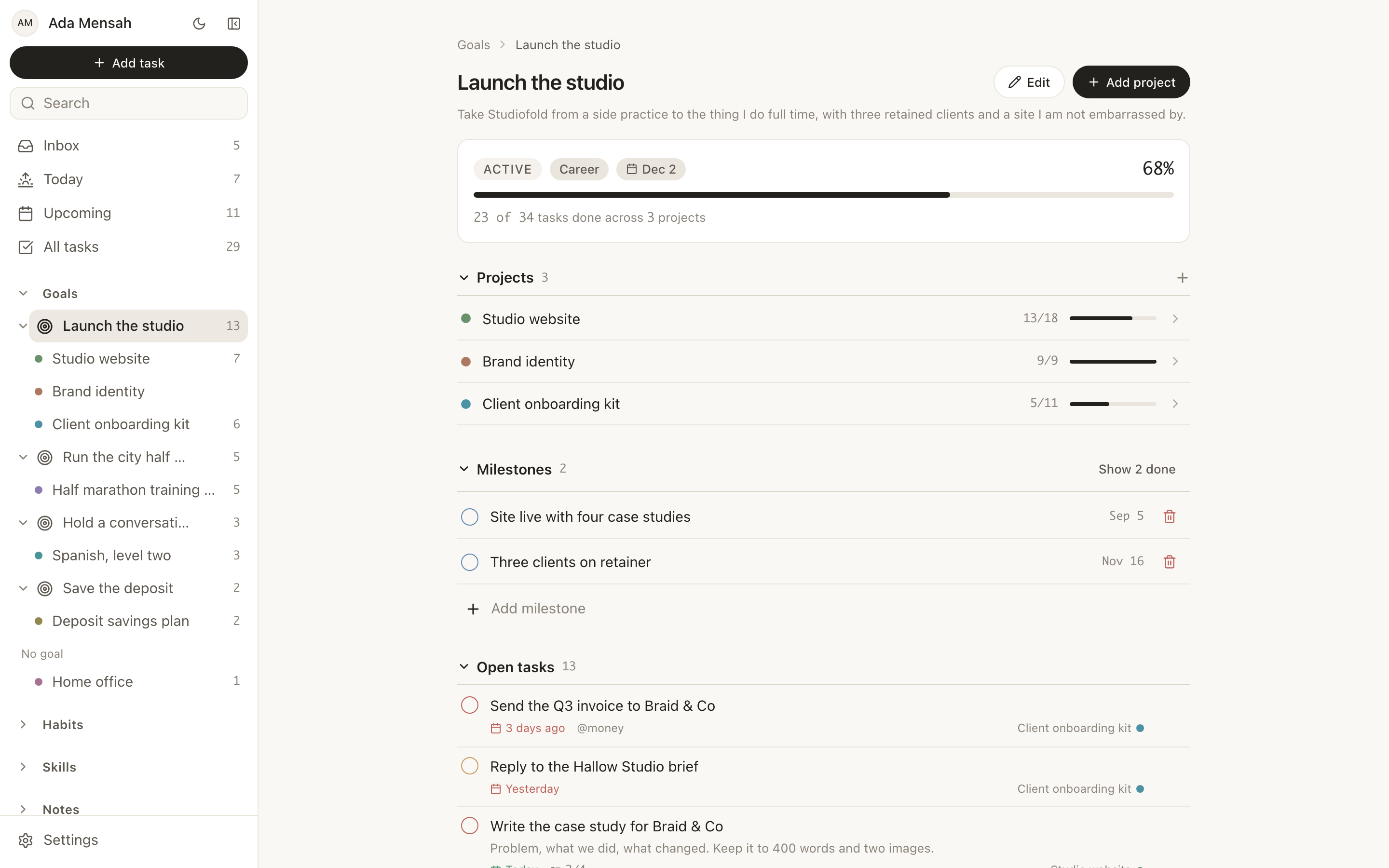
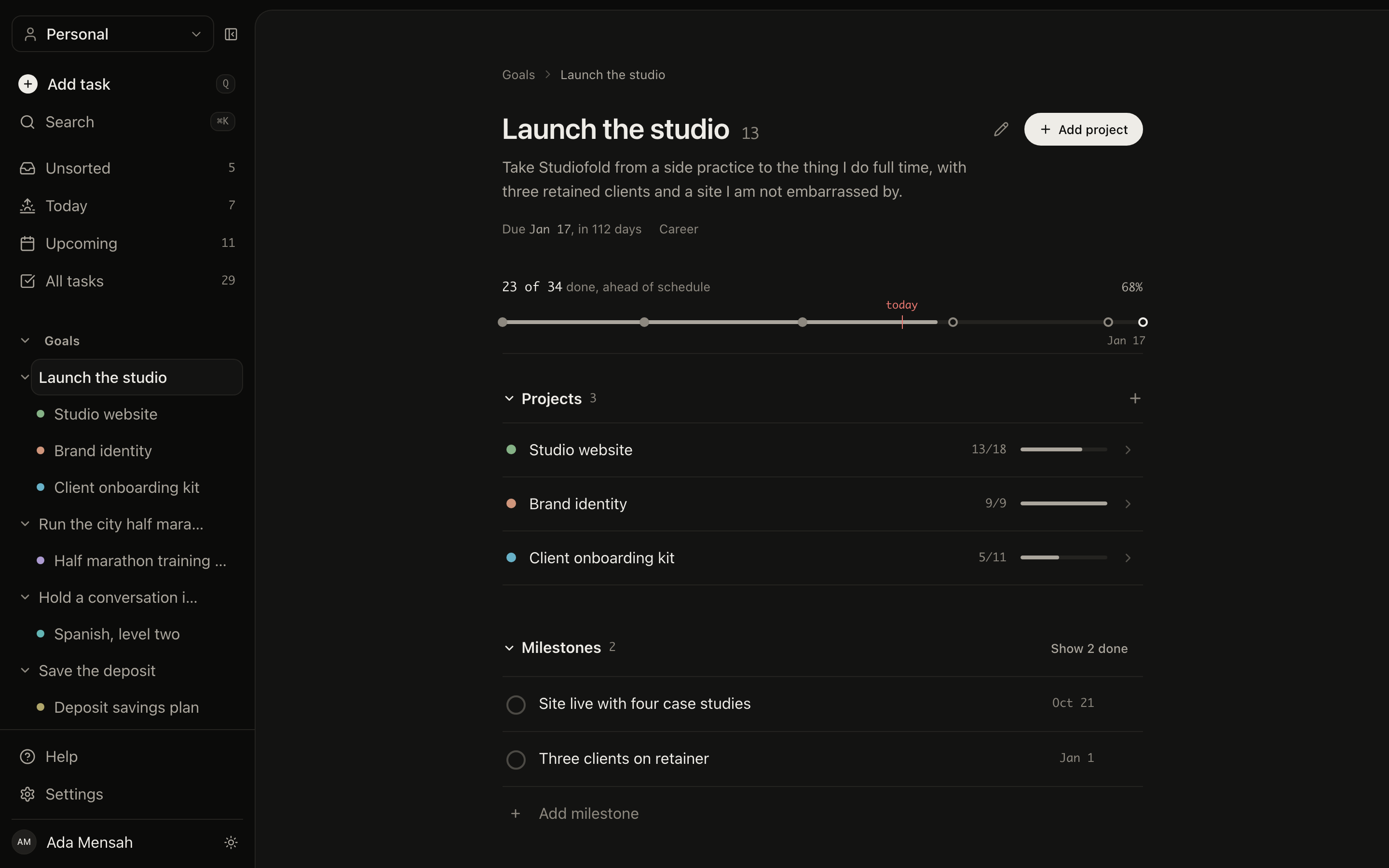
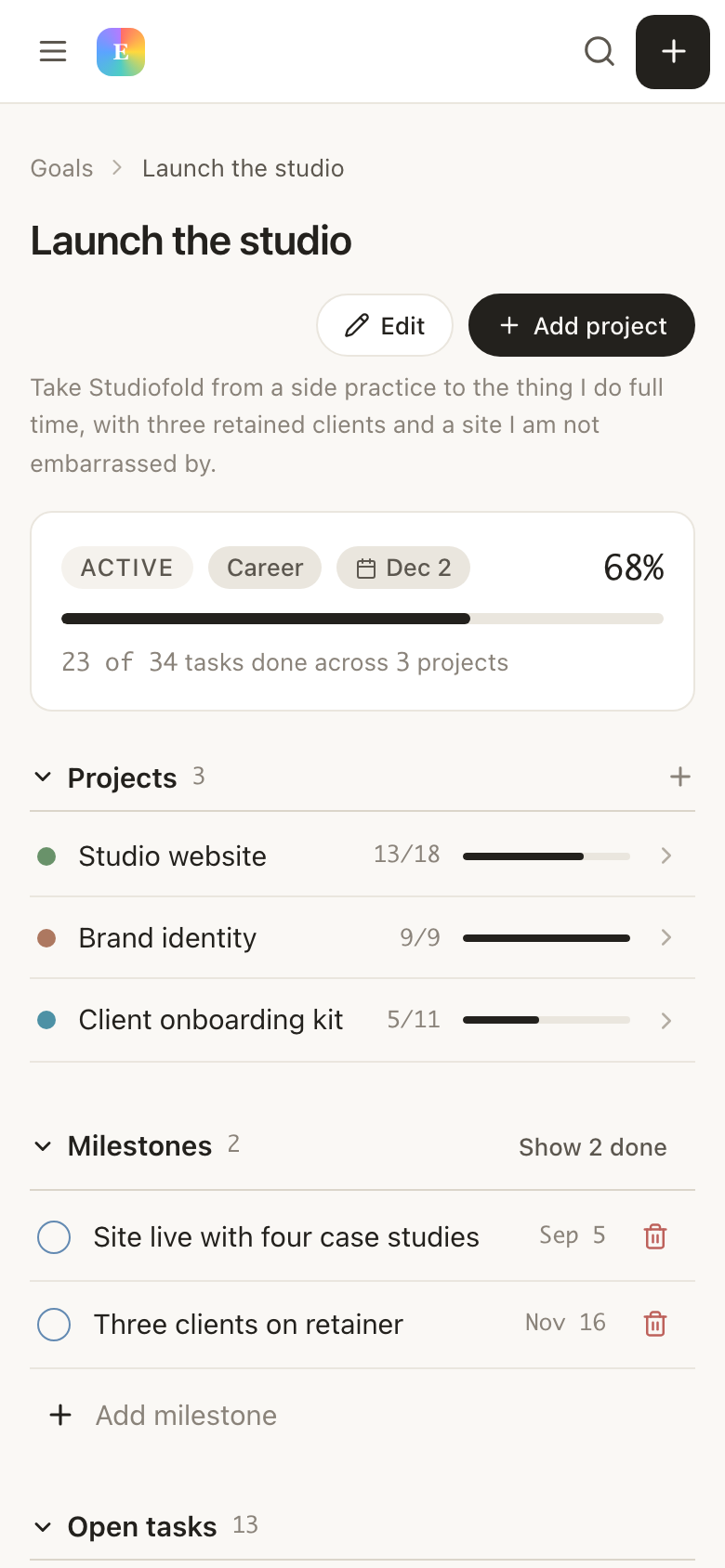
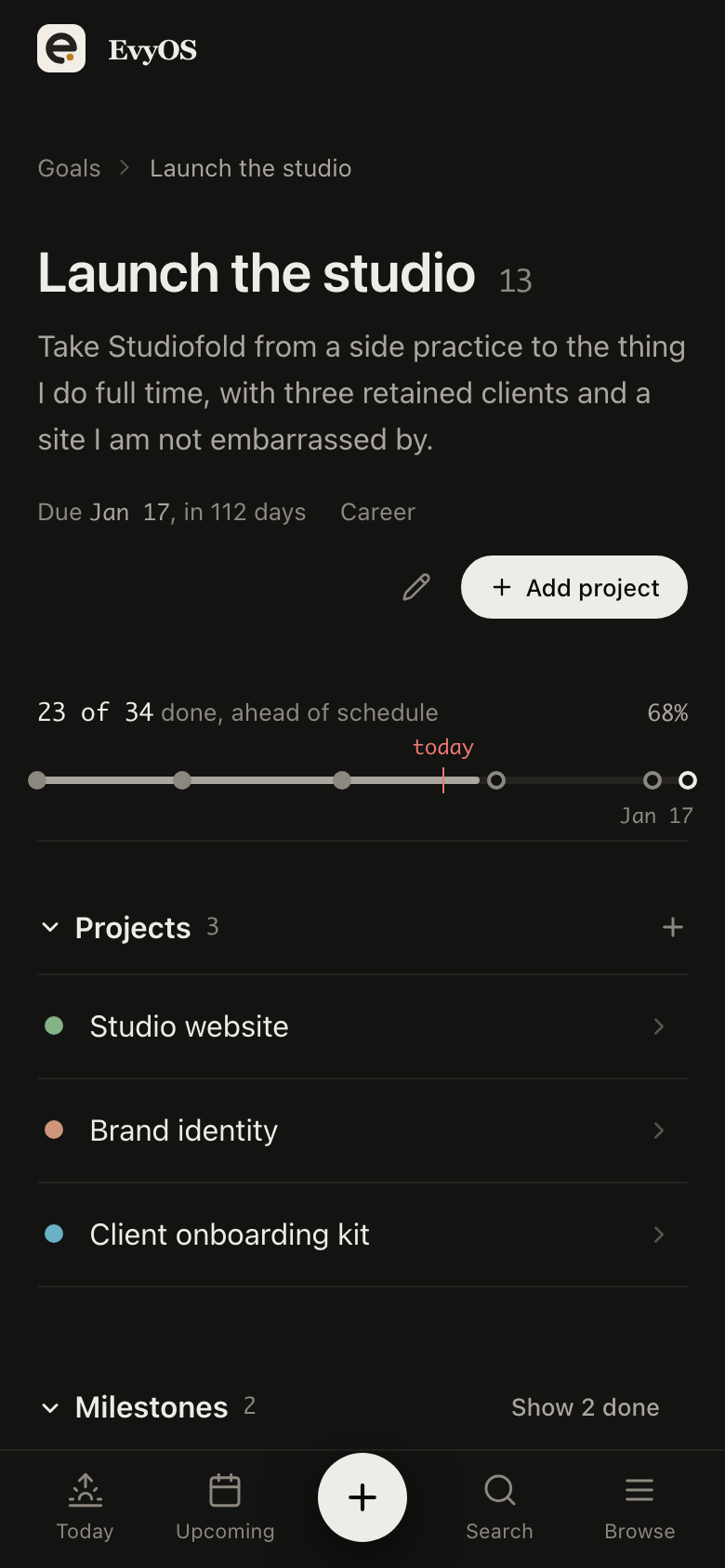
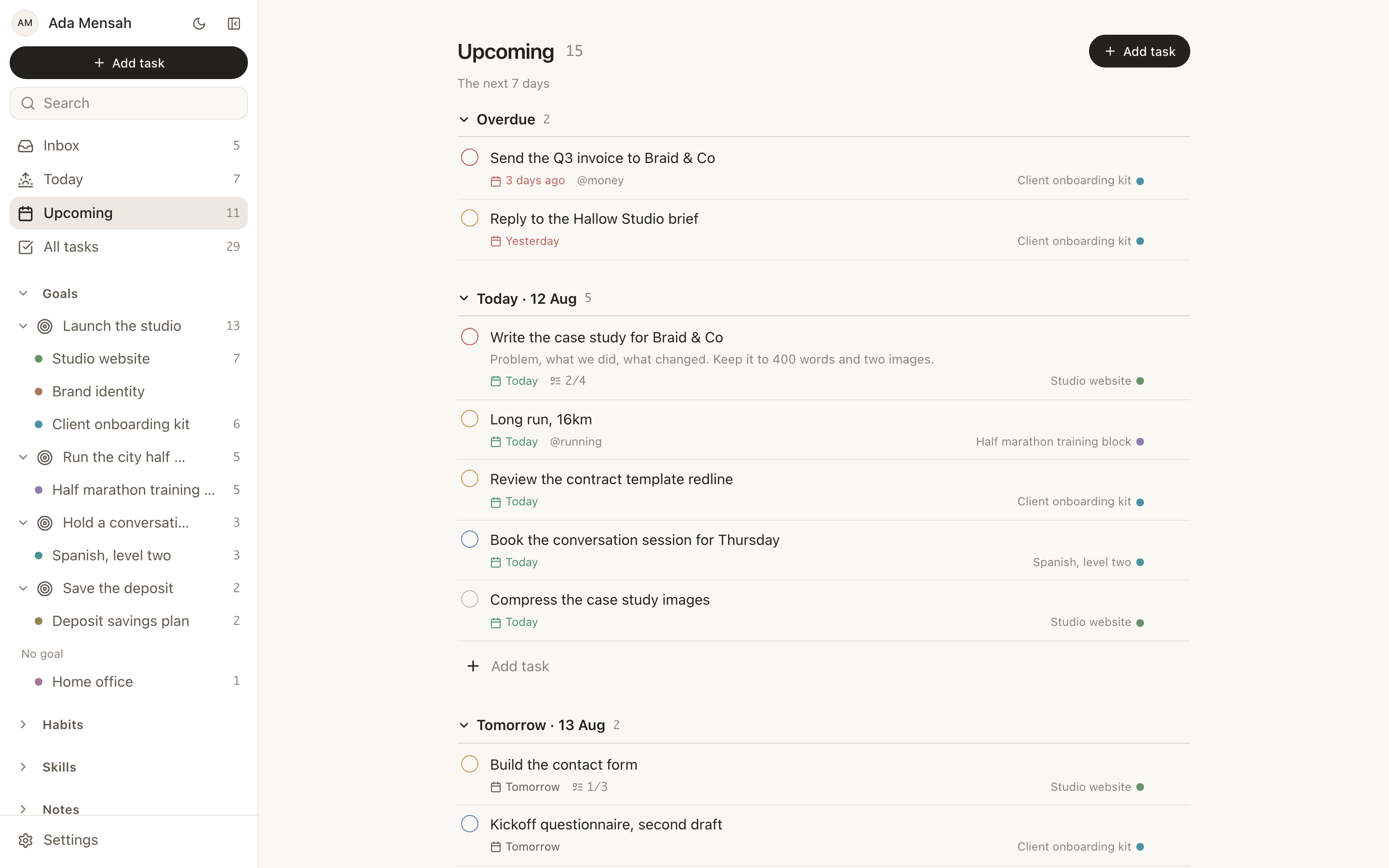
Cardio, renal, neuro, each a project with its own milestones and end date. The board exam is the goal above them, so every block shows what it is actually feeding. When a week goes badly you move the milestone, not fourteen spreadsheet rows.
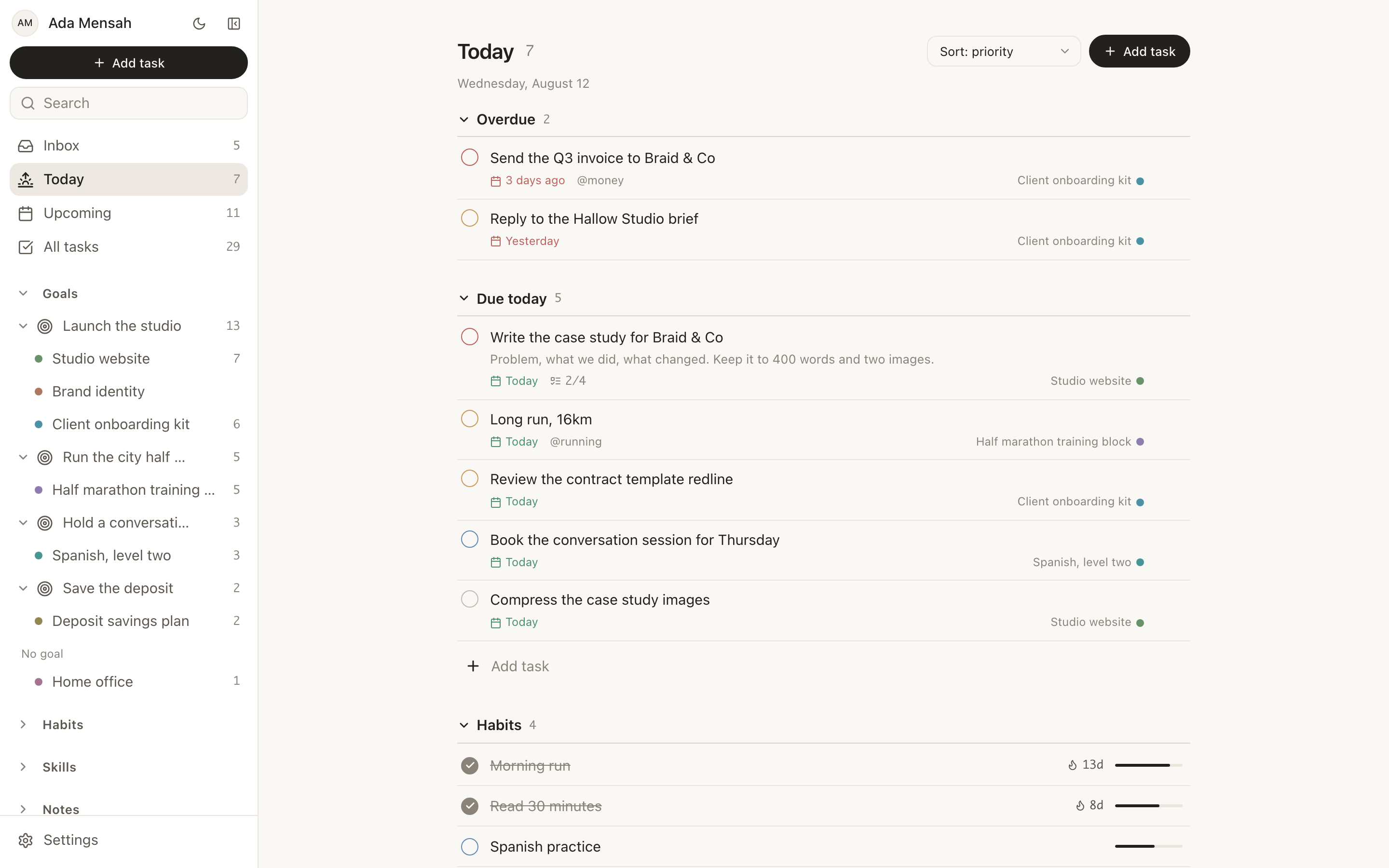
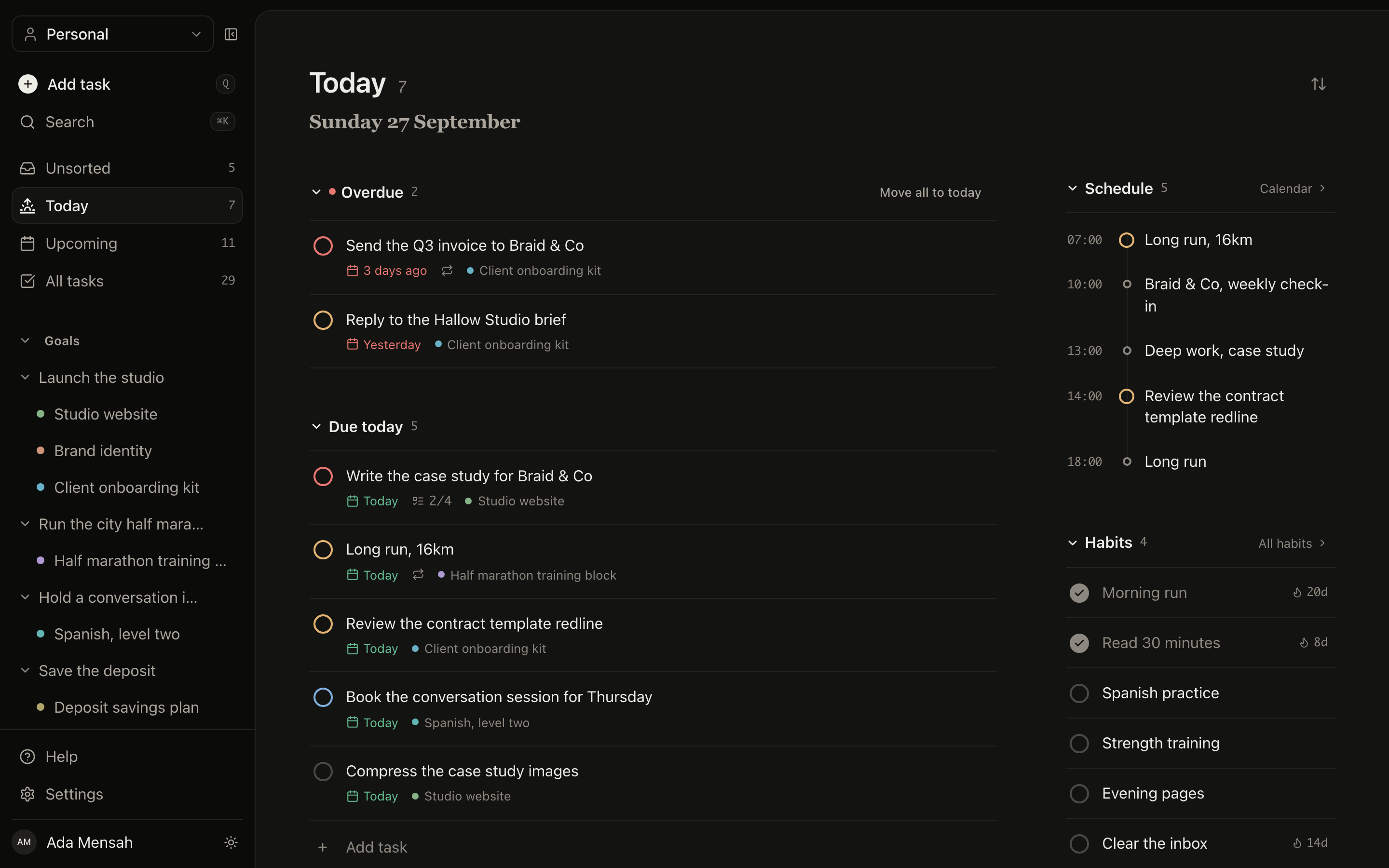
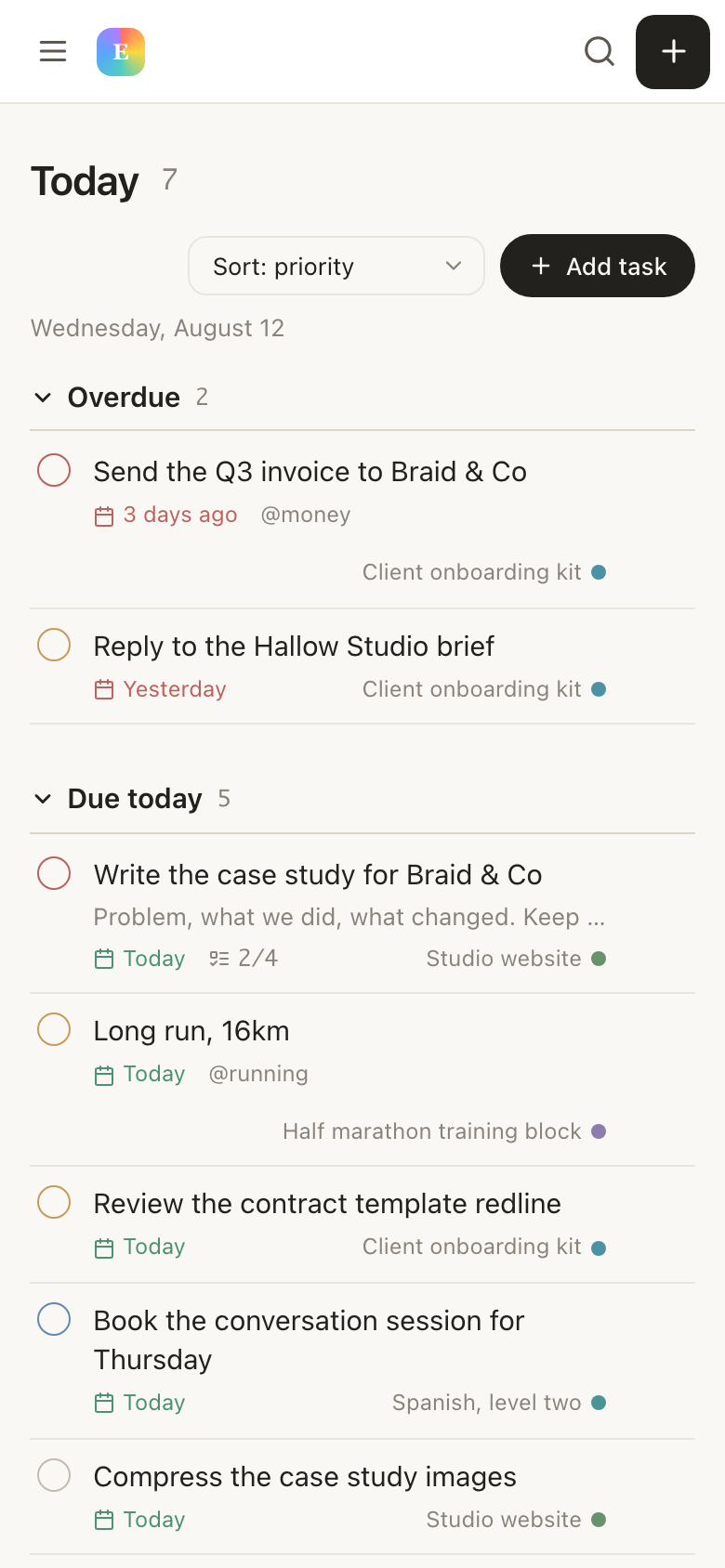
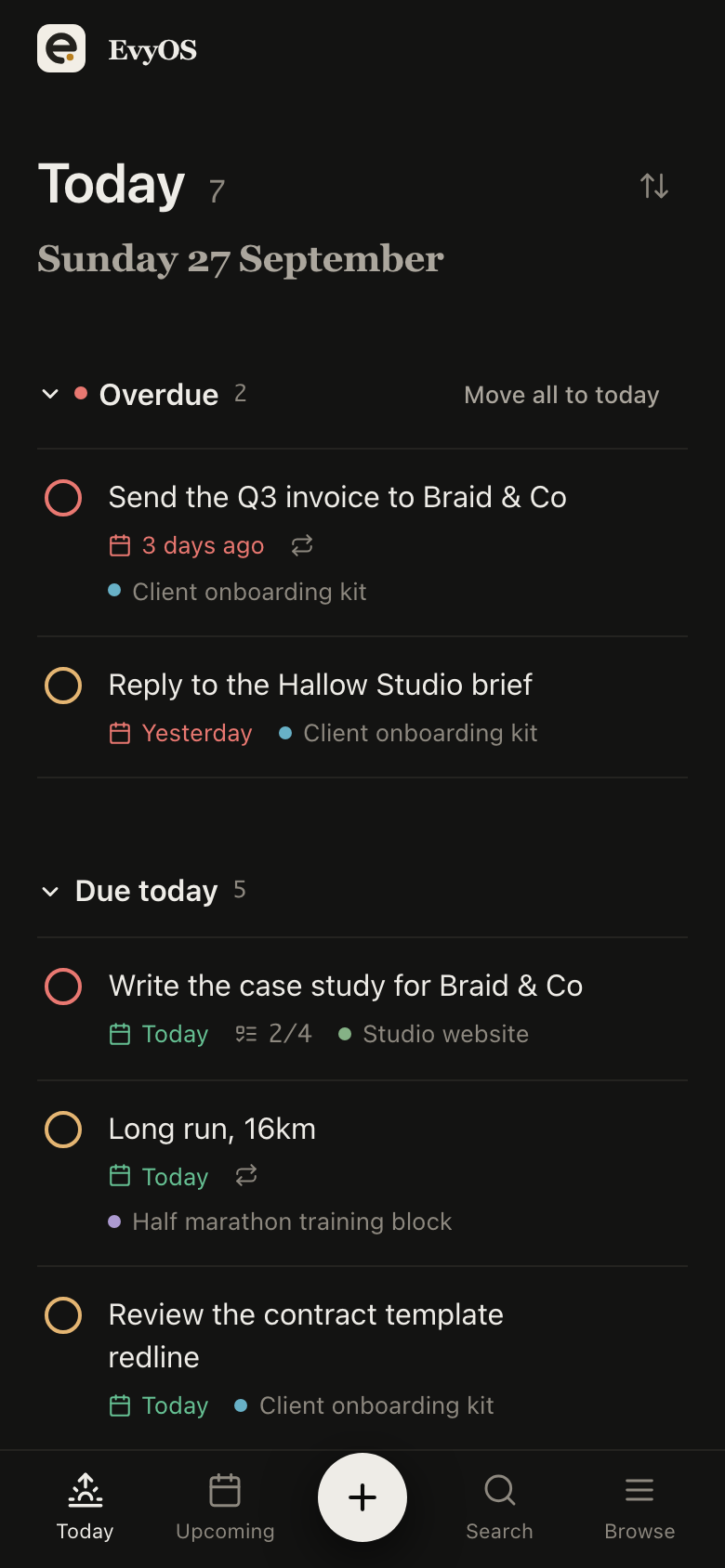
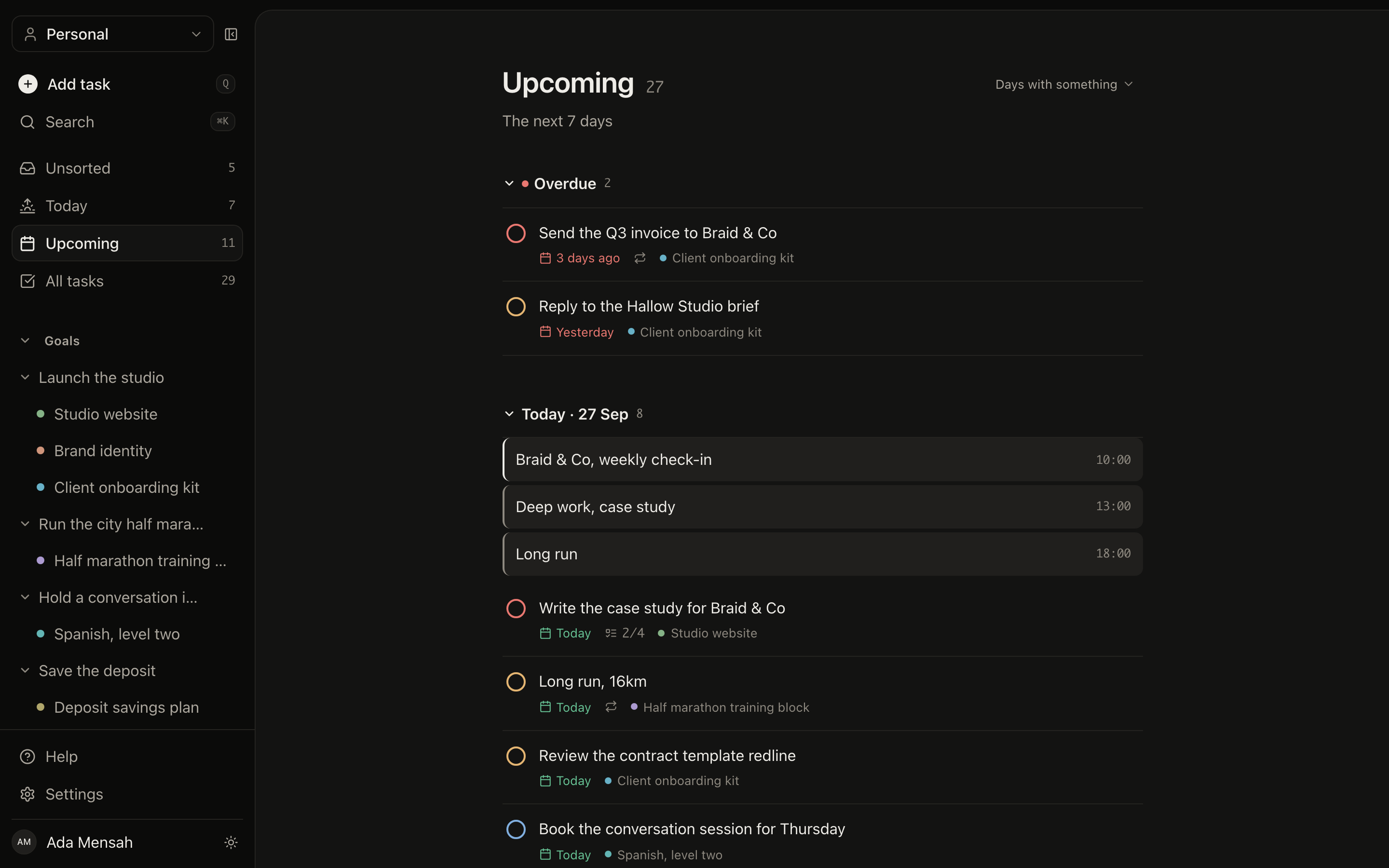
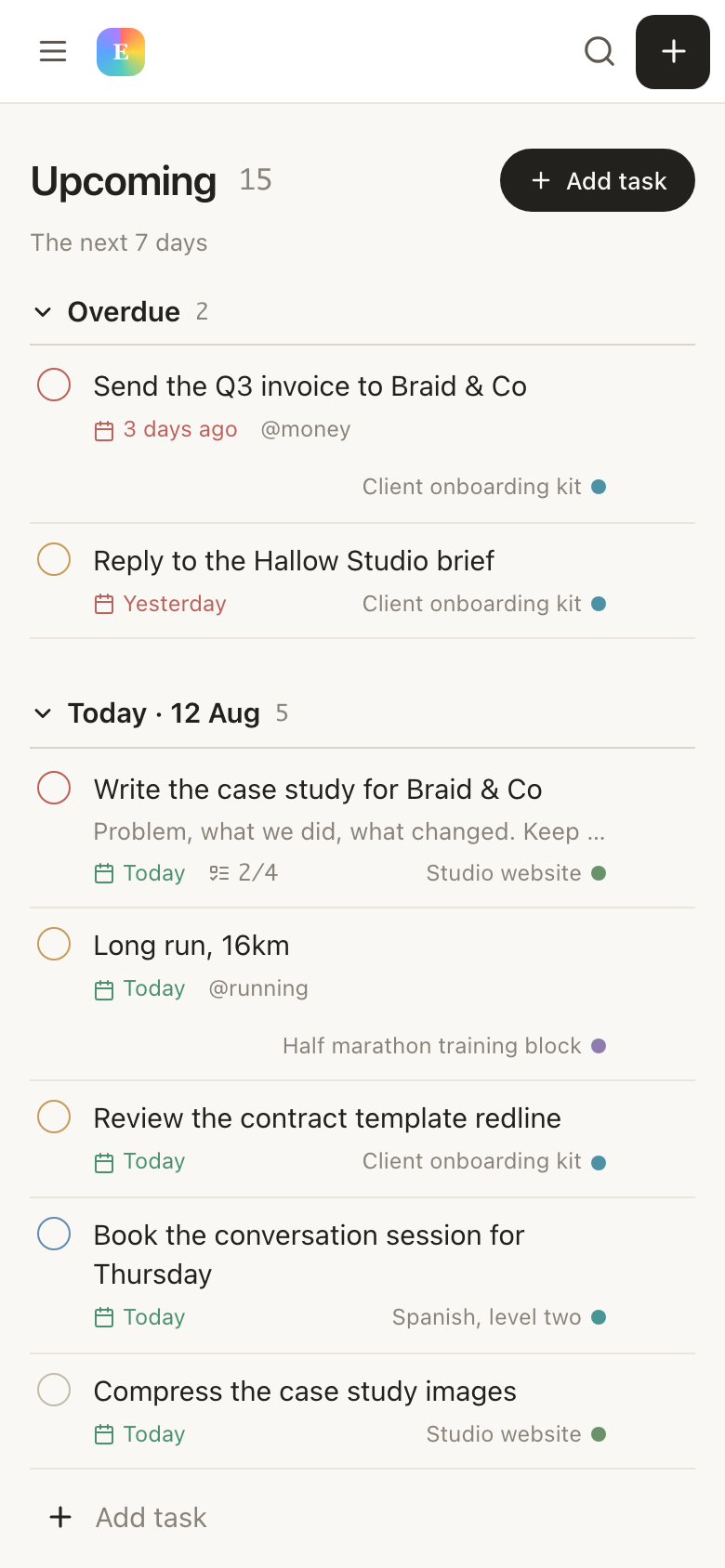
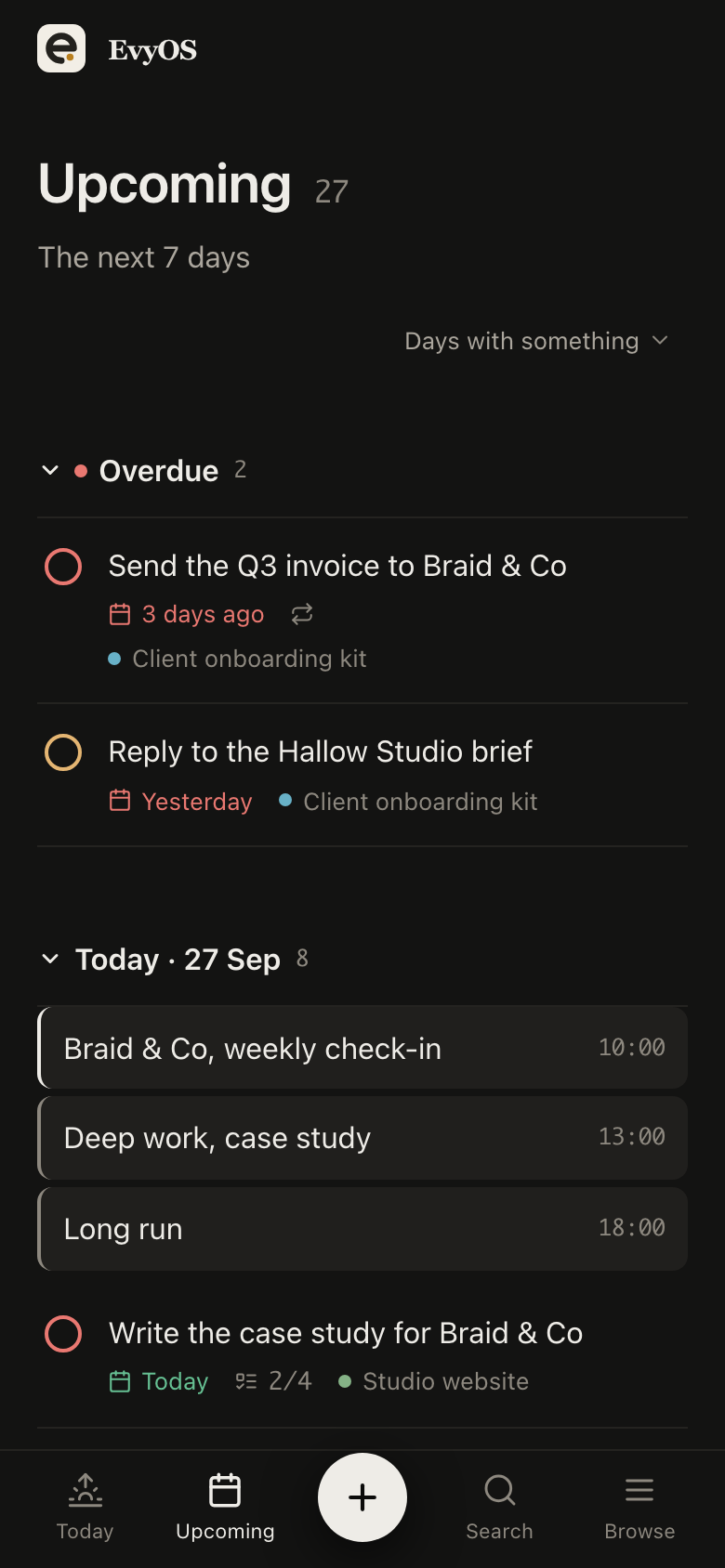
Lectures to watch, questions to do, summaries to write, each with a due date and an estimate. Today shows only today. Recurring tasks handle the daily question block so you stop rewriting it every morning, and overdue work is split out at the top rather than buried.
Daily study queueRecurring reviewsTime estimatesOverdue first
03 - Habits
The habits that decide whether any of it sticks.
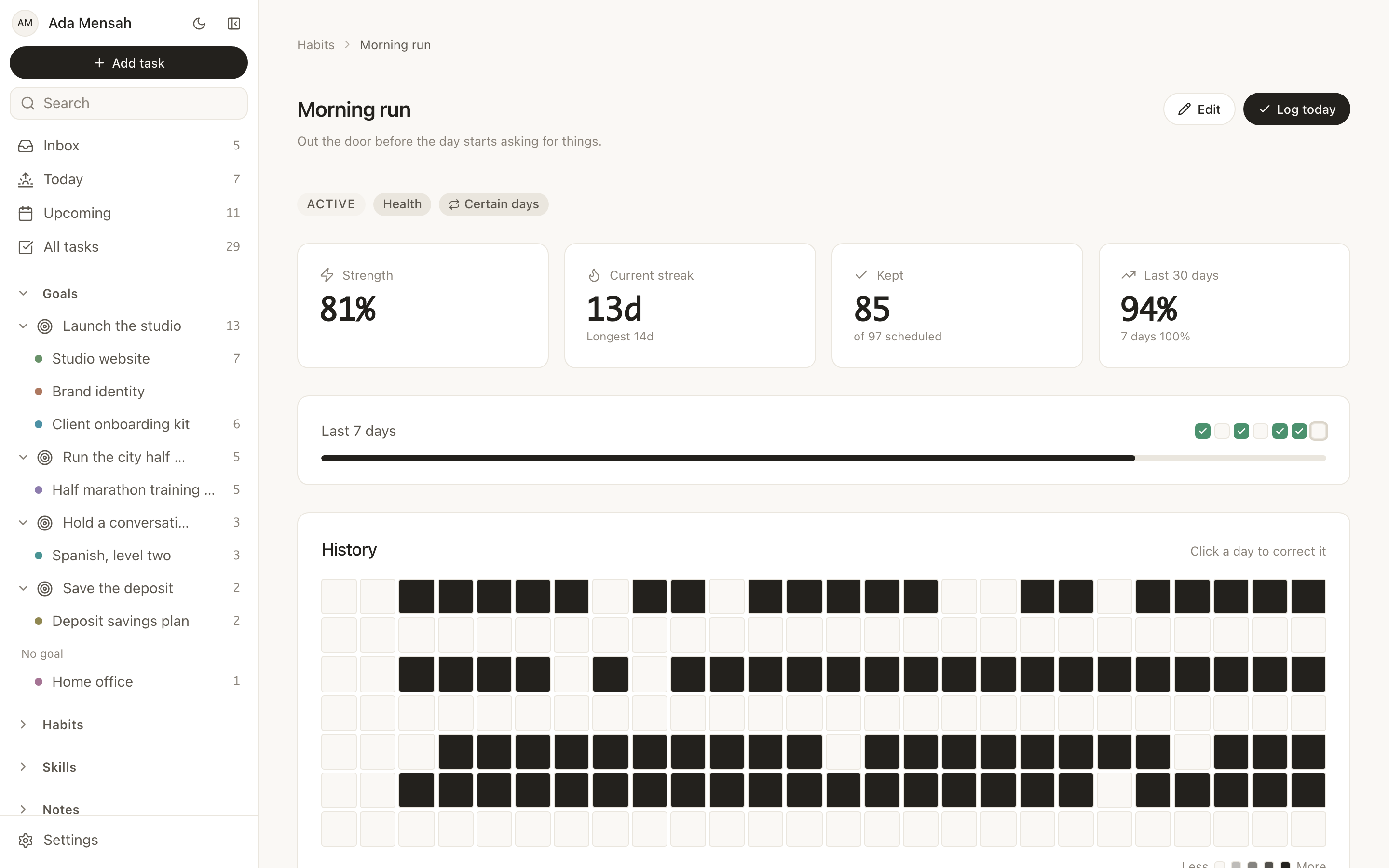
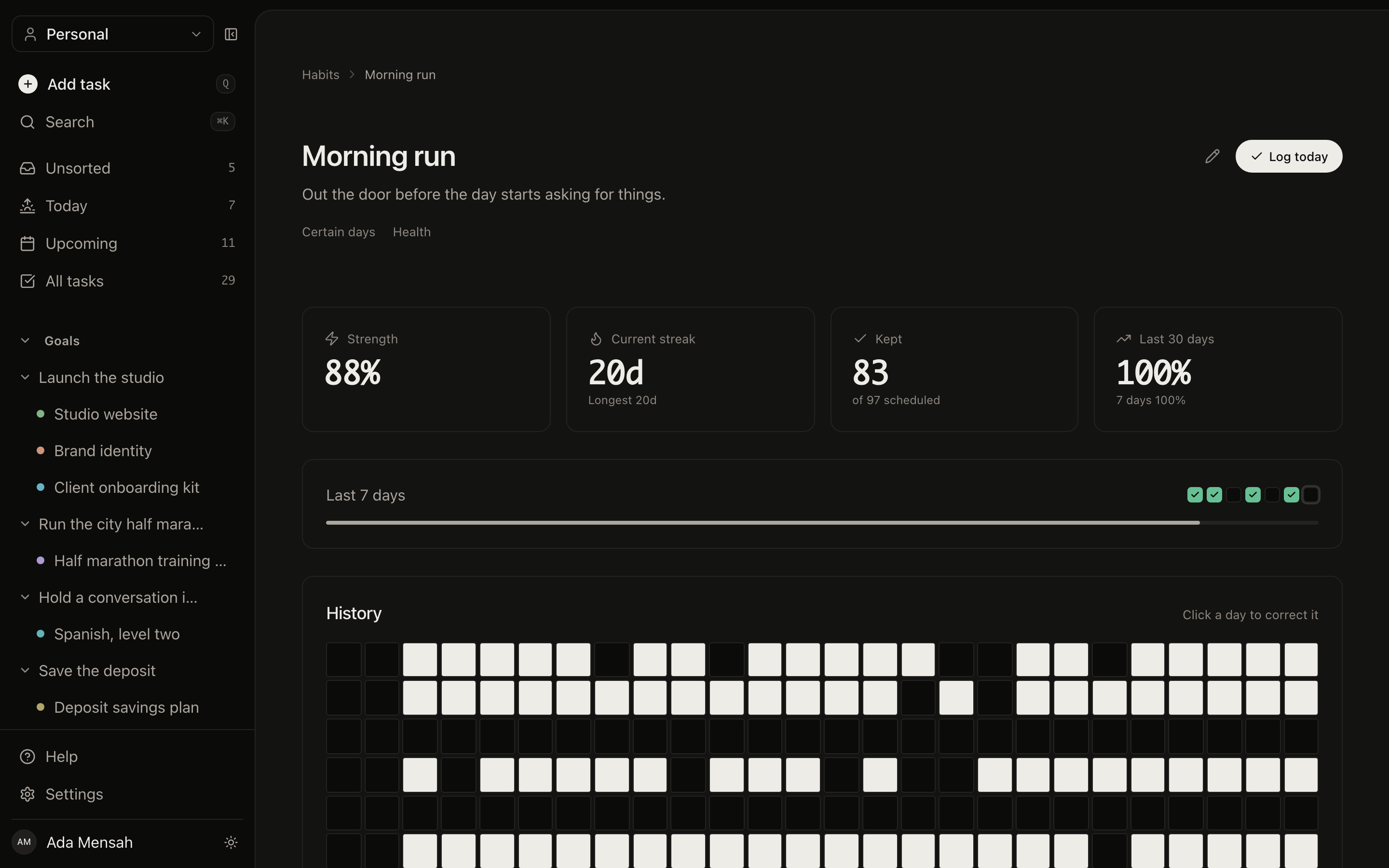
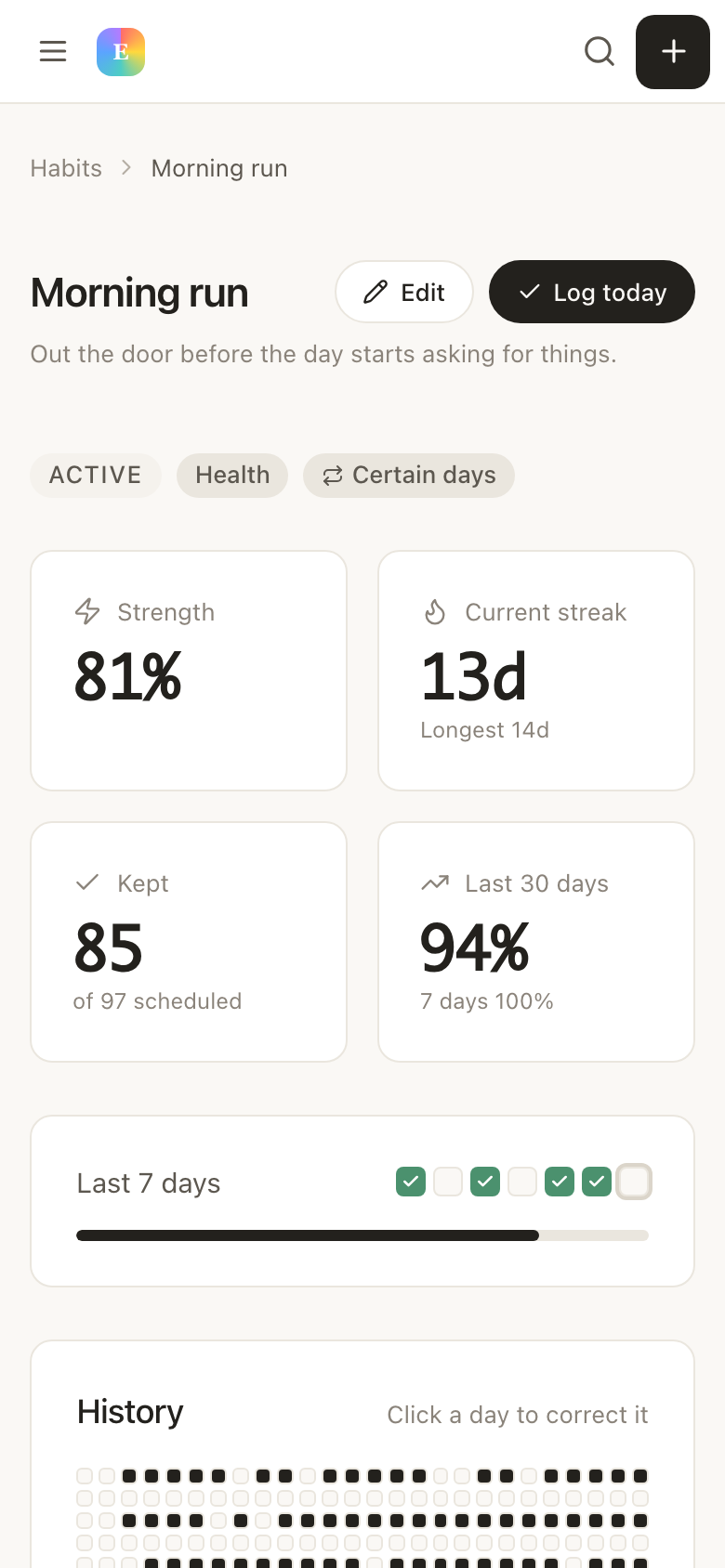
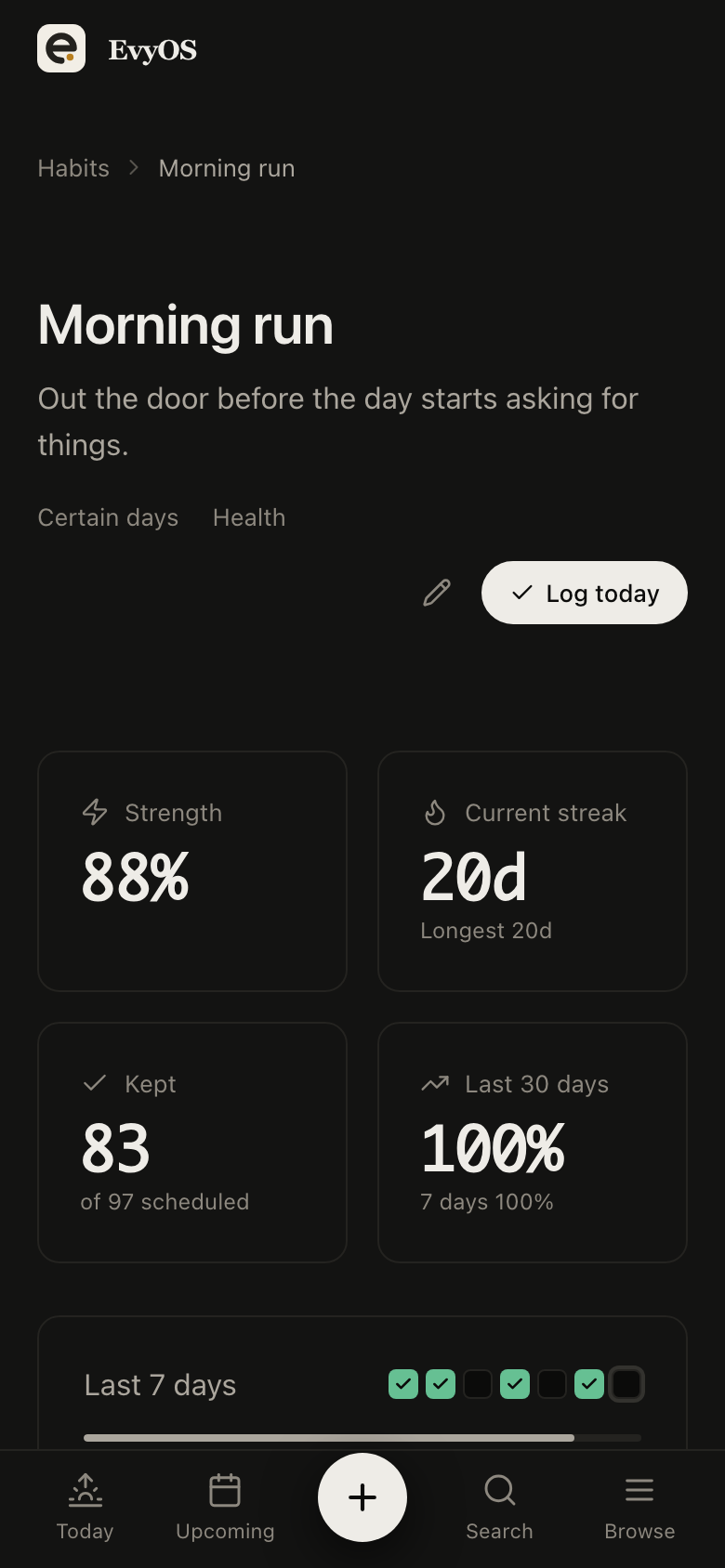
Sleep by midnight. Reviews before noon. Gym on Monday, Wednesday and Friday. Each keeps its own streak and a year-long graph, so the fortnight you stopped sleeping is visible next to the fortnight your scores dropped. That is the connection nobody makes in time.
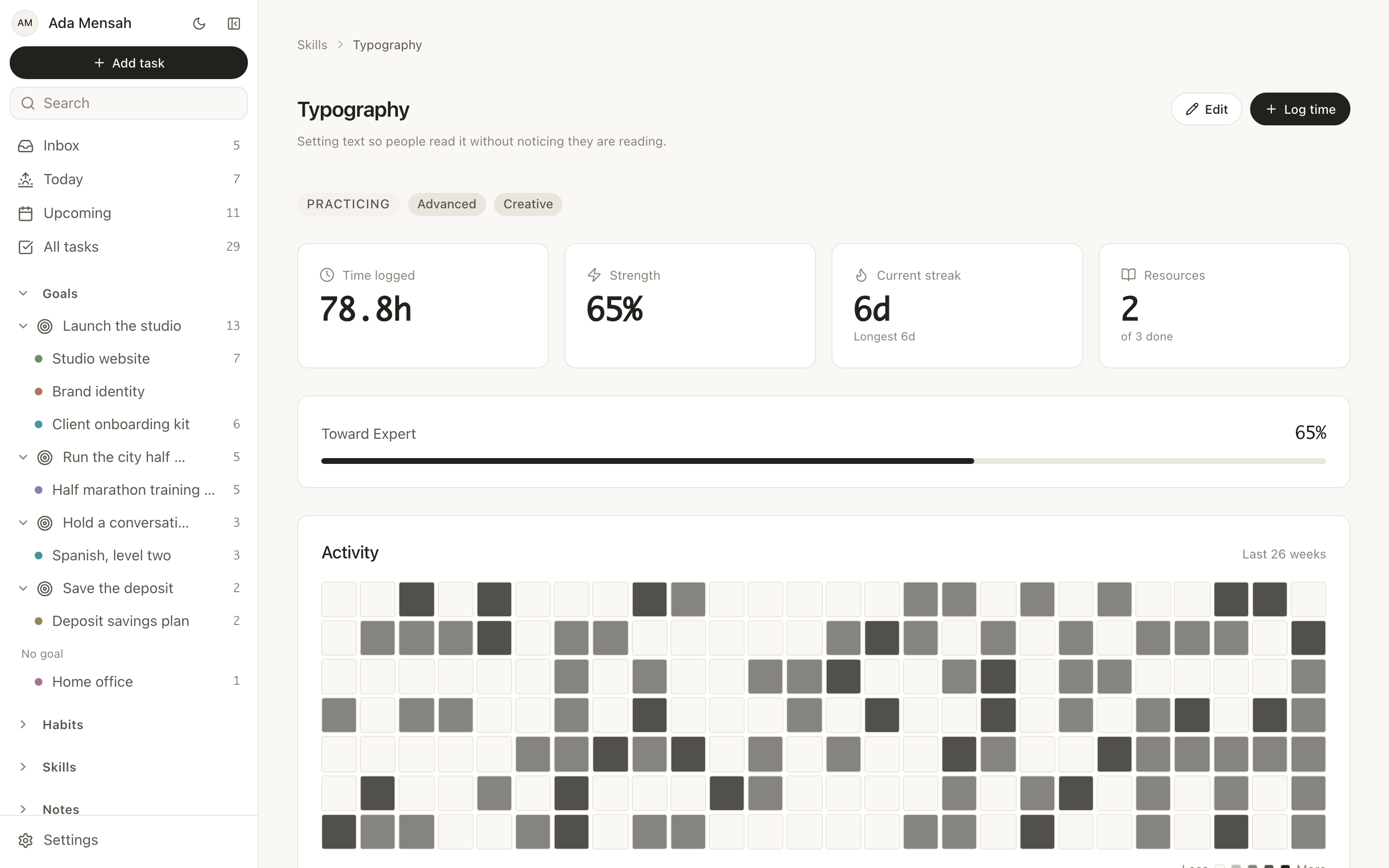
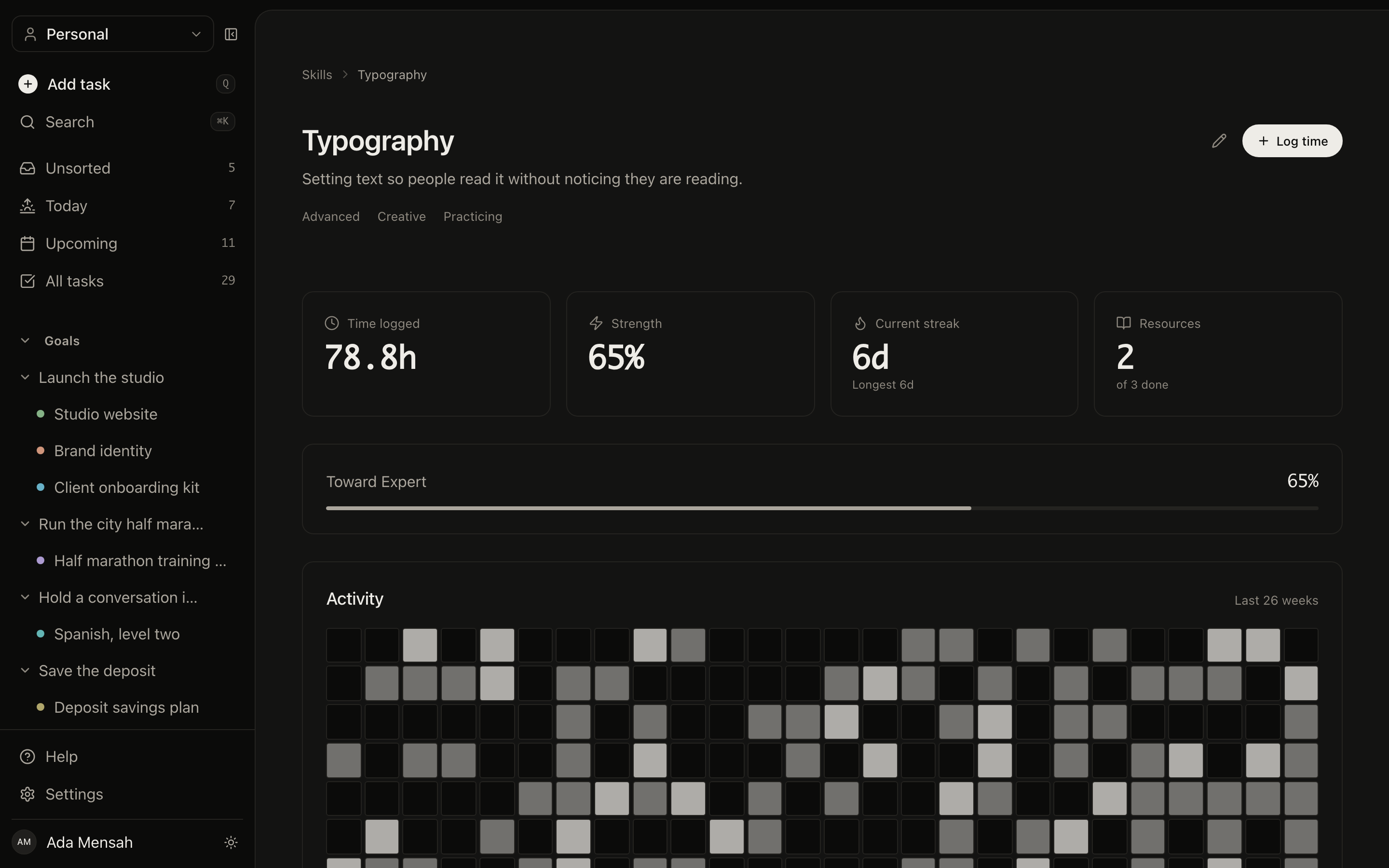
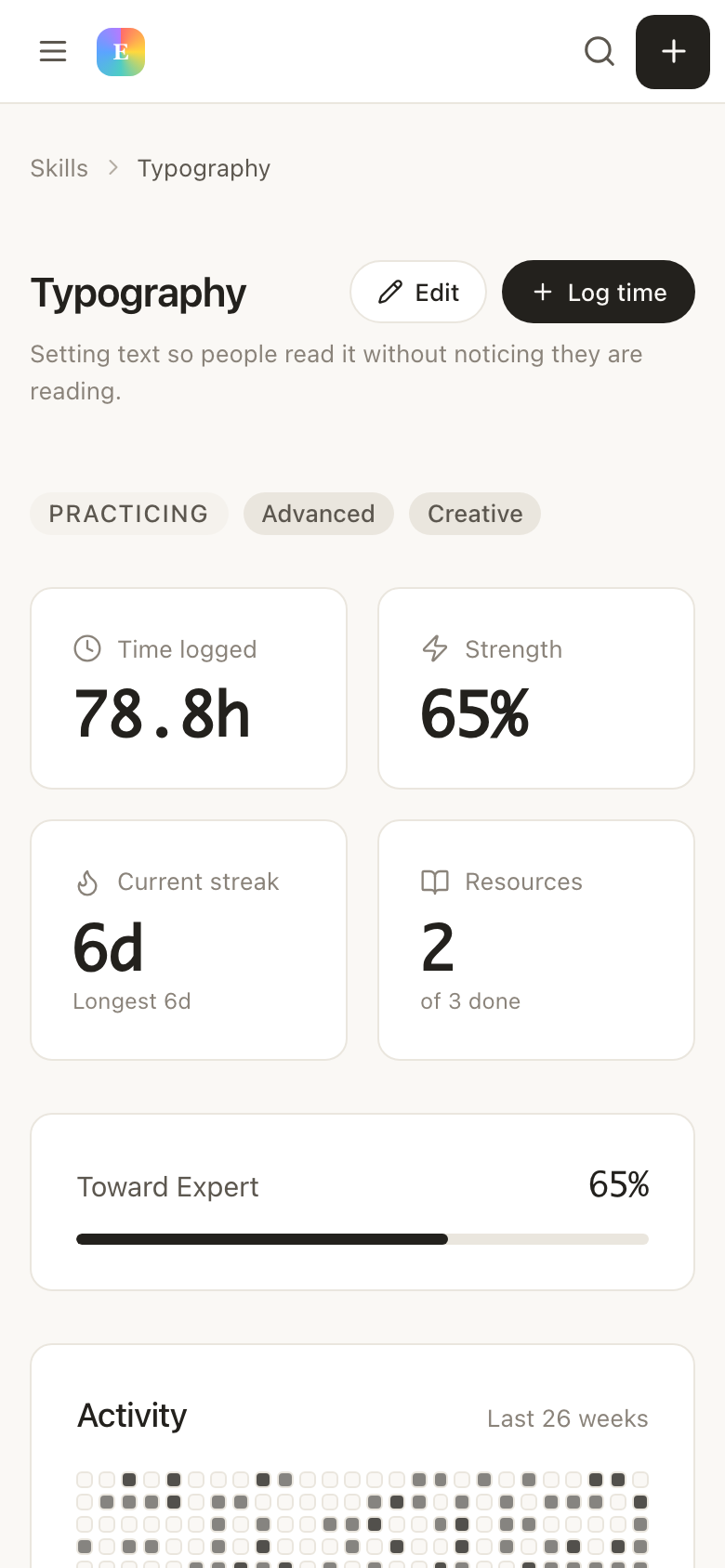
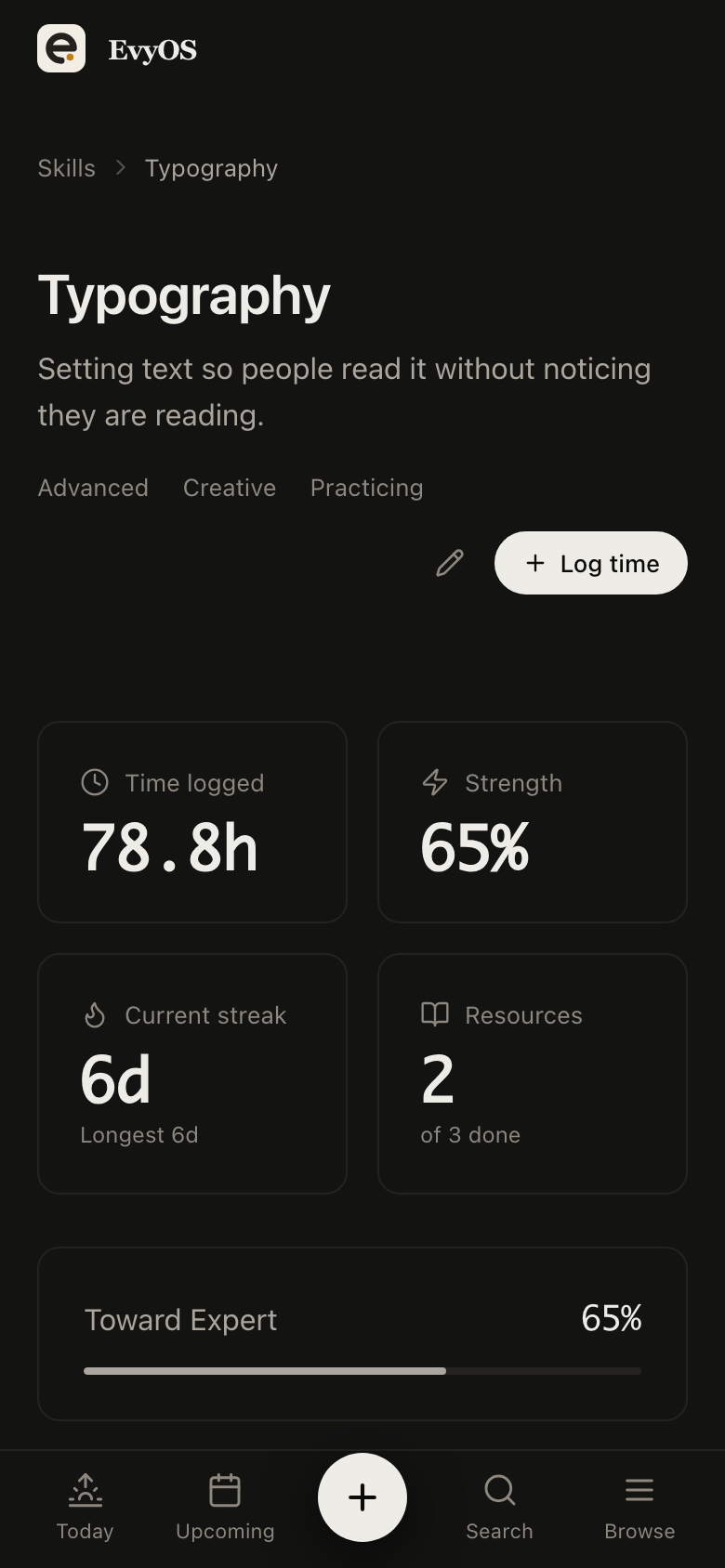
Log a session against pharmacology or physical examination and the minutes accumulate. After a month you can see which system you have given four hours and which you have given forty. Revision stops being a feeling about what is weak and starts being a number.
Hours per subjectPractice logClinical skillsProgress to target
✦ Getting started
Up and running in under 5 minutes.
1
Lay out the block
Create the exam as a goal, each block as a project underneath it, and put the real dates on the milestones. Add the two or three habits you already know decide your week.
2
Work one day at a time
Open Today, do what is on it, log the session against the subject. The block, the streaks and the hours all move without you maintaining anything separately.
3
Revise from evidence
Before the exam, the hours per subject tell you where the thin coverage is, and the graphs tell you which weeks you actually held the routine. You revise the gaps instead of the comfortable material.
✦ Pricing
Simple. No surprises.
Start free. Upgrade when you're ready to go deeper.
Yes, and most people should. EvyOS does not do spaced repetition. It holds the daily review as a recurring task with a streak, so the habit is measured next to your sleep, your block schedule and your hours per subject, while the cards themselves stay where they are.
Make the exam a goal with its date, then create a project for each block or subject beneath it with its own milestones. The goal page shows every project moving it forward and the tasks still open, so an eight-month plan stays legible from one screen.
Move the milestone date and the plan is true again. Overdue tasks are split out at the top of Today rather than mixed into it, so you can see the real backlog and decide what to drop instead of discovering it at the end of the block.
The free plan covers a limited number of active projects, habits and skills, which is usually enough for a single block plus a couple of routines. If you want a project per system across a whole year, that is what Pro removes the limits for.