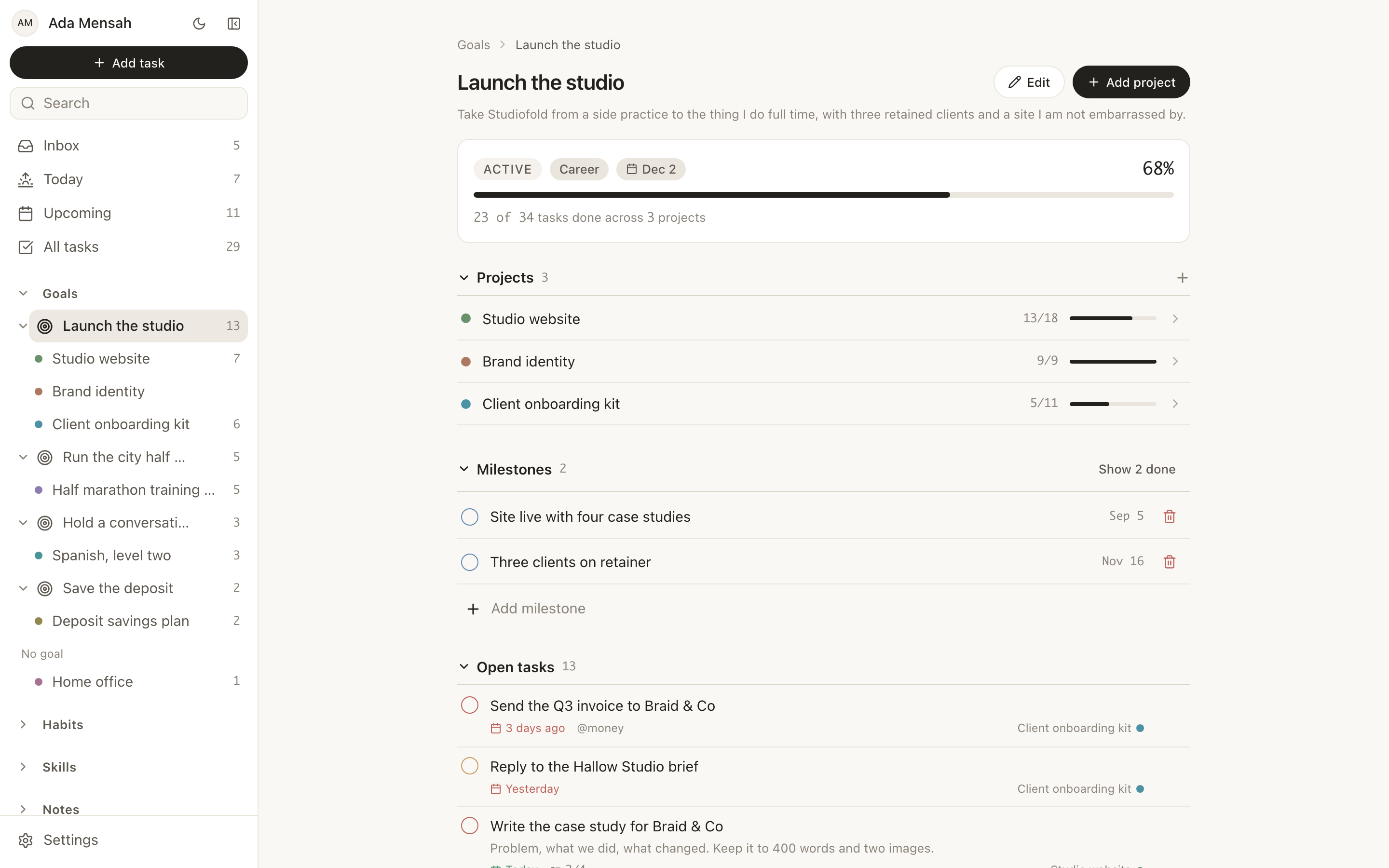
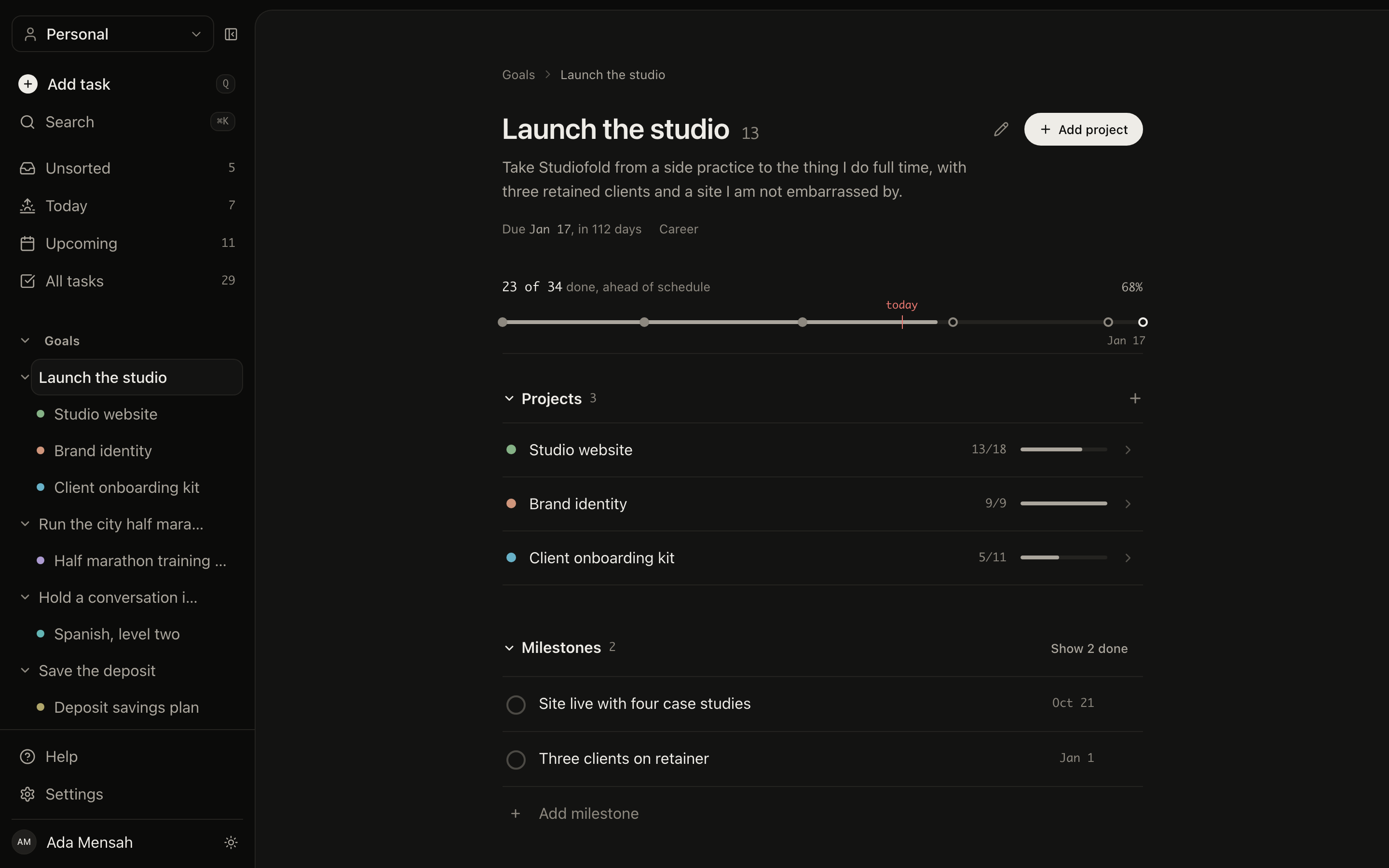
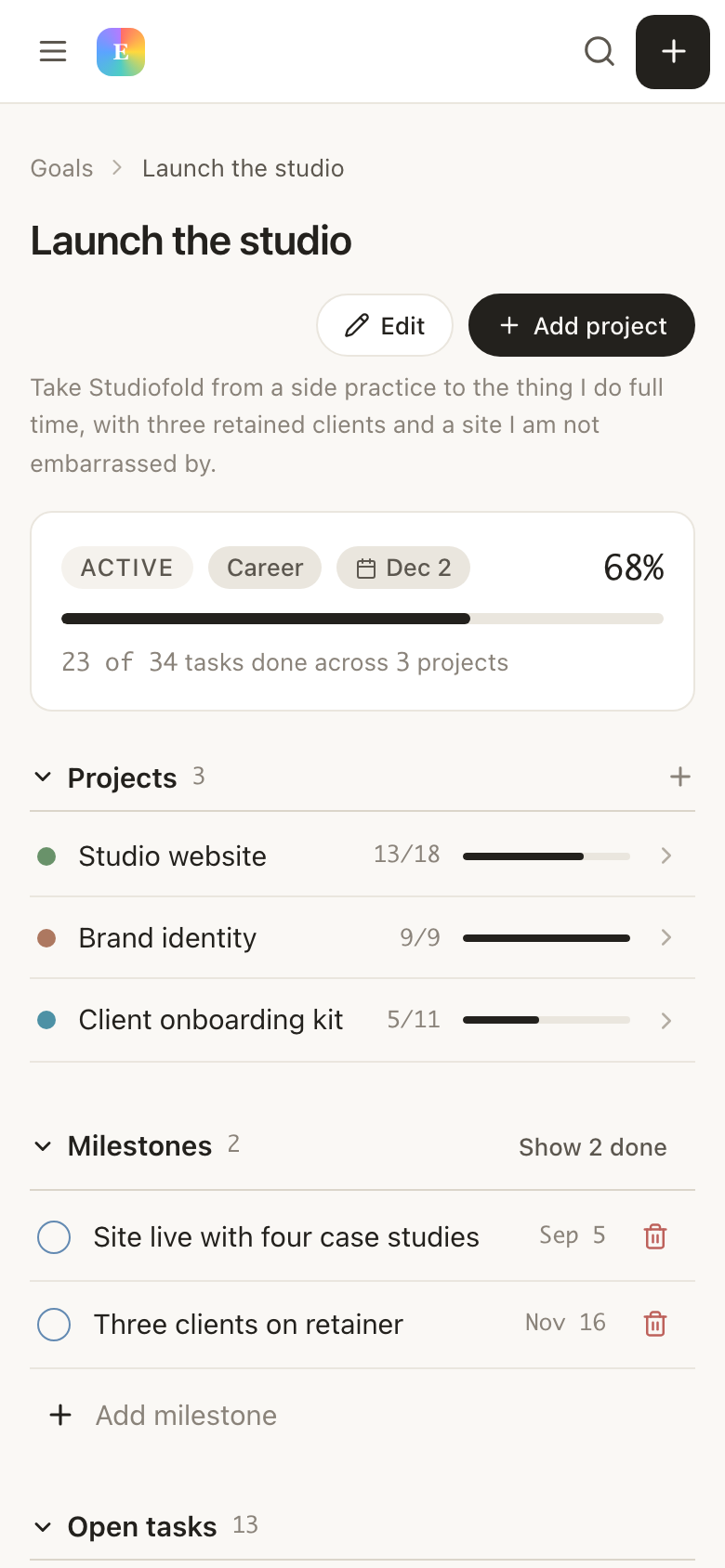
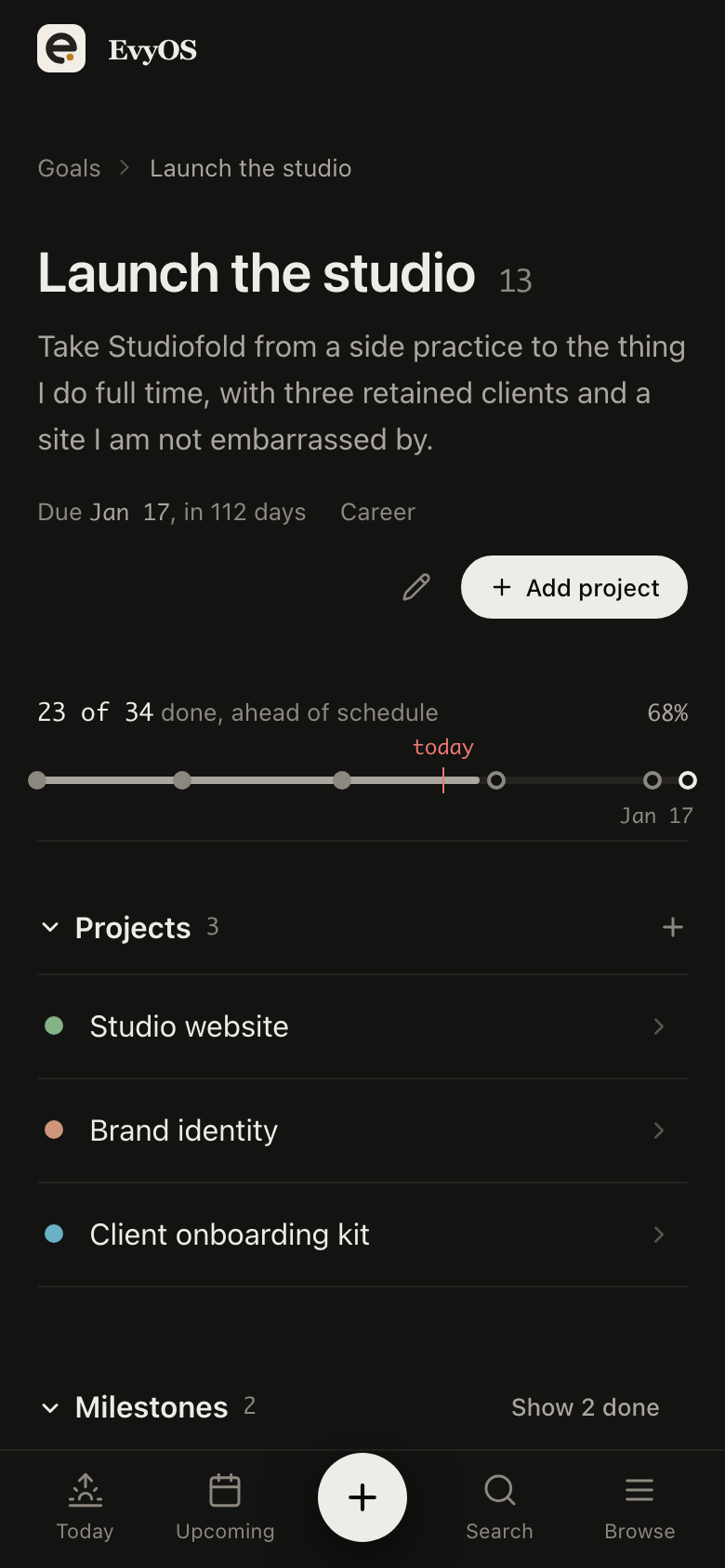
Built for job seekersForty applications out.Four you can account for.
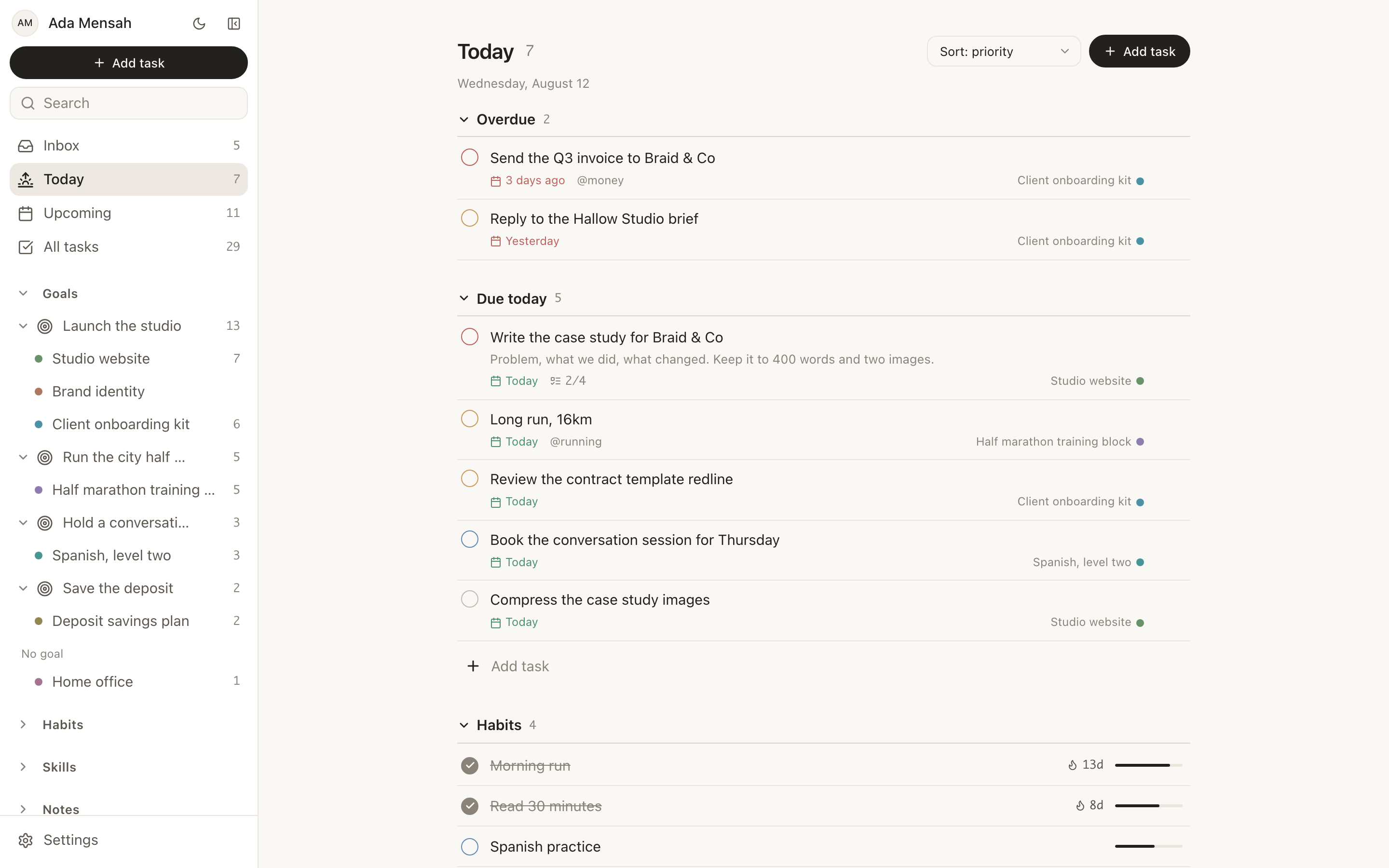
Every application, interview stage and follow-up as a task with a real due date — next to the daily target you set yourself and the interview prep you keep moving to tomorrow.
Free for as long as you like, no card required. Pro is $15 a month.
Goals
Projects
Tasks
Habits
Skills
Notes
Calendar
✦ The problem
The spreadsheet was fine for the first ten applications.
Then the columns multiplied, the follow-up dates stopped being visible, and two of the rows turned out to be roles you had already been rejected from. A search that runs for four months needs something that reminds you, not something you have to remember to open.
🗃
Follow-ups fall through the gap
A recruiter says two weeks. Two weeks is a date, but a cell in a sheet does not surface itself on the right morning, so the polite nudge that would have moved things never gets sent.
📊
The pipeline has no stages you can see
Applied, screened, take-home, final. Those are stages, and a flat list of company names hides them. You cannot tell whether you have four live conversations or nineteen dead ones.
📉
Effort is invisible on the bad weeks
Some weeks you send twelve applications and hear nothing back. With no record of the sending, the whole week reads as failure, and the following week you send four.
🎯
Interview prep is always tomorrow
You will do the system design reading before the next round. There is no next round yet, so it never gets a date. Then the round is on Thursday and you prepare for it on Wednesday night.
📋
Task manager
For daily to-dos
$4/mo
📁
Project tracker
For goals and timelines
$8/mo
🔄
Habit tracker
For daily rituals
$5/mo
⚡
Learning journal
For skill tracking
$6/mo
+
Monthly total
4 apps, no integration
$23/mo
vs $15 with EvyOS
✦ Four pillars, one system
Everything you're building. In one place.
01 - Projects
A project per target company, or per role type.
One senior role that runs six weeks of interviews deserves a project with milestones: application in, recruiter screen, take-home, panel, decision. A broad search works better as one project per role type — backend roles, product marketing — with every application sitting under it. The company is a project name or a tag, not a contact record.
Company pipelinesInterview stagesMilestonesRole-type searches
02 - Tasks
Every application is a task with a date on it.
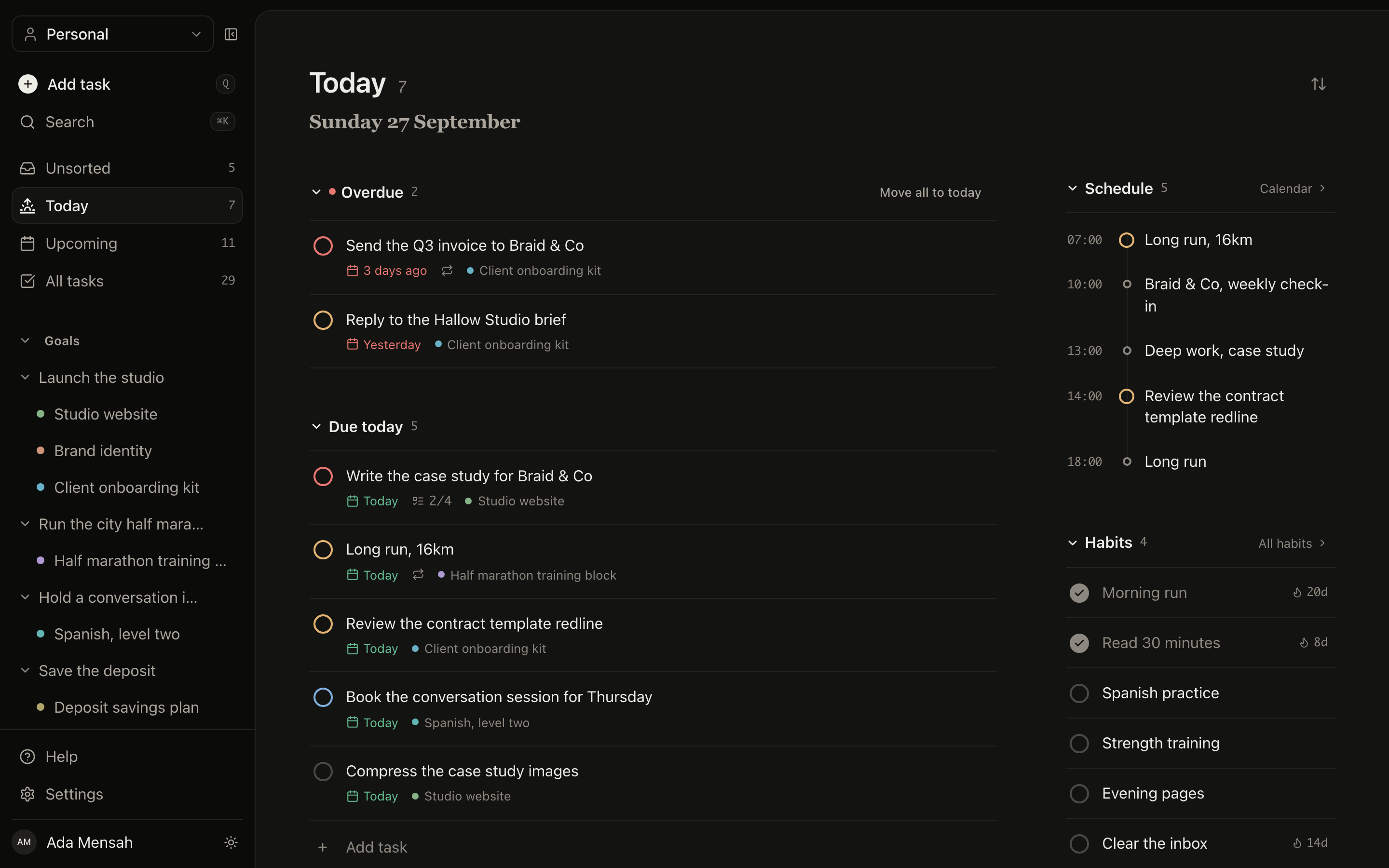
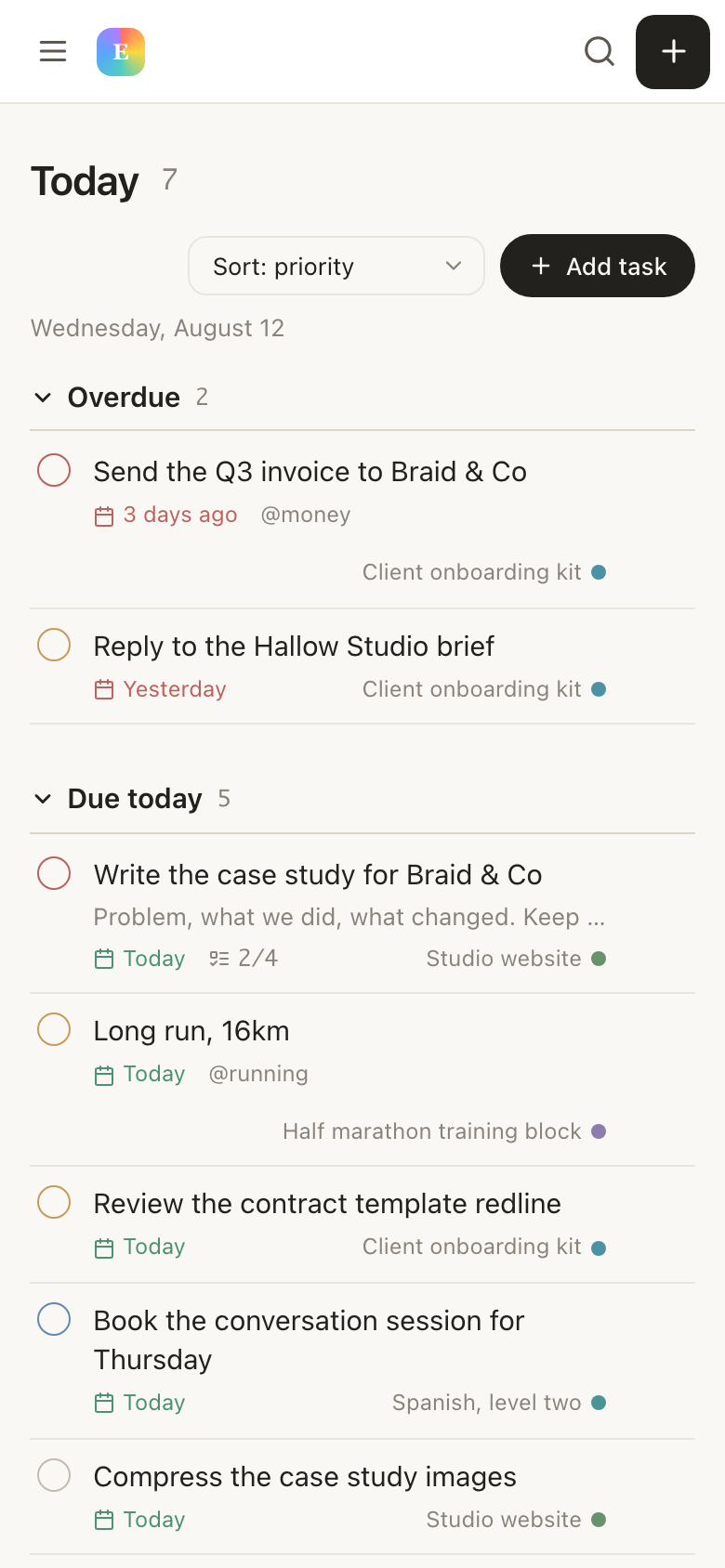
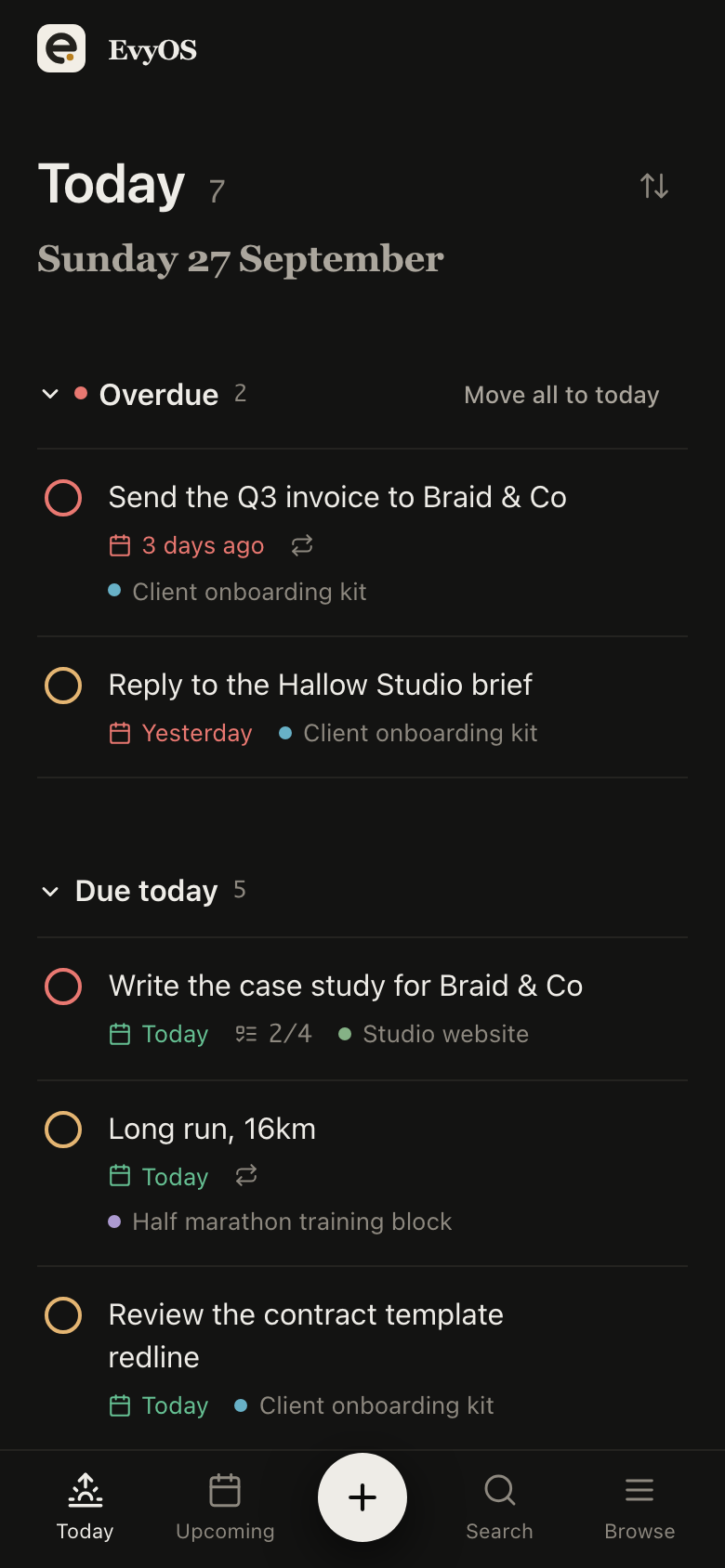
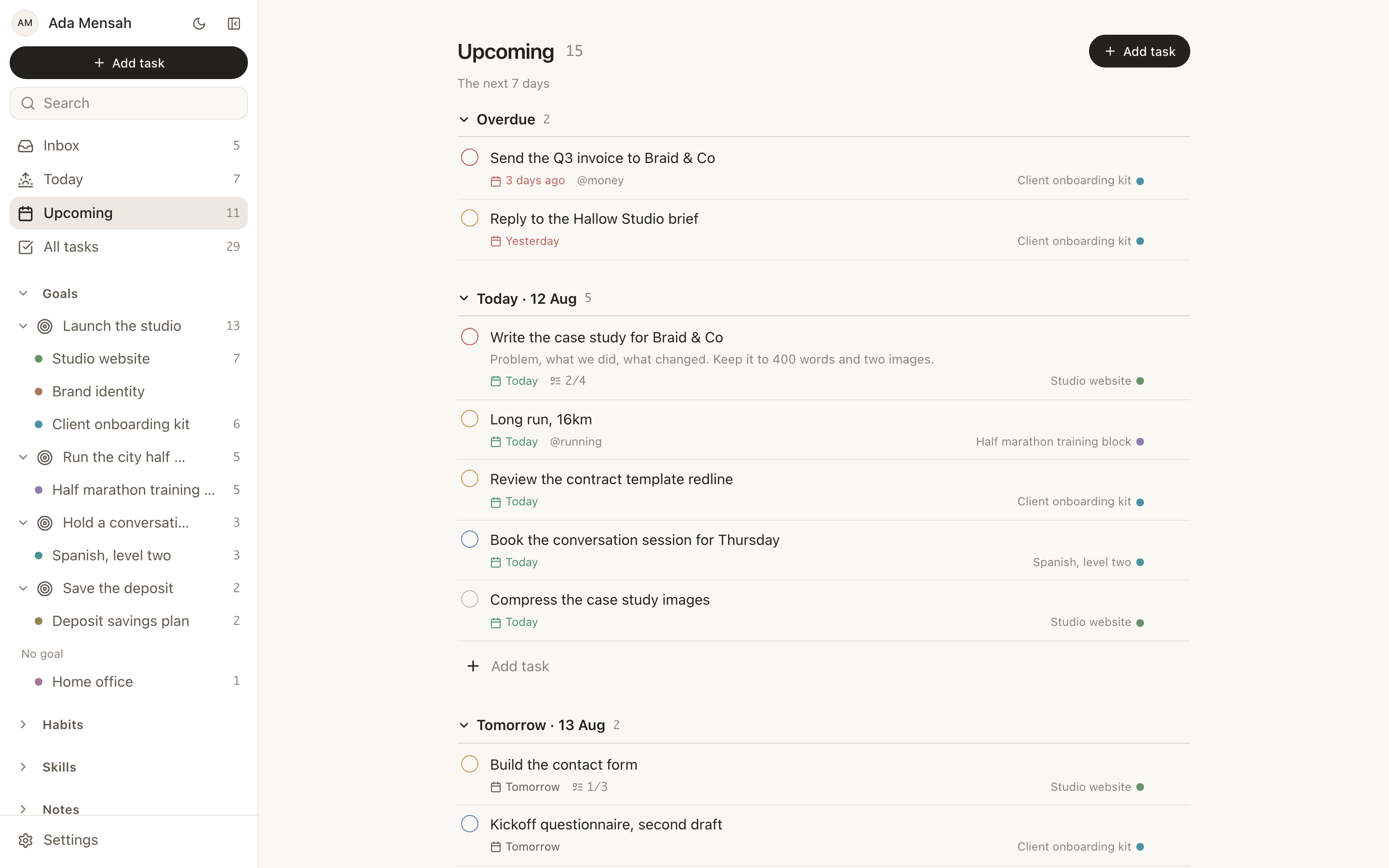
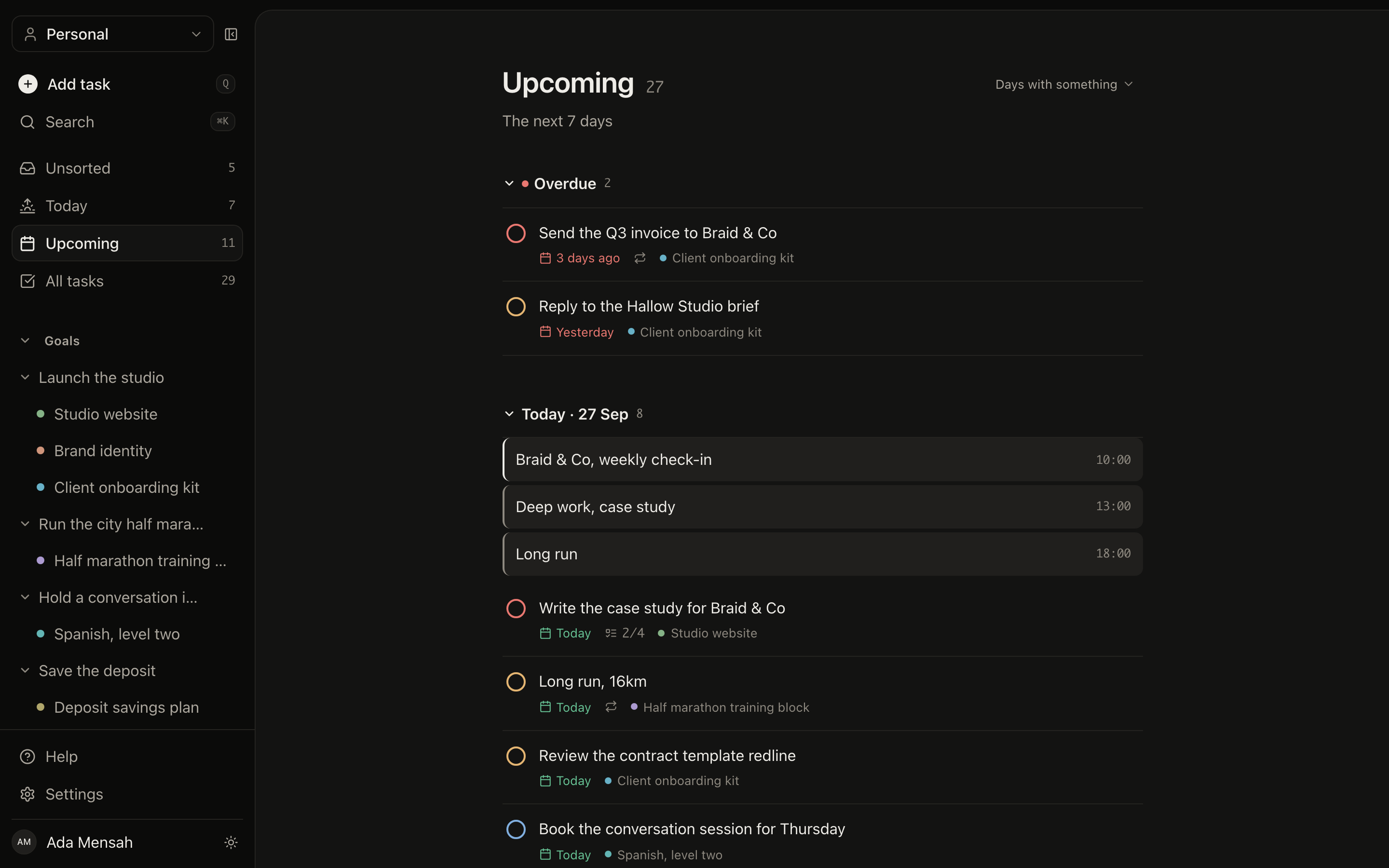
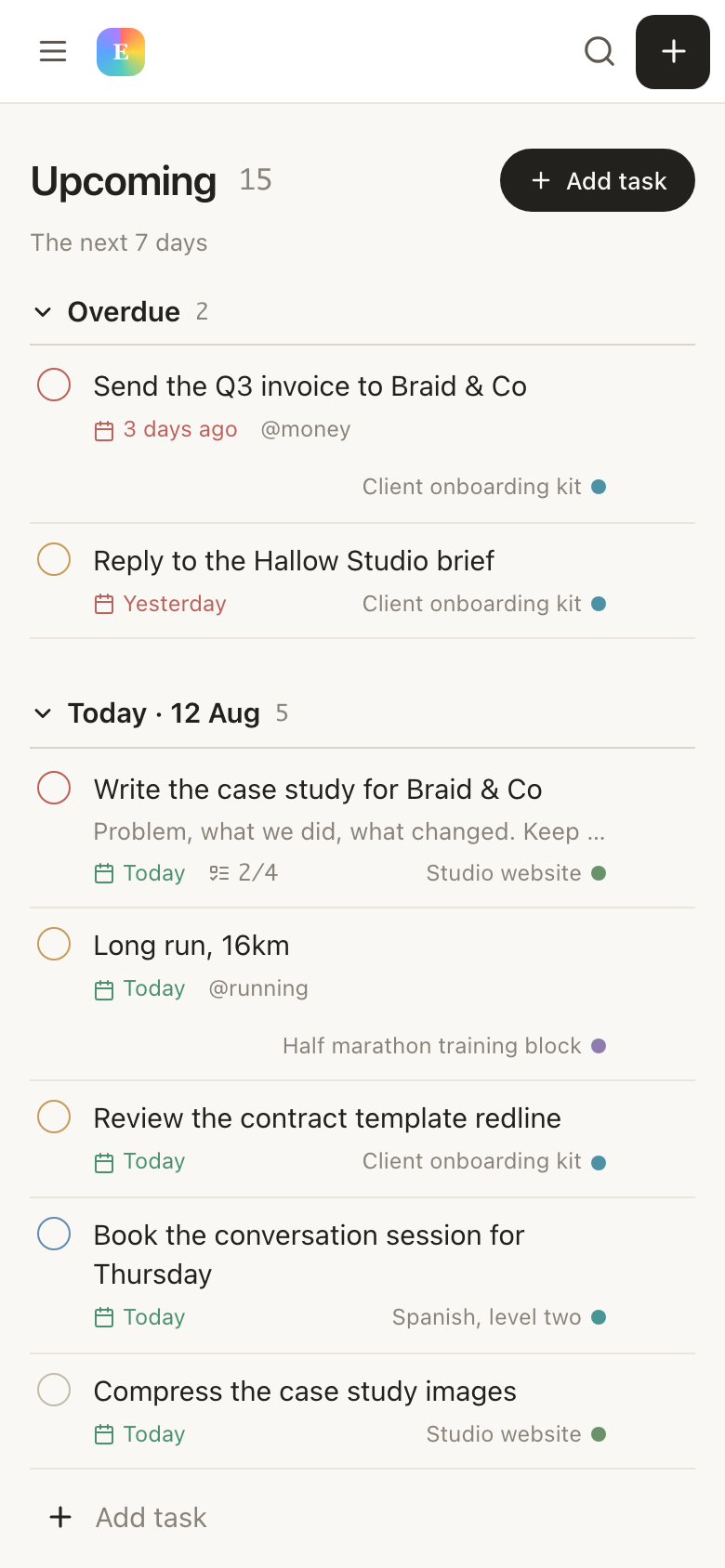
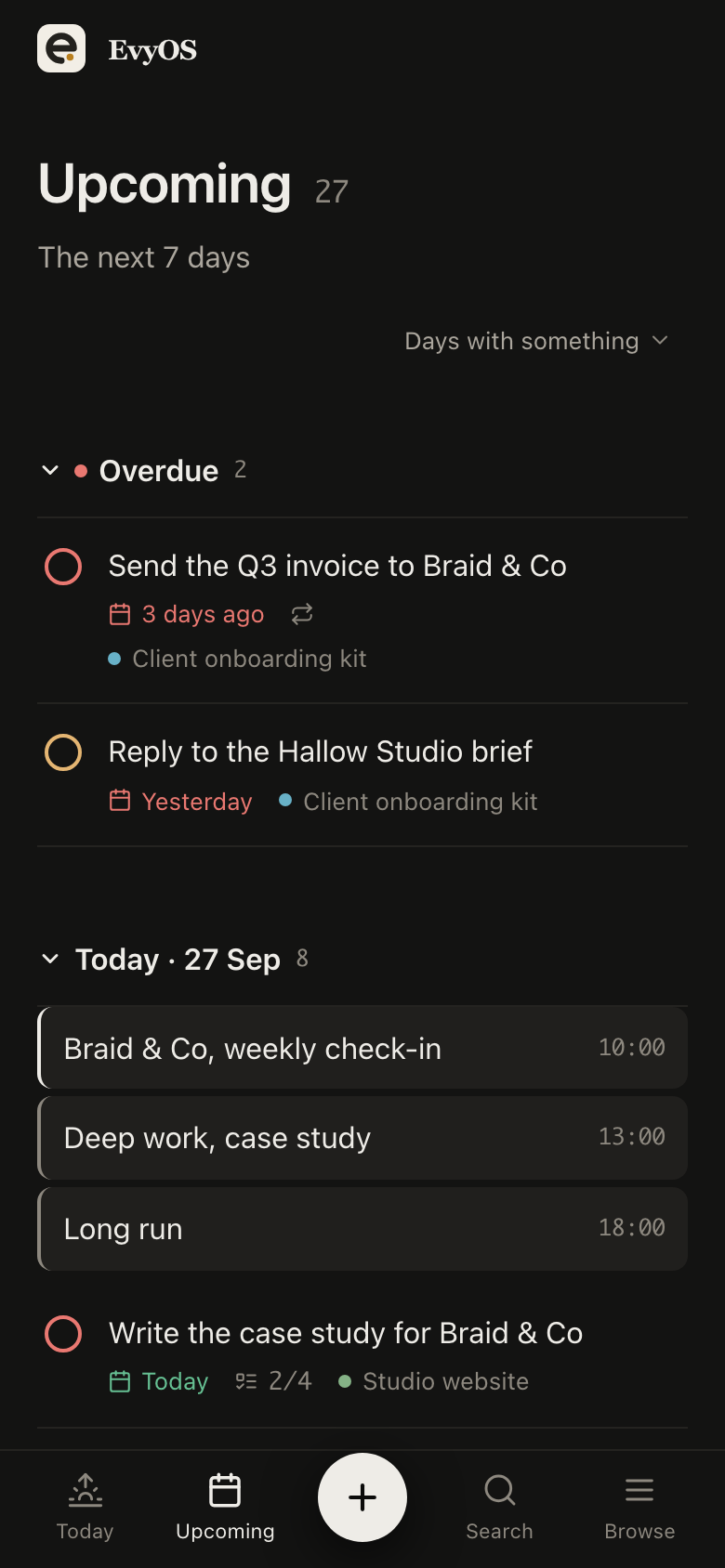
Title it with the company and the role, set the due date to the day you said you would follow up, give it a priority. Today splits overdue out at the top, so the chase you promised on the 3rd is the first thing you see on the 4th rather than the thing you remember in the shower. Tag by source or seniority and filter the all-tasks view when you want the whole pipeline at once.
One task per applicationFollow-up datesTags and filtersOverdue first
03 - Habits
A daily target that survives a week of silence.
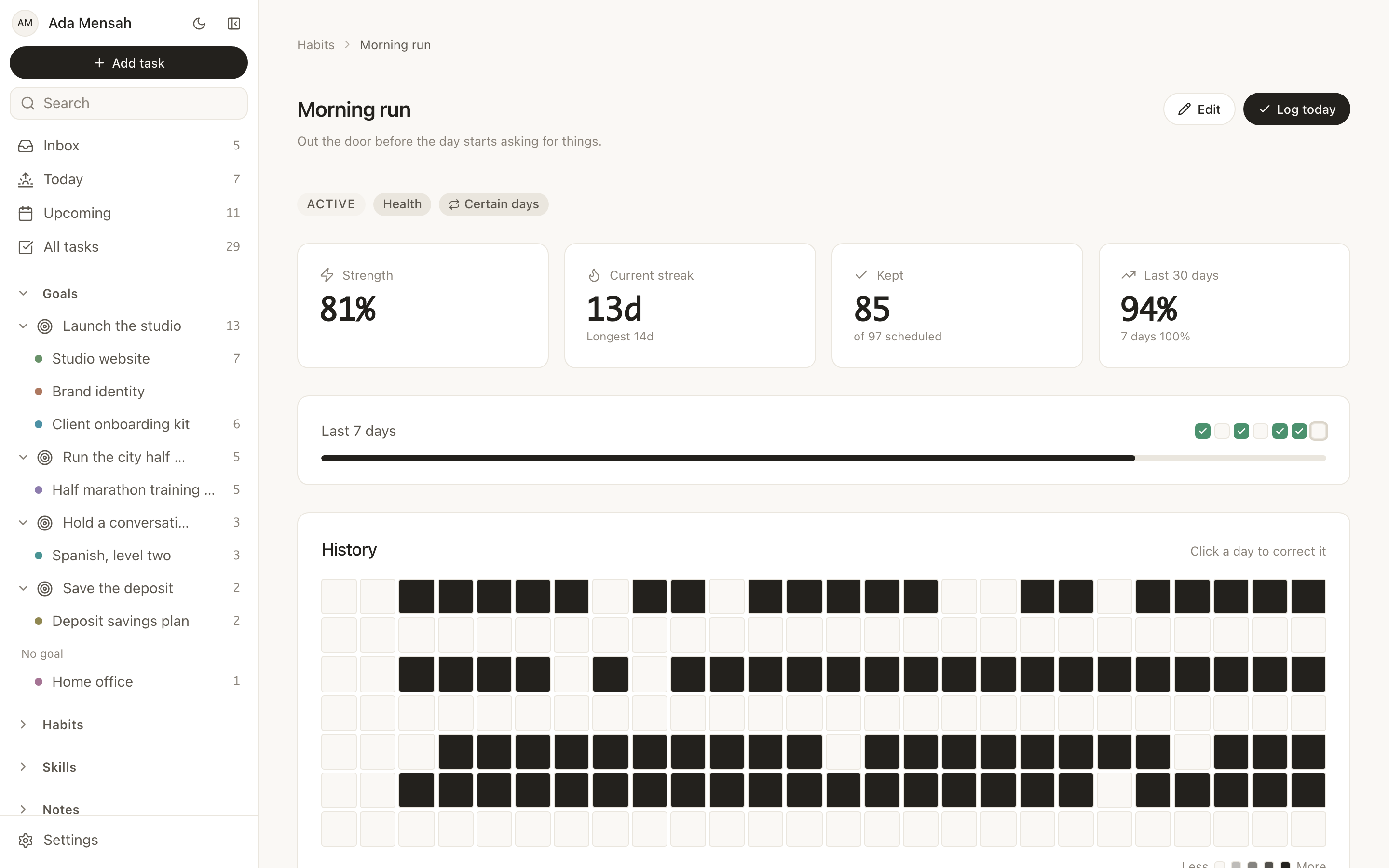
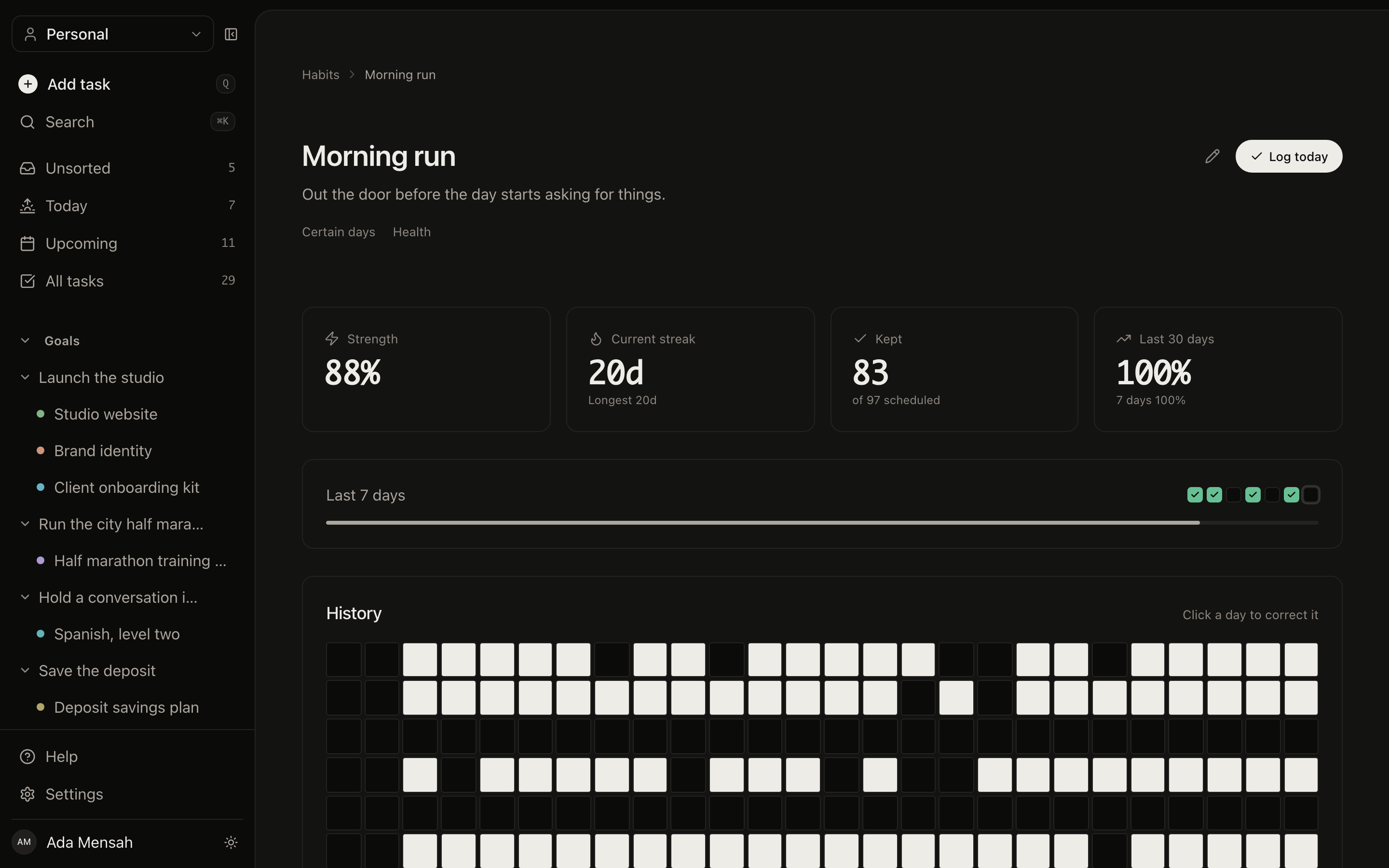
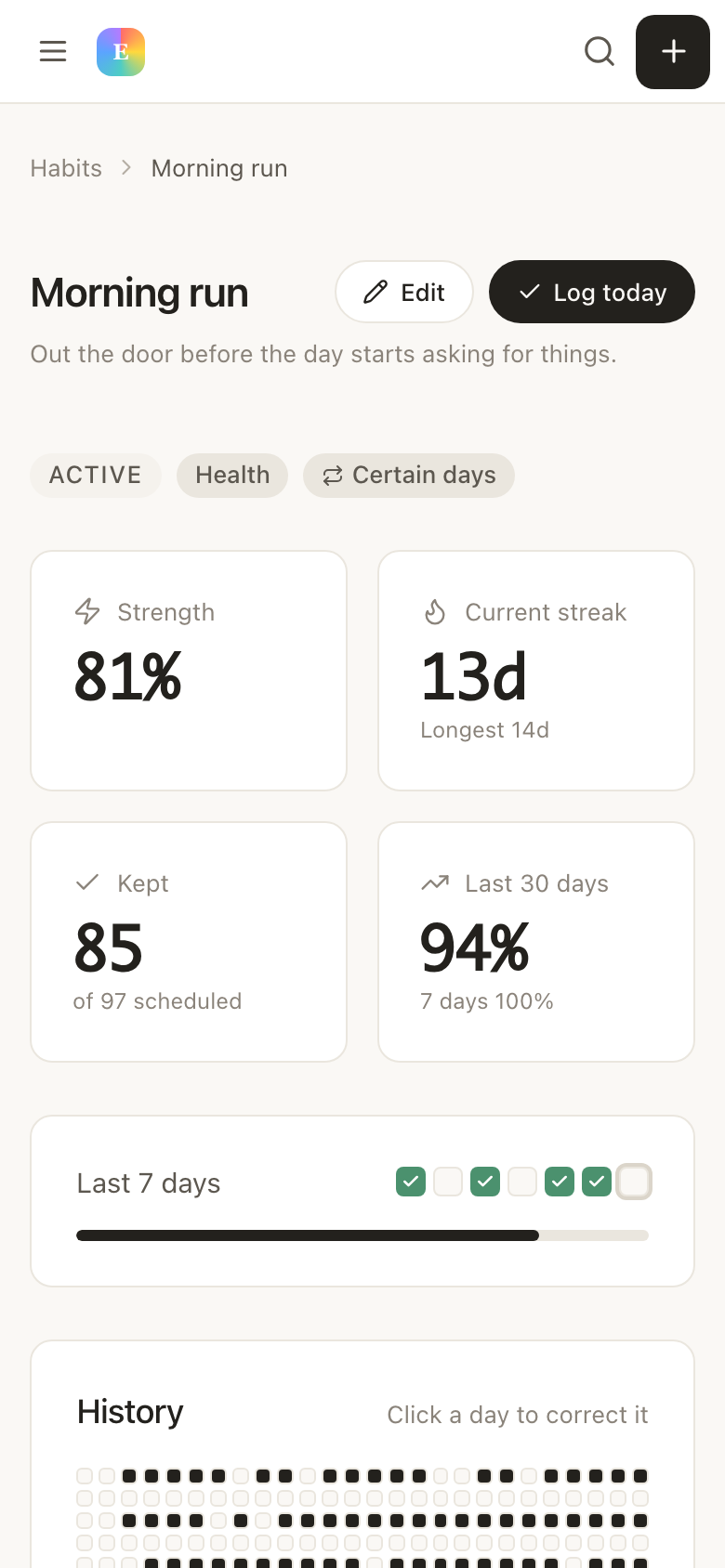
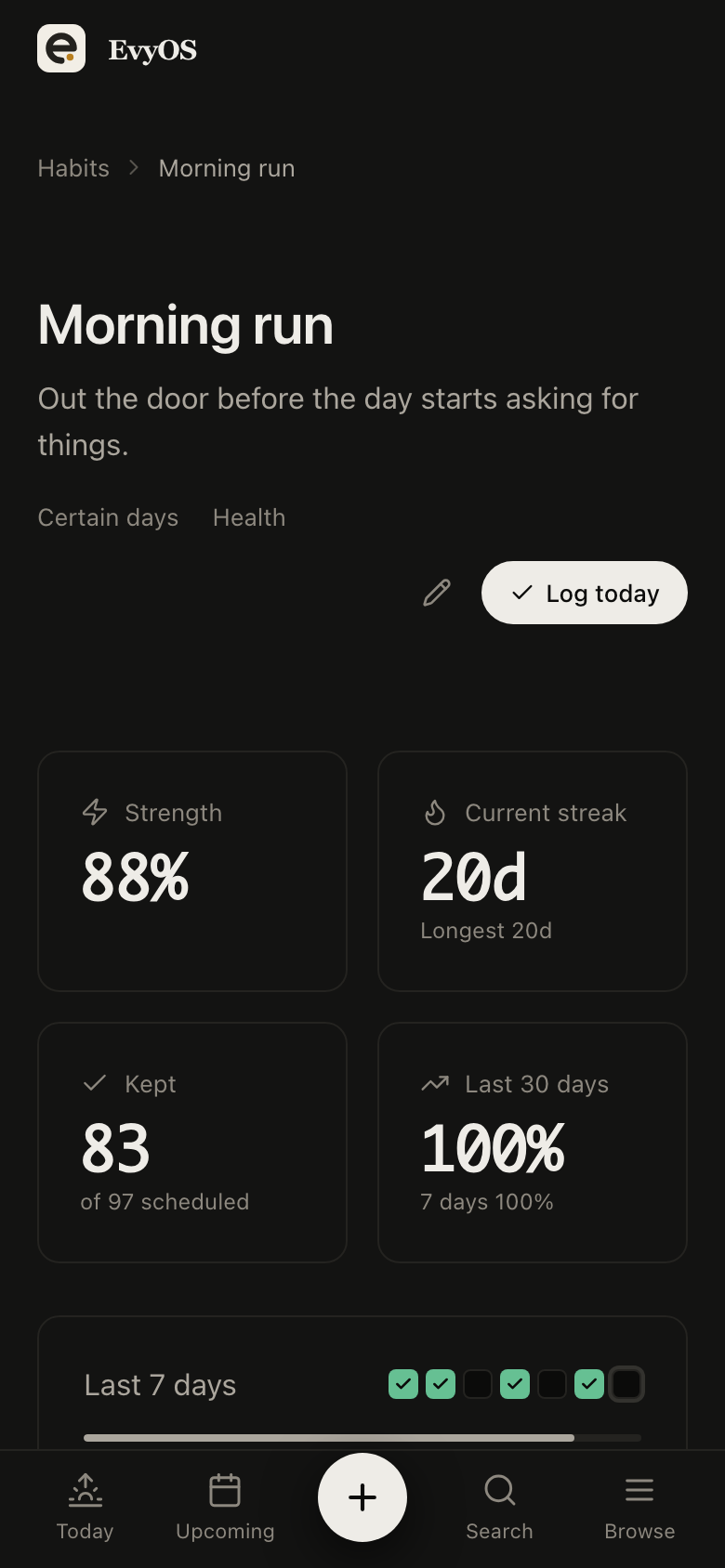
Three applications a day, or an hour of outreach on weekday mornings. The habit keeps its own streak and a year-long graph, so a week with no replies still shows as a week of work rather than nothing. When the offer finally lands, that graph is also the honest answer to how long it took.
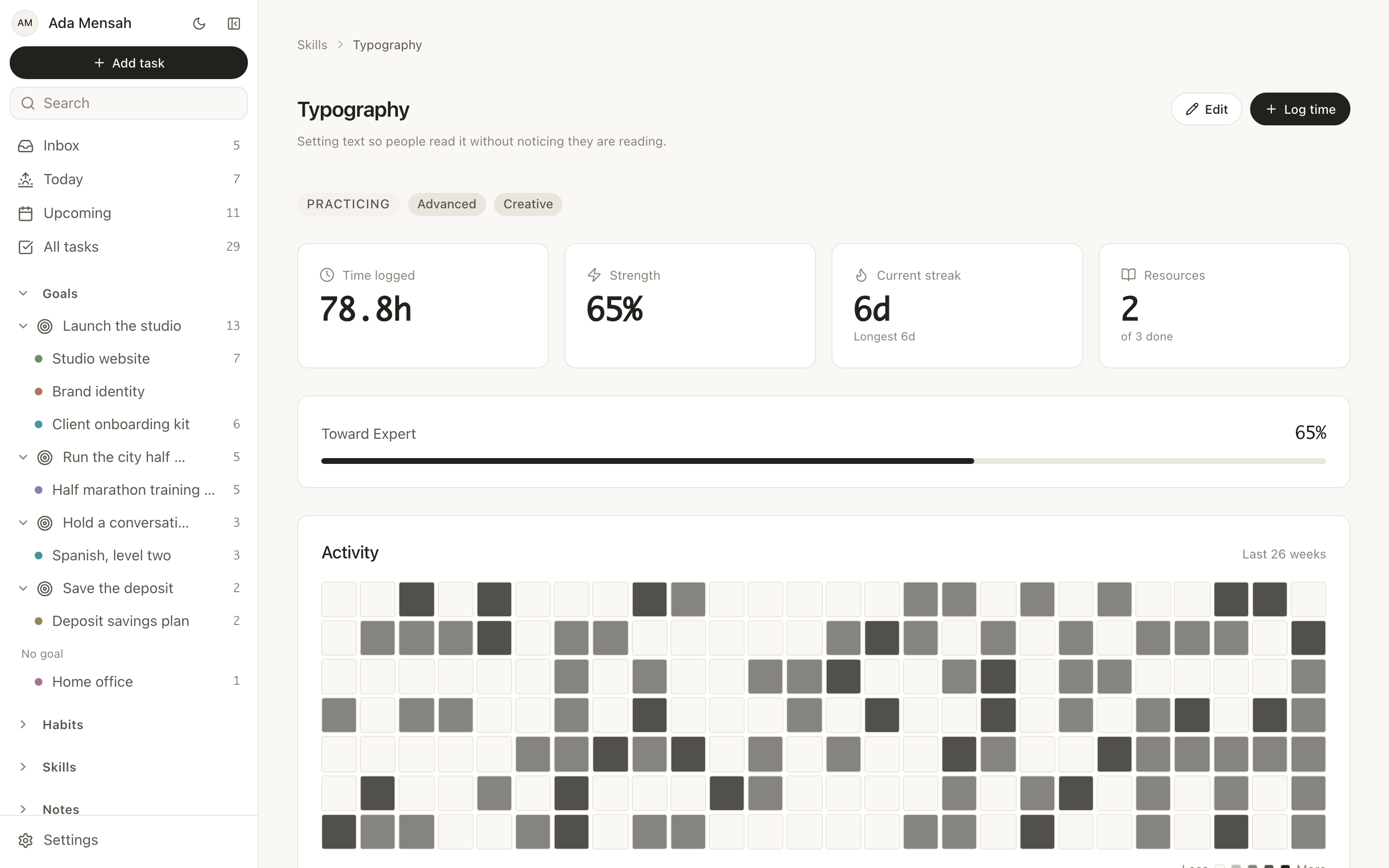
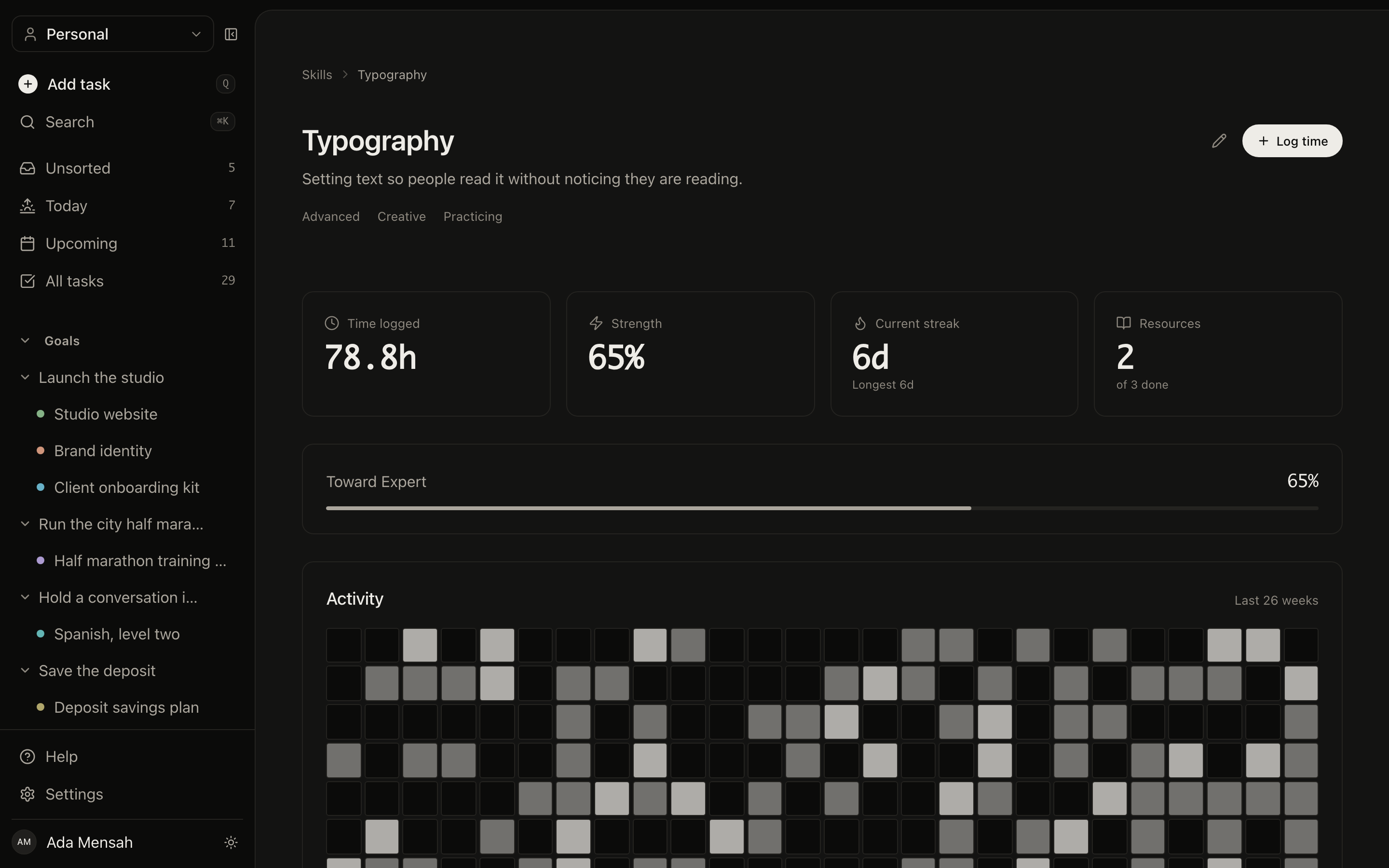
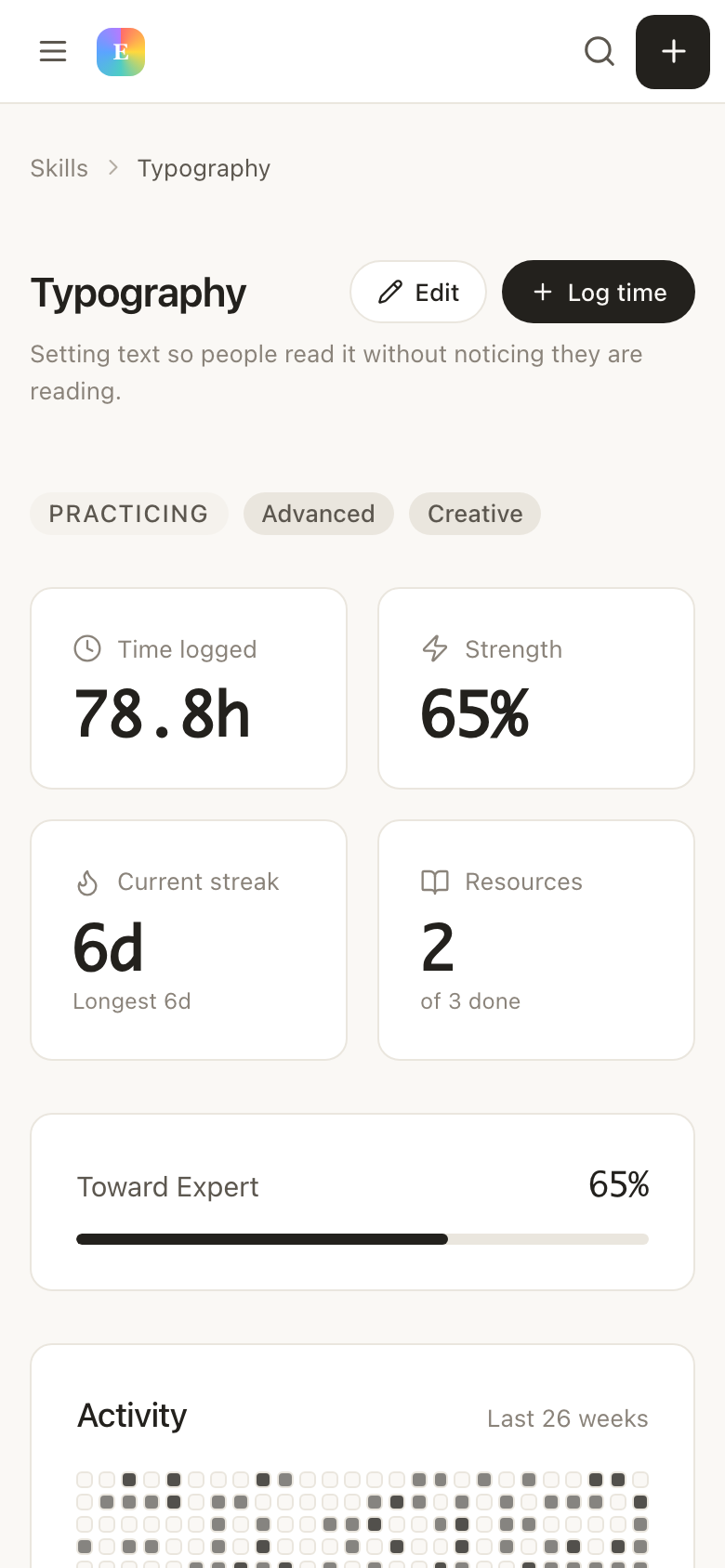
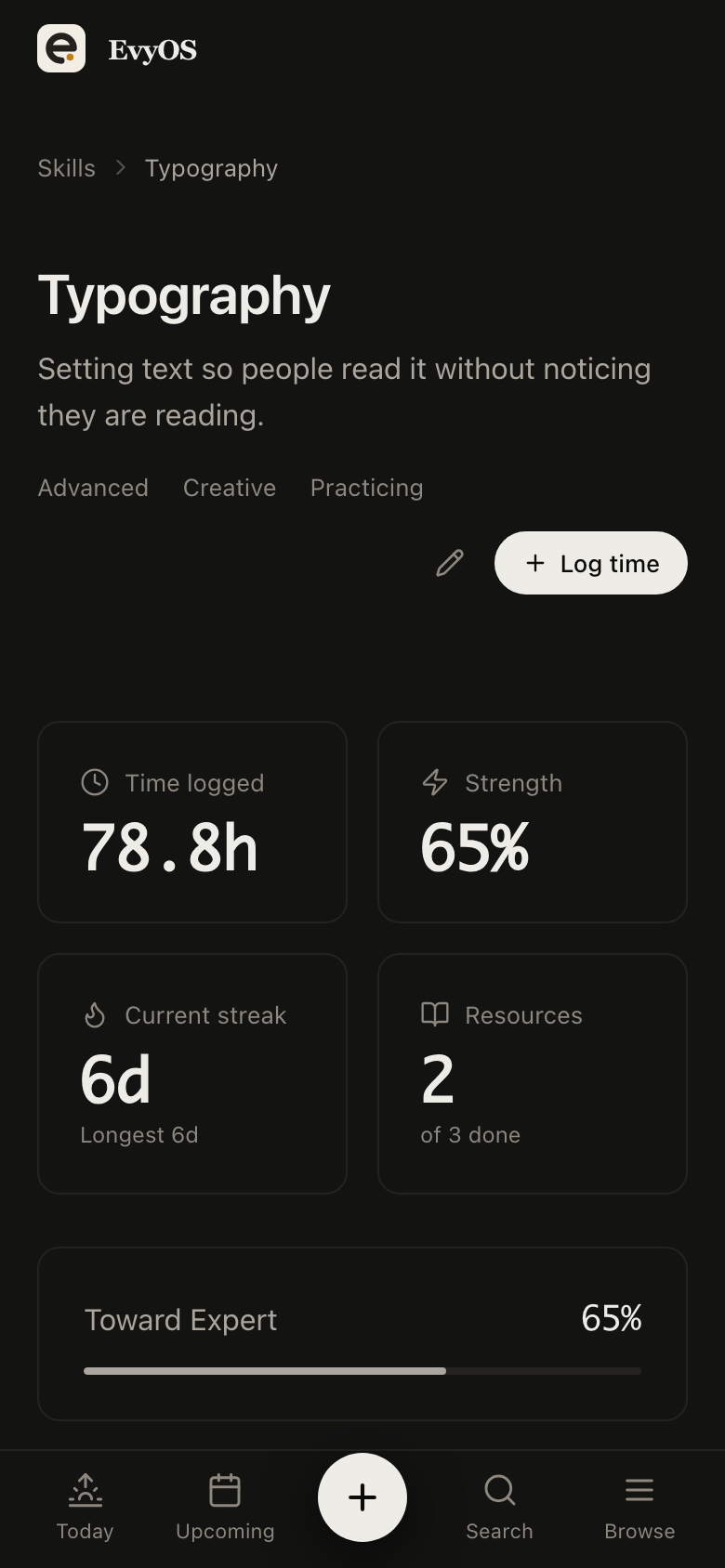
Make the things you get tested on into skills — system design, SQL, behavioural stories, the framework named in the job description — and log each practice session with its minutes. Two weeks in you can usually see four hours of algorithms and twenty minutes of talking about yourself out loud, which is the wrong way round for the round you are about to sit.
Practice sessionsHours loggedTarget levelResource library
✦ Getting started
Up and running in under 5 minutes.
1
Set the pipeline up
A project for each company you are seriously chasing, or one per role type for the wide search. Add today’s applications as tasks with the date you will chase each one. Make the daily target a habit.
2
Work the list each morning
Open Today. Overdue follow-ups sit at the top, then what is due, then the target. Log a prep session when you do one. Nothing has to be maintained separately from the work.
3
Read the search honestly
After a month the numbers exist: applications sent, stages reached, hours of prep by topic, days you hit the target. You adjust from that instead of from the feeling that it is going badly.
✦ Pricing
Simple. No surprises.
Start free. Upgrade when you're ready to go deeper.
That is exactly what it is for. Each application becomes a task with a status, a priority and a due date, so the follow-up dates surface themselves instead of sitting in a column you have to remember to sort. The all-tasks view with filters gives you the same overview the sheet gave you, and Today gives you the part of it that is actually due.
No. There is no contact database and no email tracking here, and it would be wrong to pretend otherwise. A recruiter’s name lives in the task description or a note; the thing that actually decides the outcome — the date you said you would follow up — lives on the task. If you want a CRM, keep one alongside this.
Switch from one project per company to one project per role type, and use tags for the company, the source and the seniority. The all-tasks view filters and sorts across everything, so you can pull up every application still waiting on a reply, or everything due this week, without maintaining a second list.
No. There is no job board, no scraping of listings and no application autofill — you add a role when you apply to it, which takes a few seconds. On any plan you can also connect ChatGPT or Claude to your account, so you can add an application or a follow-up by asking, and it lands as a real task.